Steps
- Choose the service in the rail. The form Capture trial results is on Waiting on you on the Overview, and under Results to capture on the Results stage of Trial Lifecycle. If the card is closed, press its header to open it.
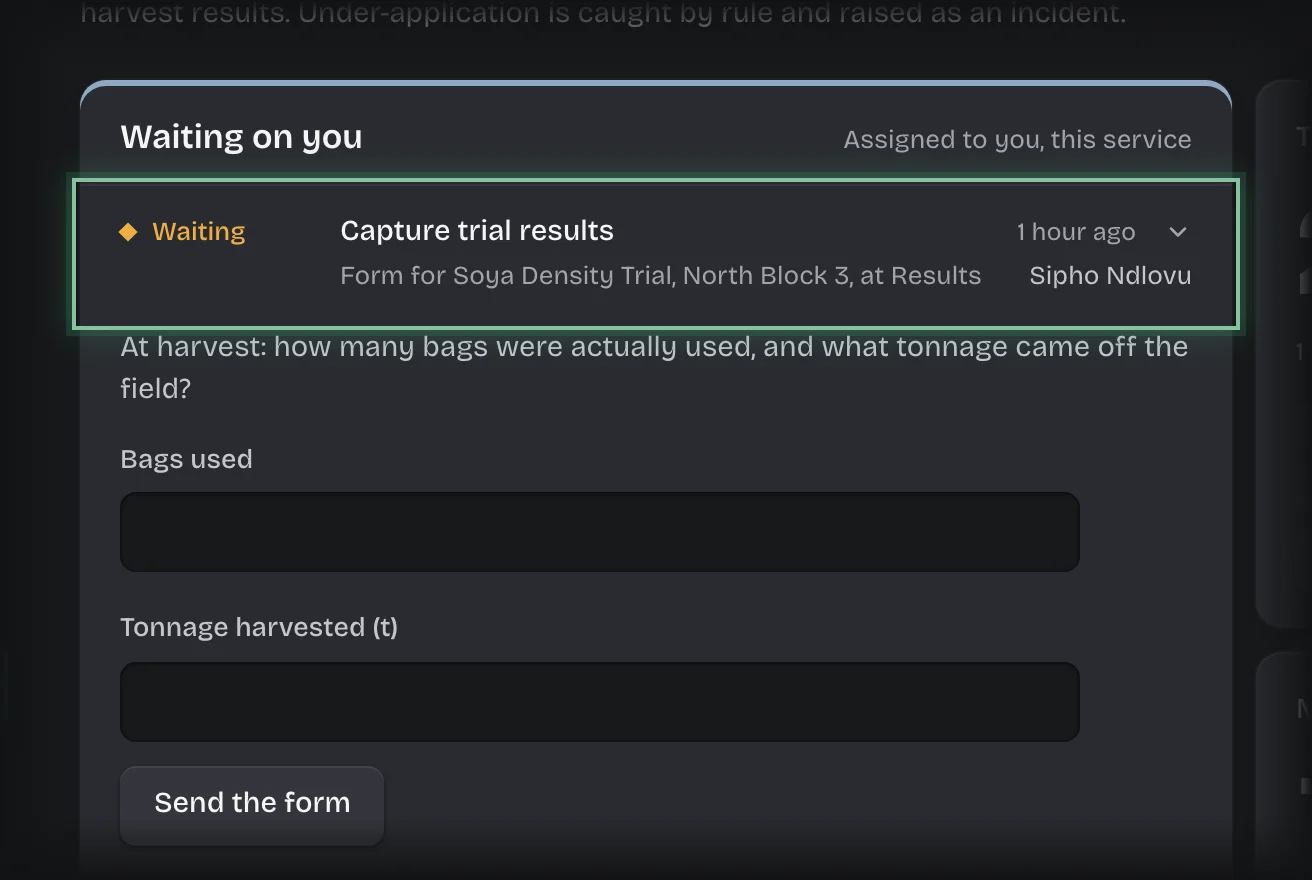
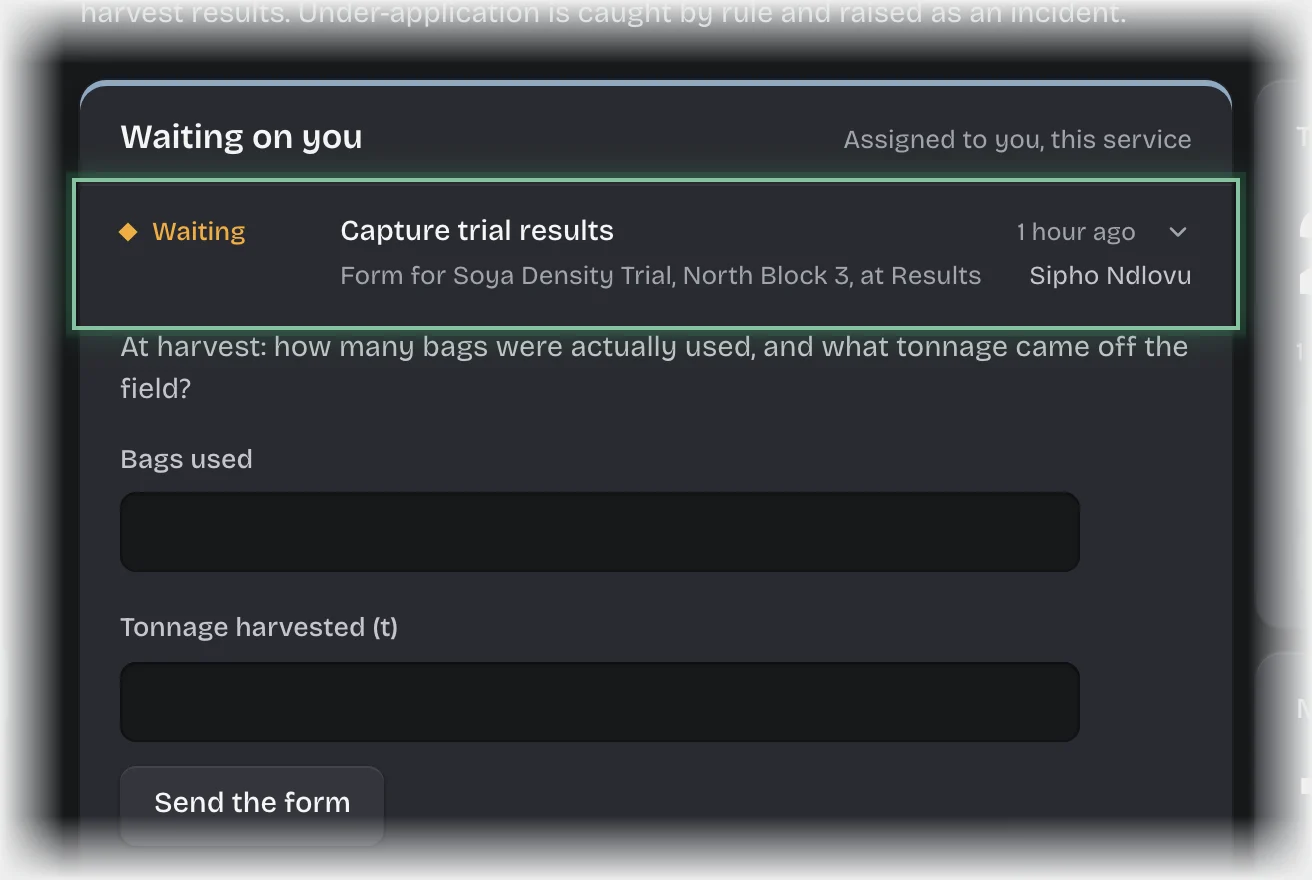
- At harvest, fill in Bags used and Tonnage harvested (t).
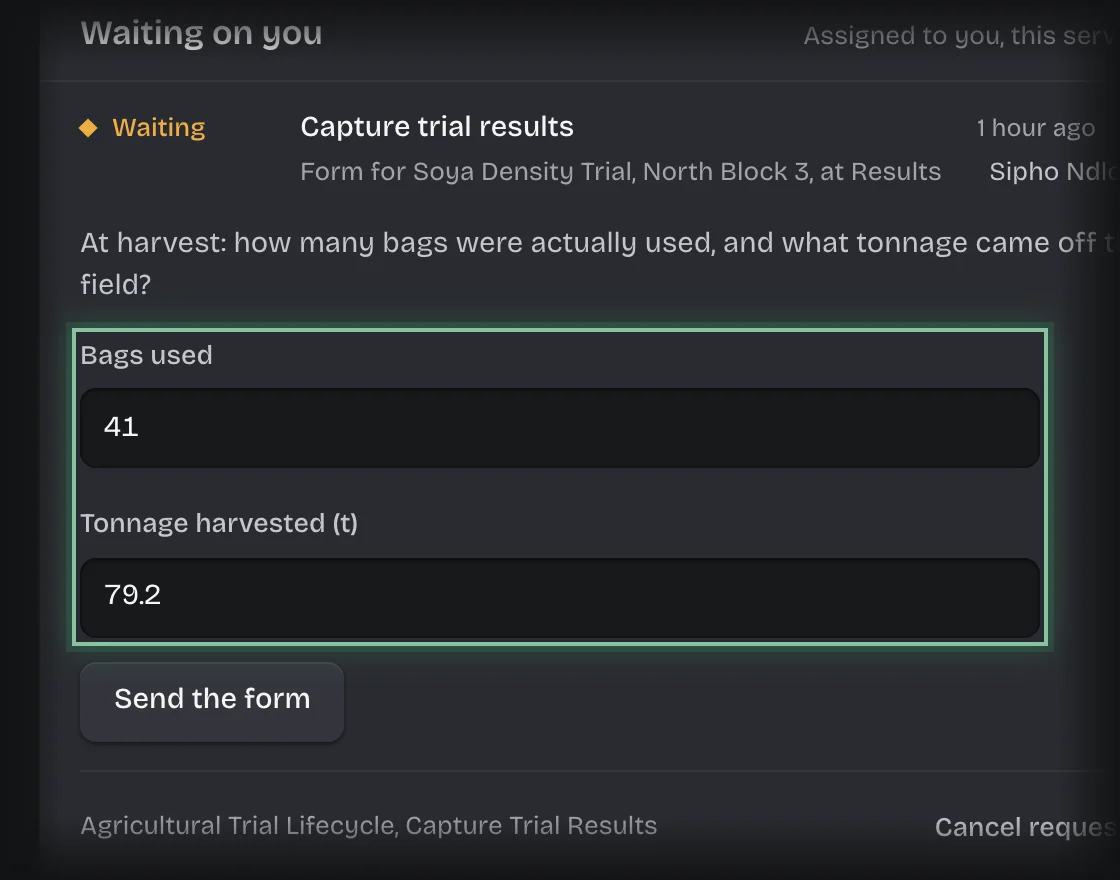
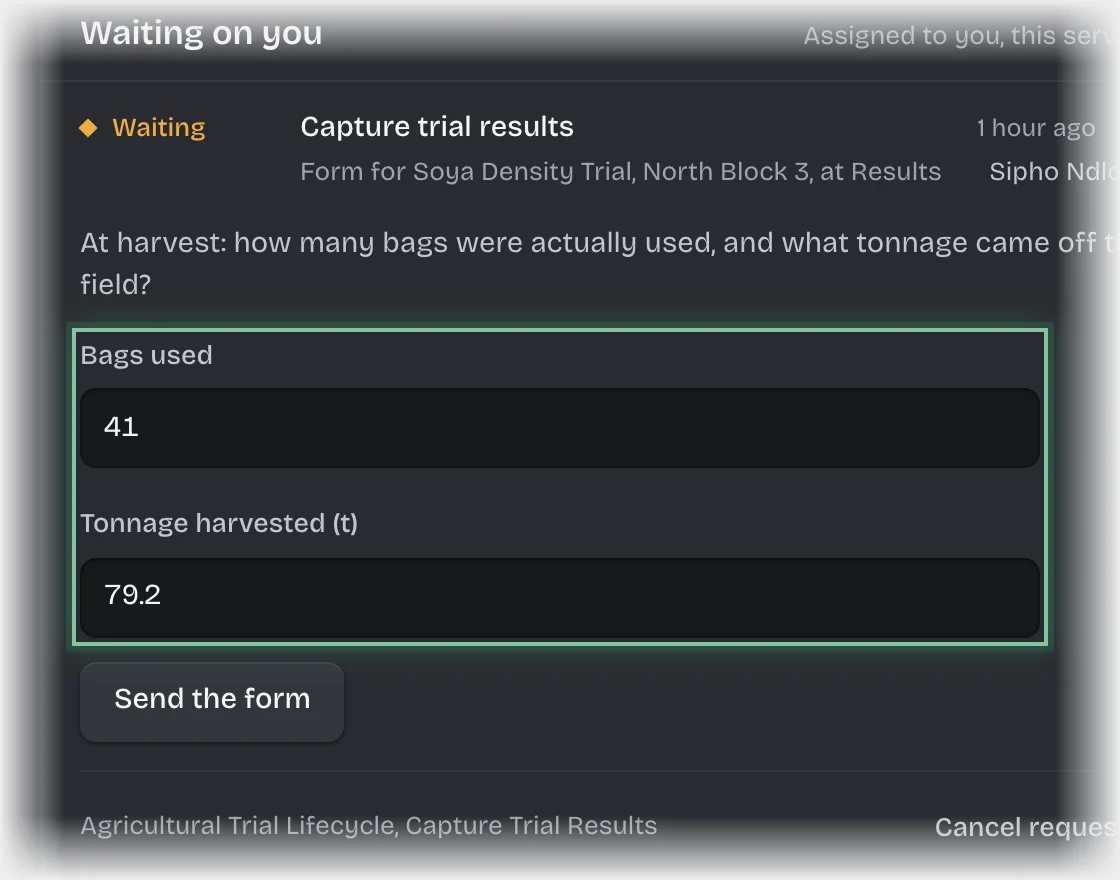
- Press Send the form.
What you will see
- The yield in tonnes per hectare, recorded on the trial.
- If at least 70% of the bags issued were used: the trial closes as Completed, and you and the agronomy lead are told the final yield.
- If fewer than 70% were used: an incident is raised for under-application and the incident team is asked to assess it. The trial closes flagged once enough assessments are in.
Common problems
- The form is not on your desk. It is addressed to the agronomist named when the trial was set up.
- The 70% rule cannot be changed by your organisation.