Steps
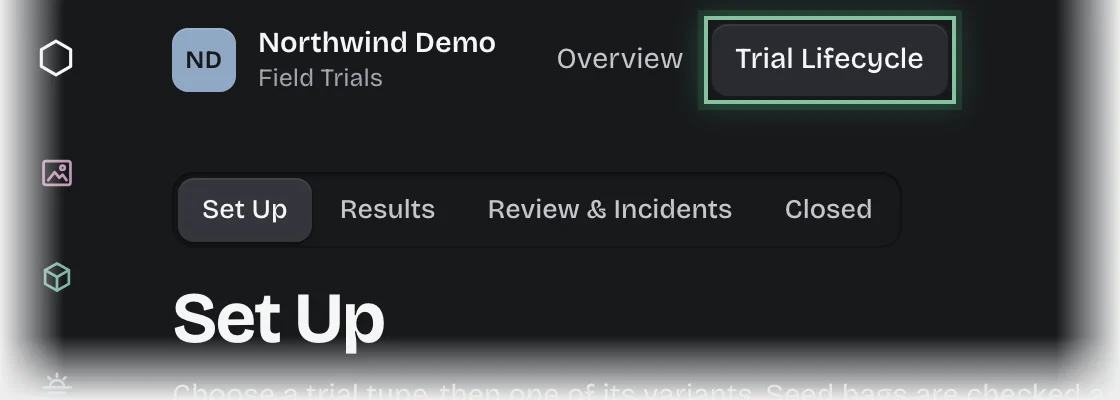
- Choose the service in the rail, then the Trial Lifecycle tab. The Set Up stage opens in the stage switch at the top of the page, showing Configured trial types and Seed stock.
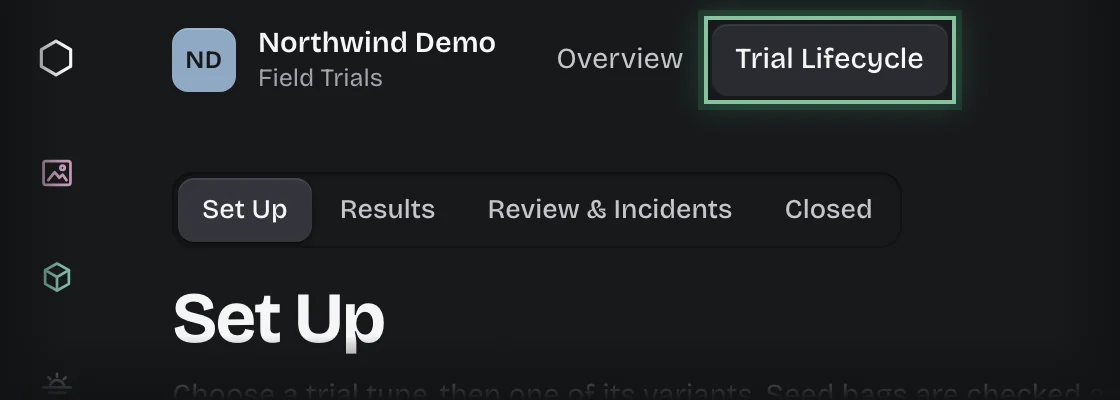
- Press Start a new trial. You can also press Start a trial under Trials in field on the Overview.
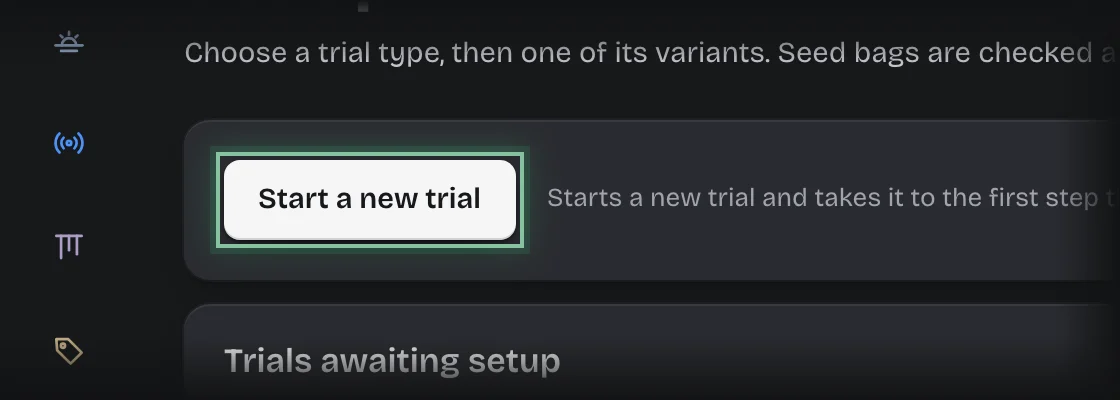
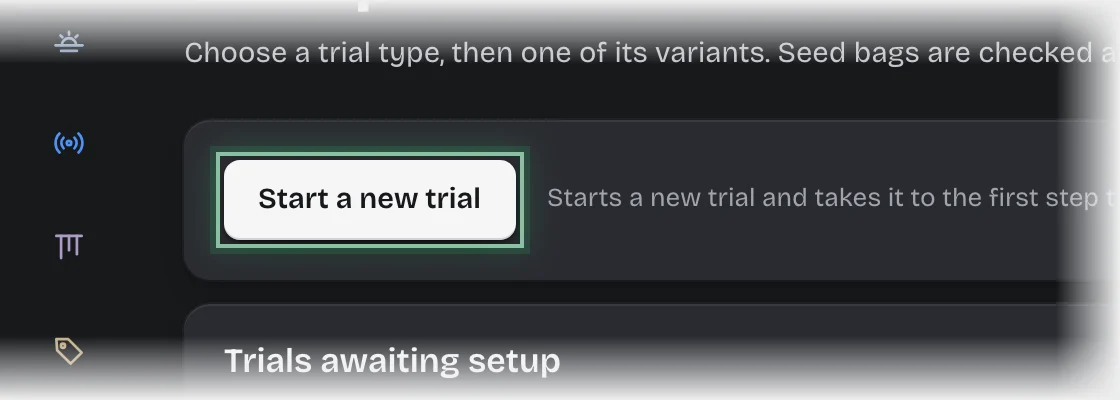
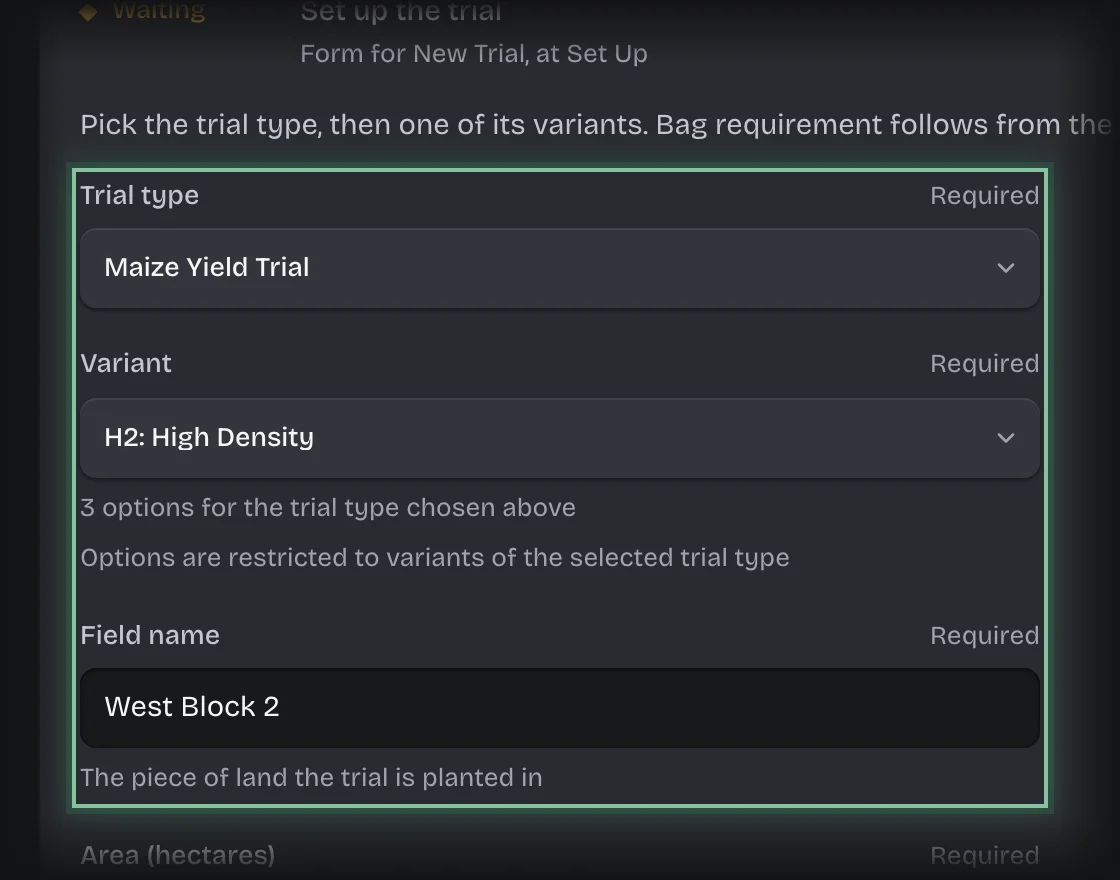
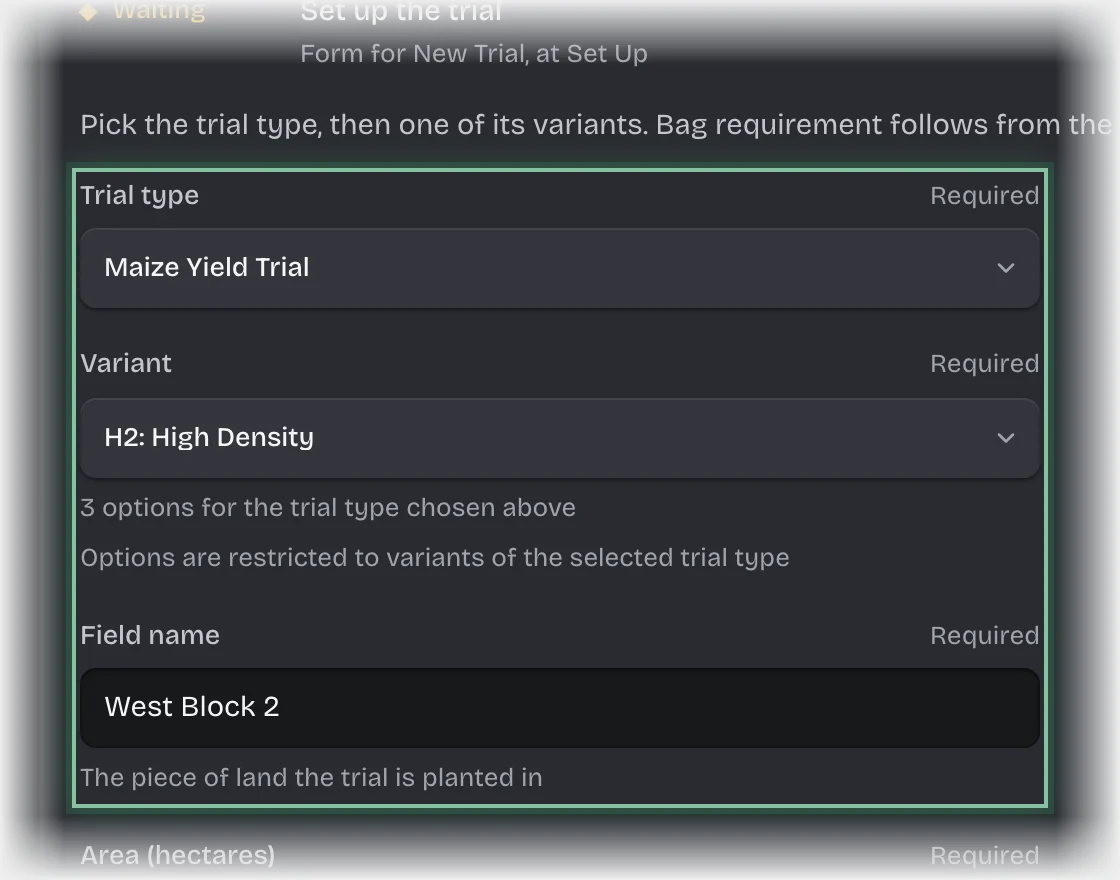
- The form Set up the trial opens under Trials awaiting setup. Fill in:
- Trial type, then Variant: only that type’s variants are offered.
- Field name and Area (hectares)
- Agronomist: who will capture the results.
- Start date
- Bags requested
- Press Send the form.
What you will see
- With enough seed stock: the bags are issued in full and the trial goes to In field.
- With too little: the bags on hand are issued, procurement and the operations manager are told, and a stock request is raised for the rest. The trial goes to In field.
- A form to capture results, waiting on the agronomist you named. See Capture trial results.
Common problems
- The variant you want is not offered. Choose its trial type first. Types and variants are set up by a tenant admin.