When a trial used fewer than 70% of the seed bags issued, an incident is raised and everyone holding the agronomy lead, operations manager or QA lead roles is asked for an assessment. Two assessments are needed before the trial closes.
Steps
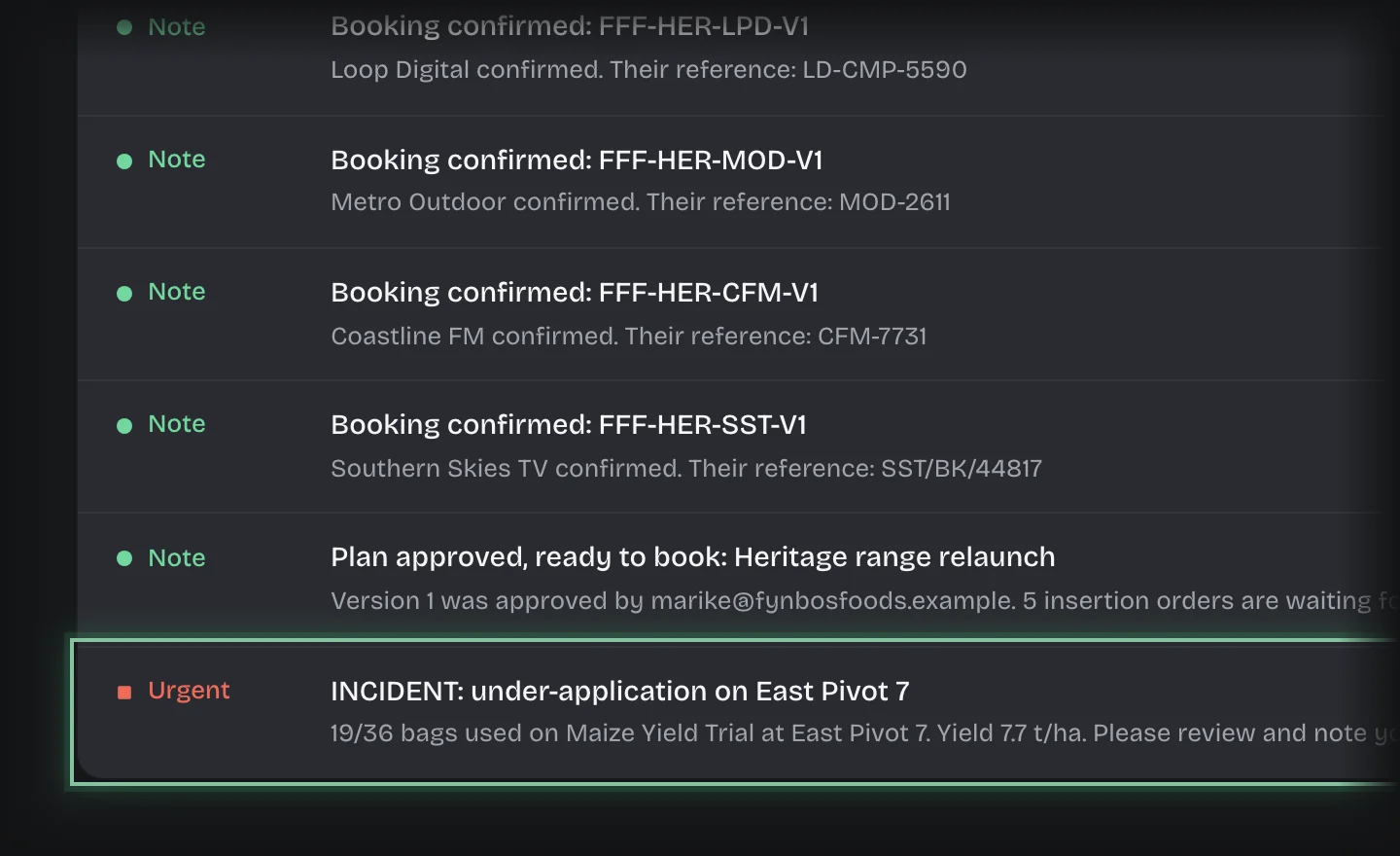
- Press the inbox button at the top right, then Open the inbox. Open the message titled INCIDENT: under-application on followed by the field.
- Choose the service in the rail, then the Trial Lifecycle tab, then Review & Incidents in the stage switch at the top of the page. The task Assess the under-application incident is under Assessments requested from you.
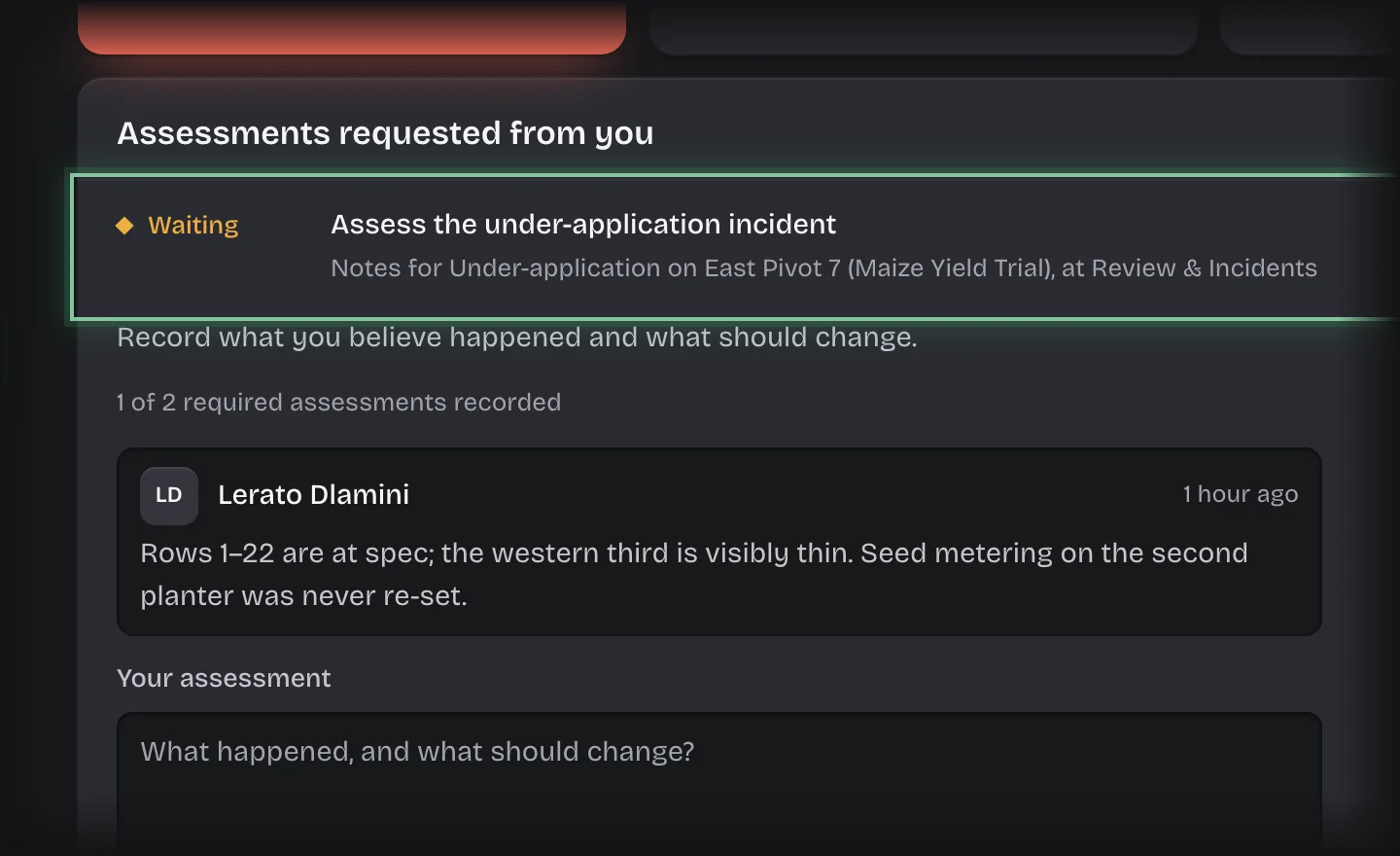
- If the card is closed, press its header to open it. Read how many assessments are recorded and the ones already in. The incident’s detail is on its record under Incident board.
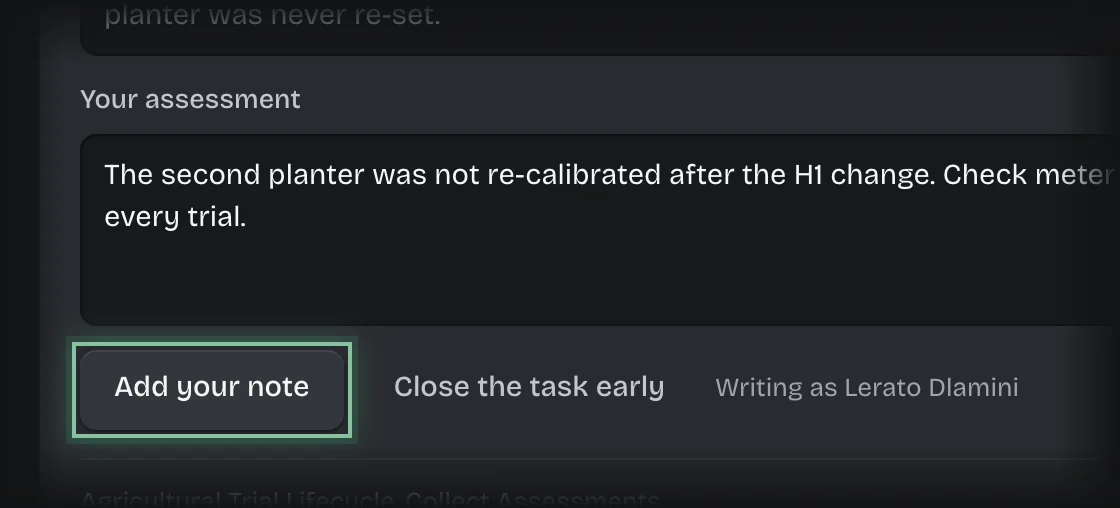
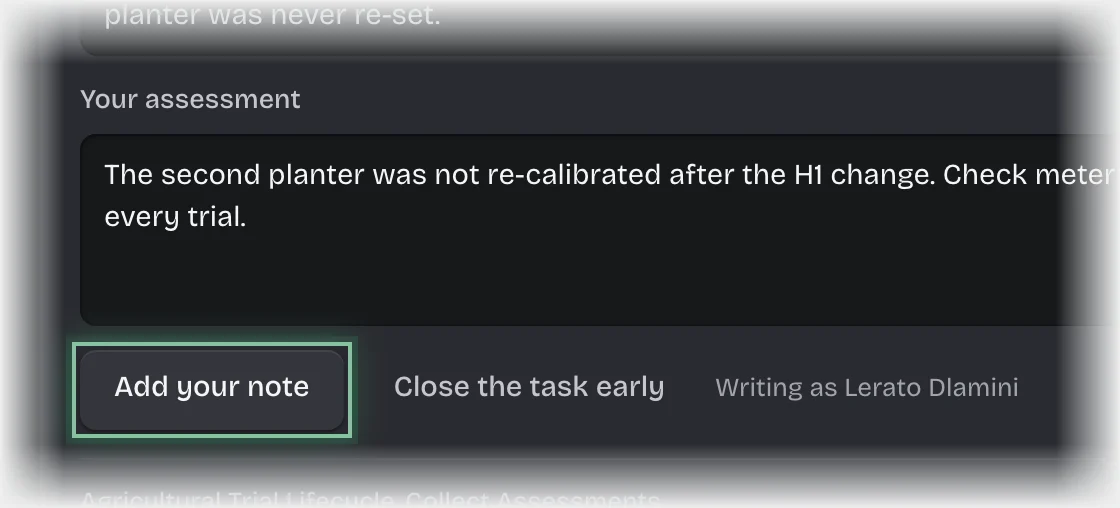
- Type under Your assessment what you believe happened and what should change.
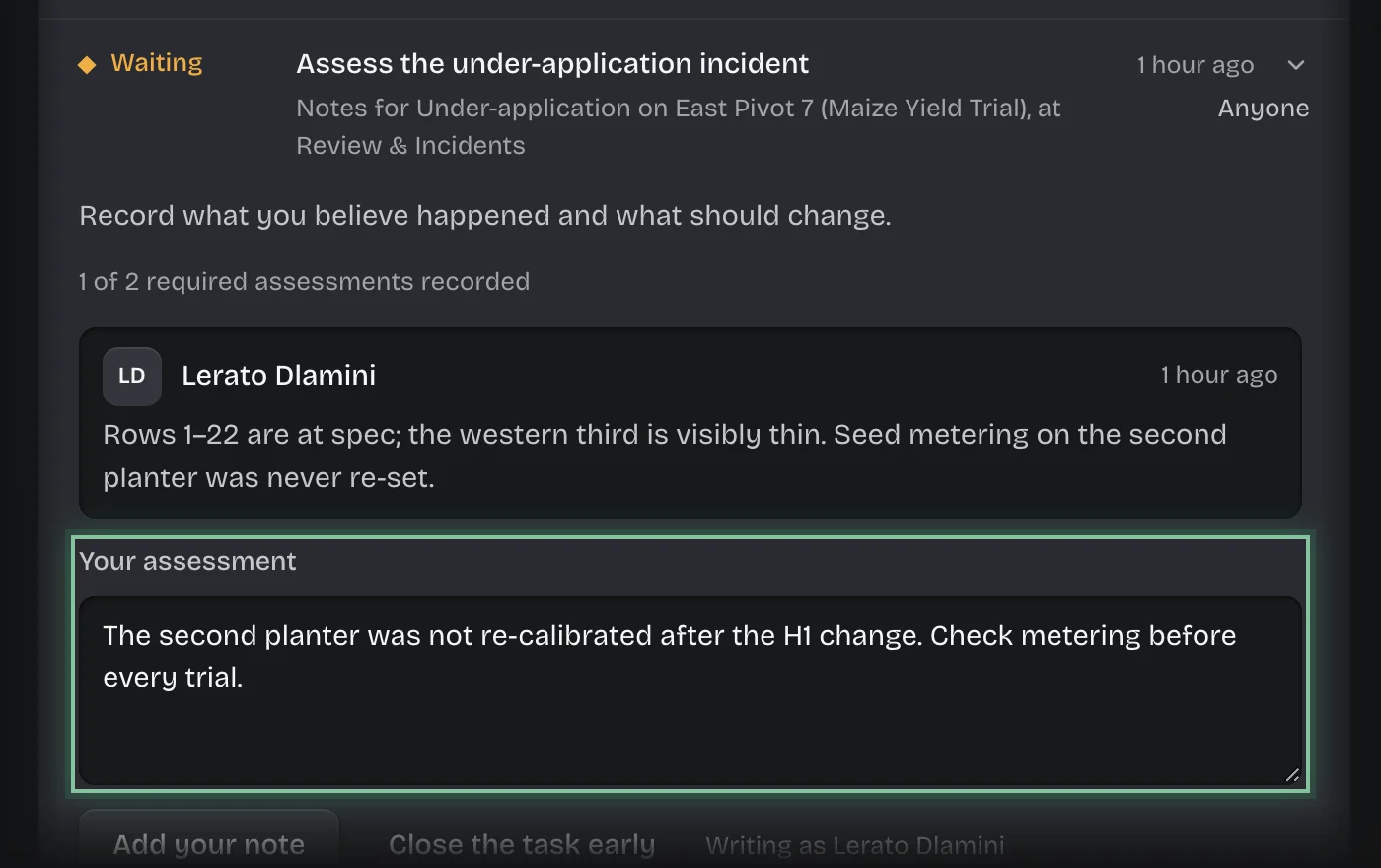
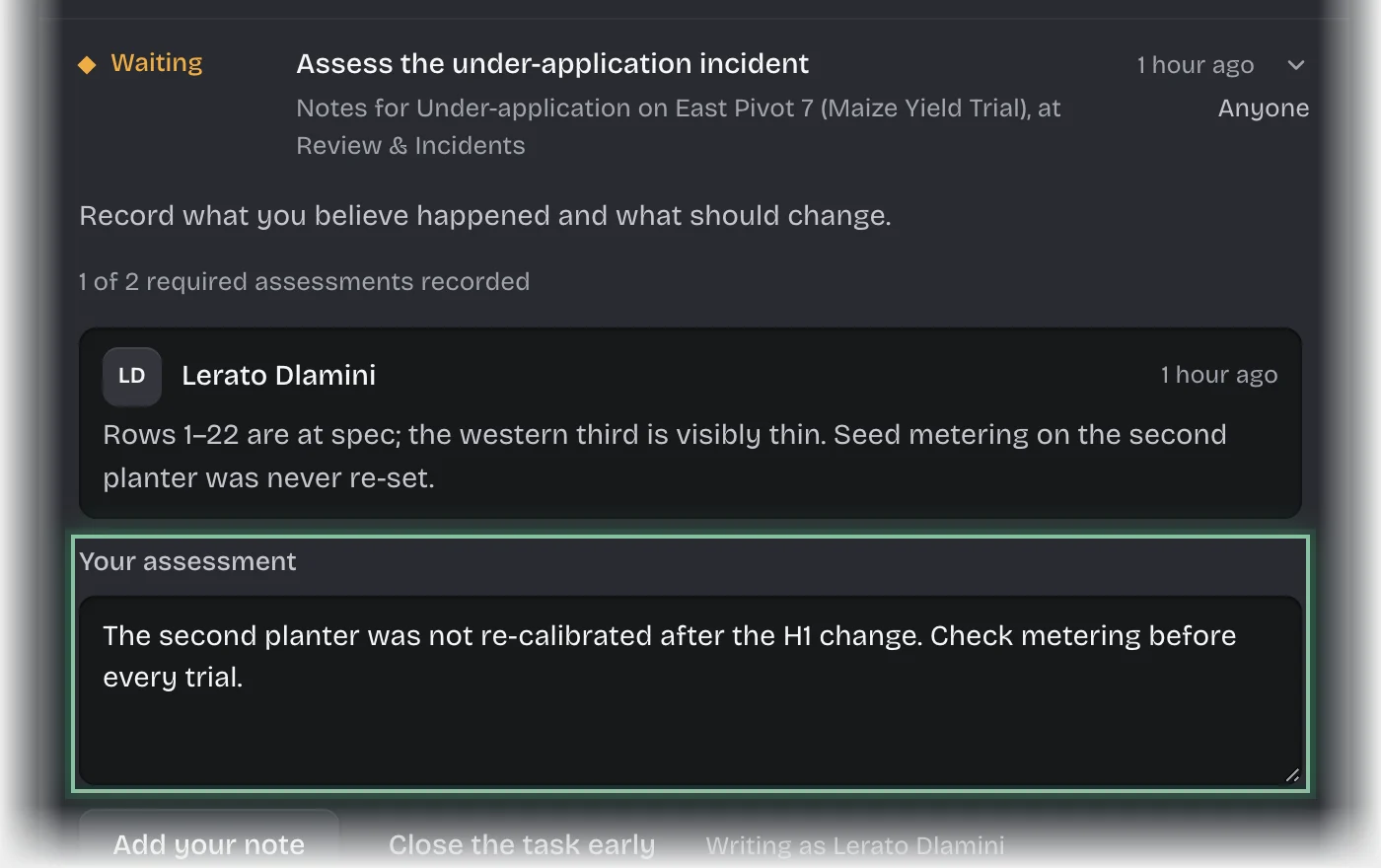
- Press Add your note.
What you will see
- How many of the required assessments are recorded.
- Once two are in: the incident moves to Under review and the trial closes flagged. The agronomist and agronomy lead are told.
- Assessments listed under Latest assessments, and the incident on the Incident board.
Common problems
- Closing without enough assessments. Close the task early ends the request for assessments before two are in. Use it only when no more are coming.