Steps
- Open Manage > Records and choose Trial Type under Record types. Press Add trial type and add each with Name, Crop, Target yield (t/ha) and Protocol reference.
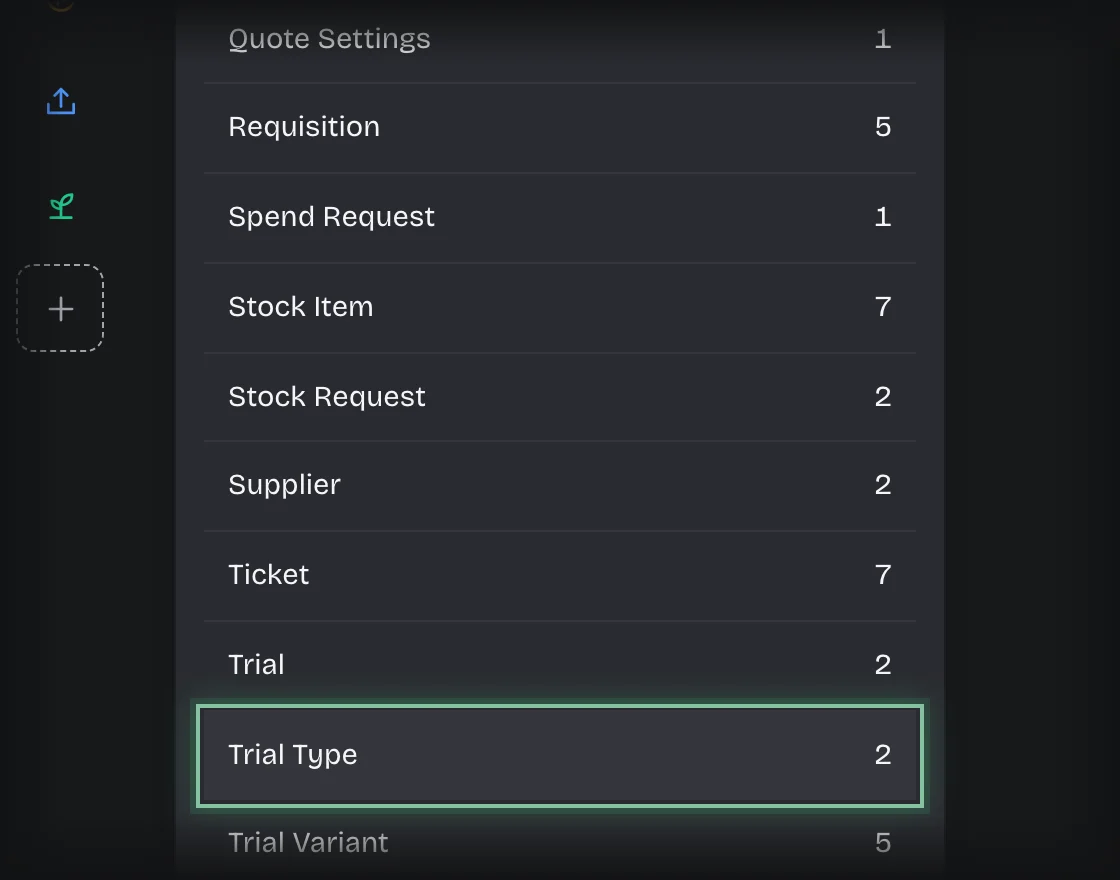
- Choose Trial Variant. Press Add trial variant and add each with Name, Trial type, Seed bag SKU, Bags per hectare, and optionally Seed rate (kg/ha) and Notes.
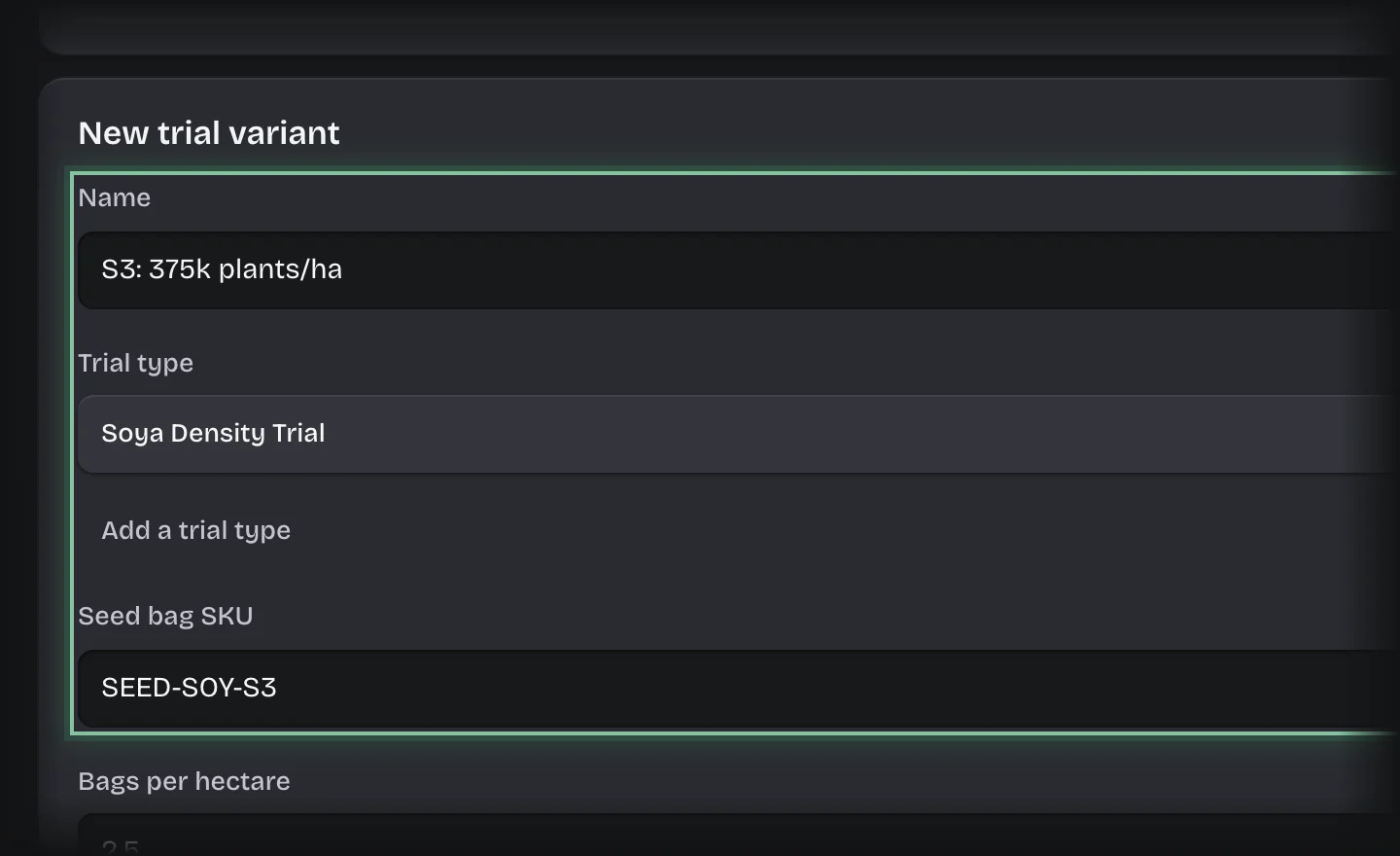
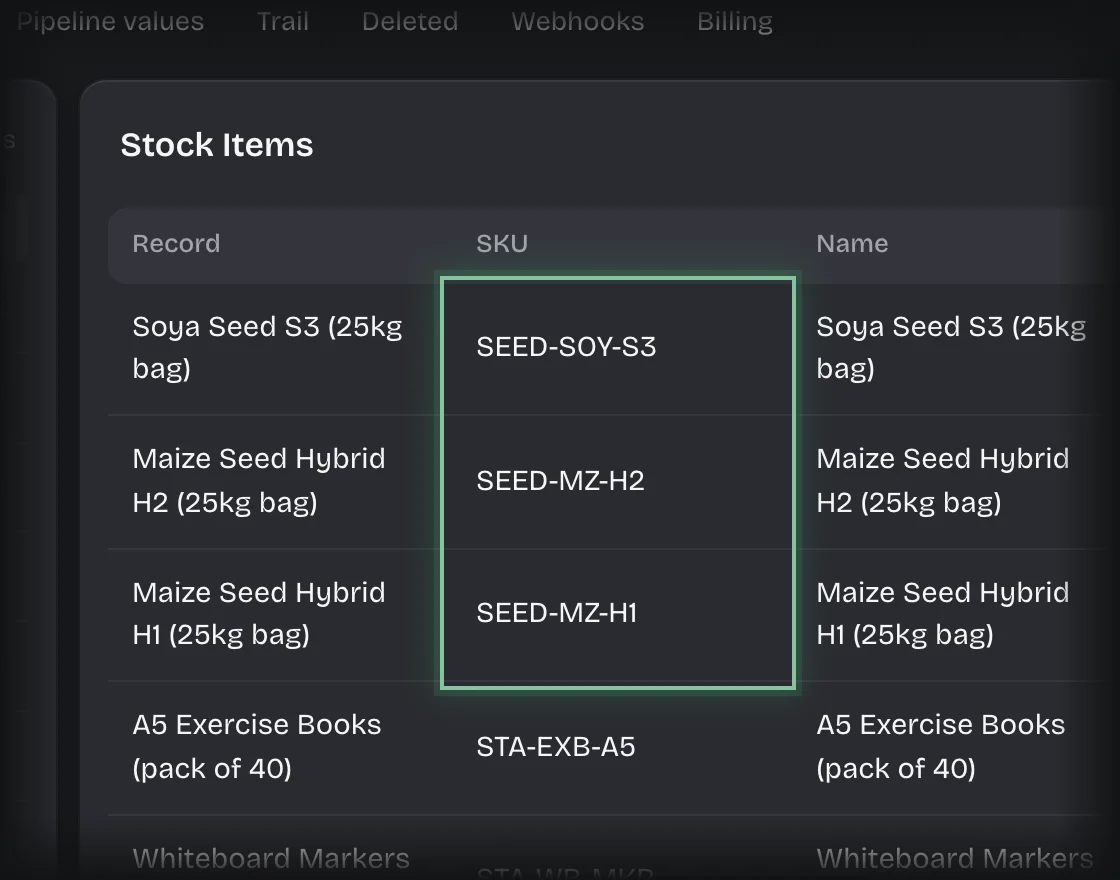
- Choose Stock Item. For each seed bag, press Add stock item and add a record whose SKU is the variant’s Seed bag SKU, with Category Seed and Quantity on hand.
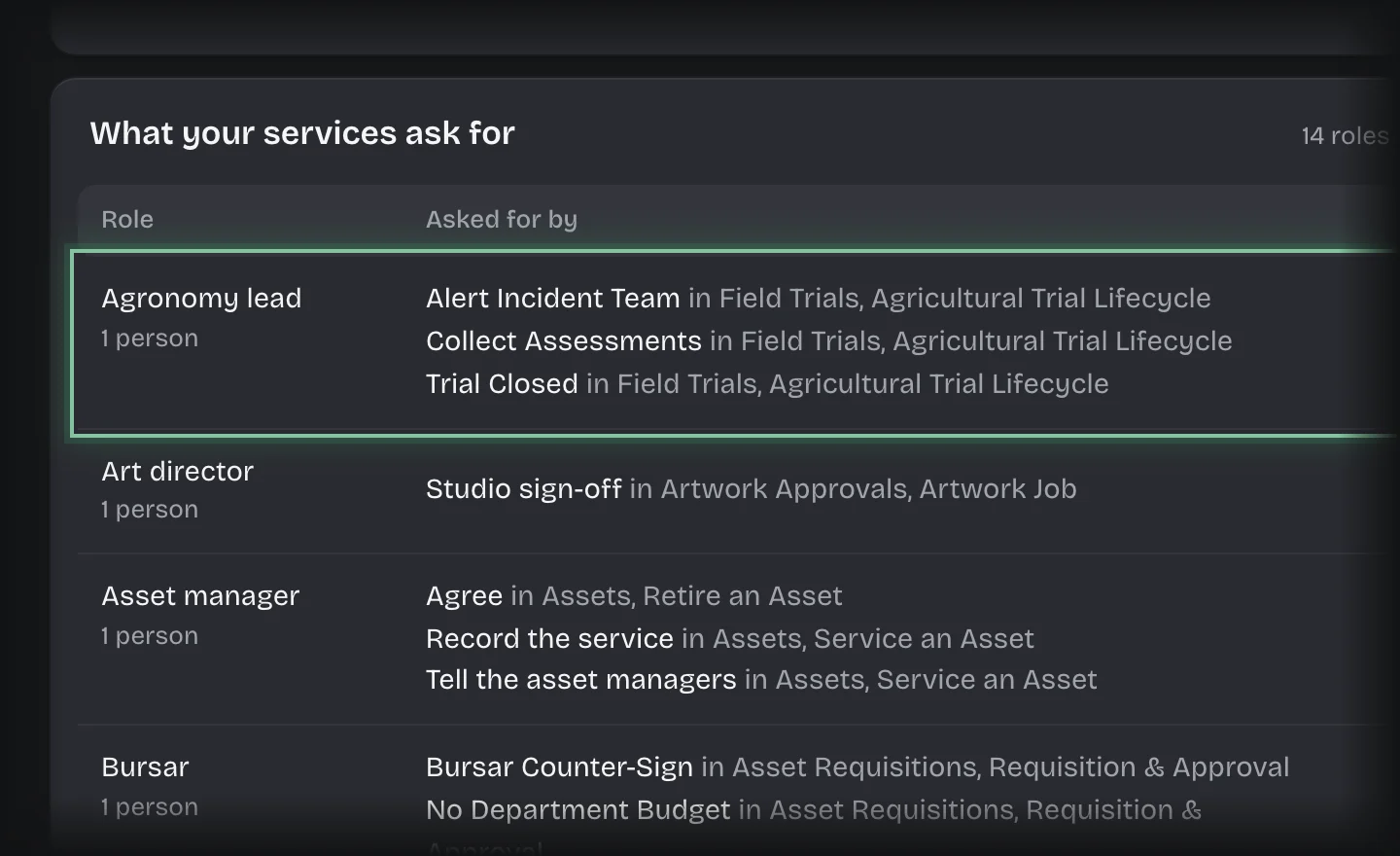
- Open Manage > Roles and make sure the agronomy lead, operations manager, QA lead and procurement roles this service asks for are defined and held.
What you will see
Your types under Configured trial types and your bags under Seed stock on the Set Up stage.
Common problems
- A trial finds no stock. The variant’s Seed bag SKU does not match a stock item’s SKU exactly.
- Nobody is asked to assess an incident. Nobody holds the incident team roles. See Define a role and give it to people.