Steps
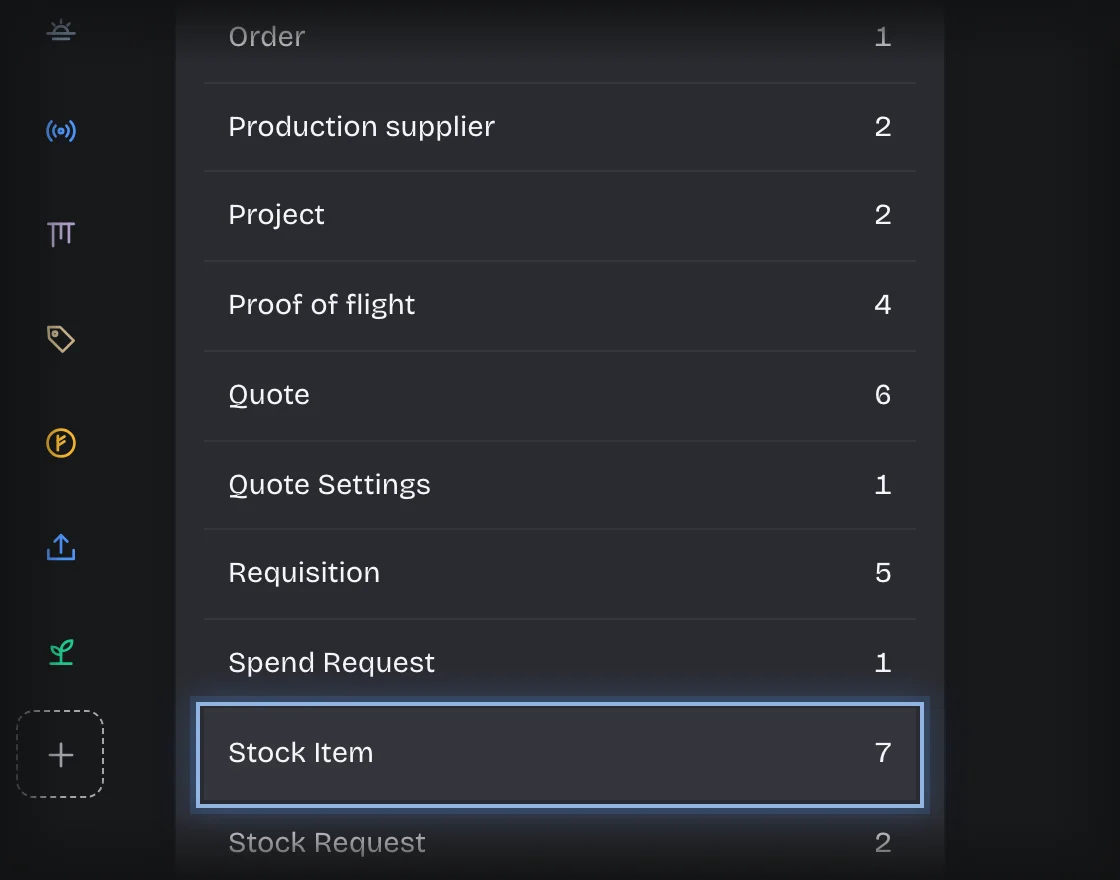
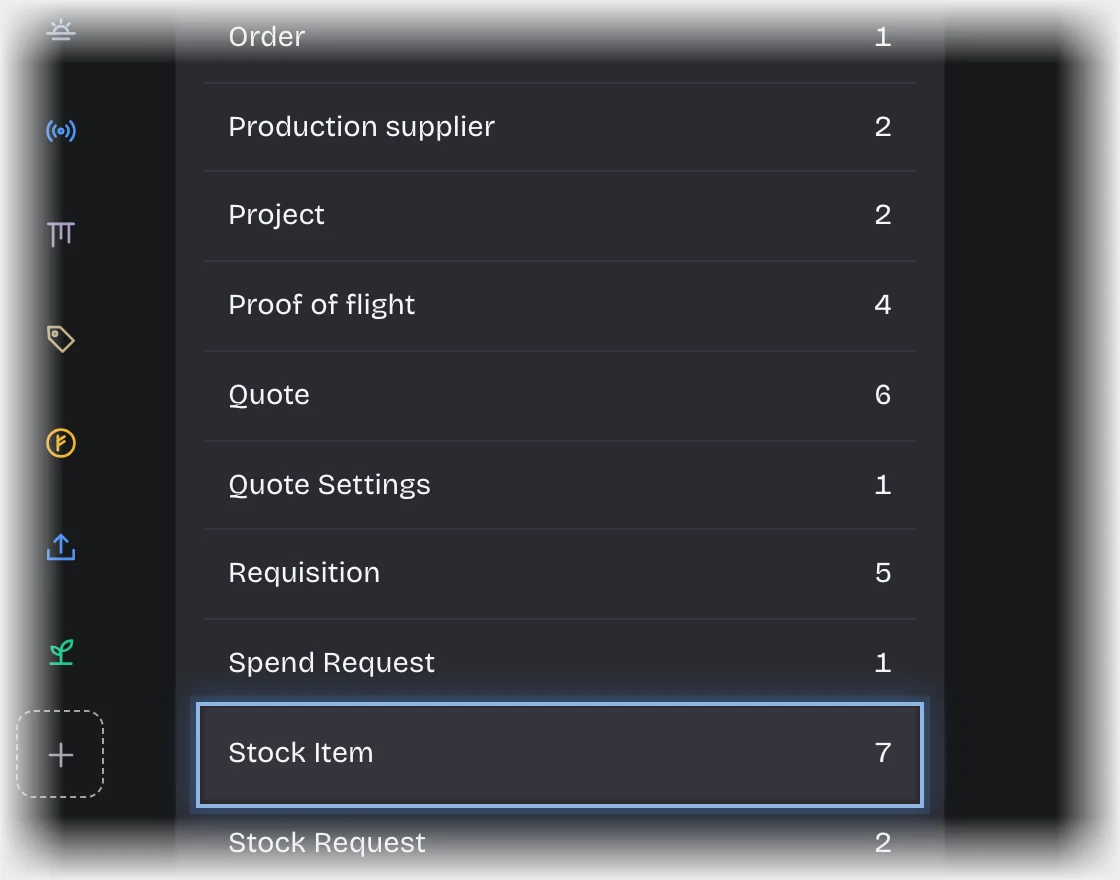
- Open Manage > Records and choose Stock Item under Record types.
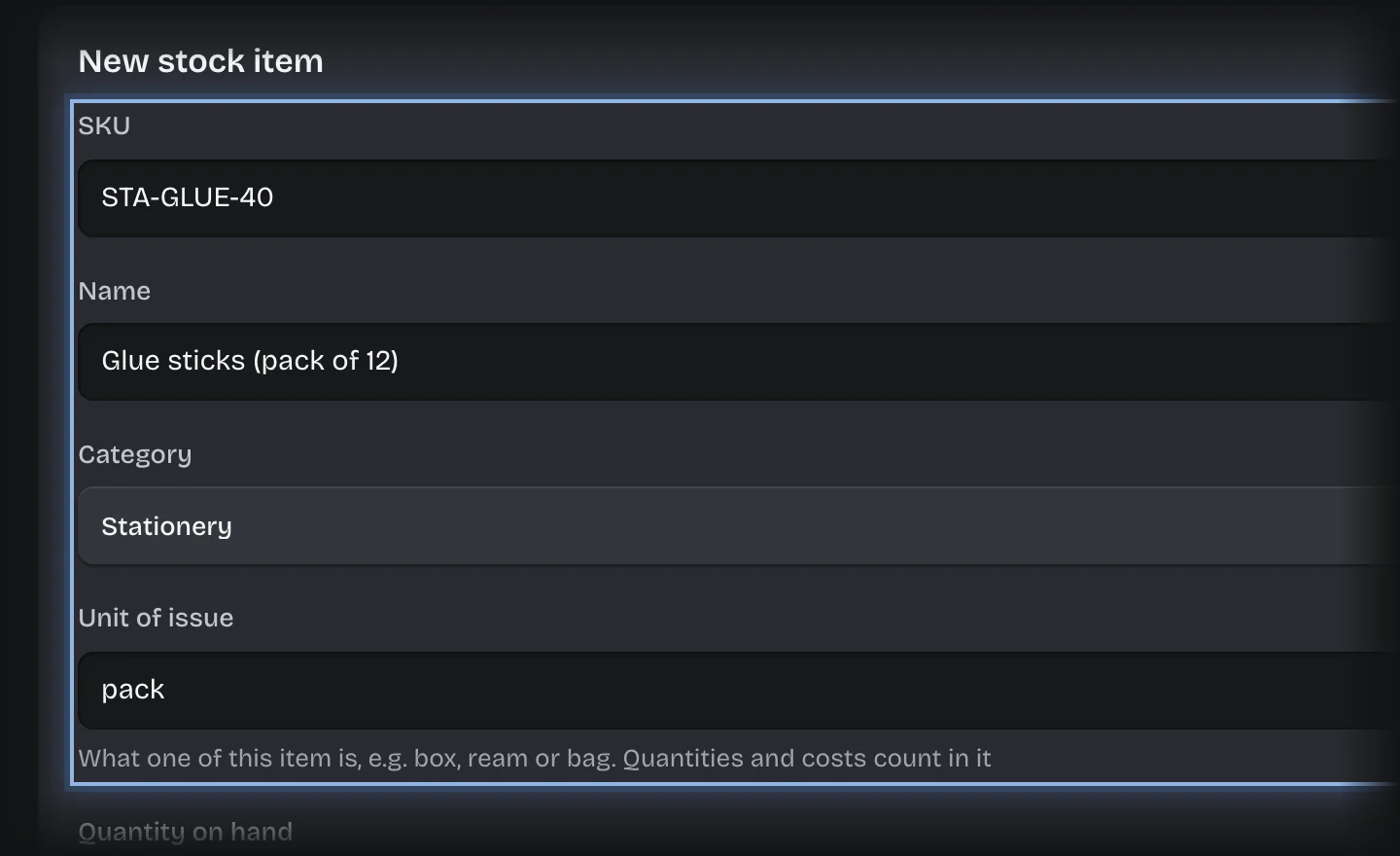
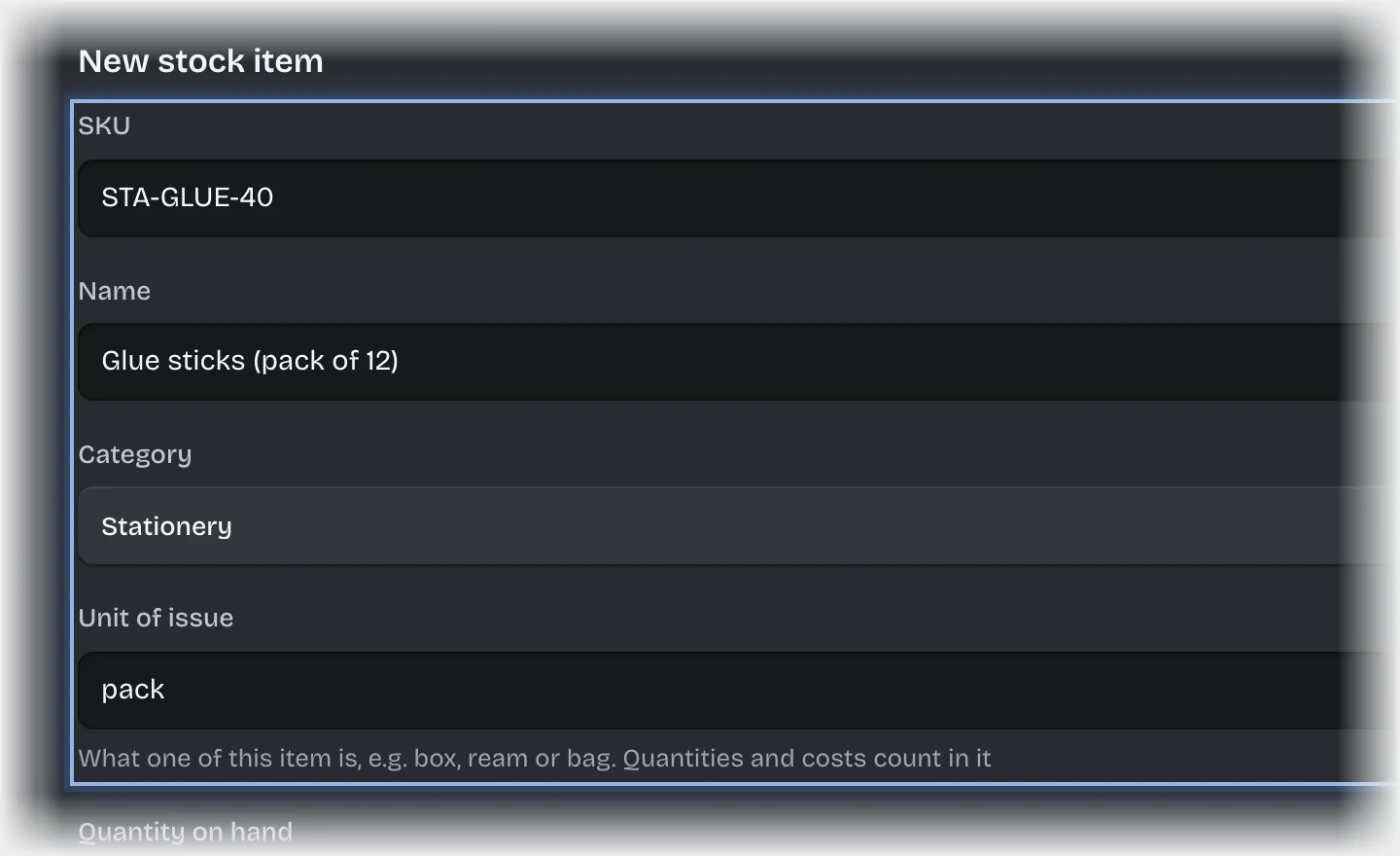
- For each item, press Add stock item. The New stock item form opens. Fill in SKU, Name, Category, Unit of issue, Quantity on hand, Reorder level, Unit cost and Store location. Press Add stock item.
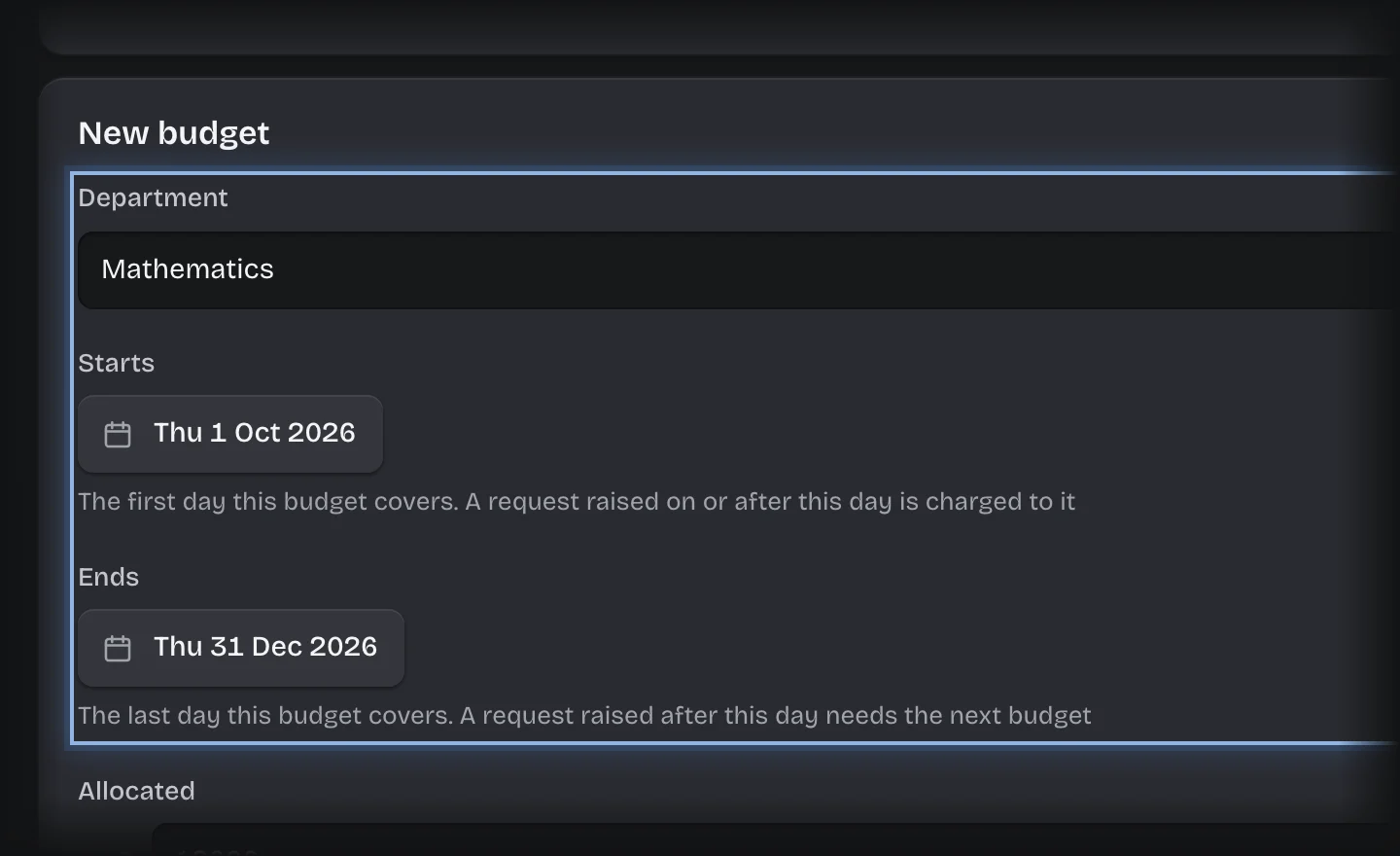
- Choose Budget. For each department, press Add budget. In the New budget form, fill in Department, Starts, Ends, Allocated and Spent. Pick Starts and Ends from the calendar. Press Add budget. Starts and Ends are the first and last day the budget covers: a request is charged to the department’s budget whose dates include the day it is raised. Add the next budget before the current one ends.
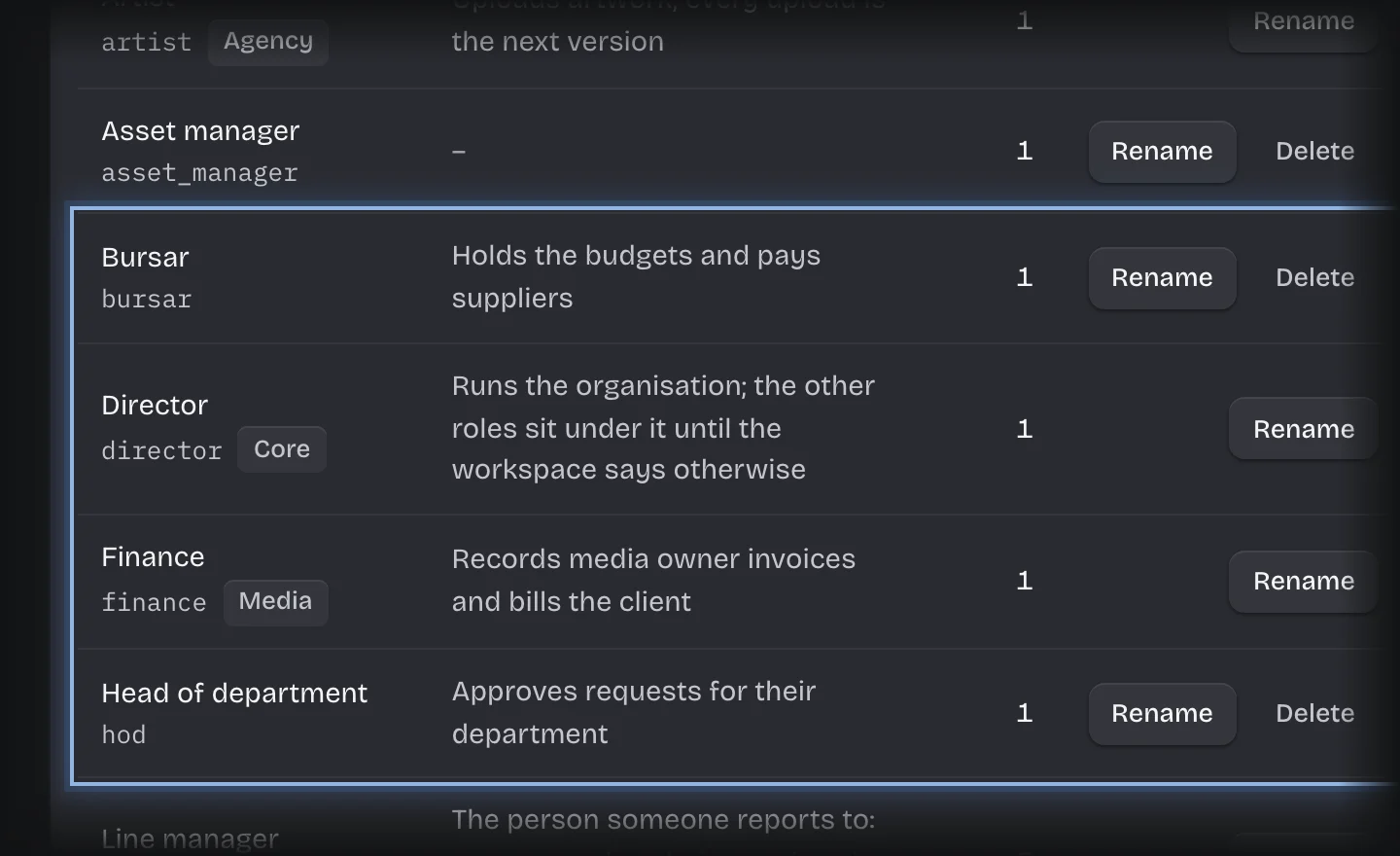
- Open Manage > Roles and make sure, in the Roles card, that the head of department and bursar roles this service asks for are defined and held by the right people.
What you will see
Your items under Stock on hand and your budgets under Departmental budgets on the Raise a Request stage of the Requisitions tab. Approved requests reduce Quantity on hand and add to Spent.
Common problems
- Requests are rejected with “No budget for this department covers the day it was raised.” Either the department a requester typed does not match a budget’s Department (use the same spelling, and tell requesters what it is), or none of that department’s budgets has Starts and Ends around the day the request was raised. The bursar’s No budget message names the day.
- Lines below reorder on the Overview counts Stationery items with fewer than 15 on hand.