Every requisition goes to the holders of the head of department role. A requisition above R500 then goes to the bursar to counter-sign.
Steps
- Choose the service in the rail. The request is a card on On your desk, titled Approve request, or Approve request (high value) above R500. It is also under Decisions on your desk on the Requisitions tab, when you choose Approval on the stage switch.
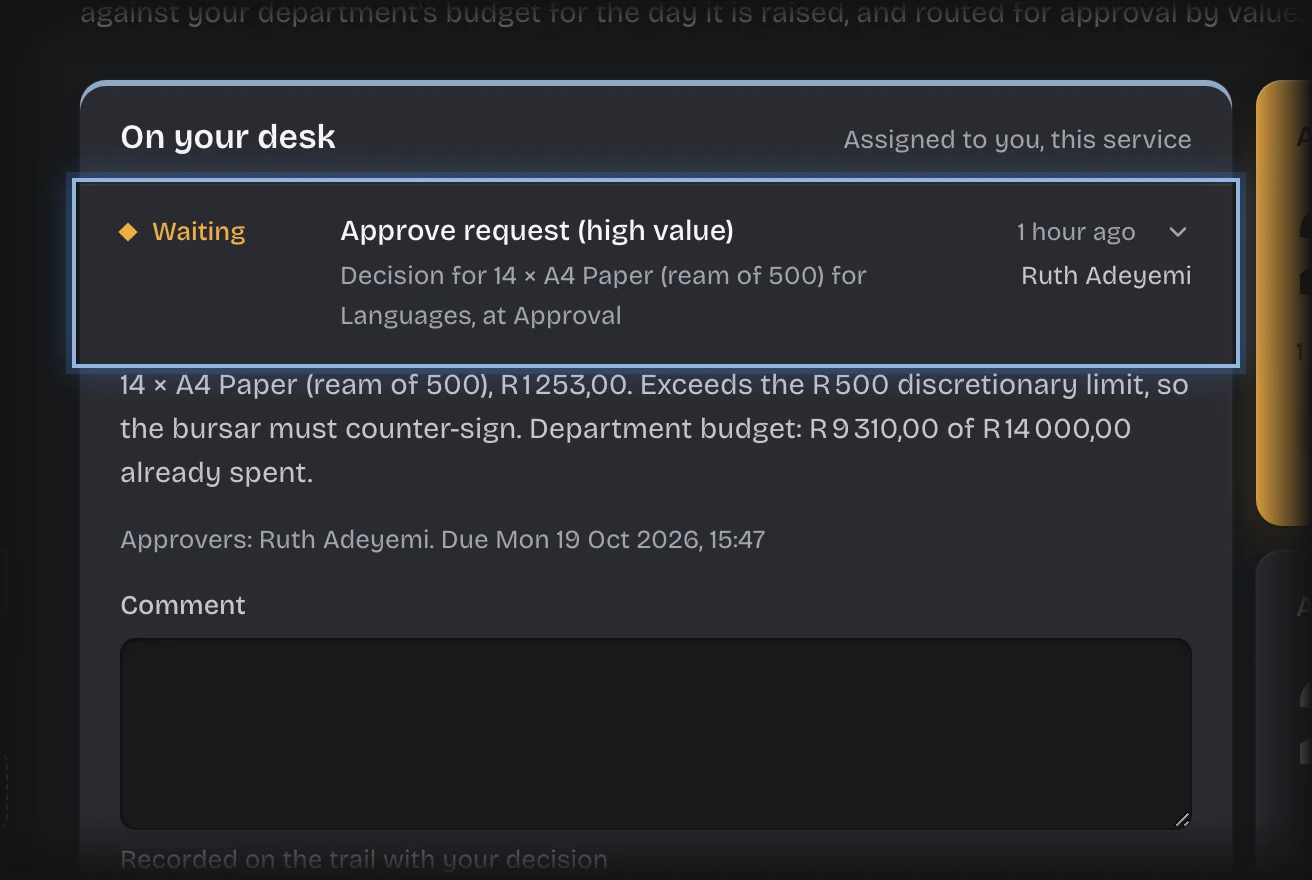
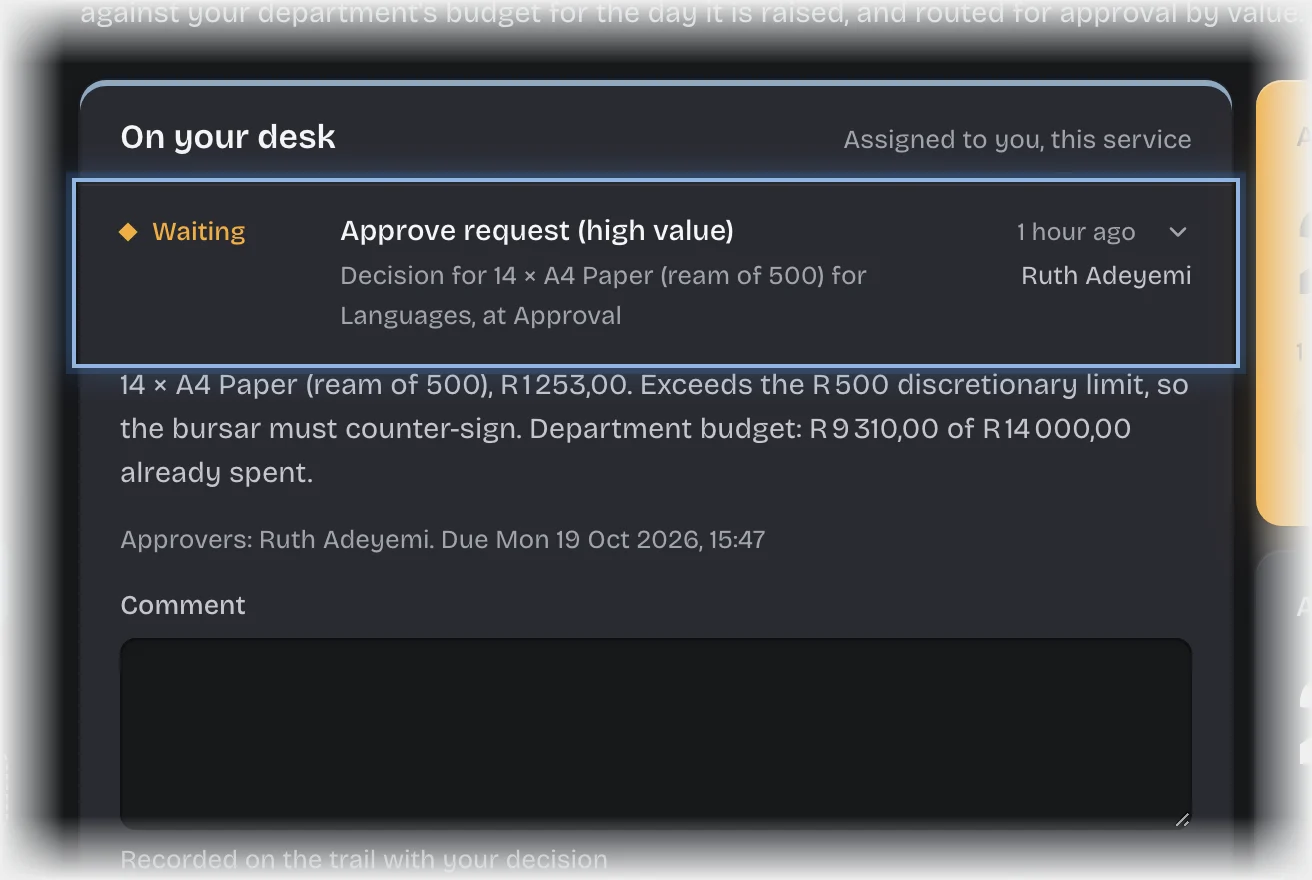
- If the card is folded, press its header to open it. It shows the quantity, item, department and cost. A request up to R500 also shows the justification; one above R500 shows the department’s budget instead.
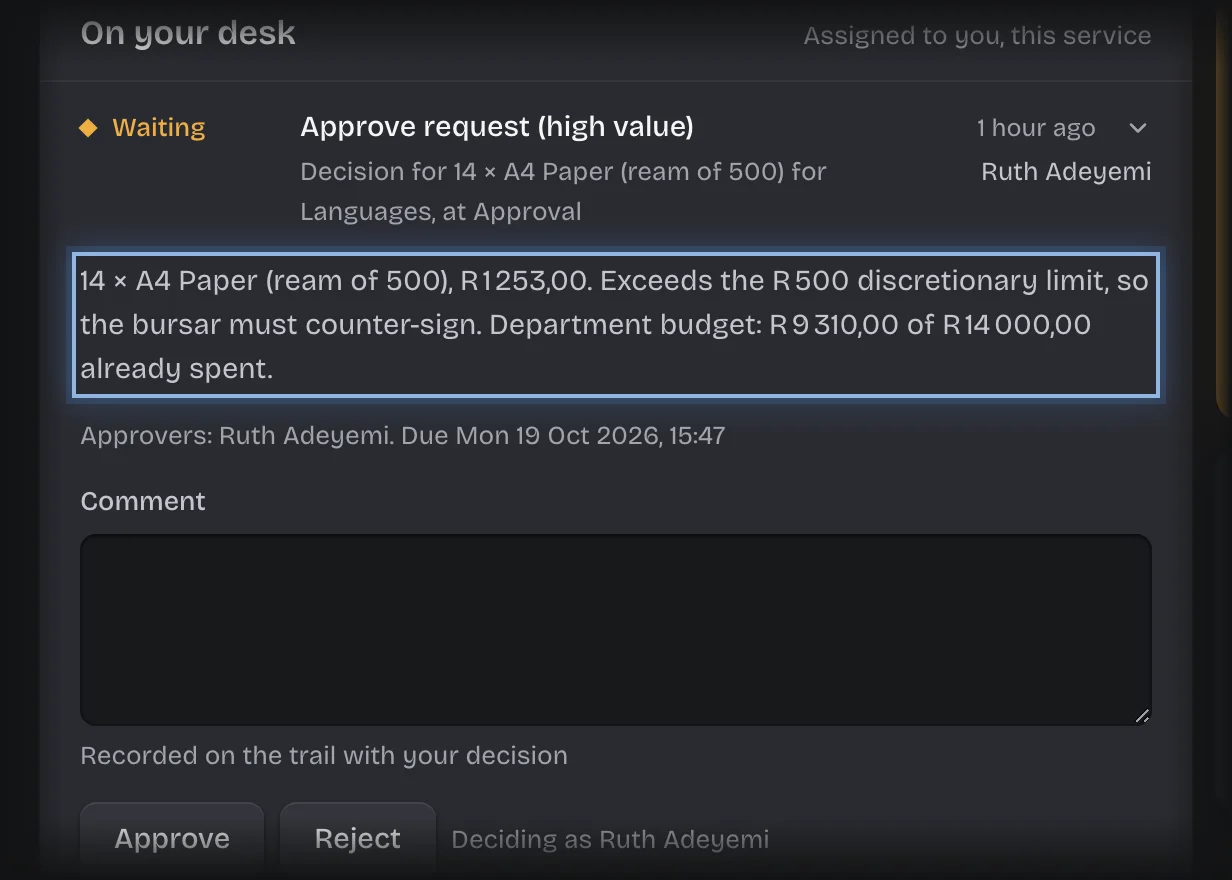
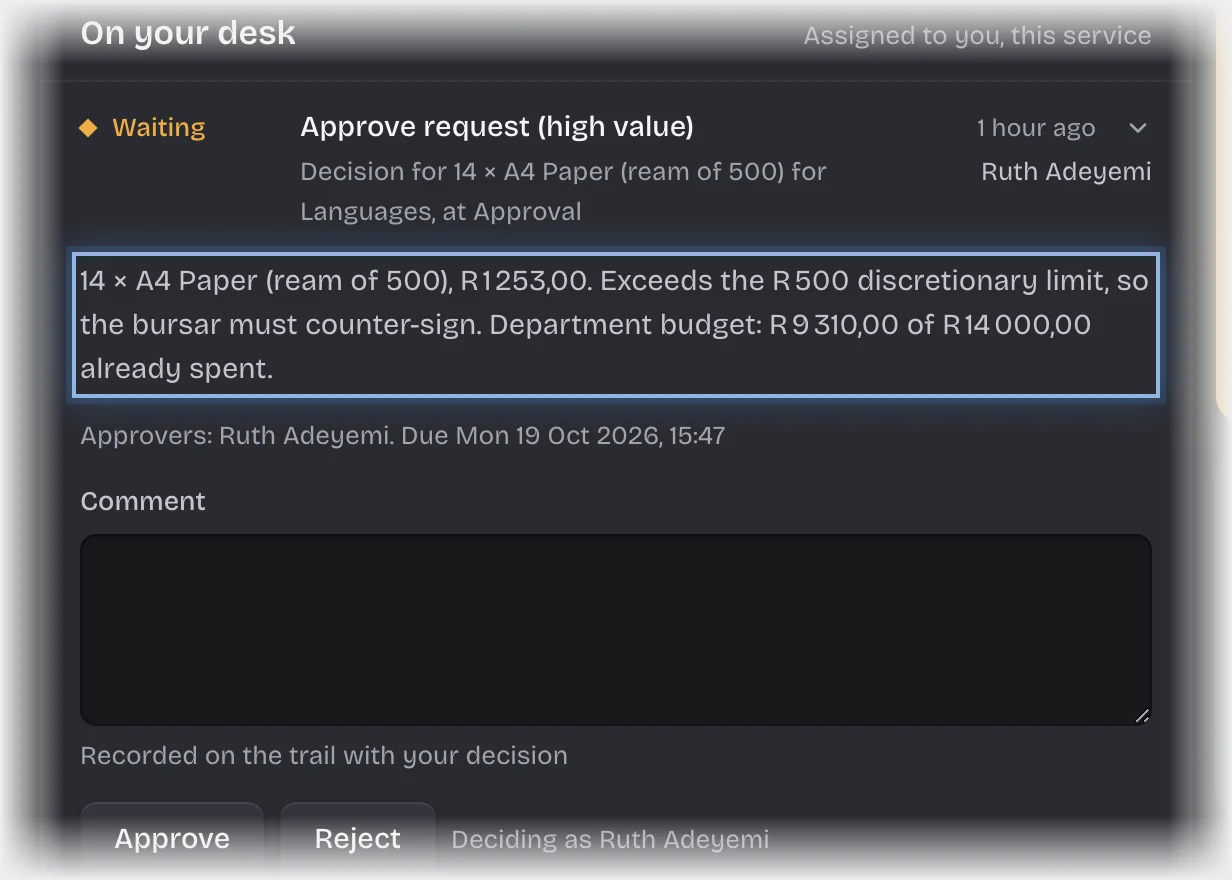
- Type a Comment. If you reject, the comment is the reason the requester sees.
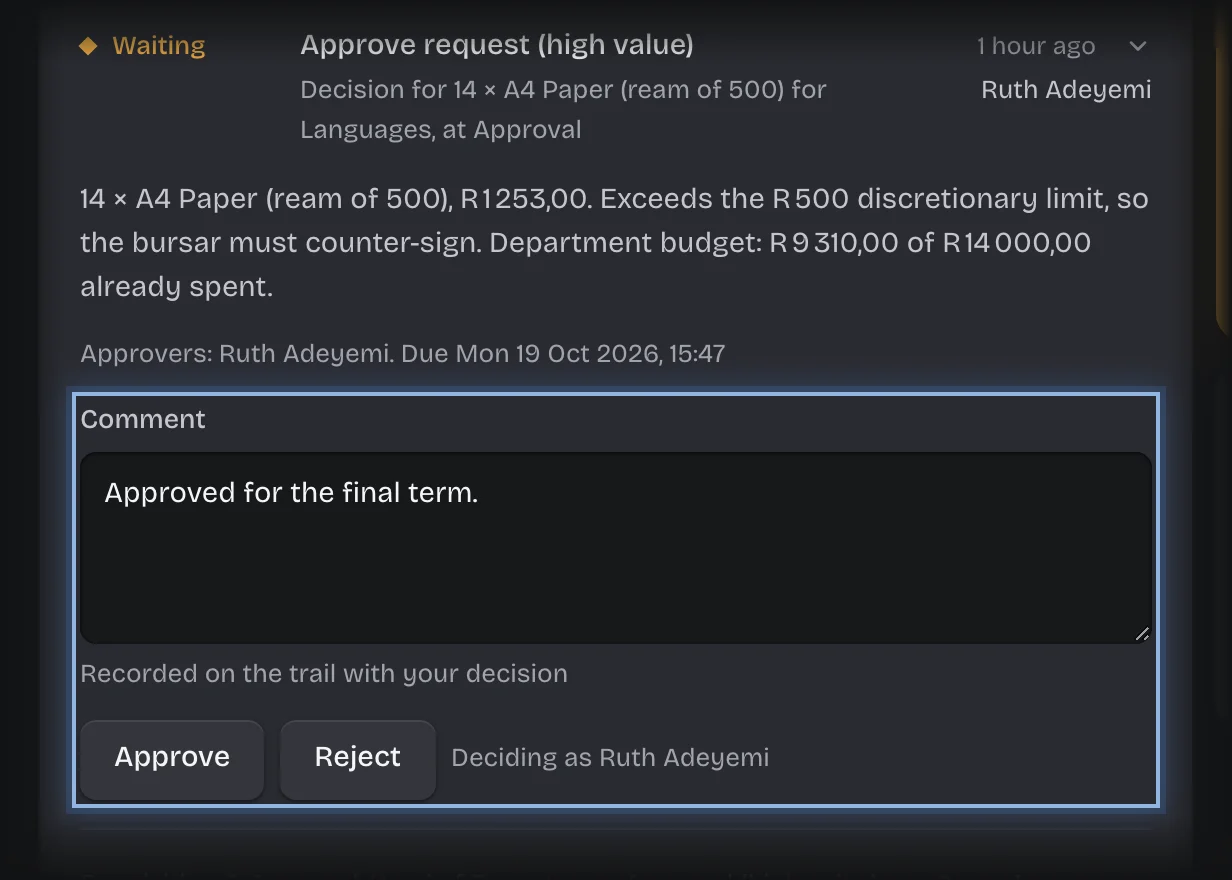
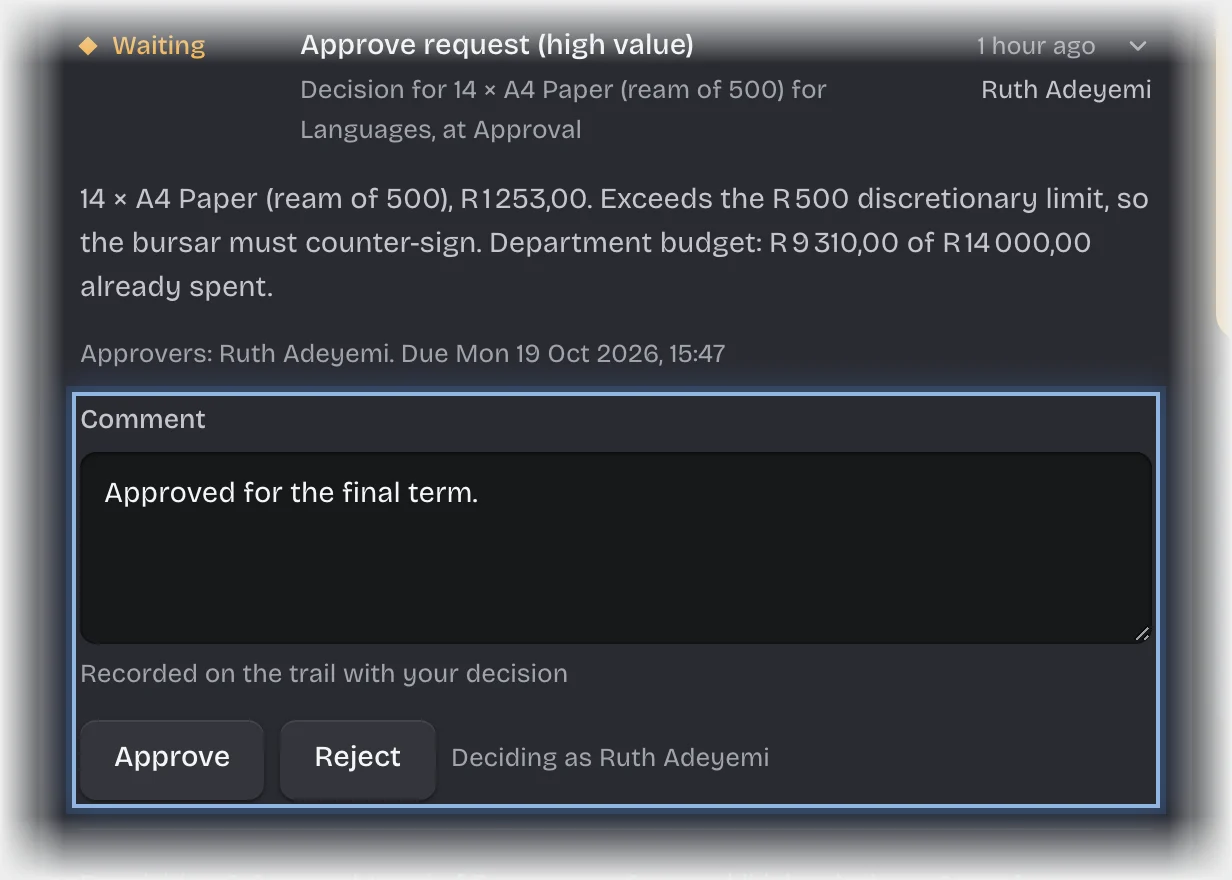
- Press Approve or Reject.
What you will see
- Approved up to R500: stock is deducted, the department’s budget is charged, and the requester is told.
- Approved above R500: the request goes to the bursar.
- Rejected: the request is marked Rejected with your comment as the reason, and the requester is told.
Common problems
- An overdue message. A request is overdue after 48 hours, or 24 hours for one above R500, unless your organisation changed these times.
- R500 is fixed. The value above which the bursar counter-signs cannot be changed by your organisation.