Steps
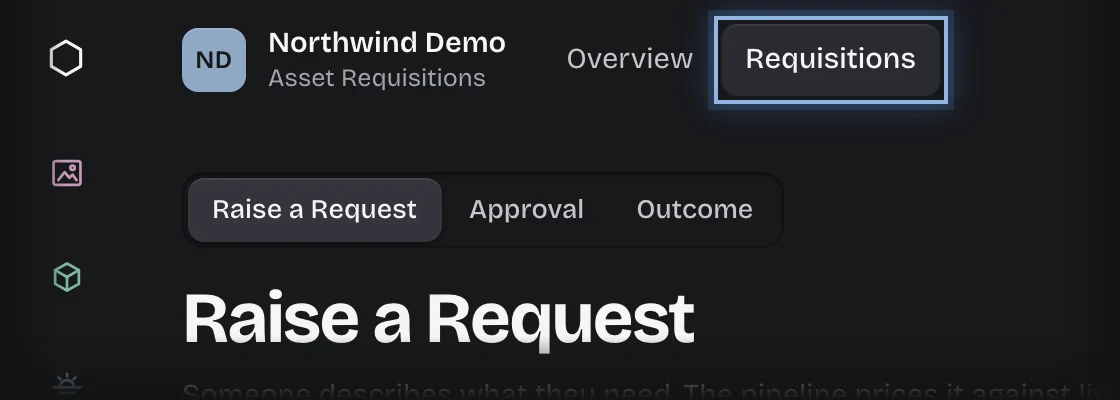
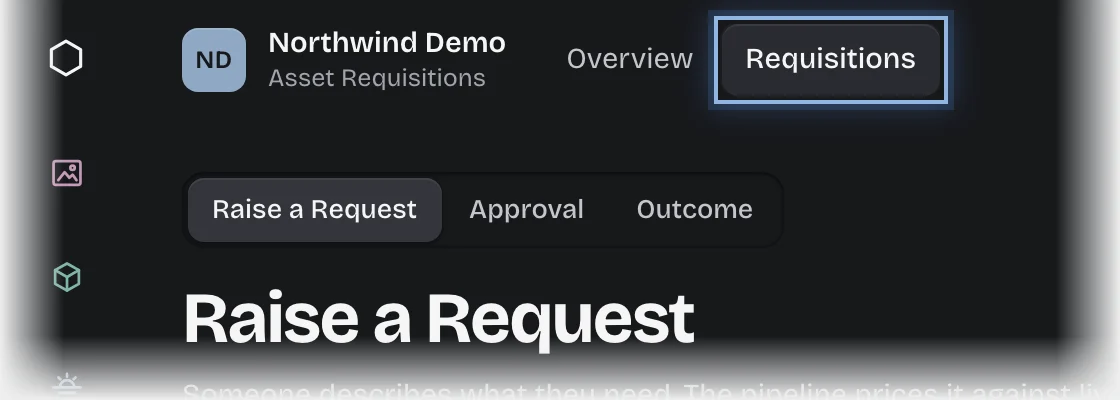
- Choose the service in the rail, then the Requisitions tab. The Raise a Request stage opens on the stage switch at the top of the page, showing Stock on hand and Departmental budgets.
- Press Raise a request. You can also press Raise a request under Lines below reorder on the Overview.
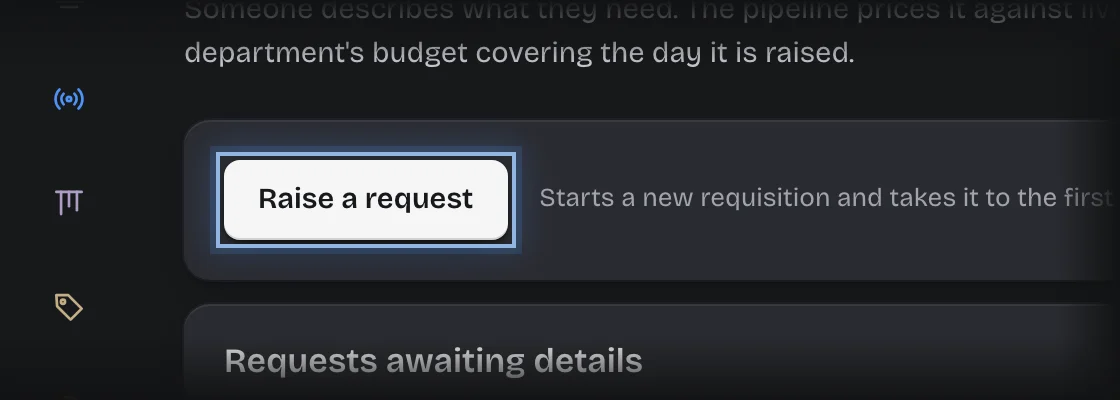
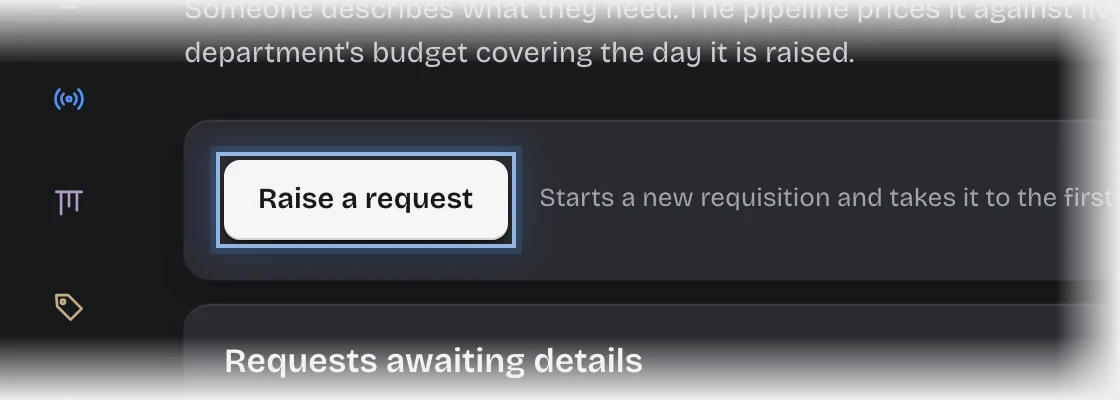
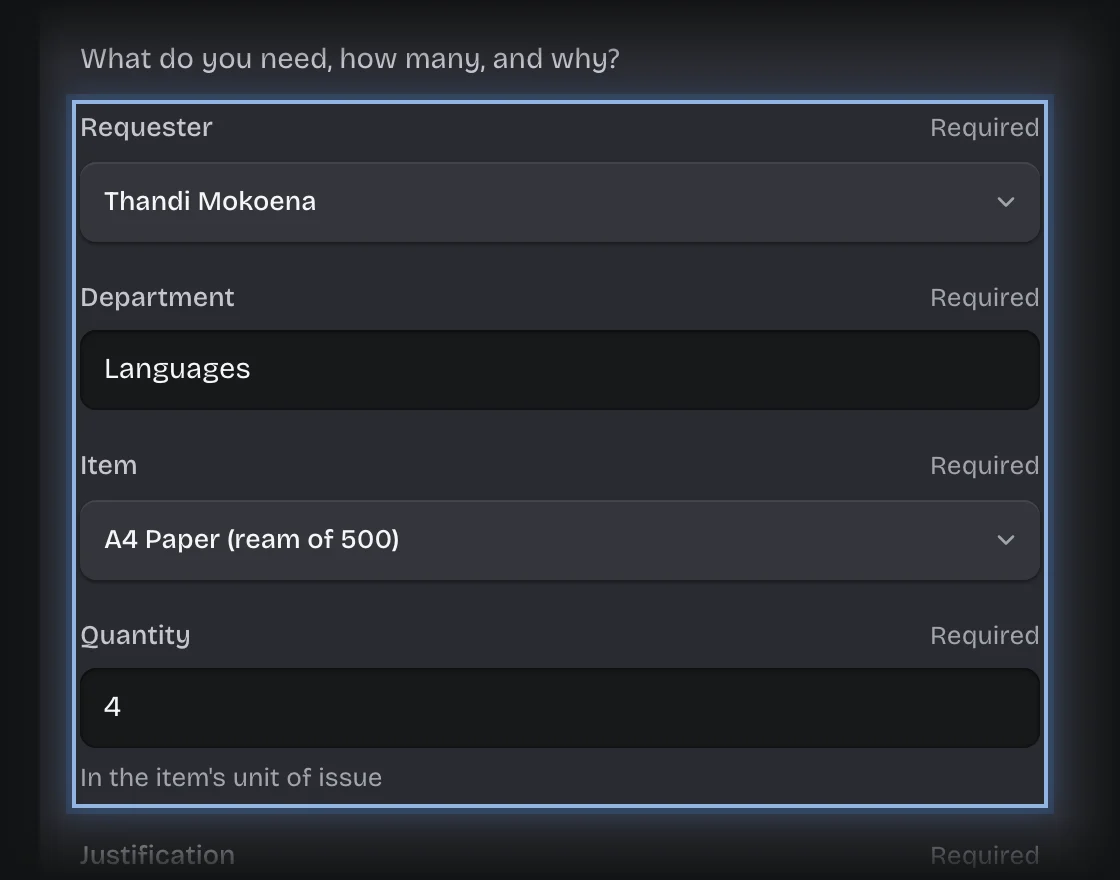
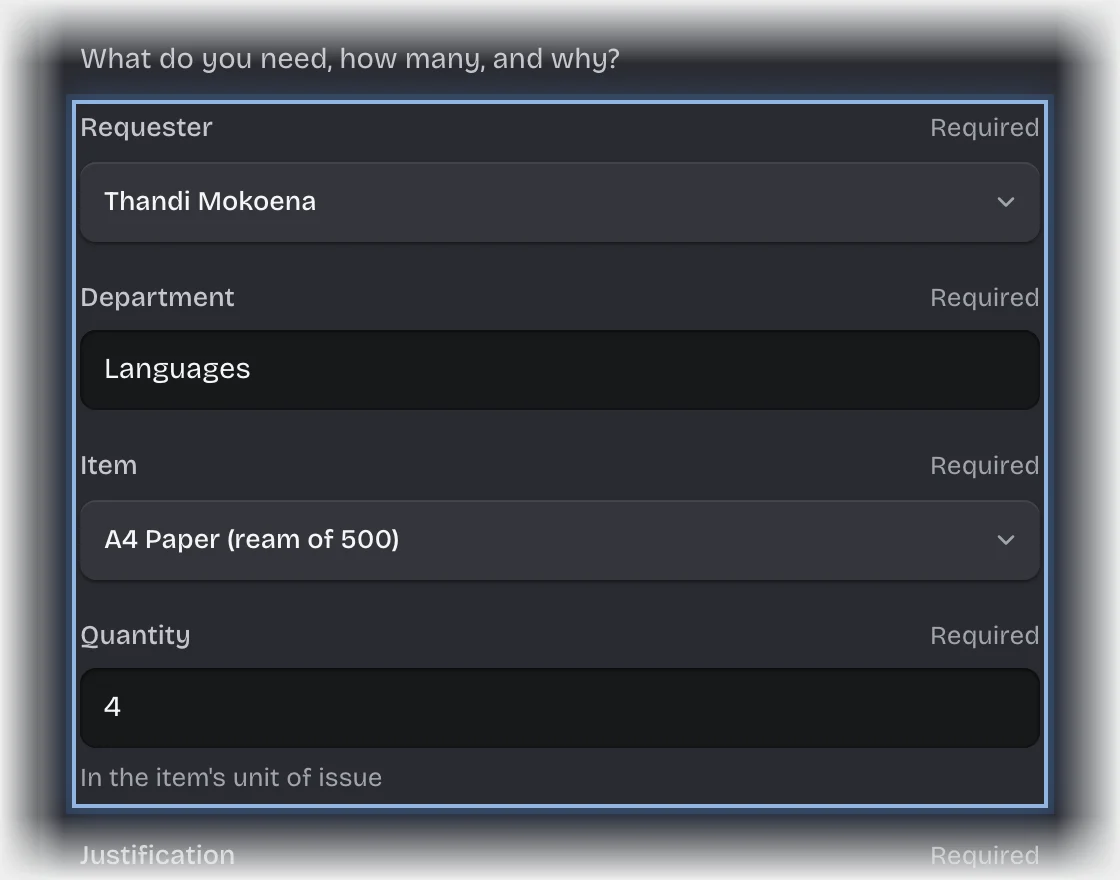
- The form Request details opens under Requests awaiting details. If it is folded, press its header to open it. Fill in:
- Requester: yourself.
- Department: as it is written under Departmental budgets.
- Item: from stock.
- Quantity
- Justification
- Press Send the form.
What you will see
- The estimated cost: quantity times the item’s unit cost.
- Up to R500, the request goes to a head of department. Above R500, a head of department and then the bursar.
- Approved: a message, “Approved:” followed by the quantity and item, saying where to collect it.
- Not approved: a message, “Not approved:”. The reason is in the Decision column under Decided requests when you choose Outcome on the stage switch.
Common problems
- Not approved, with the reason “No budget for this department covers the day it was raised.” The department you typed has no budget, or none whose Starts and Ends include today. Check the spelling and dates against Departmental budgets, or ask for a budget to be set, then raise it again.
- The item is short in stock. The request still goes for approval; the bursar is warned and it may be filled in part.
- To stop a request, see Cancel a request you started.