Steps
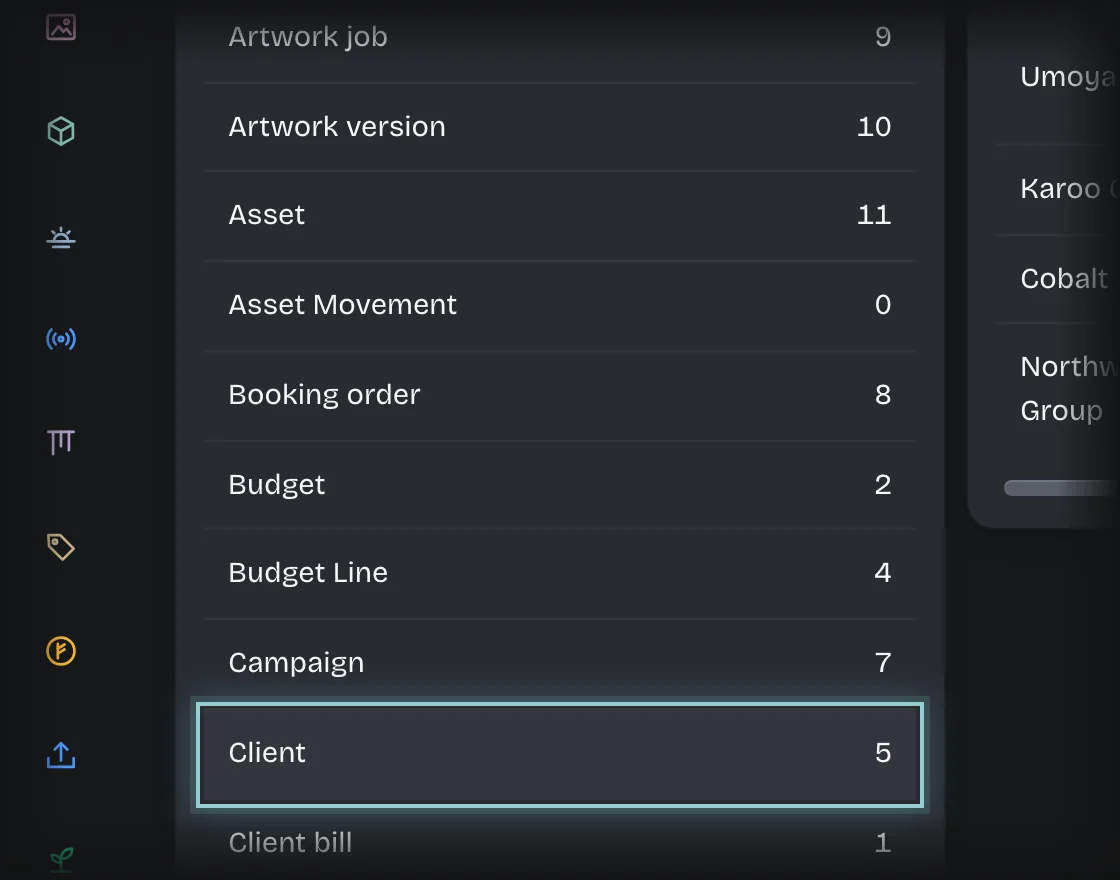
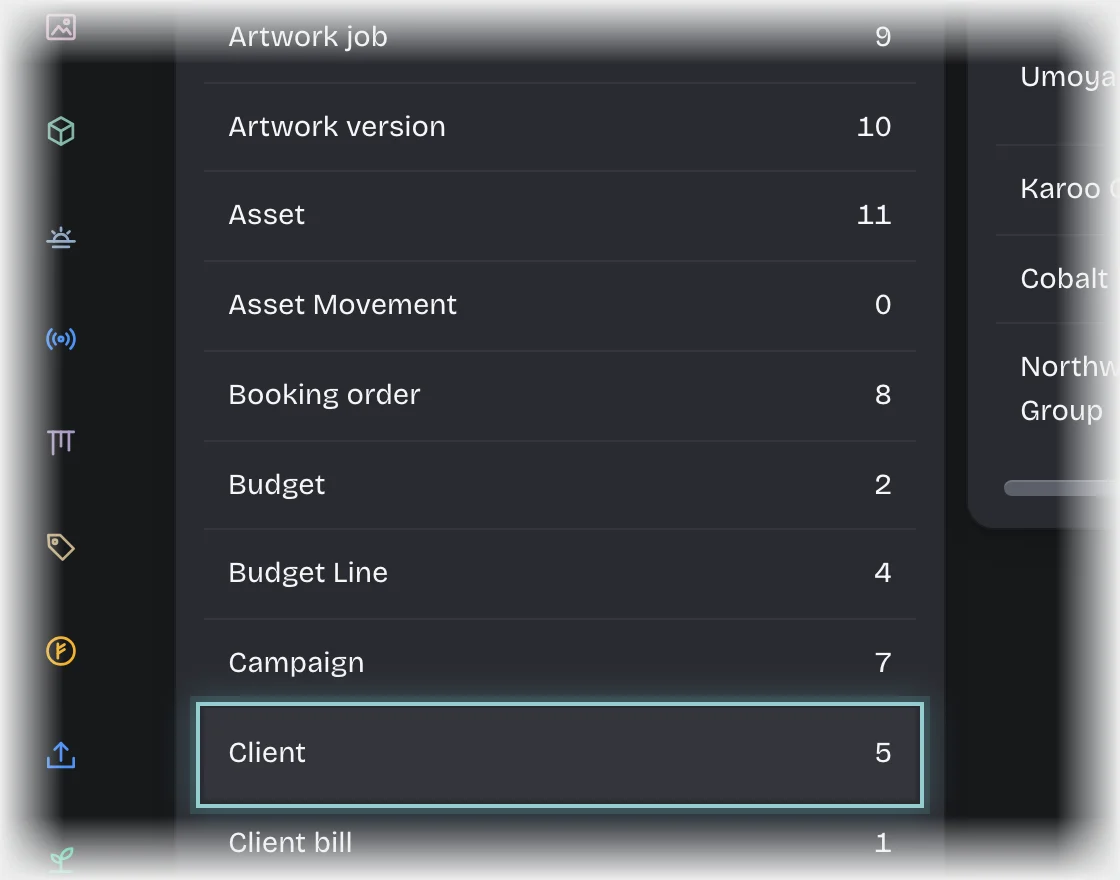
- Open Manage > Records and choose Client.
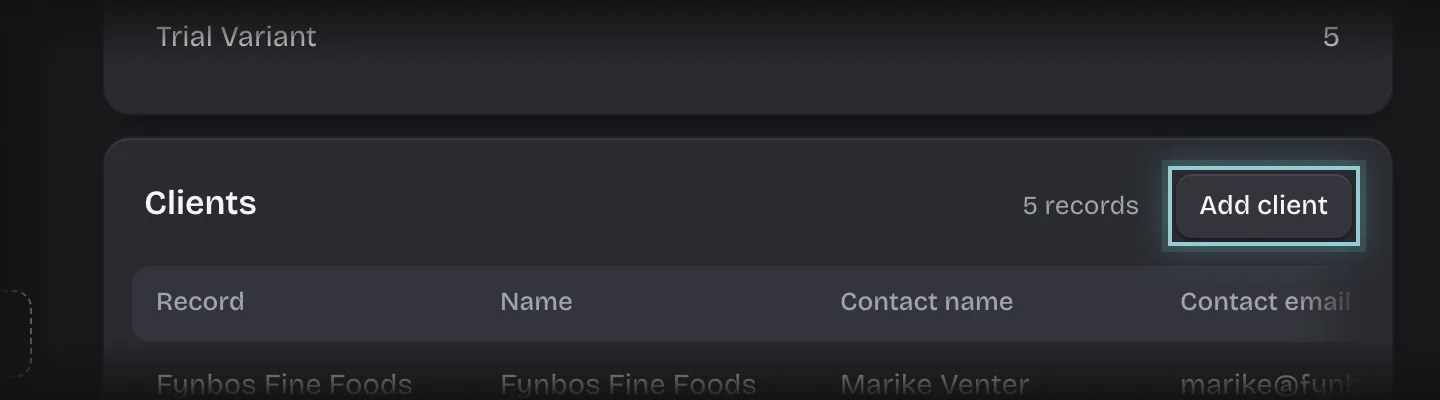
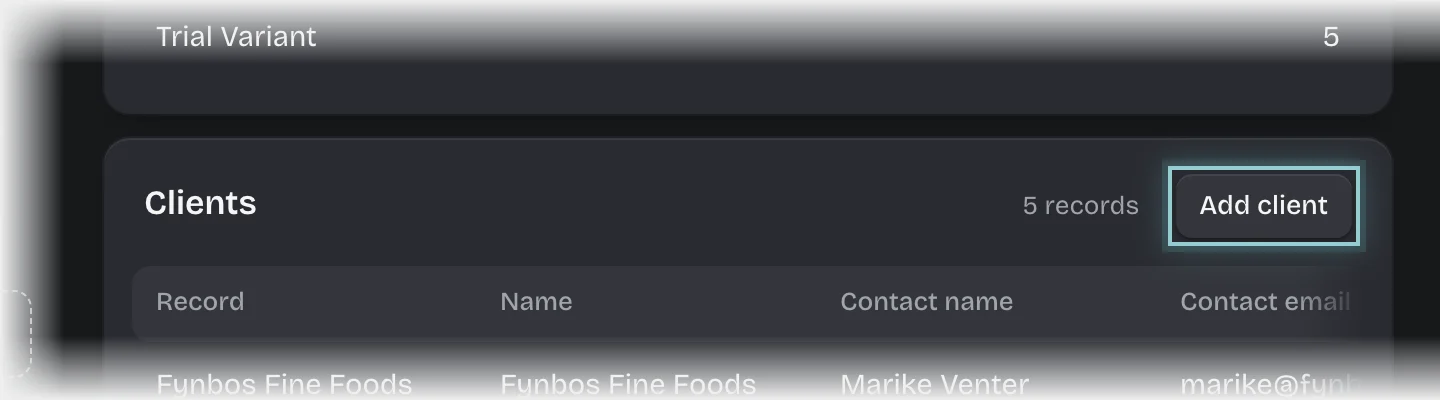
- Press Add client.
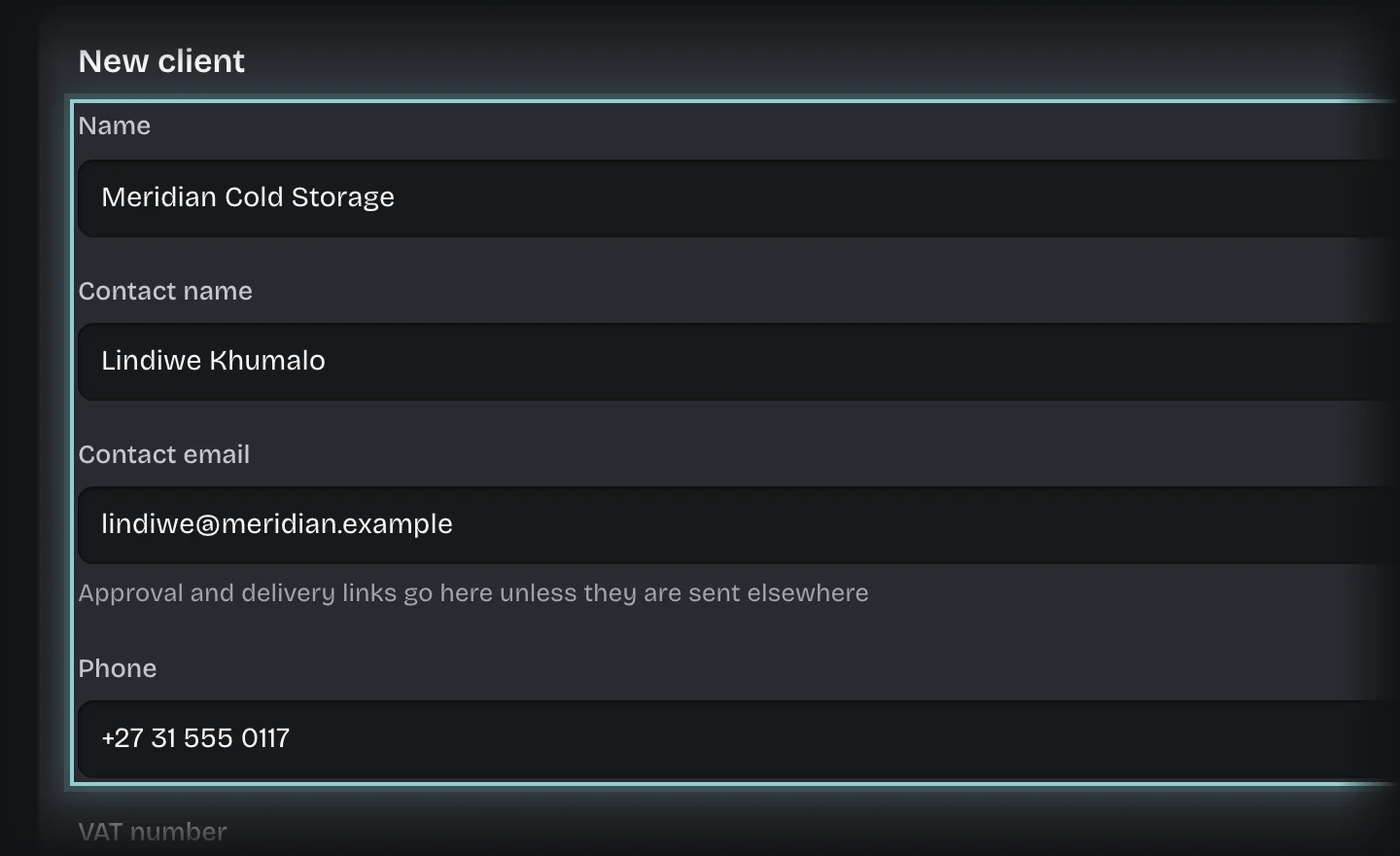
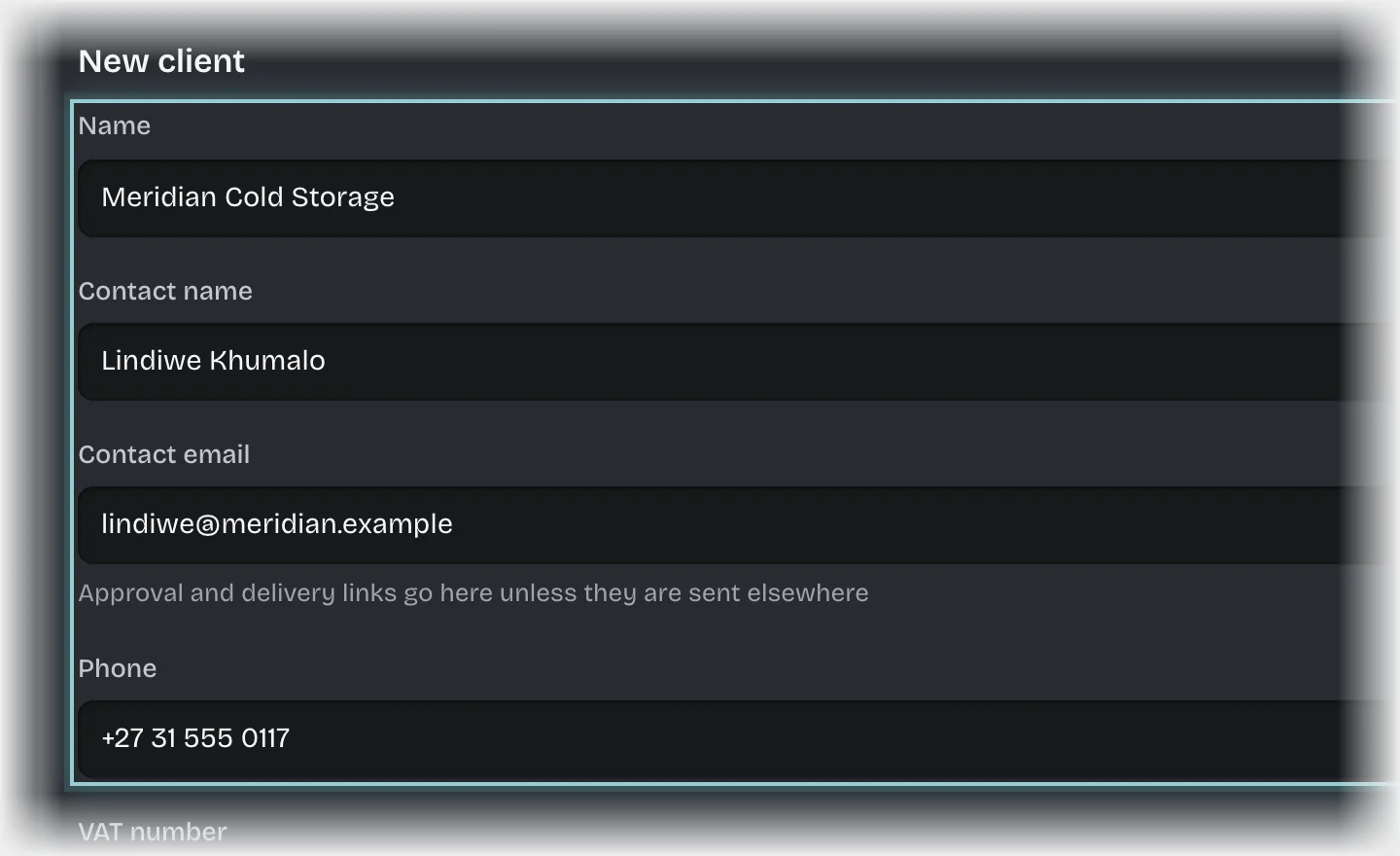
- Fill in Name, and Contact name, Contact email, Phone and VAT number if you have them. Set Active to Yes.
- Press Add client.
What you will see
The client offered under Client on the quote form, and listed on the Clients tab of Quotes.
Common problems
- Someone quoting added the client. Anyone quoting can add a client too, with Add a client under Client on the quote form or on the Clients tab. A client added by someone who cannot edit clients shows Not committed yet until somebody who can presses Commit it. It can be quoted meanwhile.