An order is raised when a quote is accepted, with state Open. Its state after that is kept by hand.
Steps
- Open Manage > Records and choose Order.
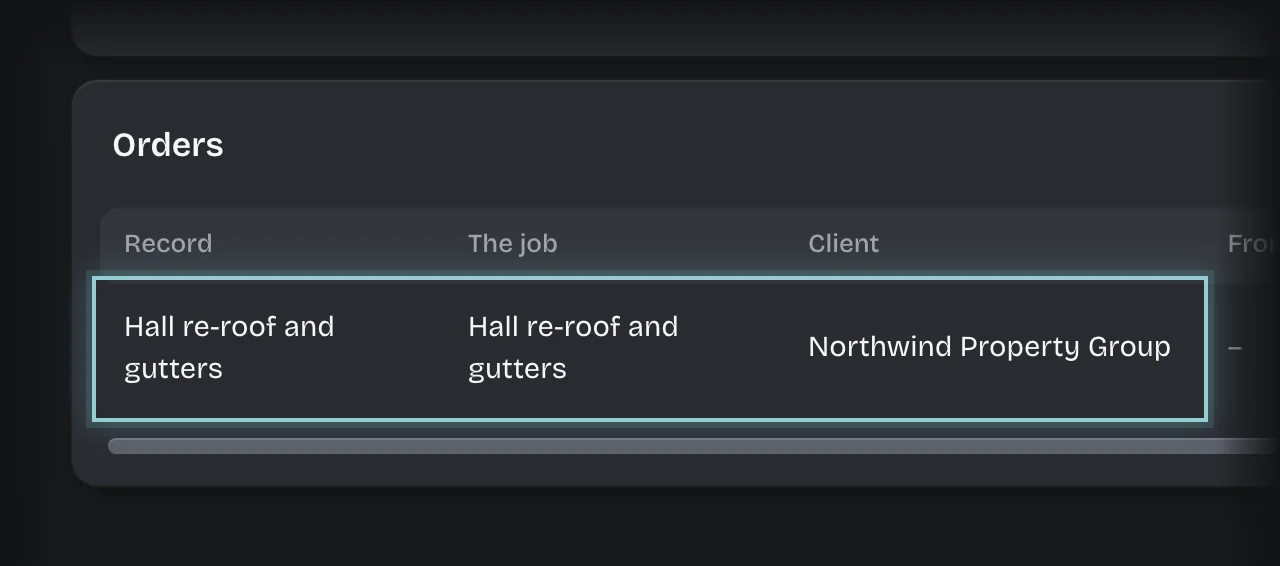
- Press the order’s row.
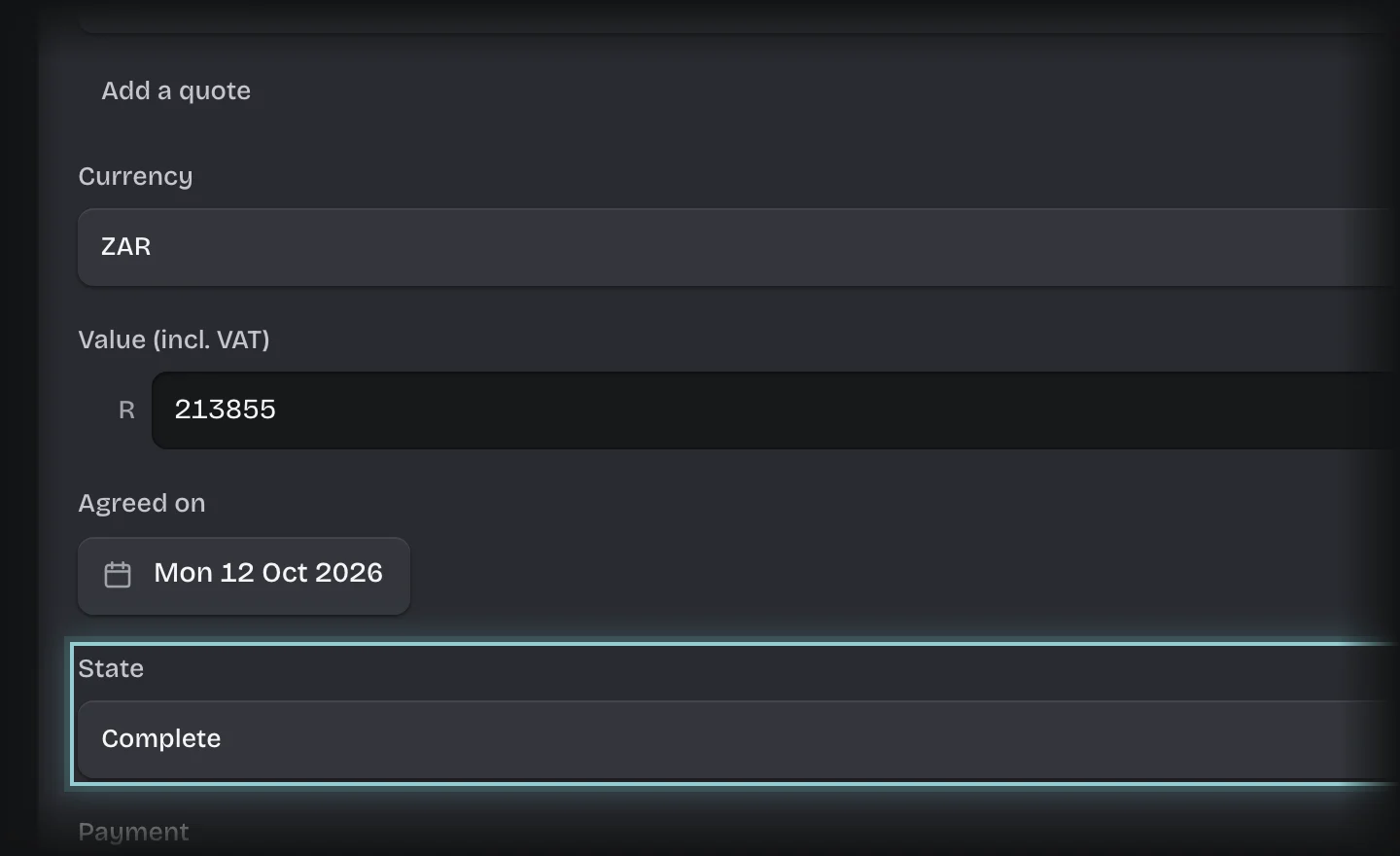
- Set State to Open, In progress, Complete or Cancelled.
- Press Save changes.
What you will see
The new state on the Orders tab and under Orders on the Quotes Overview. Open orders there adds up the value of orders in state Open.