The client does not sign in to Koldheim, so whoever raised the quote records what they said. If your organisation has clients answer quotes themselves by link, this form comes to you only when the link runs out unanswered.
Steps
- Choose Quotes in the rail. The form What came of followed by the job is under On your desk on the Overview, and under Waiting on an answer on the Outcome stage of the Quotes tab. Press the form’s header to open it.
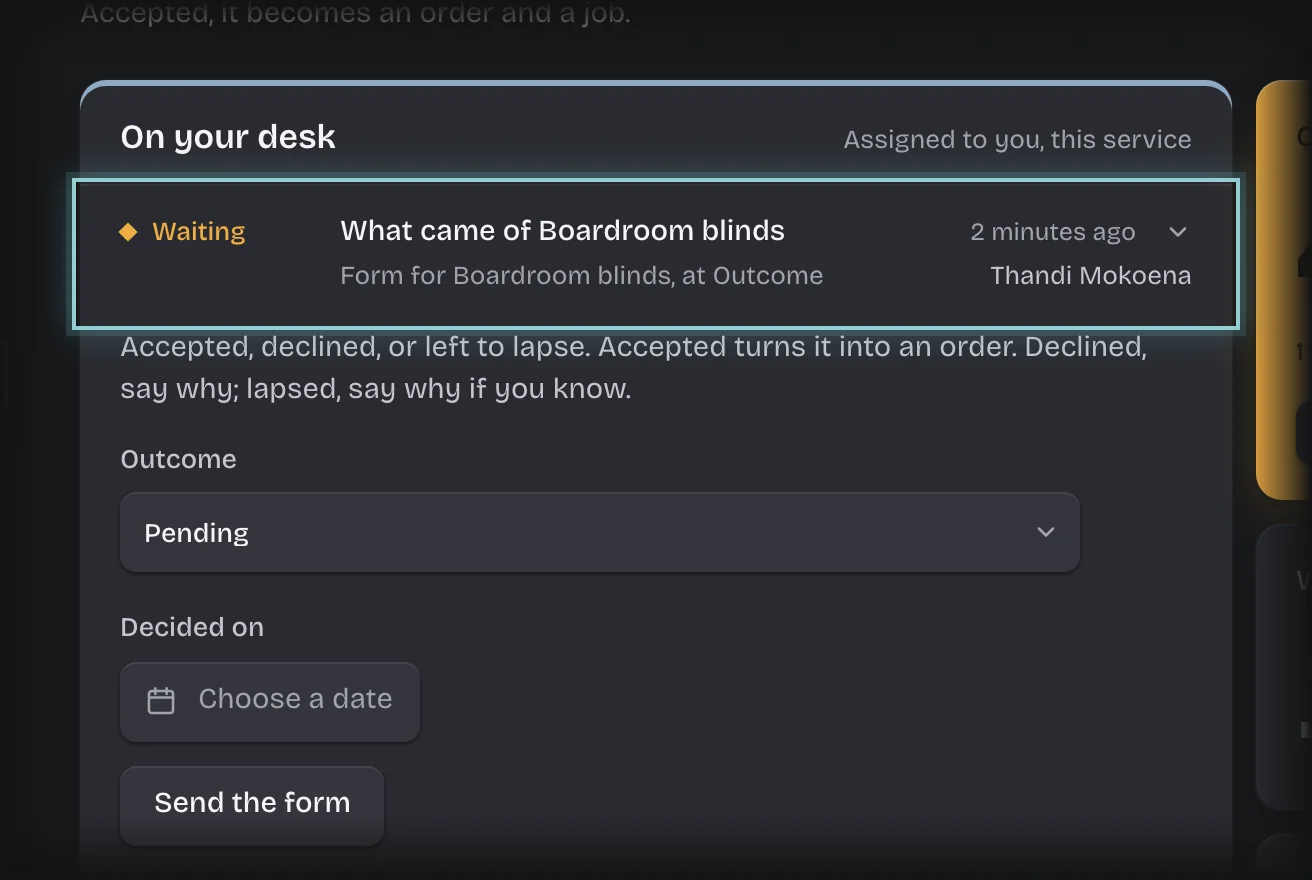
- Wait until the client has answered. Do not send the form until then.
- Set Outcome to Accepted, Declined or Lapsed.
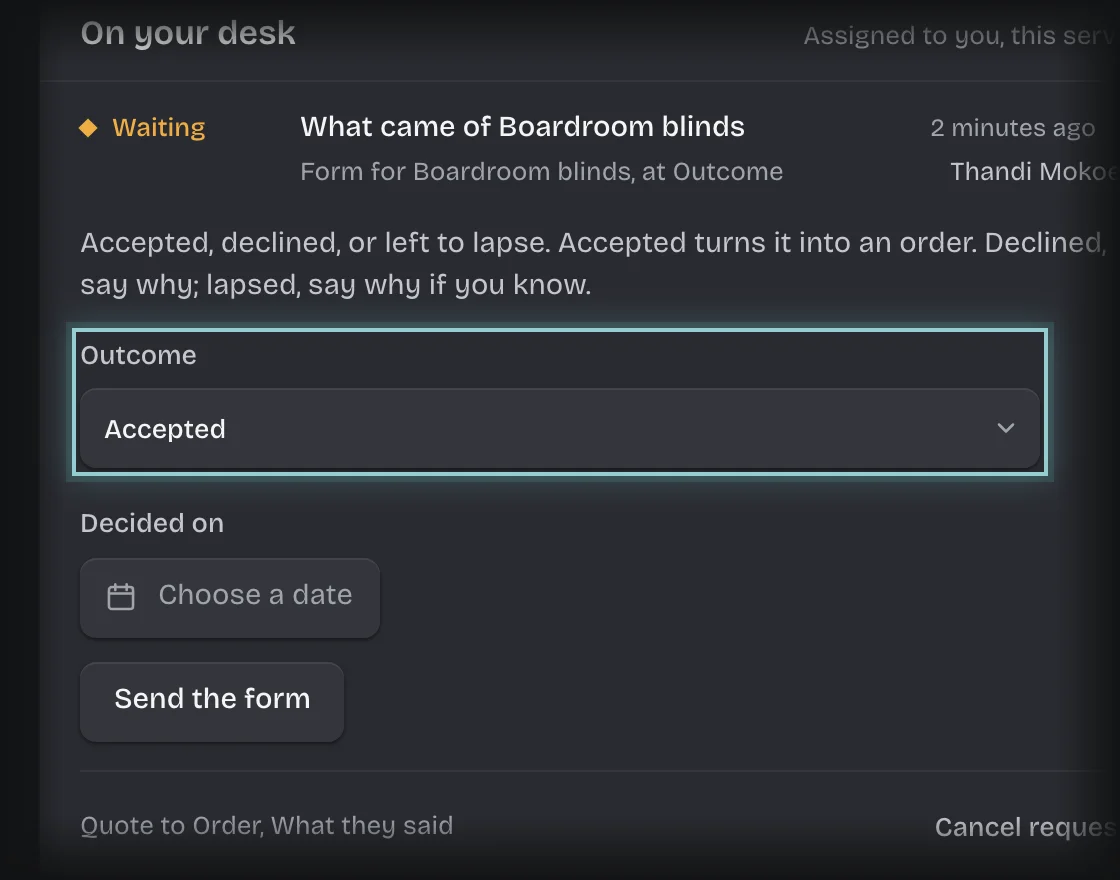
- Press Decided on and choose the date they answered from the calendar.
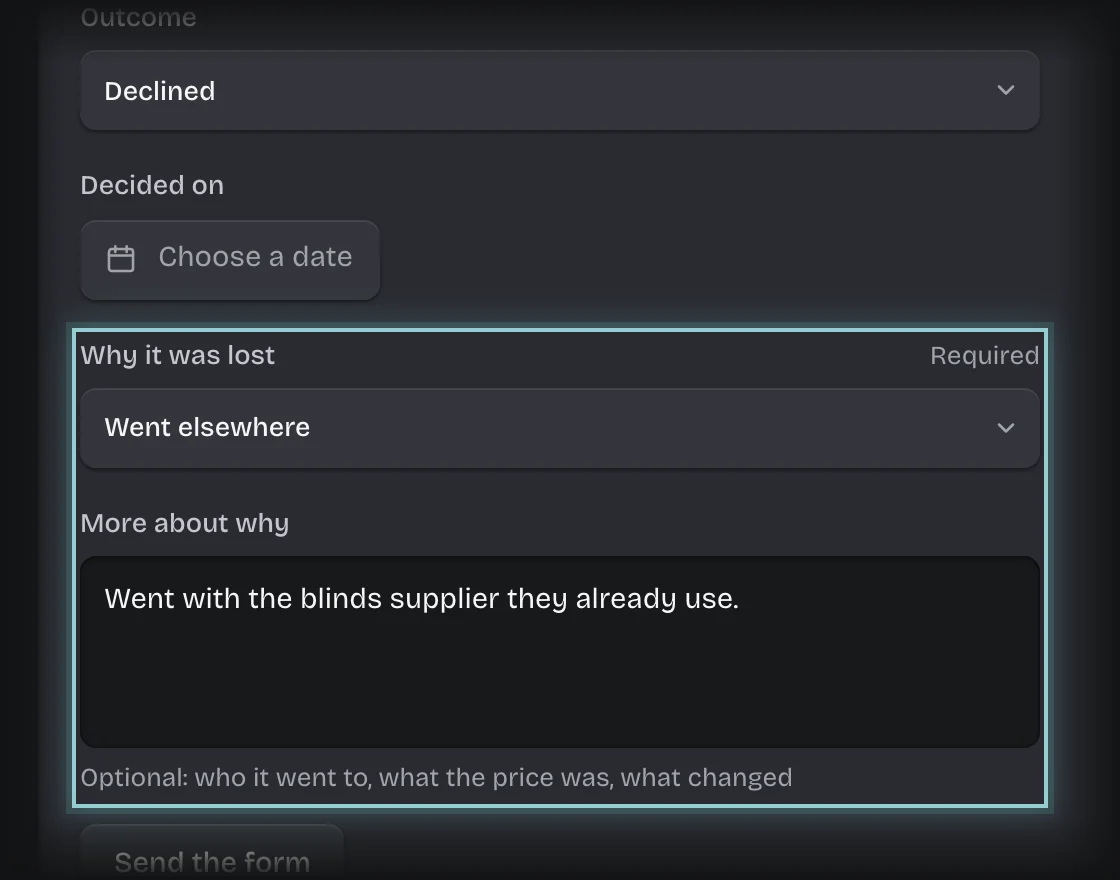
- If it was Declined, choose Why it was lost: Price, Timing, Went elsewhere, Scope changed, No response or Other. If it Lapsed, choose one if you know. Add anything else under More about why, such as who it went to.
- Press Send the form.
What you will see
- Accepted: an order is raised for the job with the quote’s value, under Orders on the Overview with state Open. If your organisation has Projects, a project is started for the job too.
- Declined or Lapsed: the quote is kept with that outcome and why it was lost. Lost quotes stay on record so your win rate can be worked out.
- Why lost shows on the quote and in the Quotes list, and Lost, and why on the Overview counts lost quotes by reason.
Common problems
- “Why it was lost (required when Outcome is Declined)”. A declined quote needs a reason. Choose one under Why it was lost, then send the form again.
- Why it was lost is not on the form. It appears once Outcome is Declined or Lapsed.
- Sending the form with Outcome still Pending records the quote as lost. Only send it once you know the answer.
- The form is not on your desk. It is addressed to whoever raised the quote.