A quote at or above your organisation’s sign-off value is sent to the Sales manager role before it goes out.
Steps
- When a quote reaches you, you get the message “Waiting for your decision: Quote:” with the job. Choose Quotes in the rail. The quote is a card under On your desk on the Overview, titled Quote: followed by the job. It is also under Waiting on a decision on the Sign-off stage of the Quotes tab.
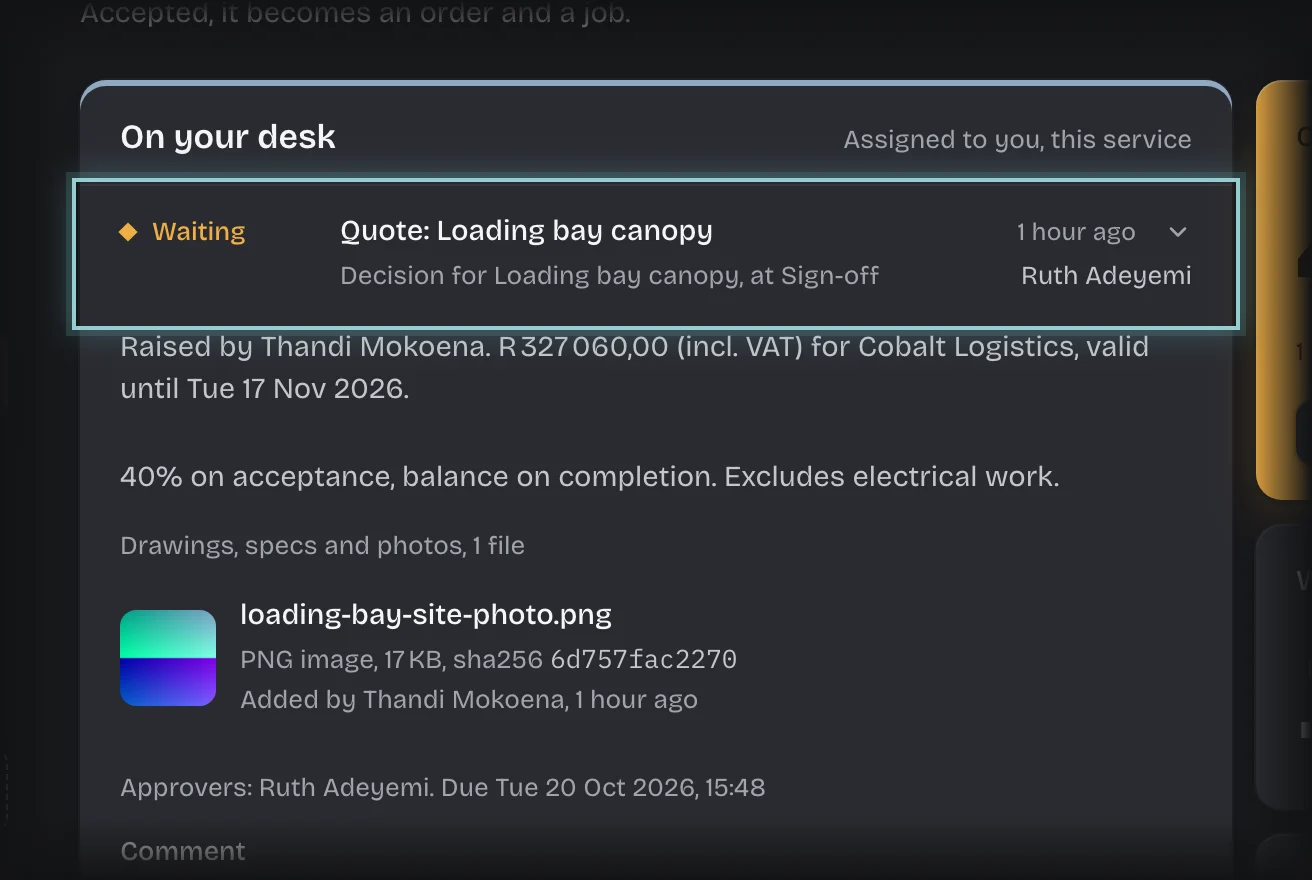
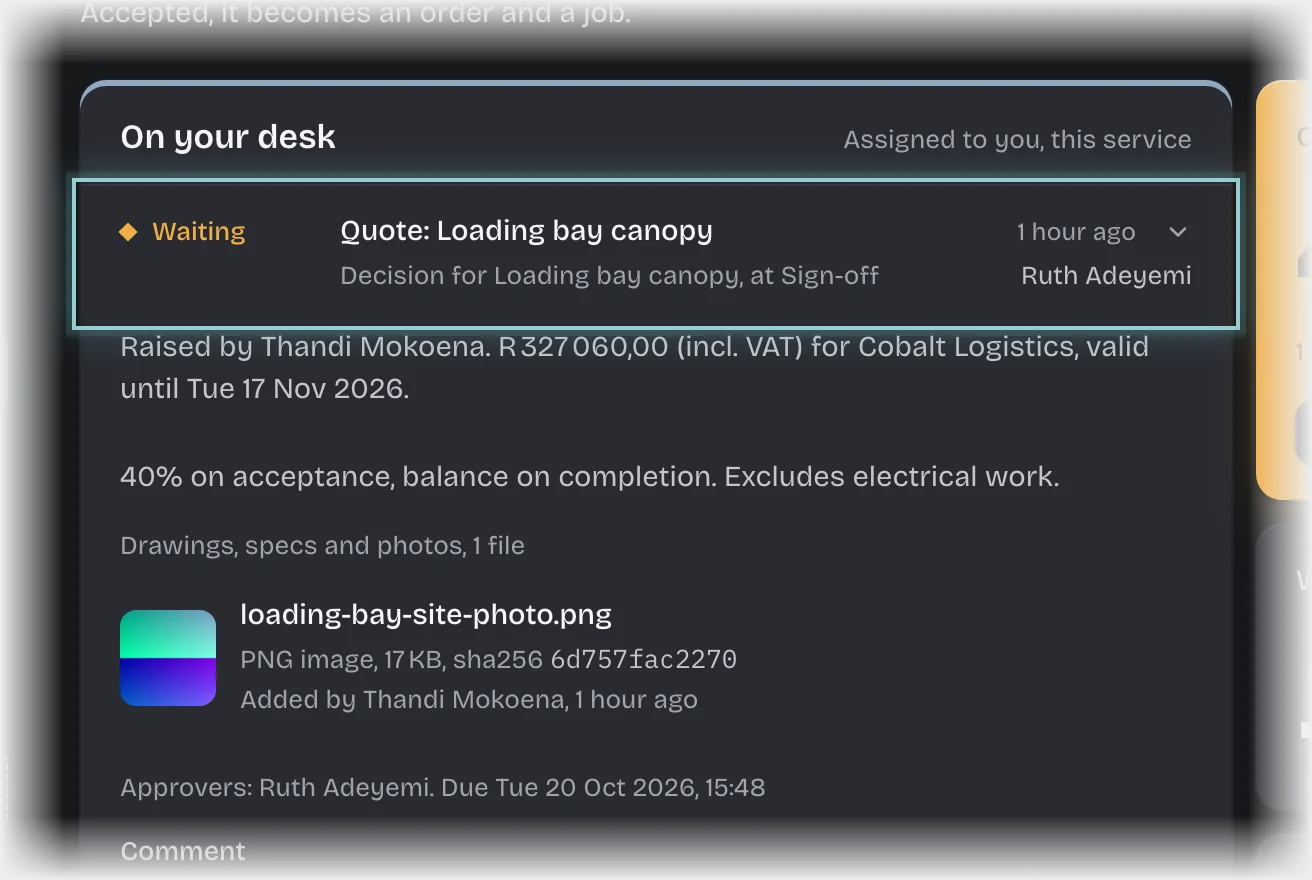
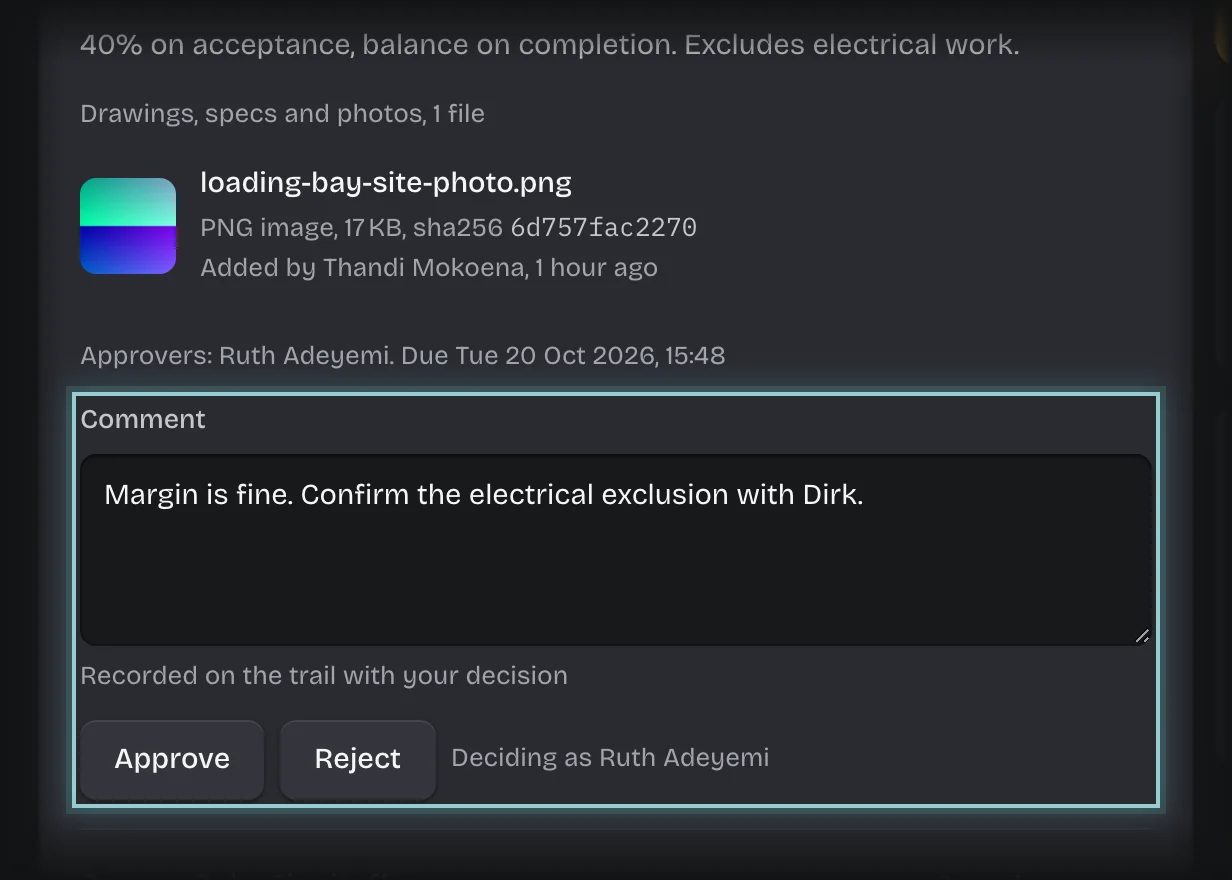
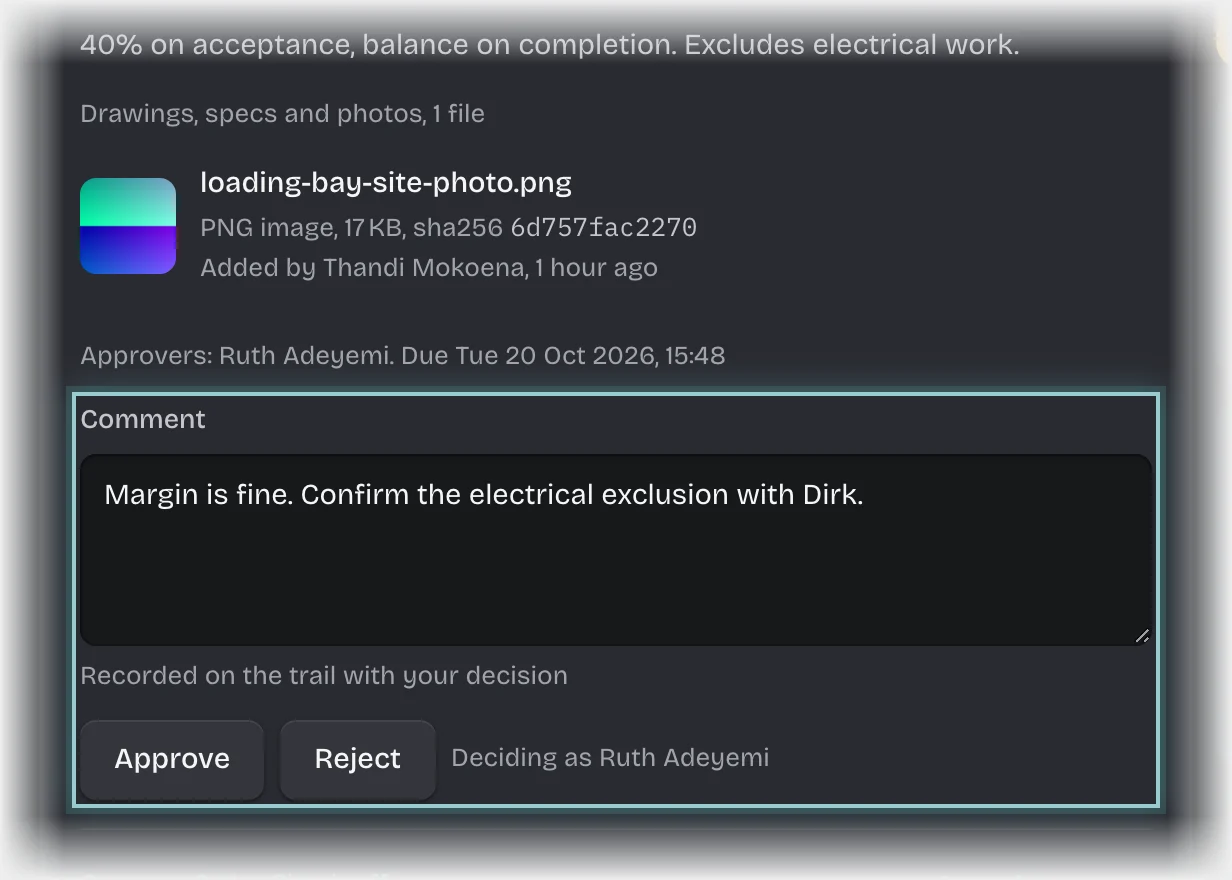
- Press the card’s header to open it. It shows who raised it, the total including VAT, the client, the date it is valid until, and the terms, and under Drawings, specs and photos any files attached to the quote. Press a file’s name to open it.
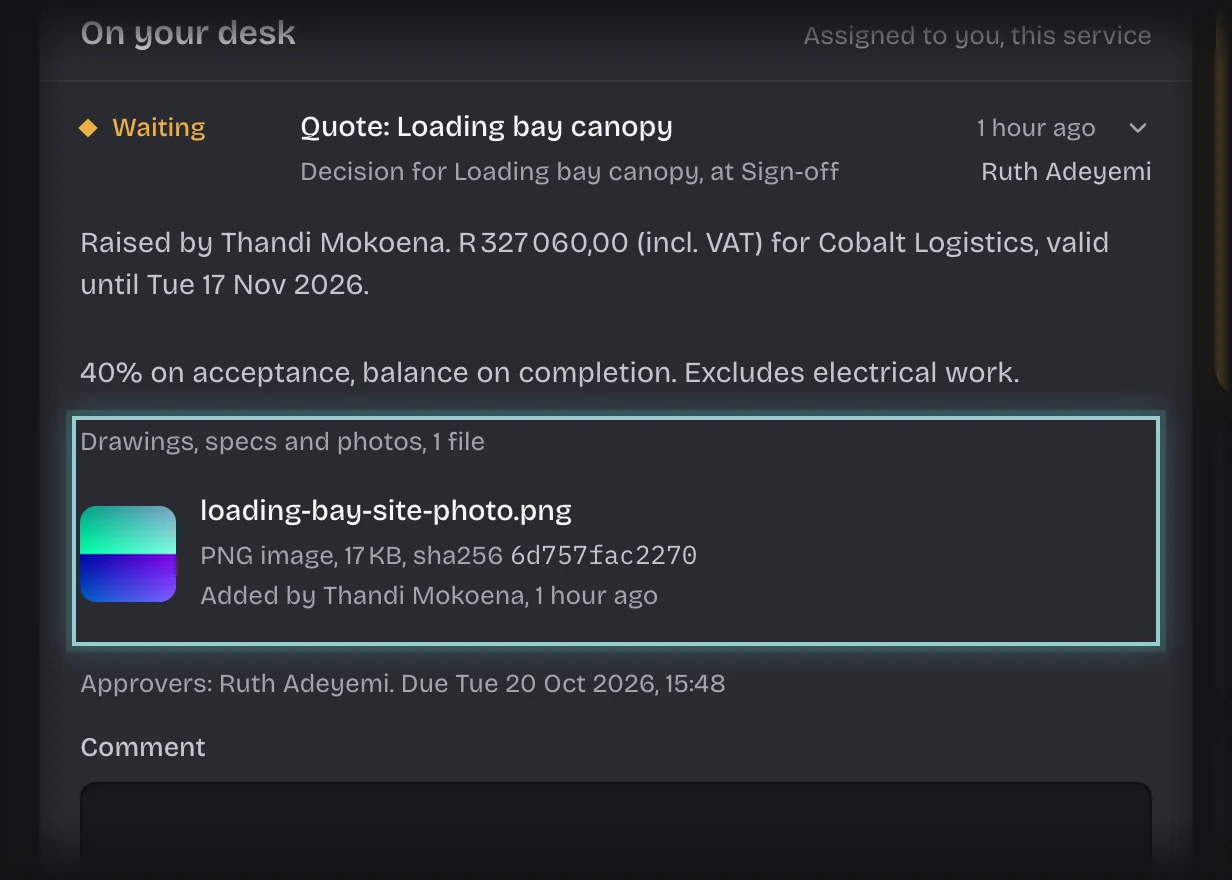
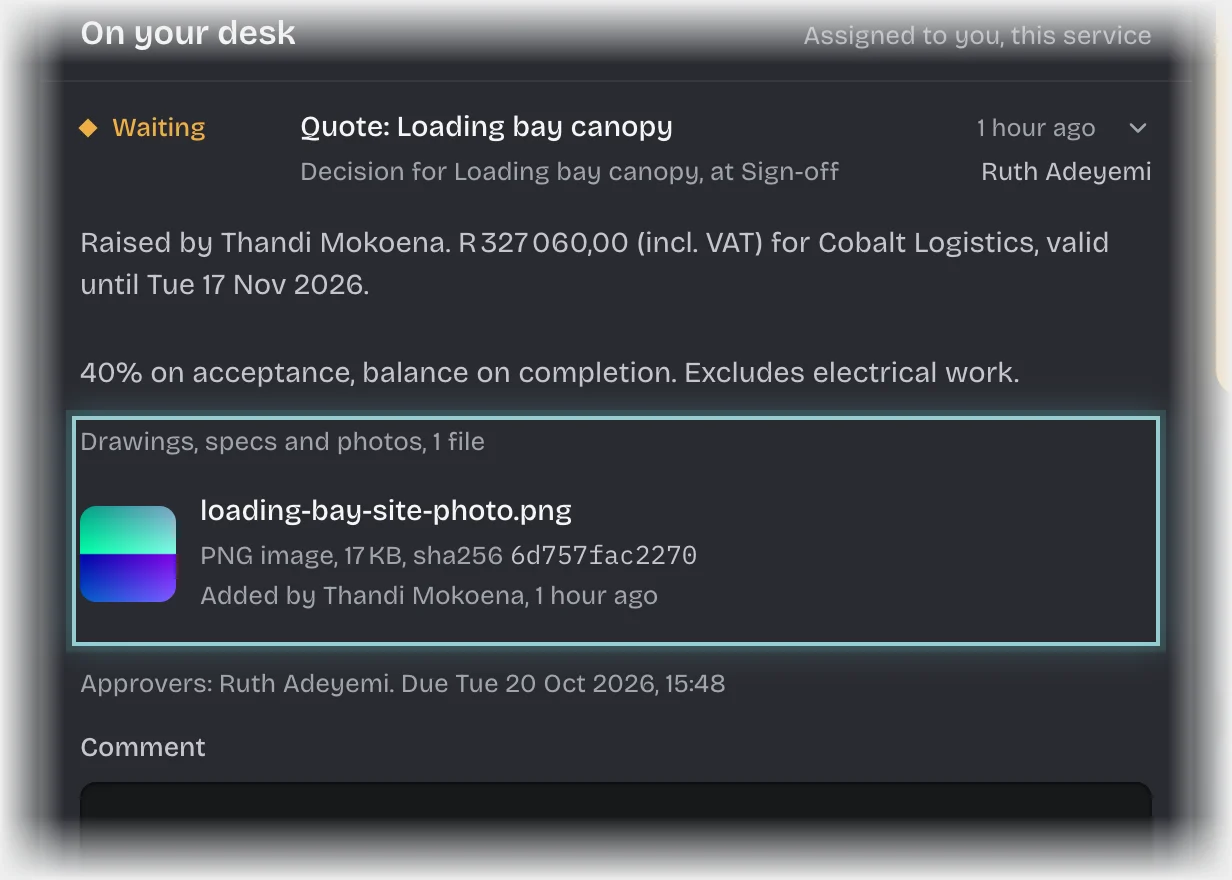
- Type a Comment if you want one.
- Press Approve or Reject.
What you will see
- Approved: the person who raised the quote is told it is ready to send. Your sign-off is recorded with the files the quote held.
- Rejected: the quote is marked as not sent, with Outcome Declined. The person who raised it gets the message “Not signed off:” with your name and your comment, so write the reason in Comment. A quote you reject is not counted under Lost, and why on the Overview, which counts quotes the client declined or let lapse.
Common problems
- An overdue message. A quote is overdue after 48 hours undecided, with a reminder every 24 hours, unless your organisation changed these times.
- A quote you raised does not reach you. Nobody signs off their own quote. If you are the only sales manager, it goes to your tenant admins instead, and the card tells them why. If you are also the only tenant admin, it stops with the status Failed; give the role to someone else, then retry it.
- Someone other than a sales manager decides. Your tenant admin can change who signs off under Manage > Pipeline values.