You can stop a request you started while it is still in progress. A tenant admin can stop anyone’s.
Steps
- Find the request. It is on its card in On your desk (press the card’s header to open it), or in the service’s list of recent requests (called Recent requests, Recent tickets or Lately, depending on the service).
- Press Cancel request. If nothing has been submitted, sent or decided on it yet, the button reads Discard draft instead. Steps that ran by themselves when you started it (filling in who raised it, or a date) do not count.
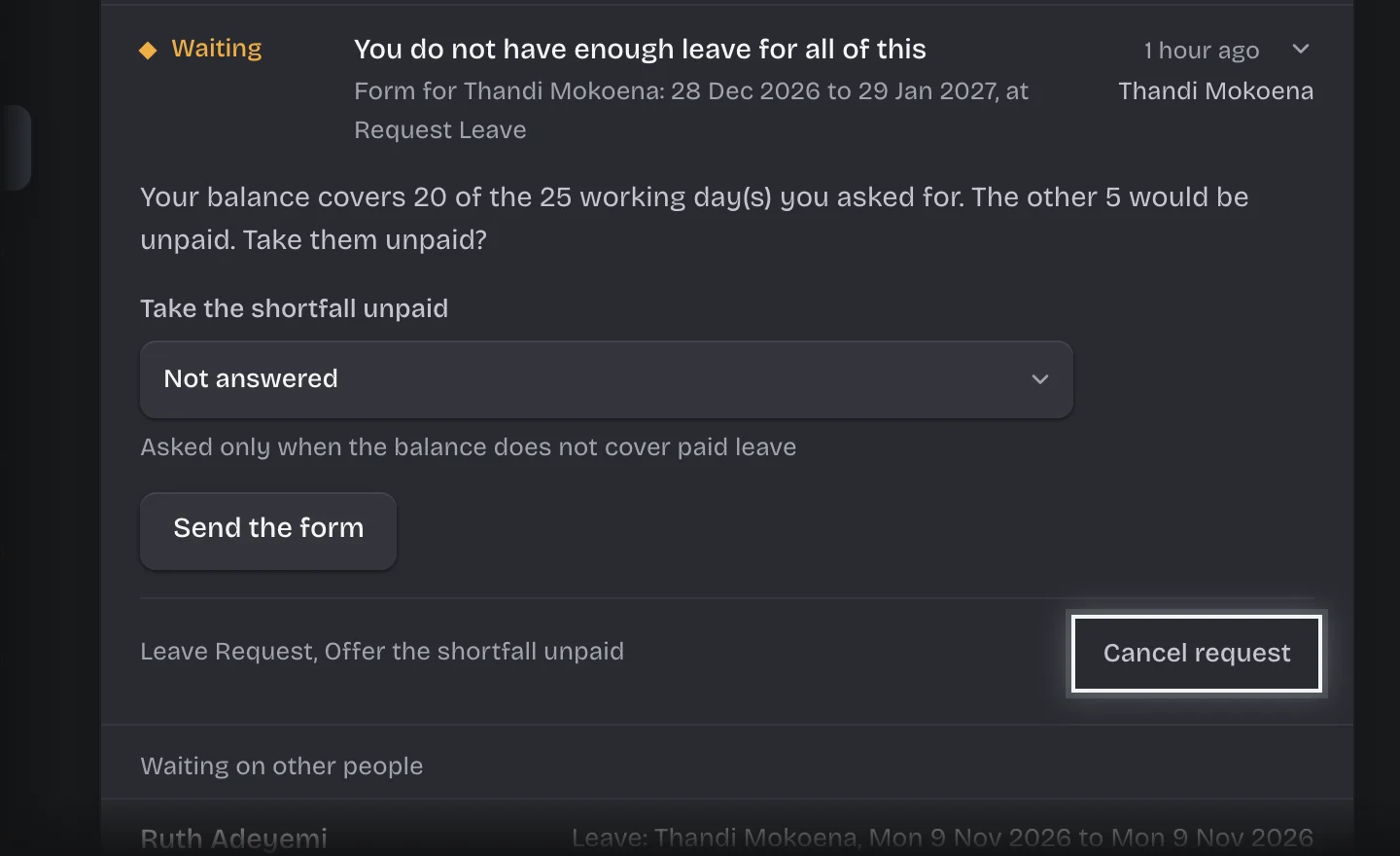
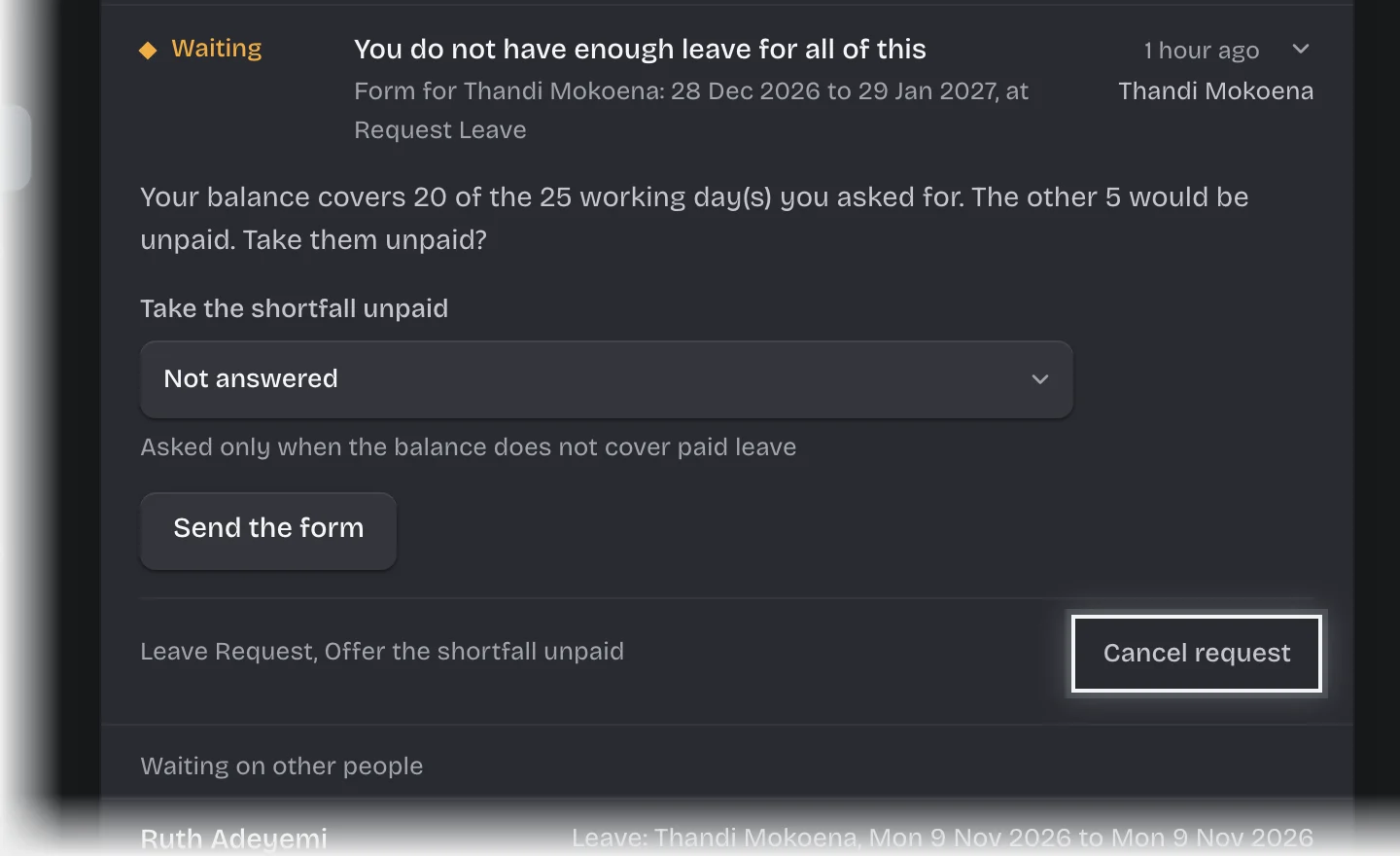
- A box asks Cancel this request?. Type a Reason if you want one and press Cancel request. To discard a draft, press Discard draft in the box that asks Discard this draft?.
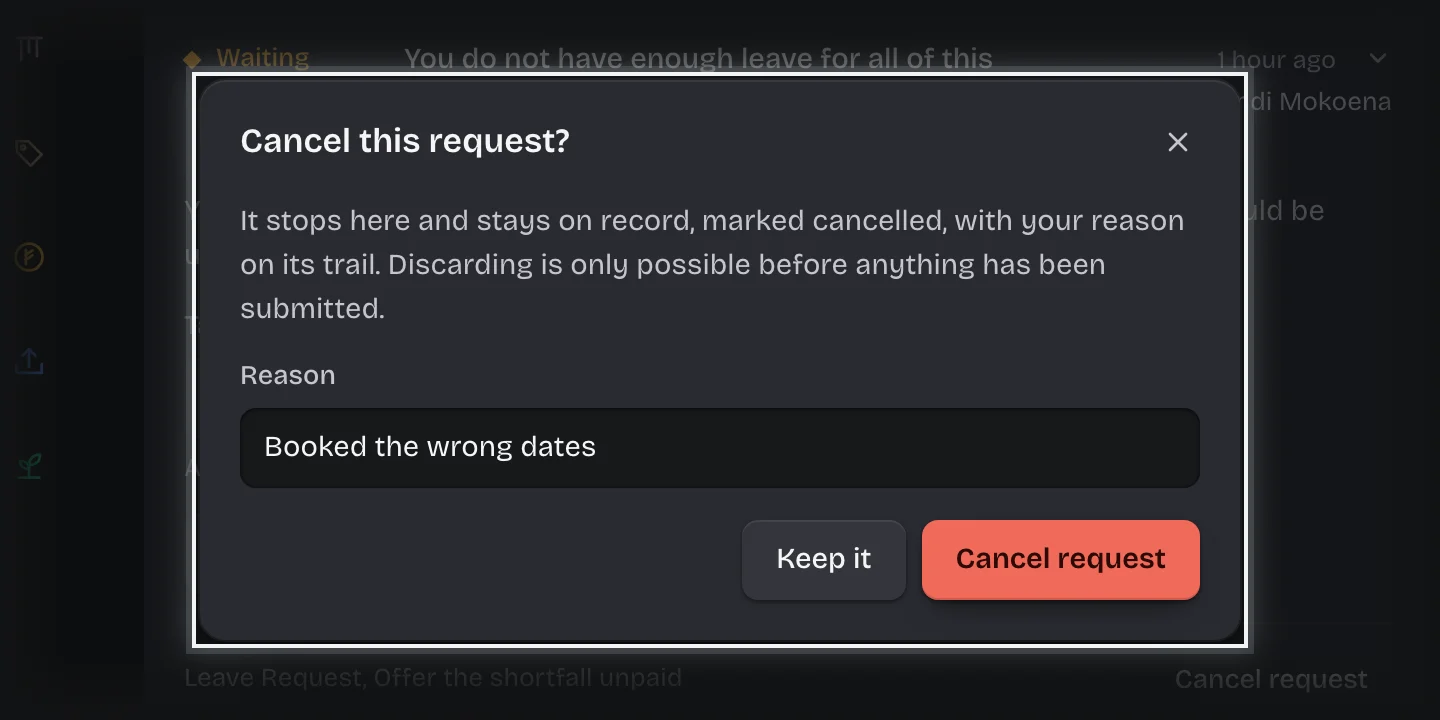
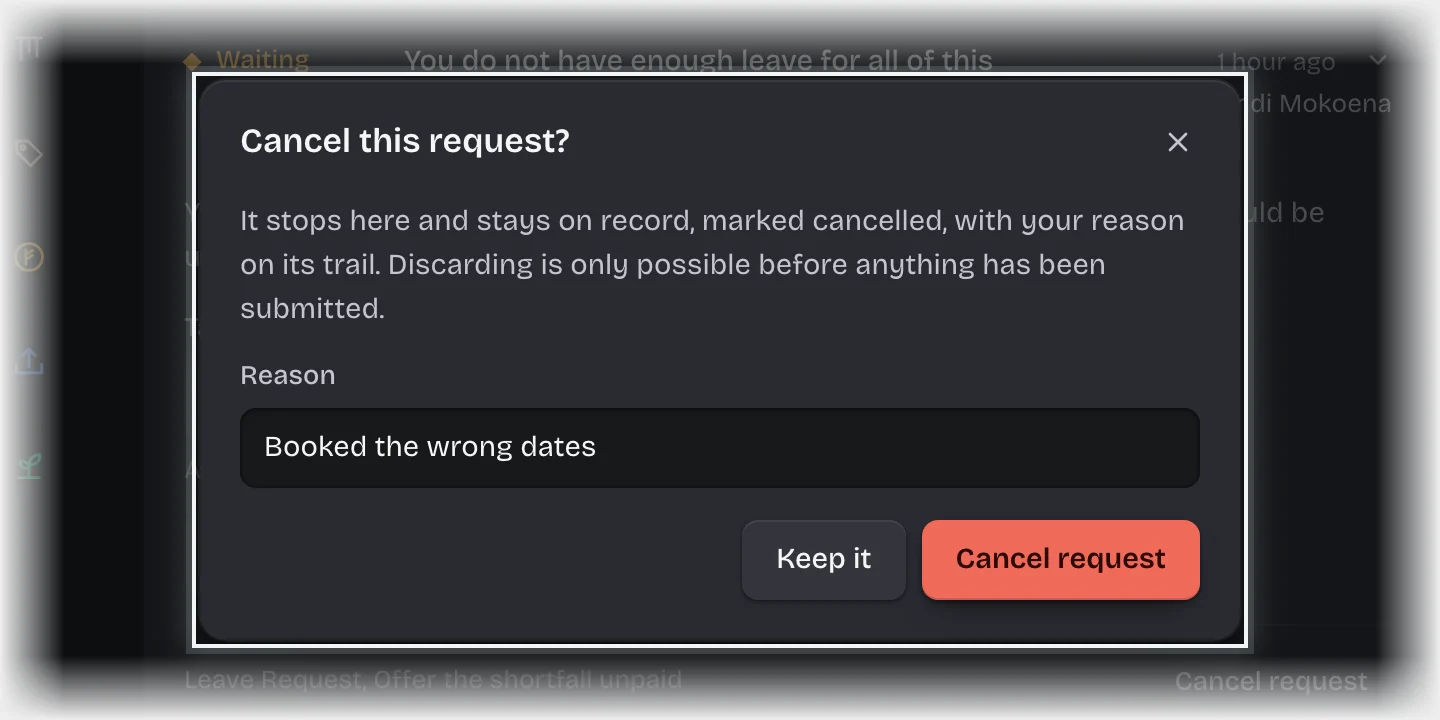
- Press Keep it if you change your mind.
What you will see
- A cancelled request stays on record, marked cancelled, with your reason on its trail.
- A discarded draft is deleted, record and all. It leaves every list and count; the workspace’s trail keeps a line saying who discarded it.
Common problems
- No Cancel request button. Only the person who started a request, or a tenant admin, can cancel it.
- It says “Discard is only possible before anything has been submitted”. Once a form on it has been submitted, a file attached, a link or message sent, a decision made, or its record edited, it can only be cancelled. A cancelled request stays on record.
- A request shows “failed” and a Retry button. Press Retry to run the step that failed again, once the cause is fixed. The step’s note says what went wrong.