Steps
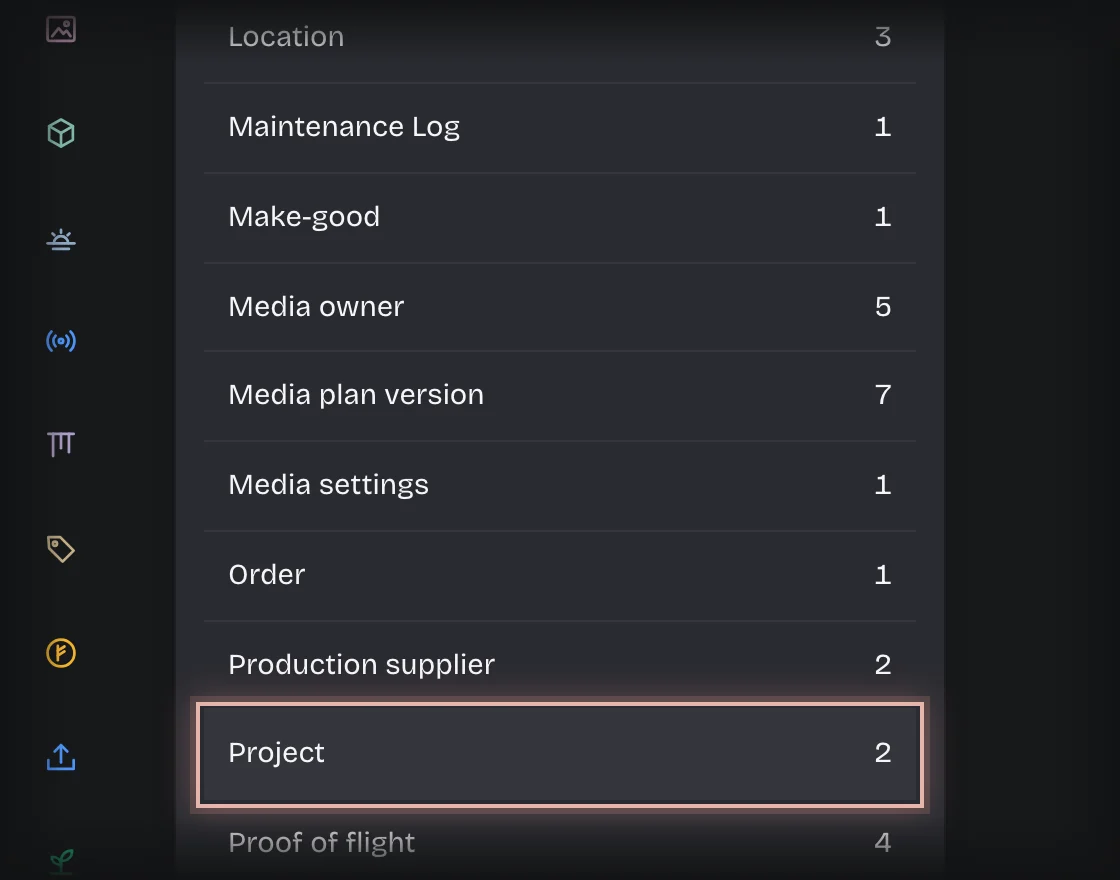
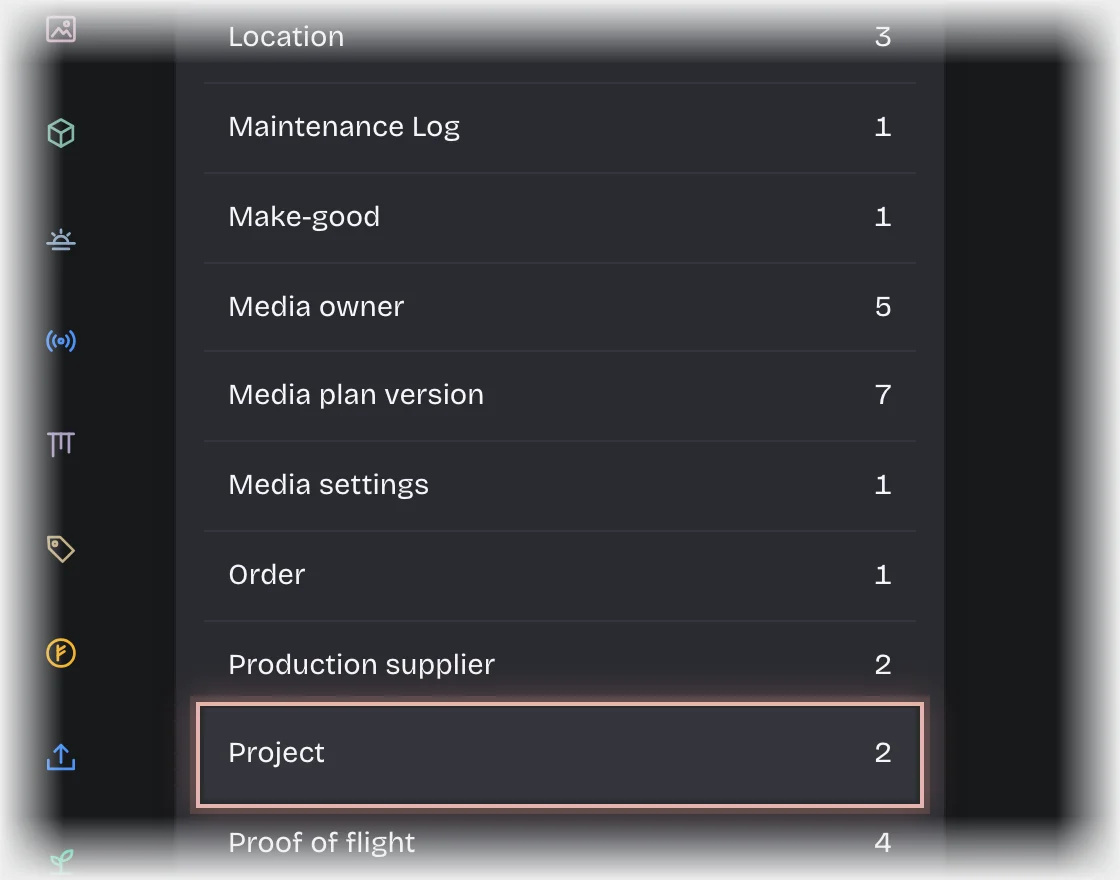
- Open Manage > Records and choose Project.
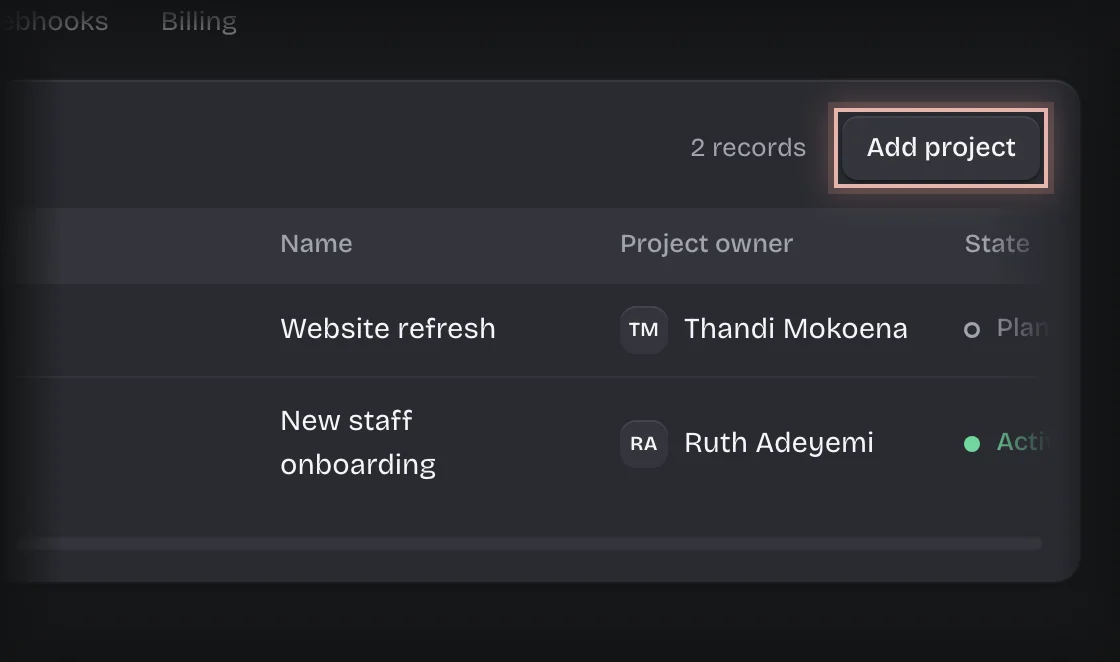
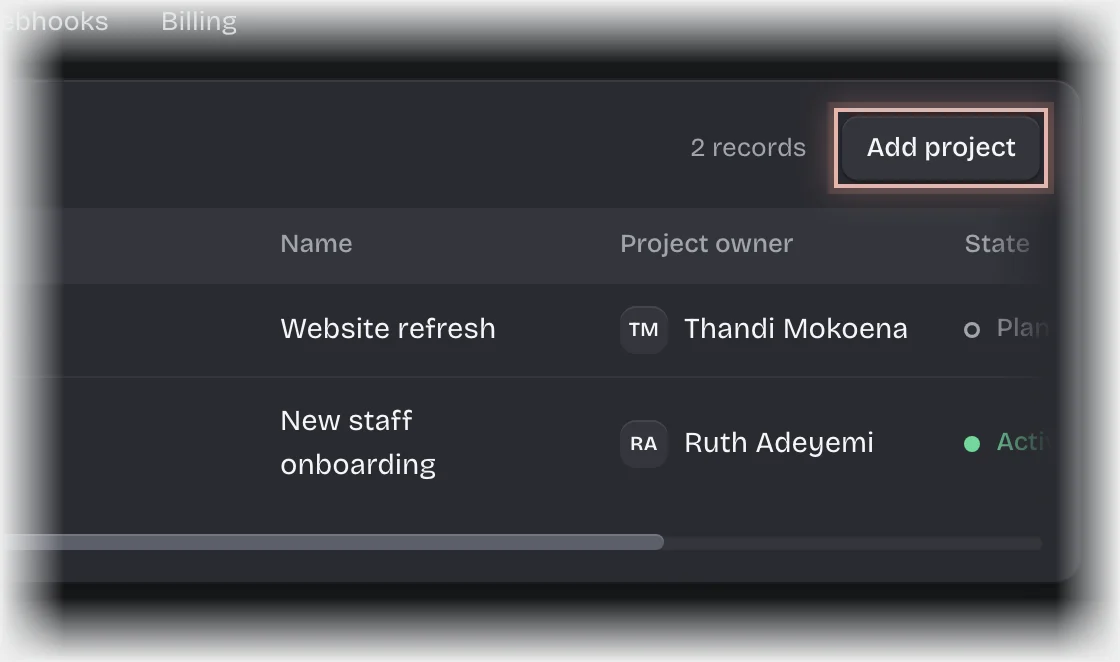
- Press Add project.
- Fill in:
- Code: short, and what people say, for example ONB.
- Name
- Project owner
- State: Planned, Active, Paused or Closed.
- Starts and Due: optional. Choose each date from the calendar.
- Brief: optional. Type
[[to point at a record,@to name somebody.
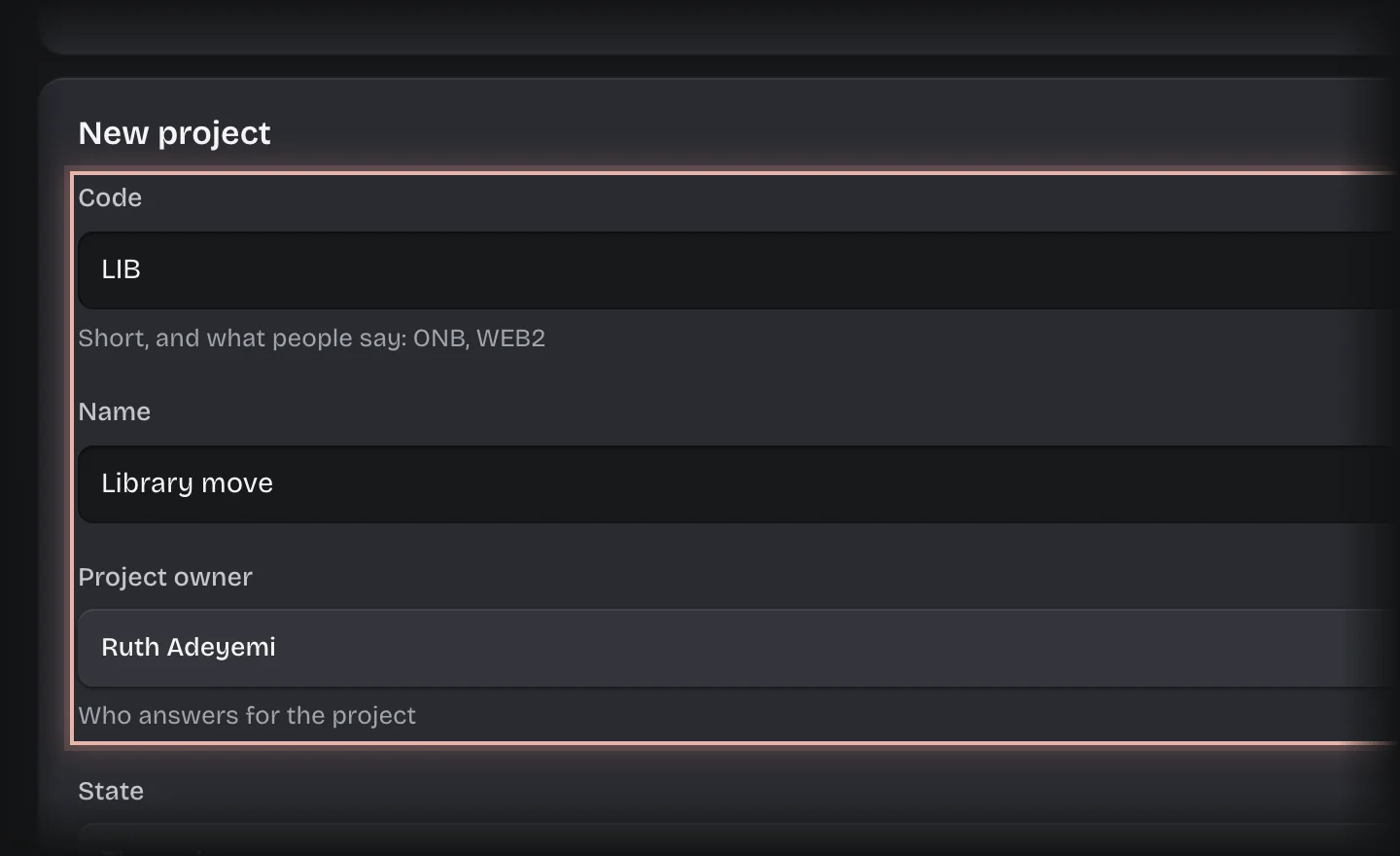
- Press Add project.
From the Overview
People who set up their own work can add a project without Manage.
- On the Projects Overview, press Add a project on the Projects list. It shows for managers and for anybody whose role may add a project.
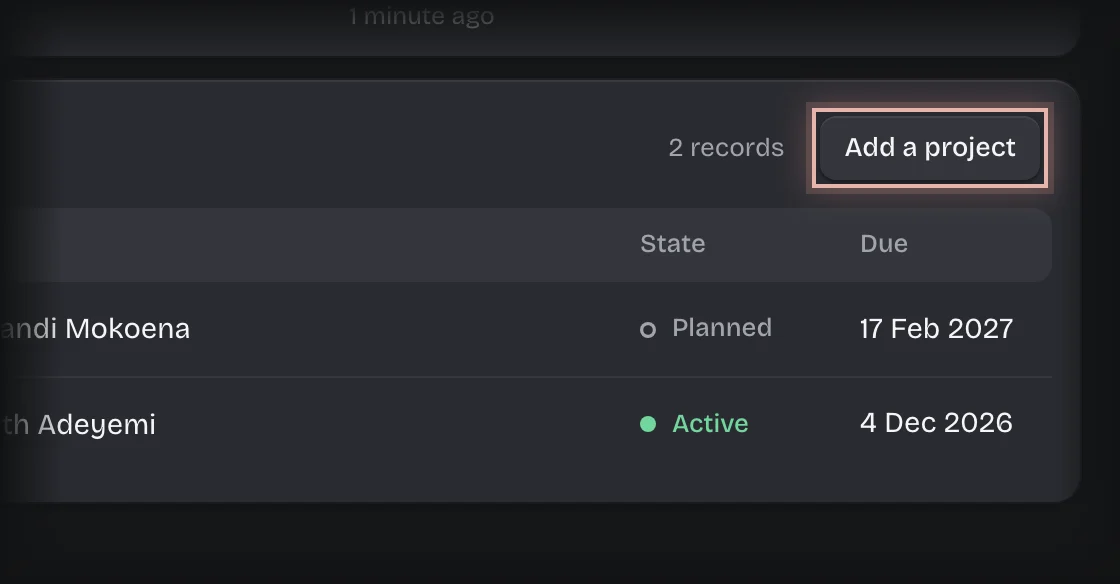
- Fill in the form as in step 3 above, and press Add project.
What you will see
The project under Projects on the Projects Overview, and offered under Project when a ticket is raised.
Common problems
- Projects started from Quotes. If your organisation has Quotes, an accepted quote starts a project by itself, with a code beginning with Q.