When the client approves a version, the job is pinned to that version’s file. You then say whether it is printed or made, or whether the client gets the files.
Steps
- You get the form Approved: followed by the job, on On your desk. Press the card’s header to open it.
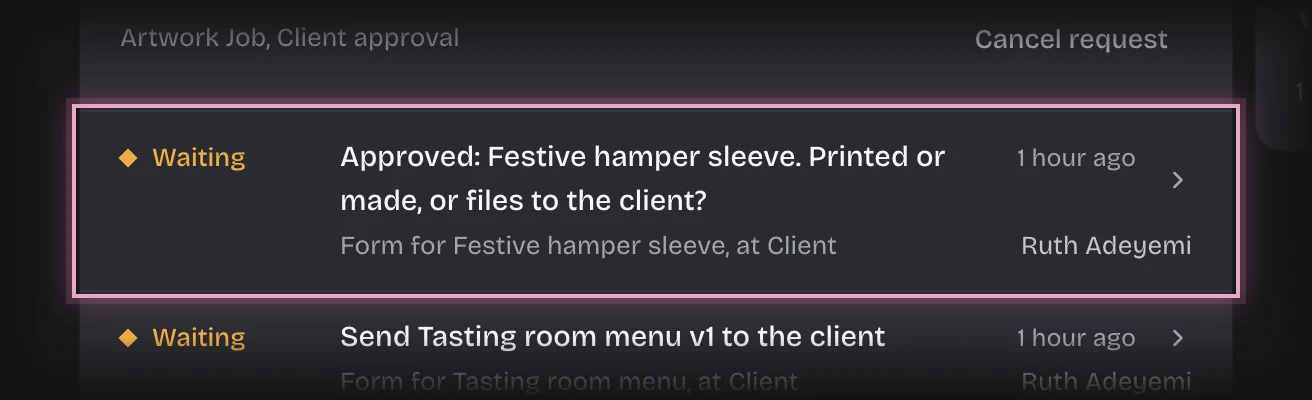
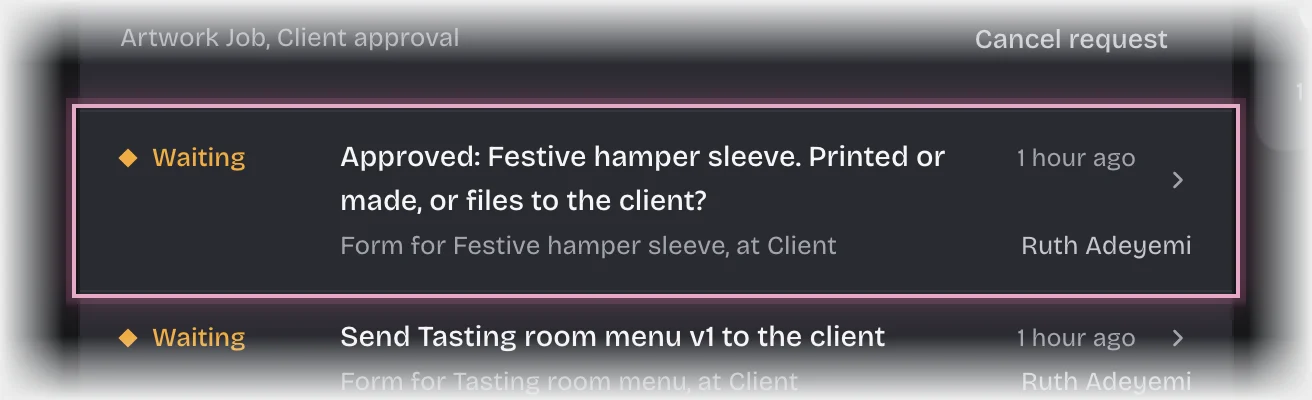
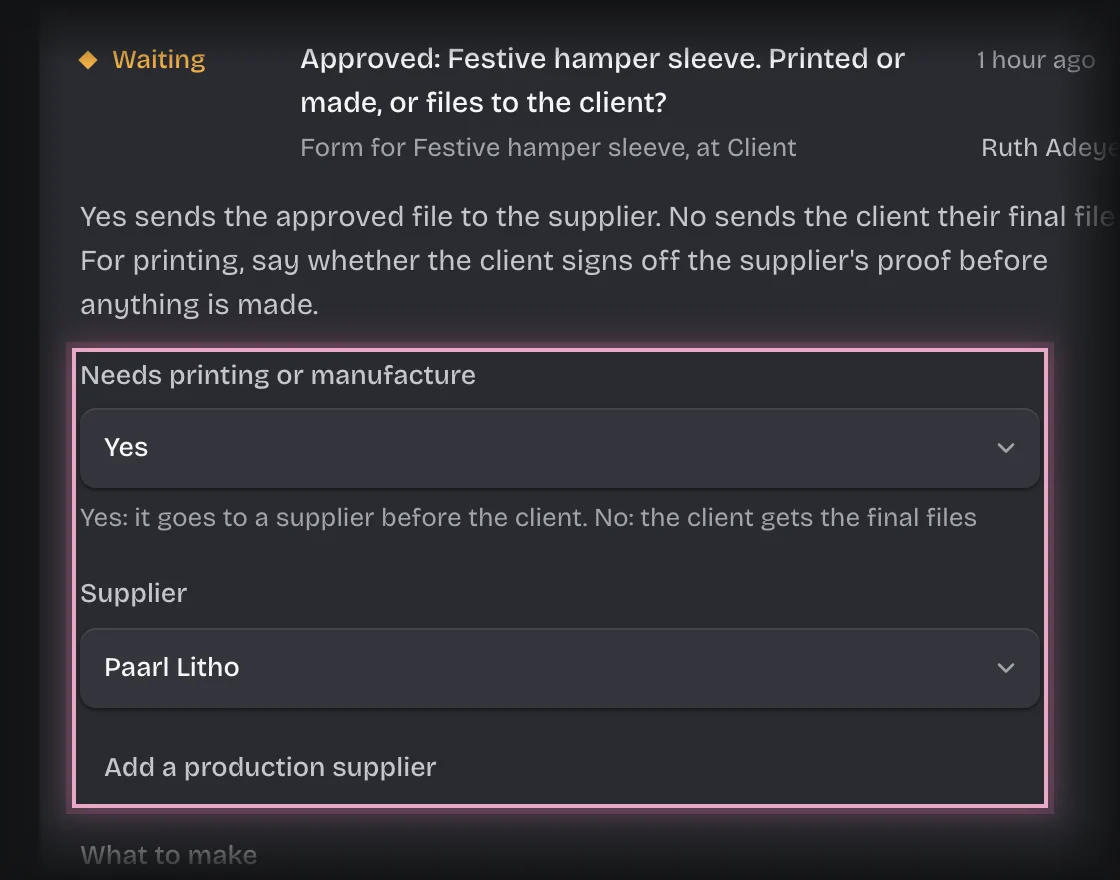
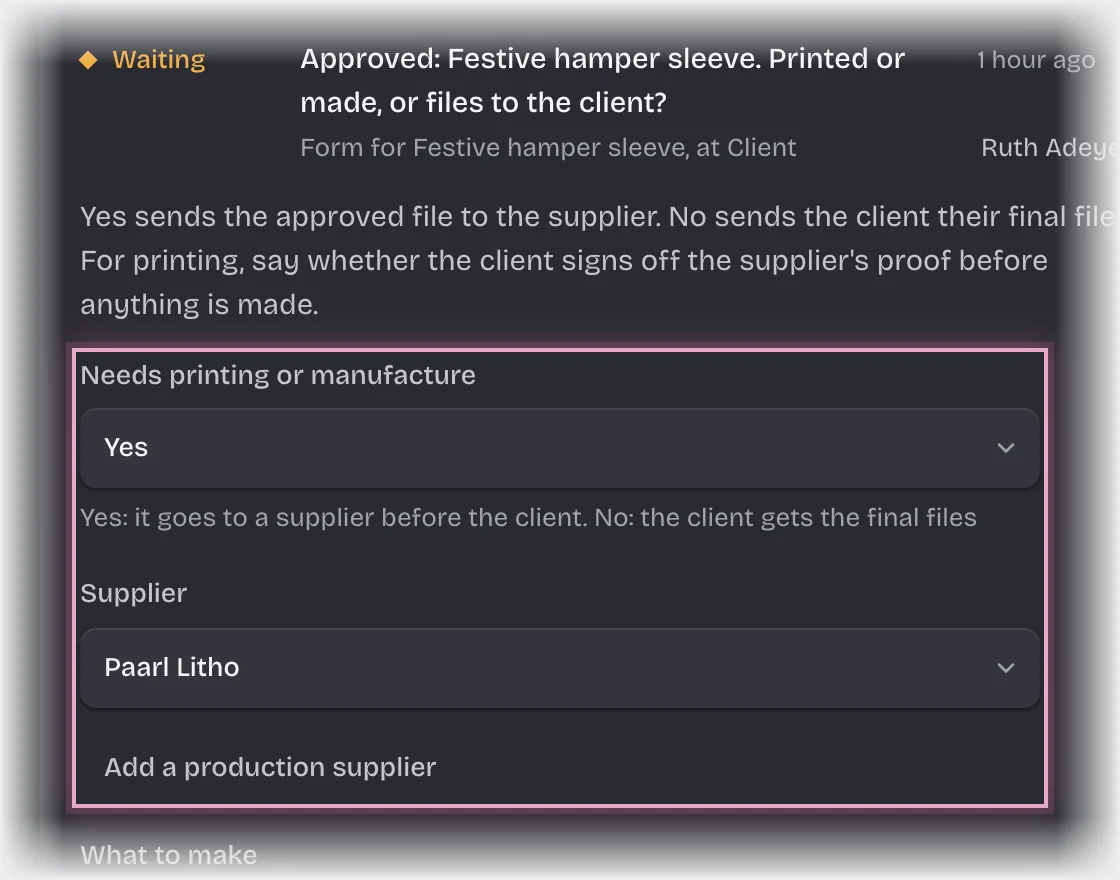
- Set Needs printing or manufacture:
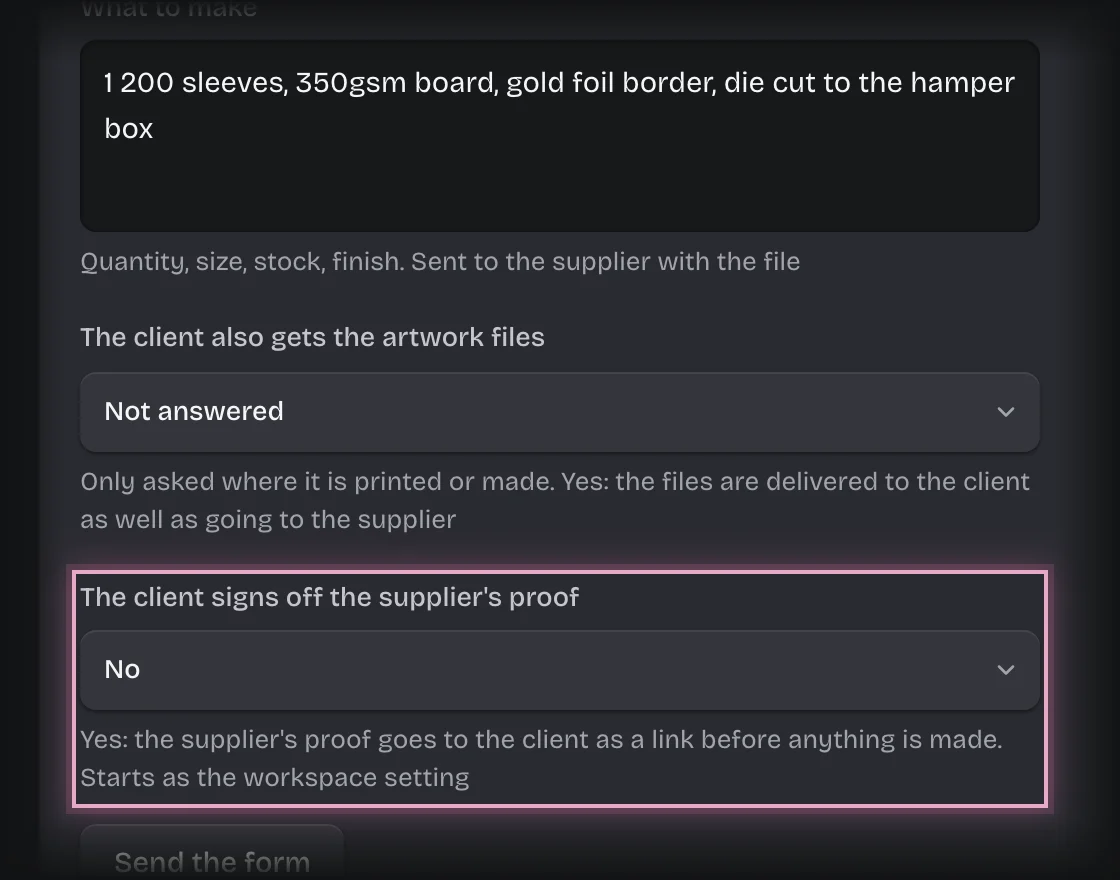
- Yes: choose the Supplier and check What to make. If the supplier is not in the list, press Add a production supplier under it if you see it. Set The client also gets the artwork files to Yes if the client gets the files as well.
- No: leave Supplier empty.
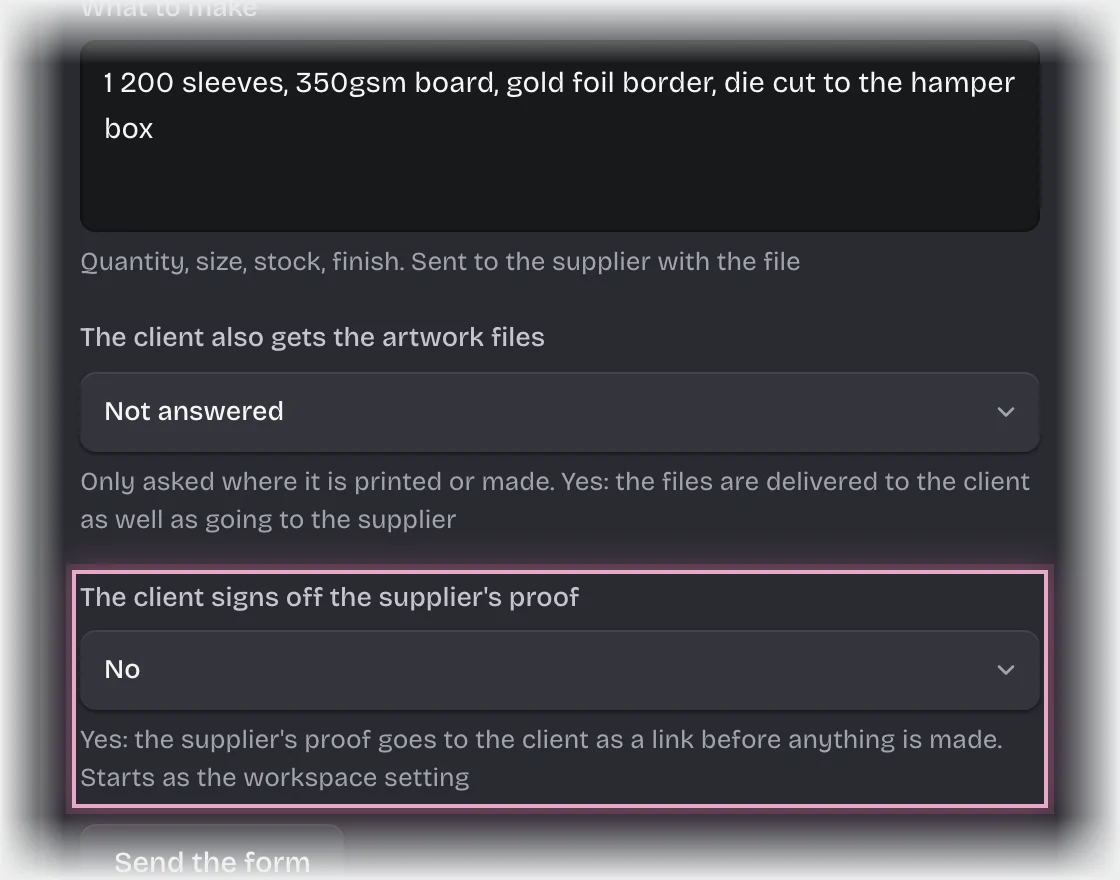
- For printing, set The client signs off the supplier’s proof to Yes or No. It starts as your workspace’s setting; change it for this job if this client needs to see the proof, or does not.
- Press Send the form.
What you will see
- Yes: the supplier is emailed a link to download the approved file, with What to make. The production managers get the message “To production:”. The job’s State is In production.
- Yes, with The client also gets the artwork files set to Yes: once the delivery is confirmed, the client is also emailed a link to download the files.
- No: the client is emailed a link to download their final files and confirm they have them. The job’s State is Files sent.
- The client signs off the supplier’s proof: once production passes the supplier’s proof, the client is emailed a link to approve it or ask for changes before anything is made. You can see its answer on the job’s activity; changes go back to production for a new proof.
- When the client confirms receipt, the job’s State is Complete, with Client confirmed receipt and Confirmed by filled in.
Common problems
-
You get the message “Proof link expired:”. Nobody answered the proof link in time. You get the form Send the proof of … again: check Send the client link to and press Send the form. The client gets a new link to the same proof; the old one stays expired.
-
You chose Yes without a supplier. You get the form Which supplier makes …?. Choose one and press Send the form.
-
The client did not confirm in time. The job’s State is Receipt not confirmed, and you get the message “Receipt not confirmed:”. Follow it up with the client yourself.