When a job asks for it, each version goes to the art directors before it goes to the client. Any one of you can decide. The workspace setting decides this, and the account manager can change it on the brief.
Steps
- You get the message “Waiting for your decision: Artwork:” with the job and version. Choose Artwork Approvals in the rail. The card Artwork: followed by the job and version, for example Artwork: Winter poster v2, is on On your desk. It is also on the Studio stage of the Jobs tab. Press the card’s header to open it.
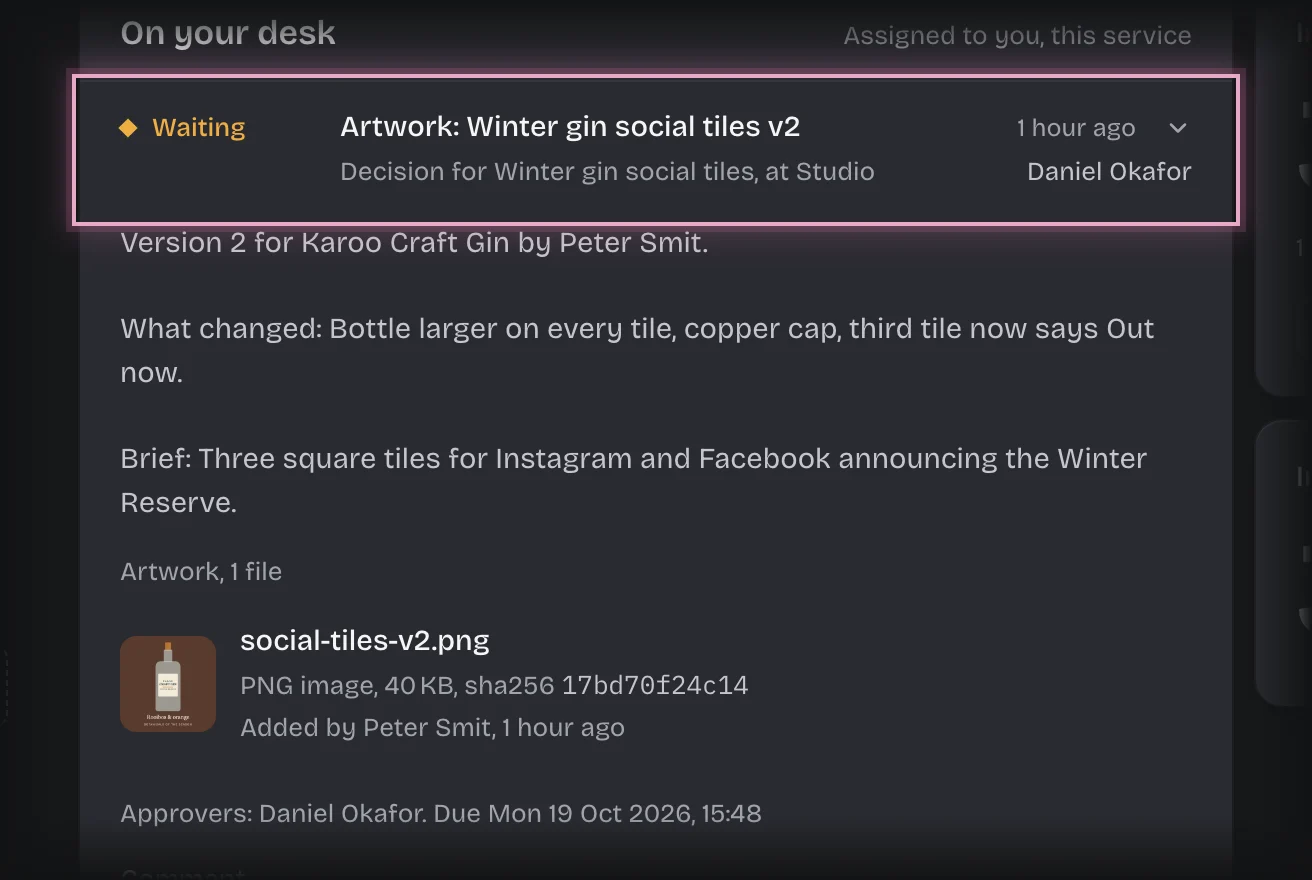
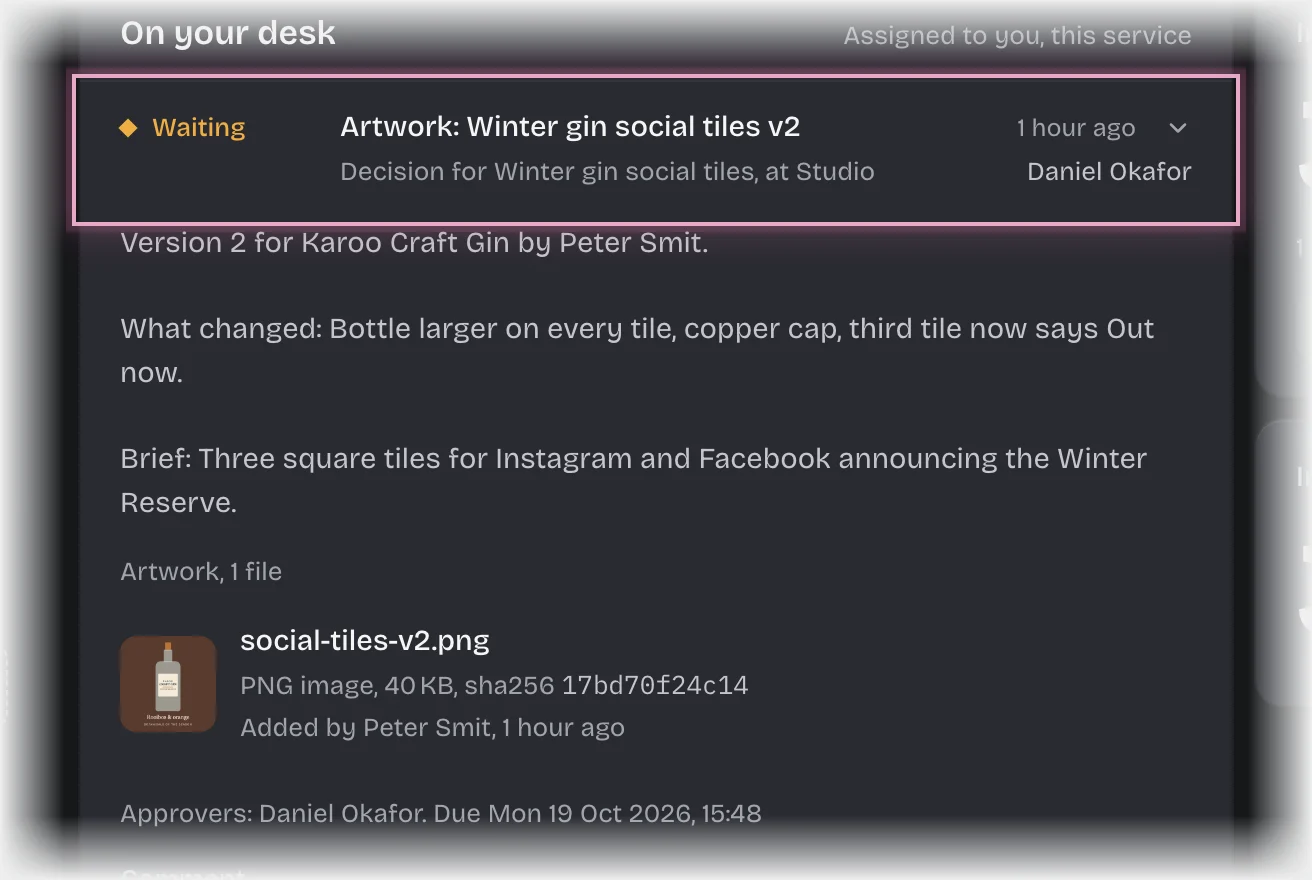
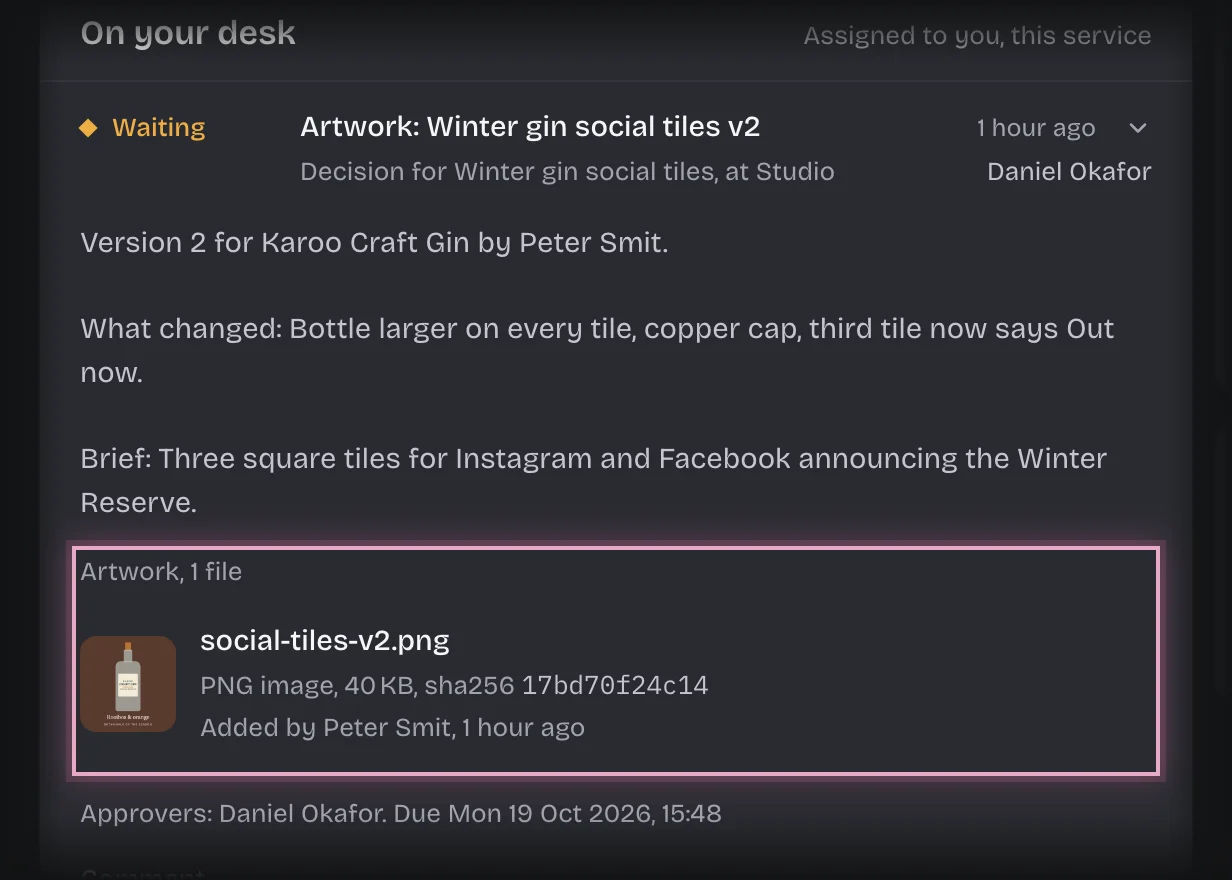
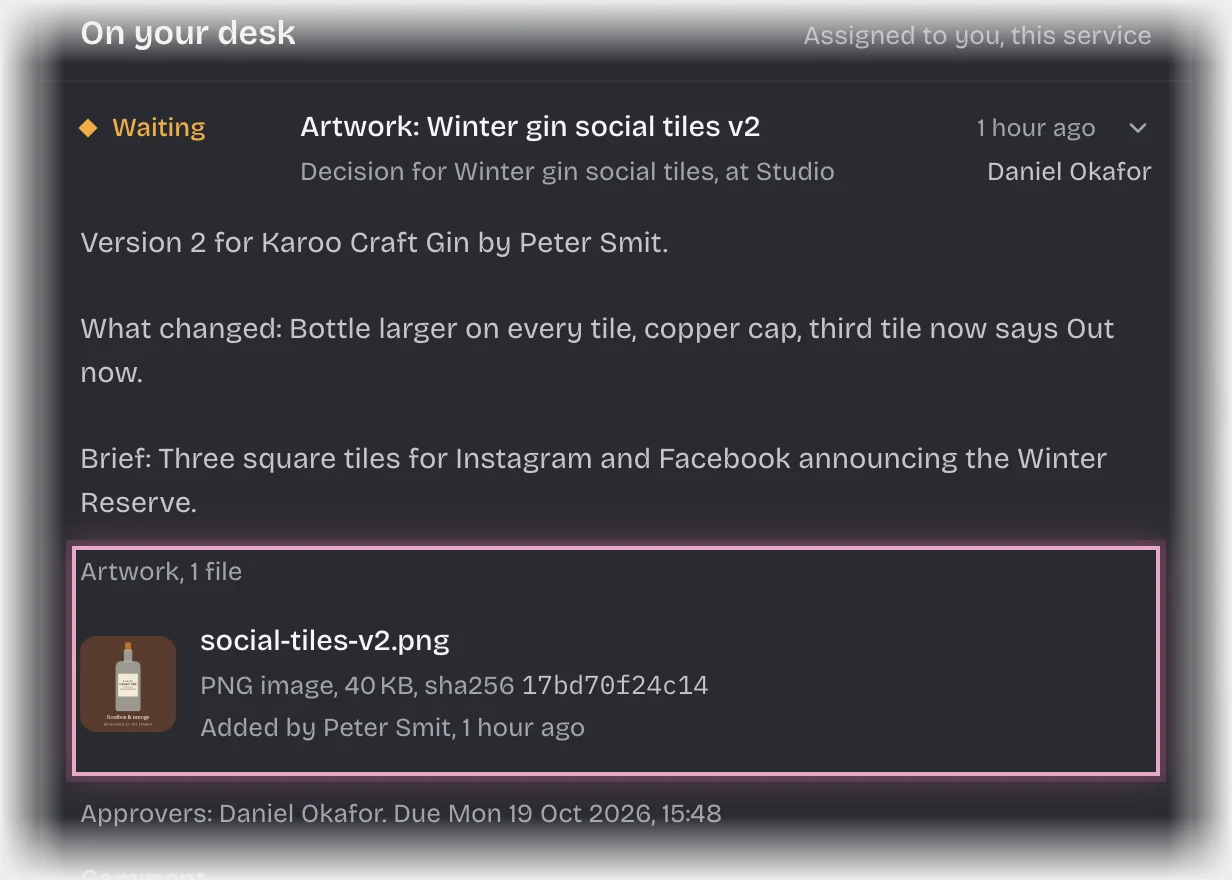
- The card shows the version’s file under Artwork, what the artist says changed, and the brief. Open the file to see it full size.
- Type a Comment if you want one. It is recorded on the trail with your decision. If you reject, write what needs to change: the artist gets it.
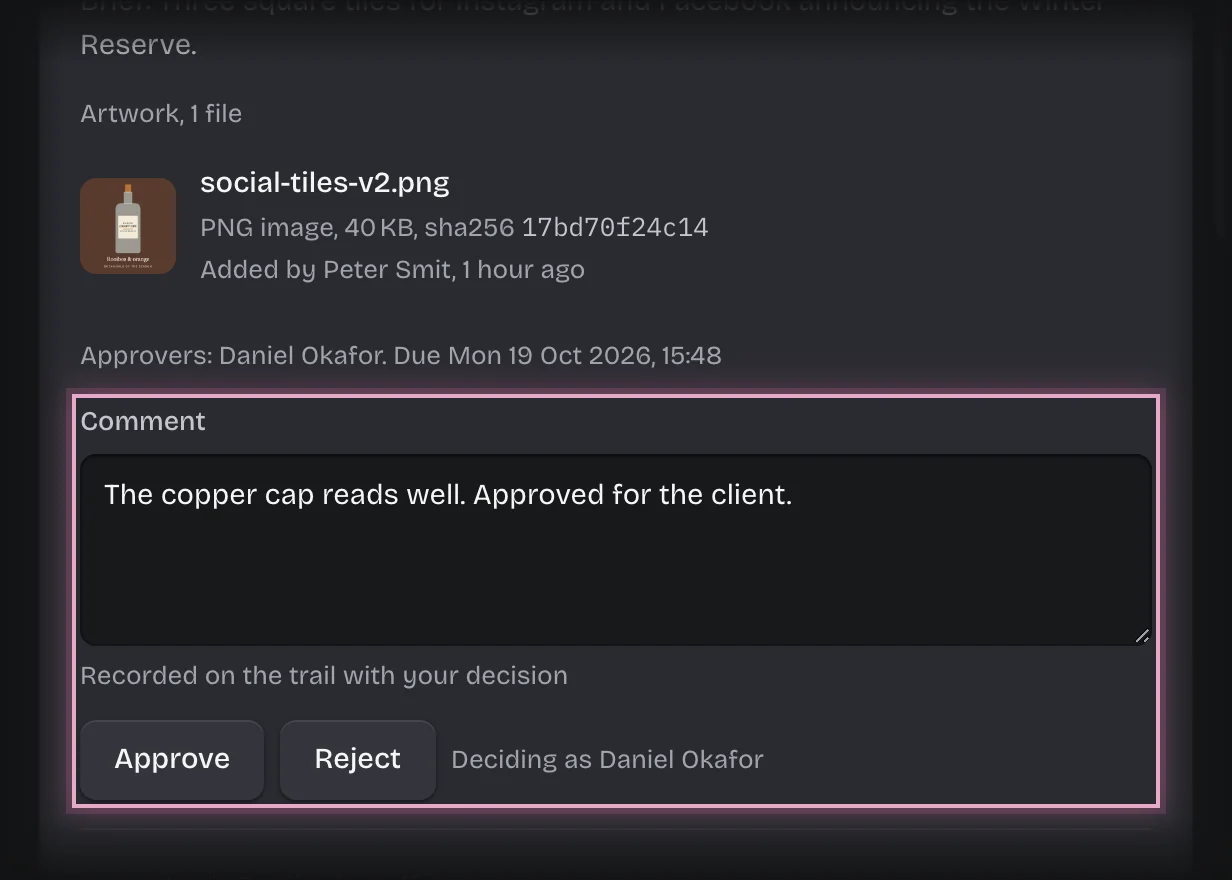
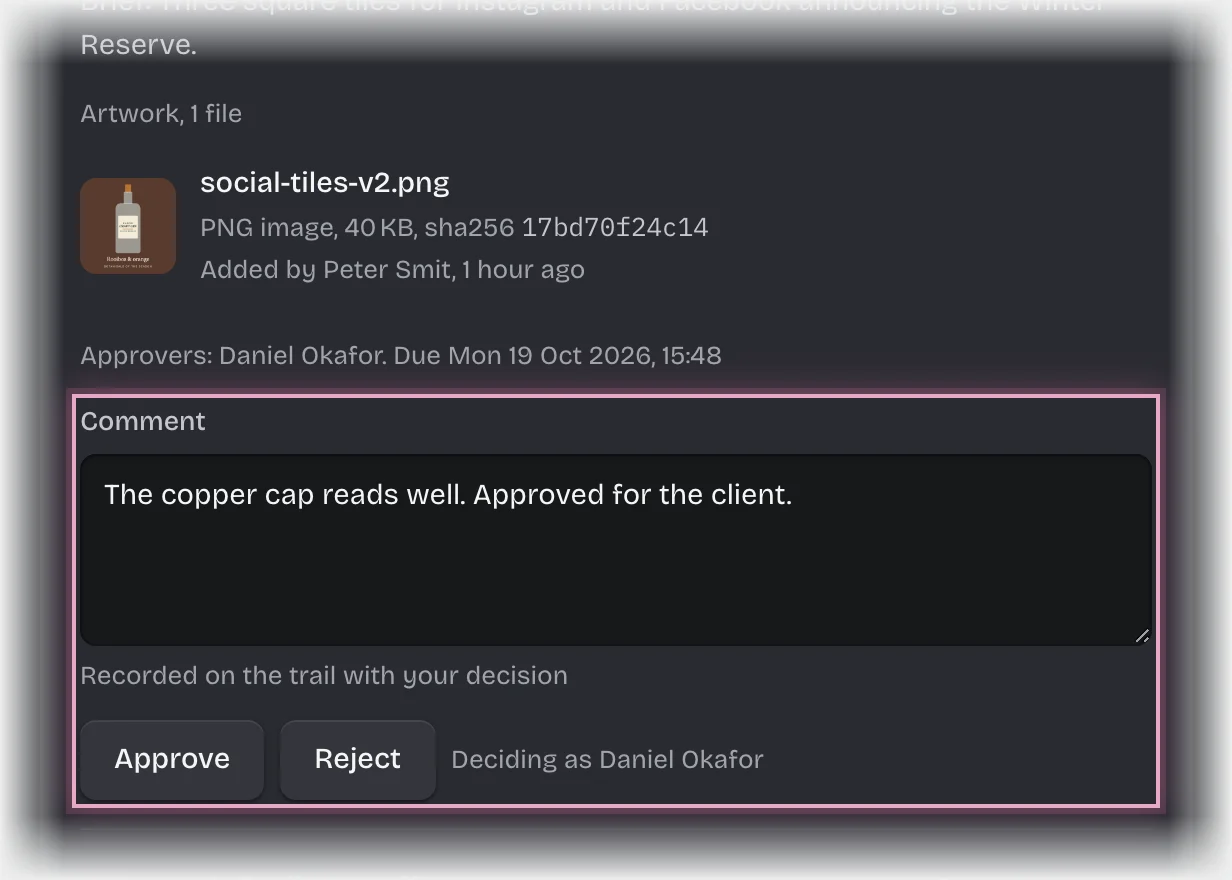
- Press Approve or Reject.
What you will see
- Approved: the account manager gets the message “Ready to send:” and is asked to send it to the client.
- Rejected: the version’s Review is Changes (studio), and the artist gets the message “Changes before the client sees it:” with your comment. Their next upload is the next version.
Common problems
- Artwork you made does not reach you. Nobody signs off their own artwork. If you are the only art director, it goes to your tenant admins instead, and the card tells them why. If you are also the only tenant admin, the job stops with the status failed; give the role to someone else, then retry it.
- An overdue message. A sign-off is overdue after 24 hours undecided, unless your organisation changed this.