Each version an art director has signed off comes to you to send. The client gets an email with a link to that version only.
Steps
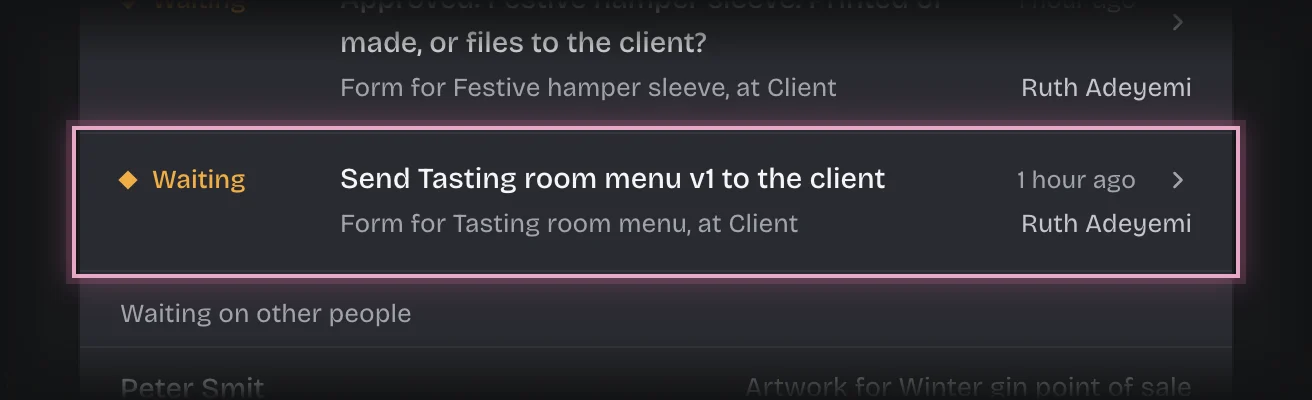
- You get the message “Ready to send:” with the job once an art director signs the version off. Choose Artwork Approvals in the rail. The form Send followed by the job and the version, for example Send Winter poster v2 to the client, is on On your desk. It is also on the Client stage of the Jobs tab. Press the card’s header to open it.
- Check Send the client link to. It is filled in from the client’s contact email; change it if this job goes to someone else.
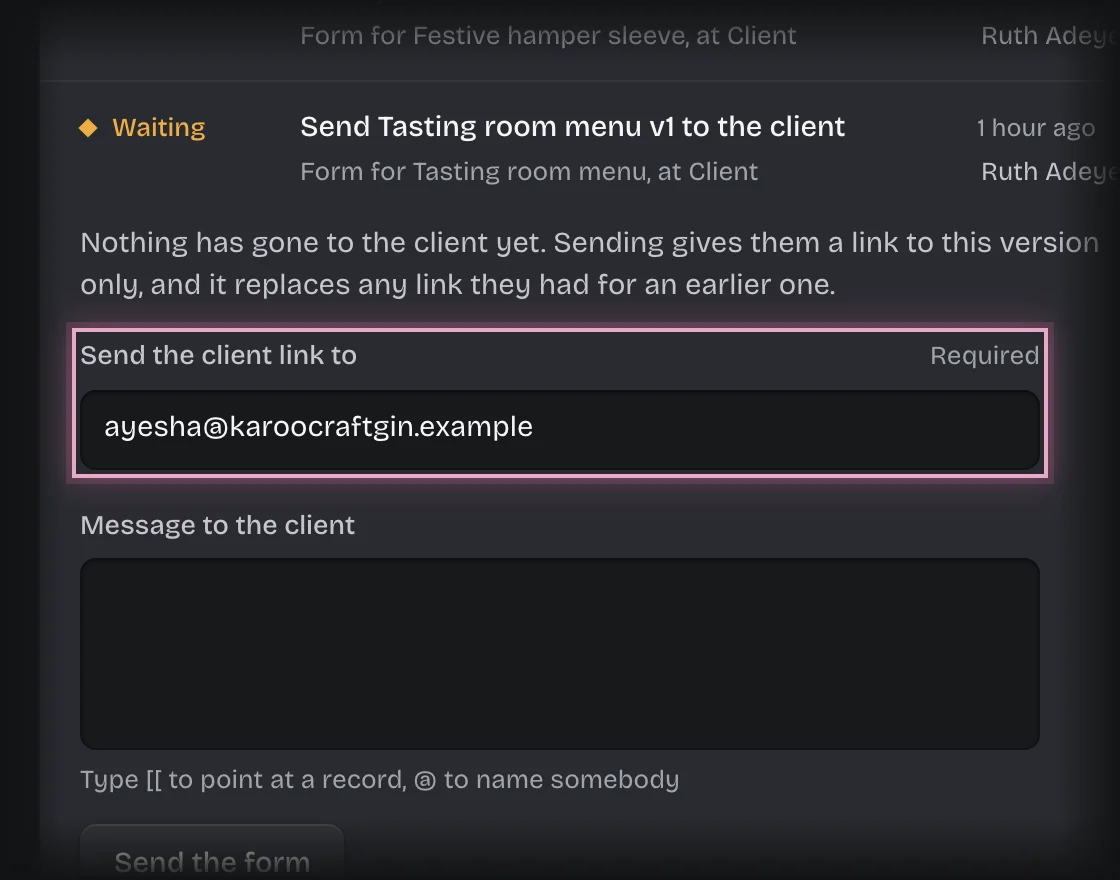
- Type a Message to the client if you want one, for example what changed since the last version.
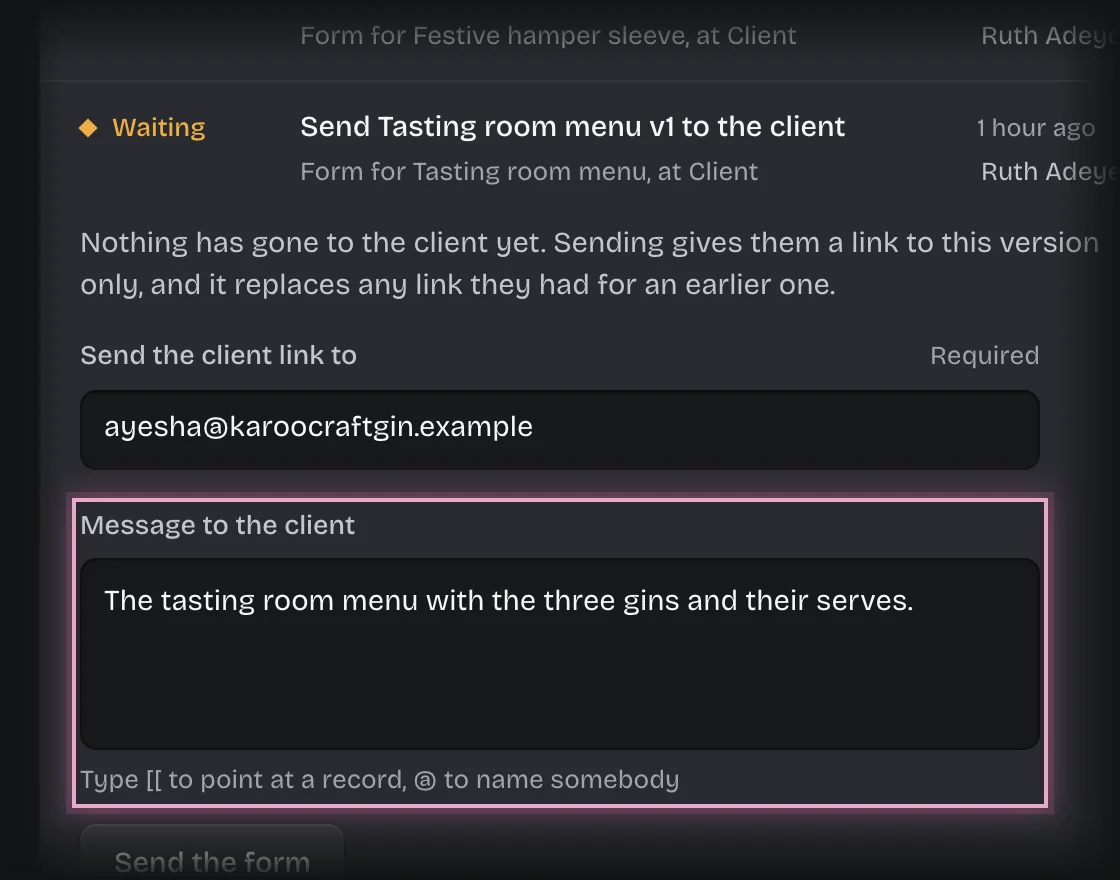
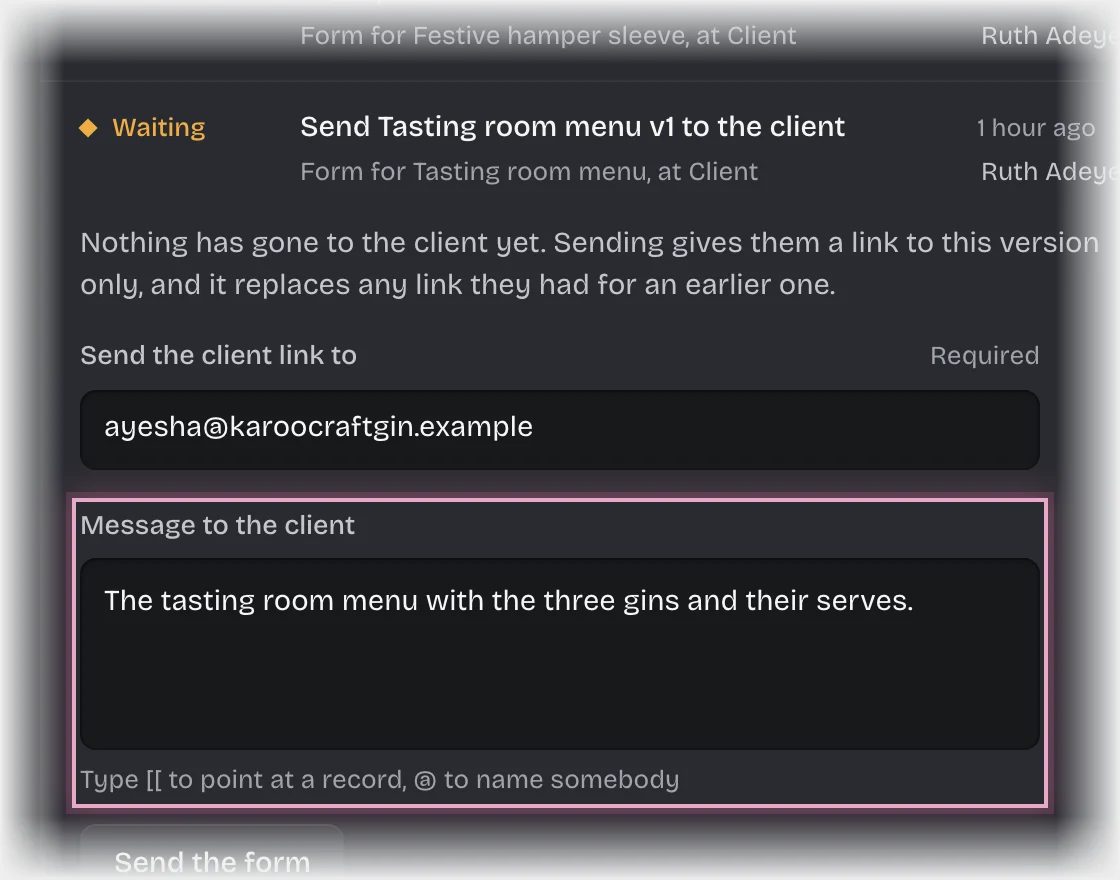
- Press Send the form.
What you will see
- The job’s State is With the client, and the version’s Review is With the client.
- On On your desk a card says the job is waiting on the client’s address, through the link emailed to them, when it was sent and until when the link works.
- The client’s answer comes back by itself:
- Approved: you are asked to choose print or files. See Choose print or files after approval.
- Changes requested: you and the artist get the message “Changes requested:” with the client’s words. The job goes back to the artist, and their next upload is the next version.
Common problems
- The link expired before the client answered. A link works for 7 days unless your organisation changed it. When it expires you get the message “Review link expired:” and the form Send … again. Open it, check the address and press Send the form to send a new link.
- The card says “not sent yet”. The email has not gone out. If it says why, for example that the address cannot receive mail, check the address with the client.
- The client says the link does not work. A link stops working when a newer version is sent, when it has been answered, when it expires, or when the job is cancelled. Send them the newest email again.
- You cannot answer for the client. Only the client can approve or ask for changes, through their link. Nobody in the workspace can do it for them.