Assets ยท Tenant admin

Add a location

Browse the guidesAssets

Steps

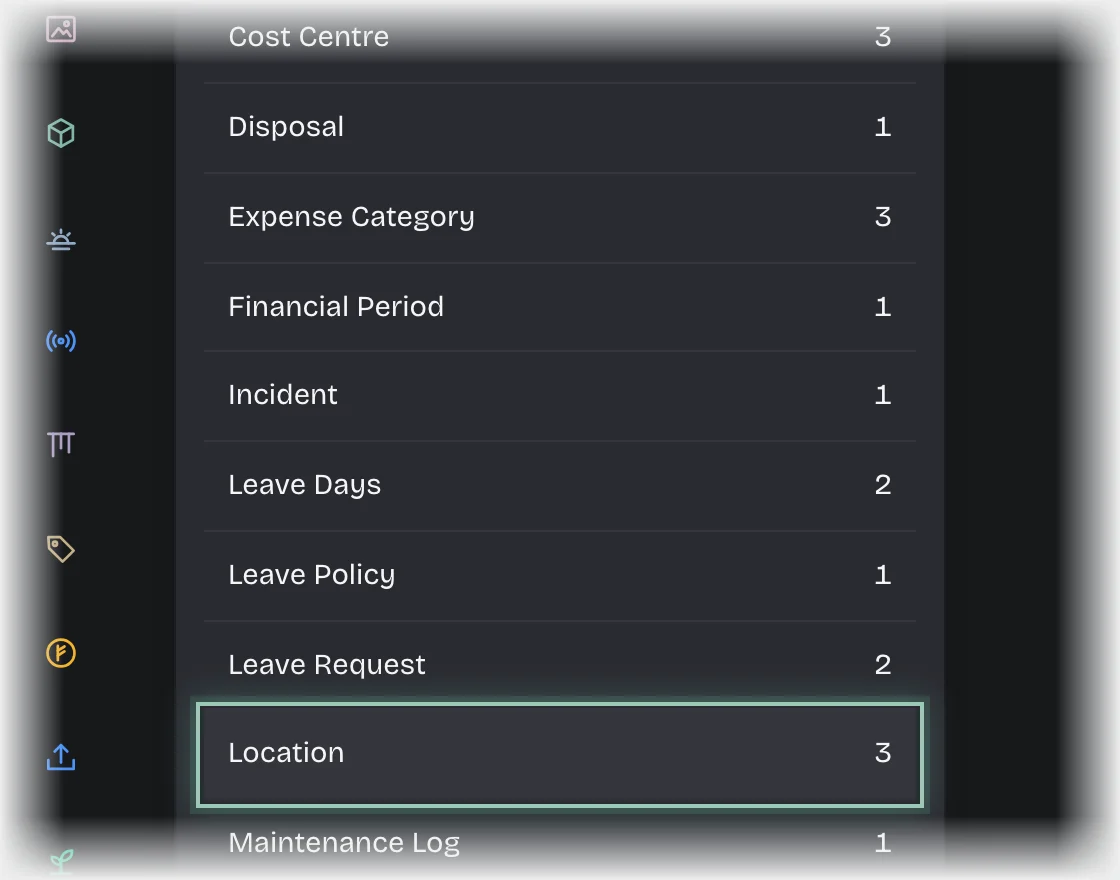
  1. Open Manage > Records and choose Location under Record types.
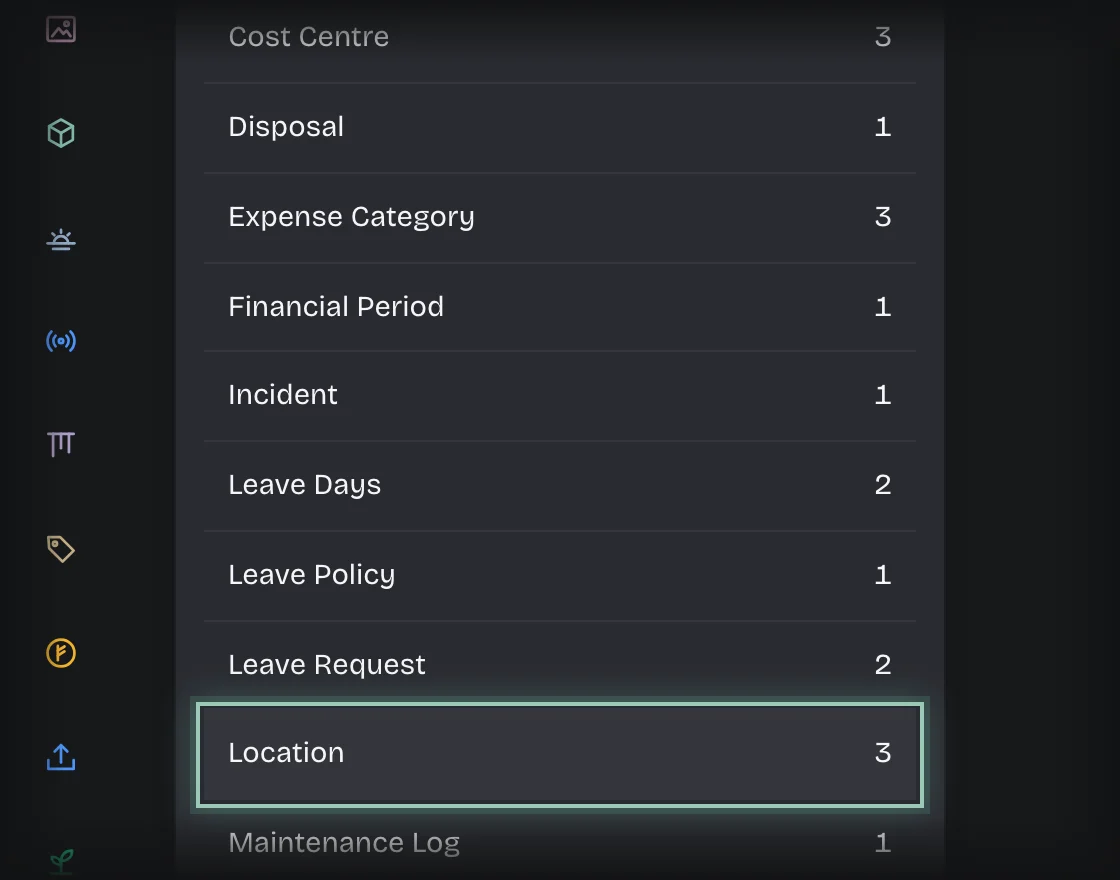
    The list of record types in Manage, Records, with Location outlinedThe list of record types in Manage, Records, with Location outlined
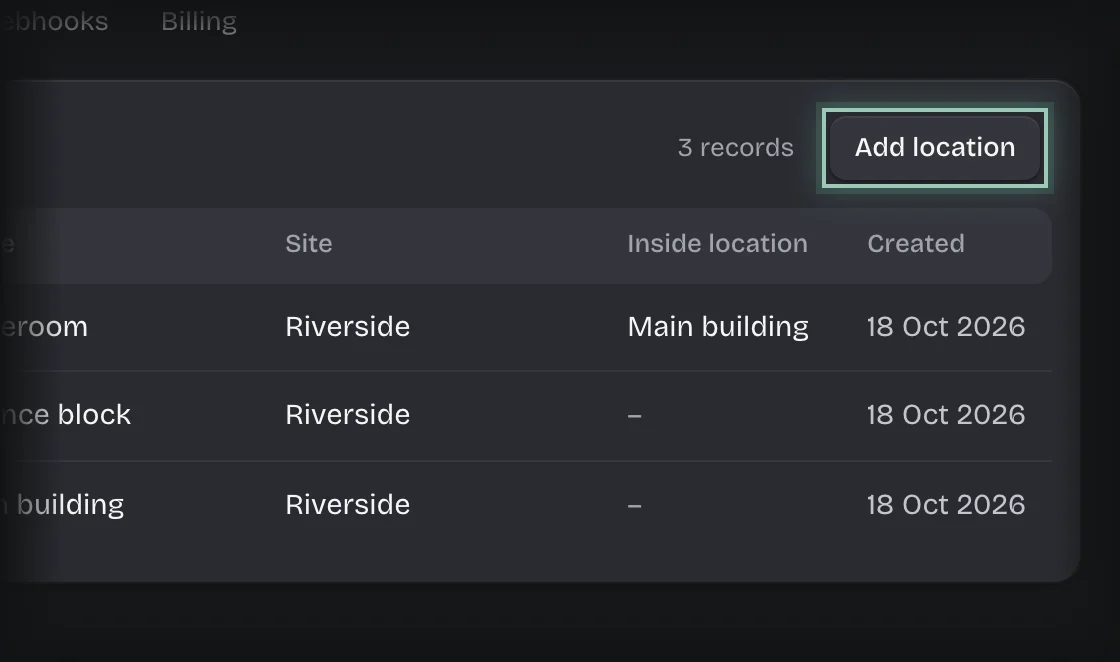
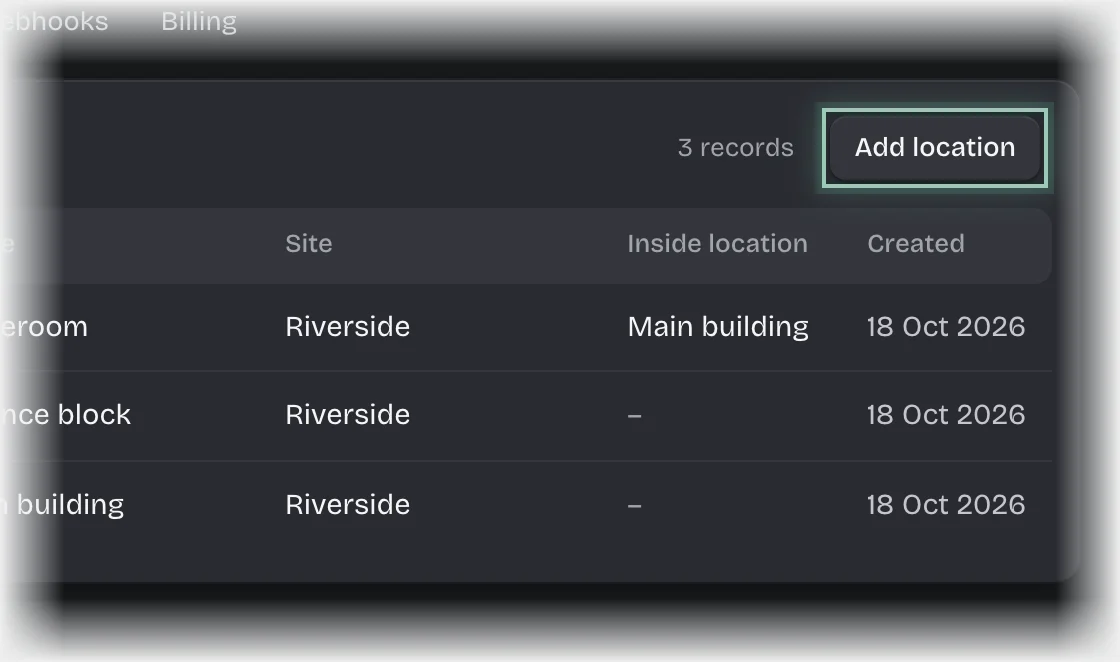
  2. Press Add location.
    The Add location button outlined at the top of the Locations listThe Add location button outlined at the top of the Locations list
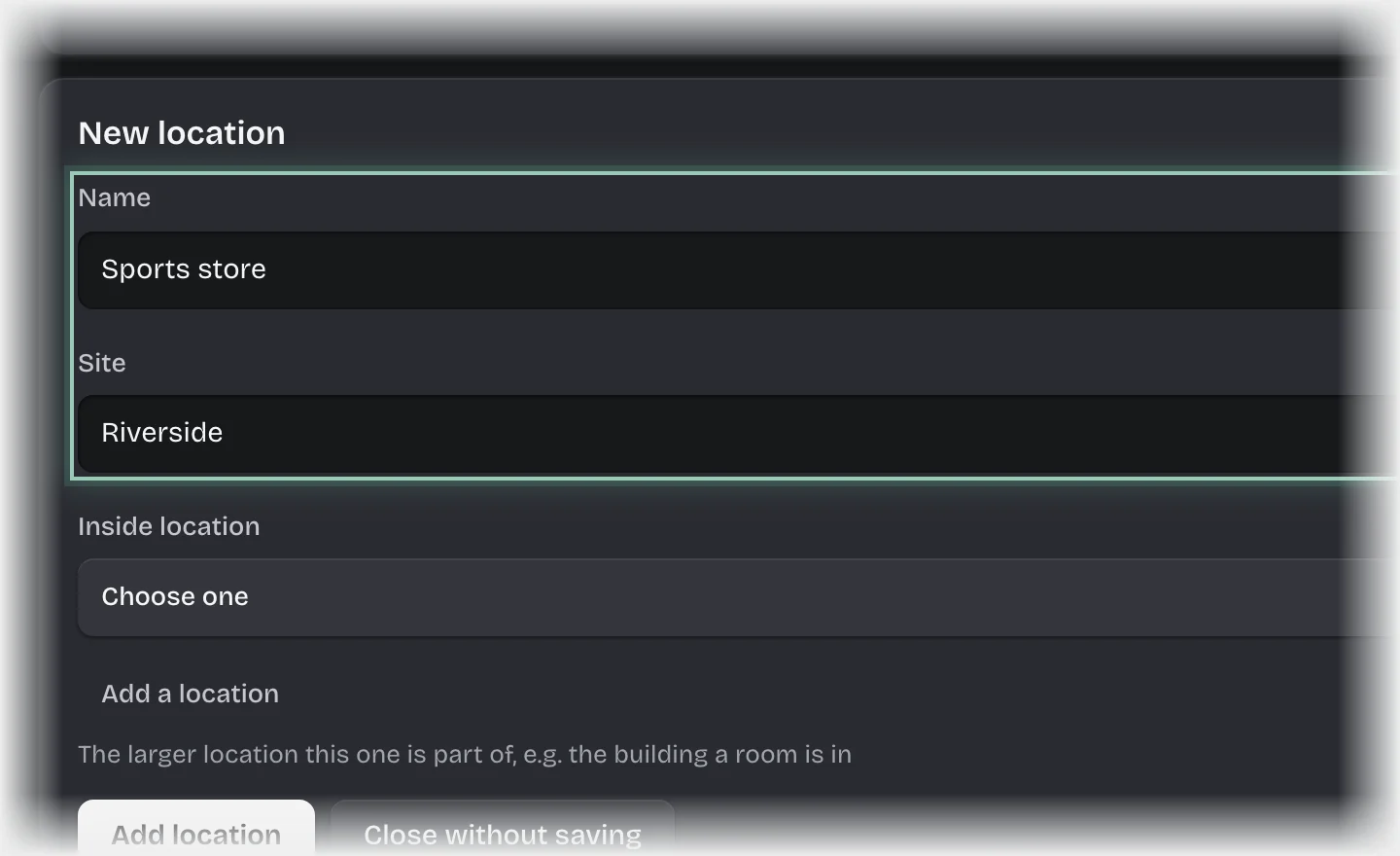
  3. The New location form opens. Fill in Name, and Site if you have more than one.
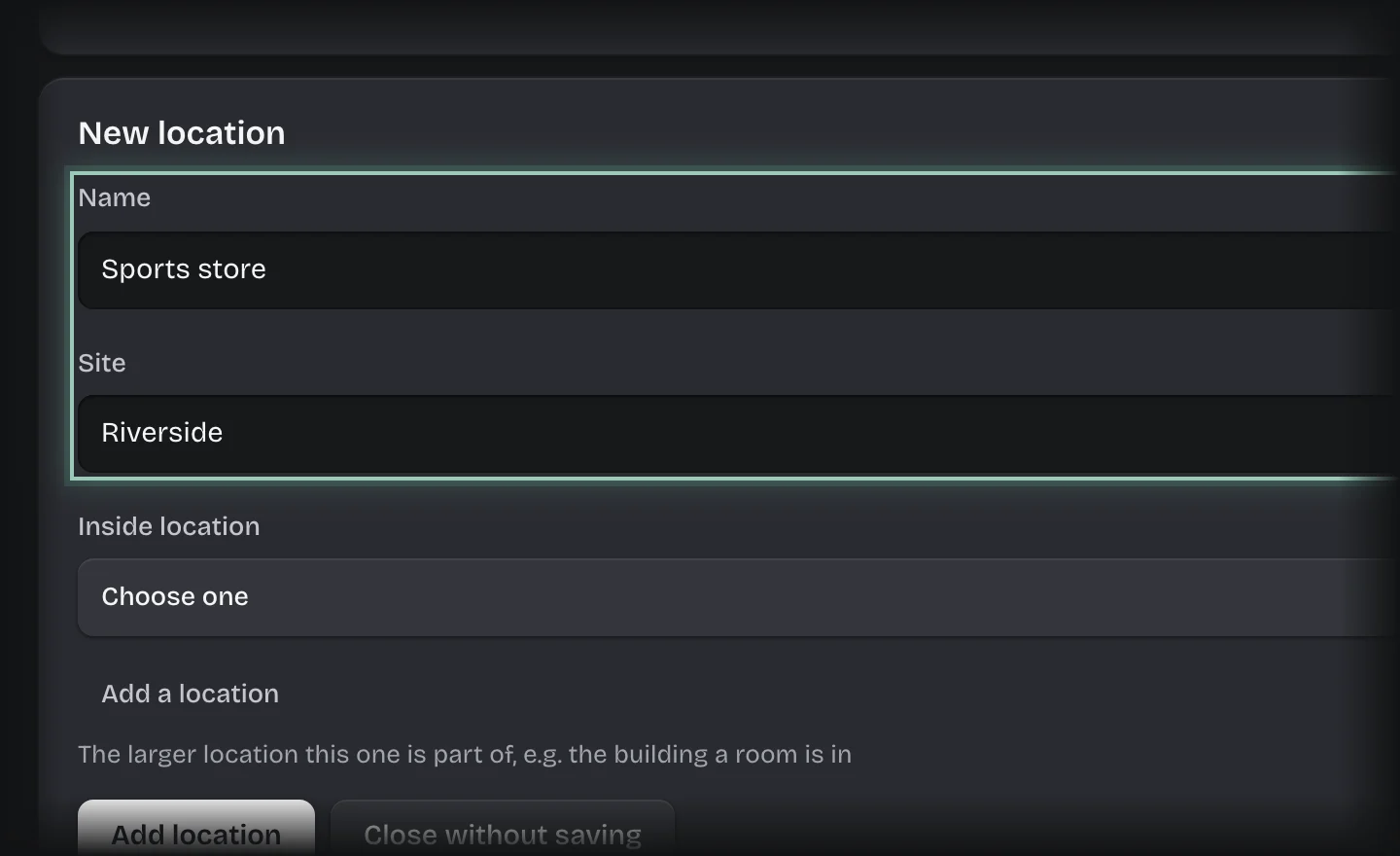
    The New location form with the Name and Site fields filled in and outlinedThe New location form with the Name and Site fields filled in and outlined
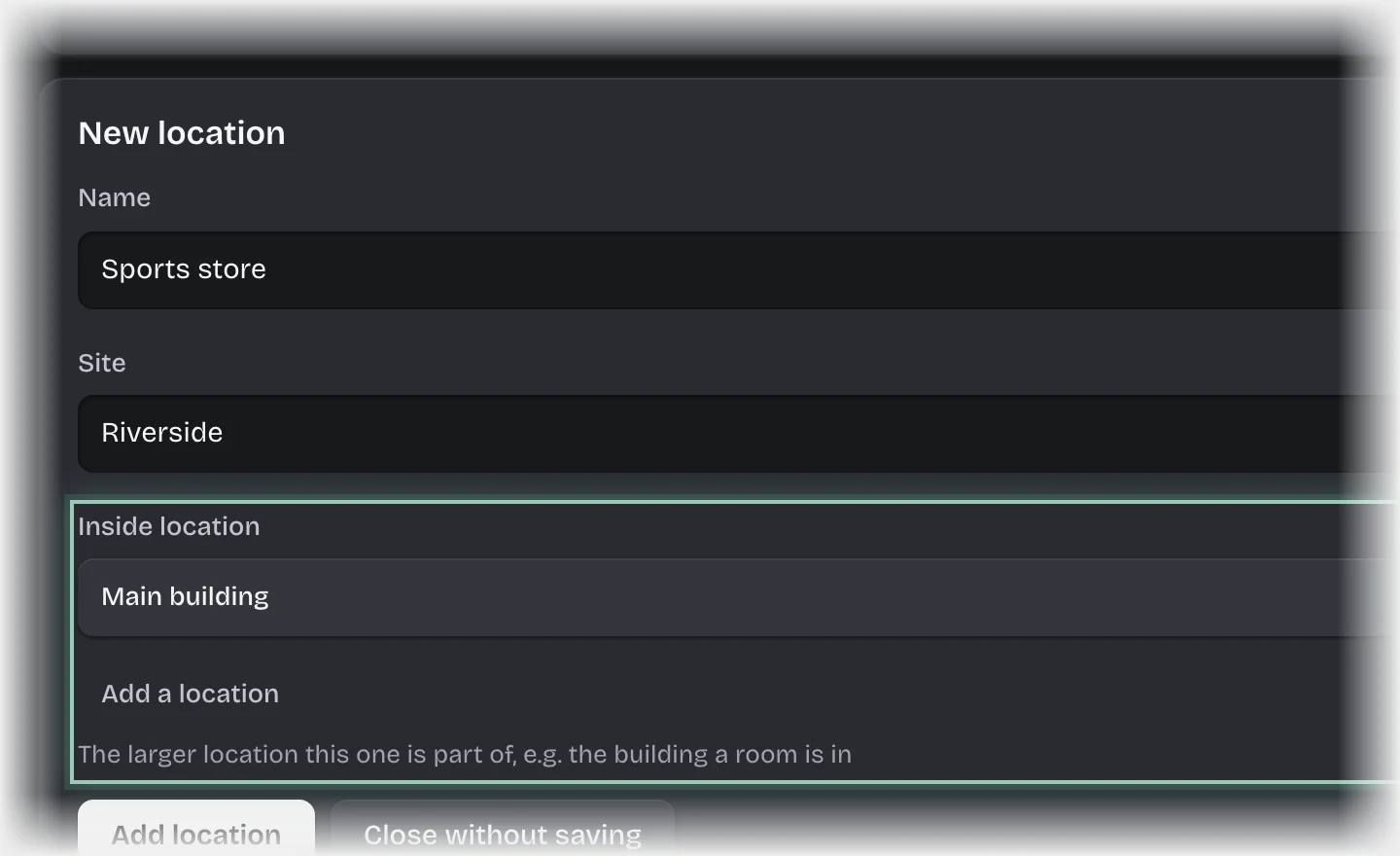
  4. If the location is inside another, such as a storeroom in a building, choose that one under Inside location.
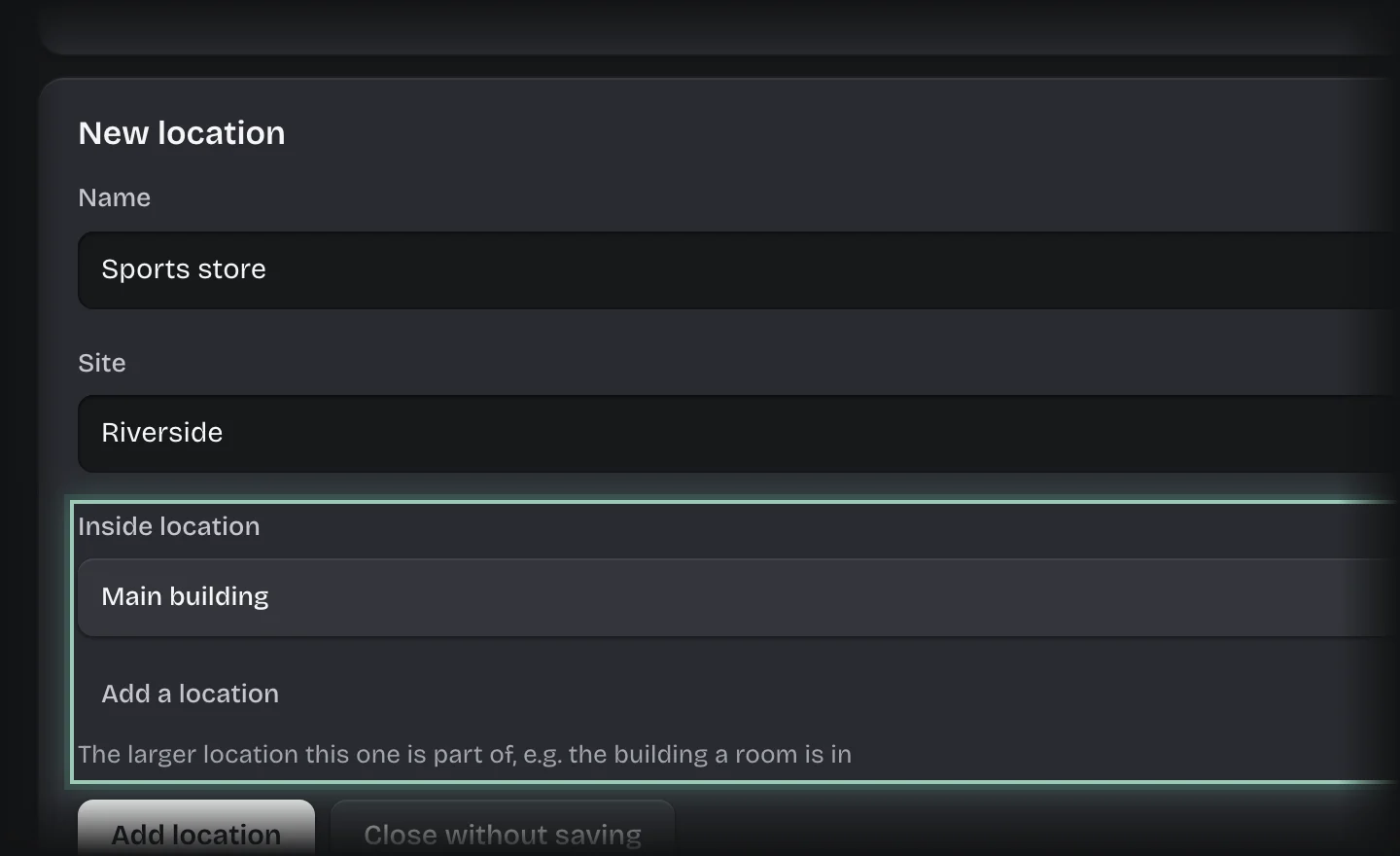
    The Inside location field of the New location form outlined, with Main building chosenThe Inside location field of the New location form outlined, with Main building chosen
  5. Press Add location.

What you will see

The location offered under Where on the Receive and Assign forms.