Each day, Koldheim starts a service for every asset whose next service is due within 14 days and that is not retired. Asset managers get a message, “Service due:” followed by the asset’s name, and a form to fill in once the work is done. You can also record a service, repair or inspection at any time.
Steps
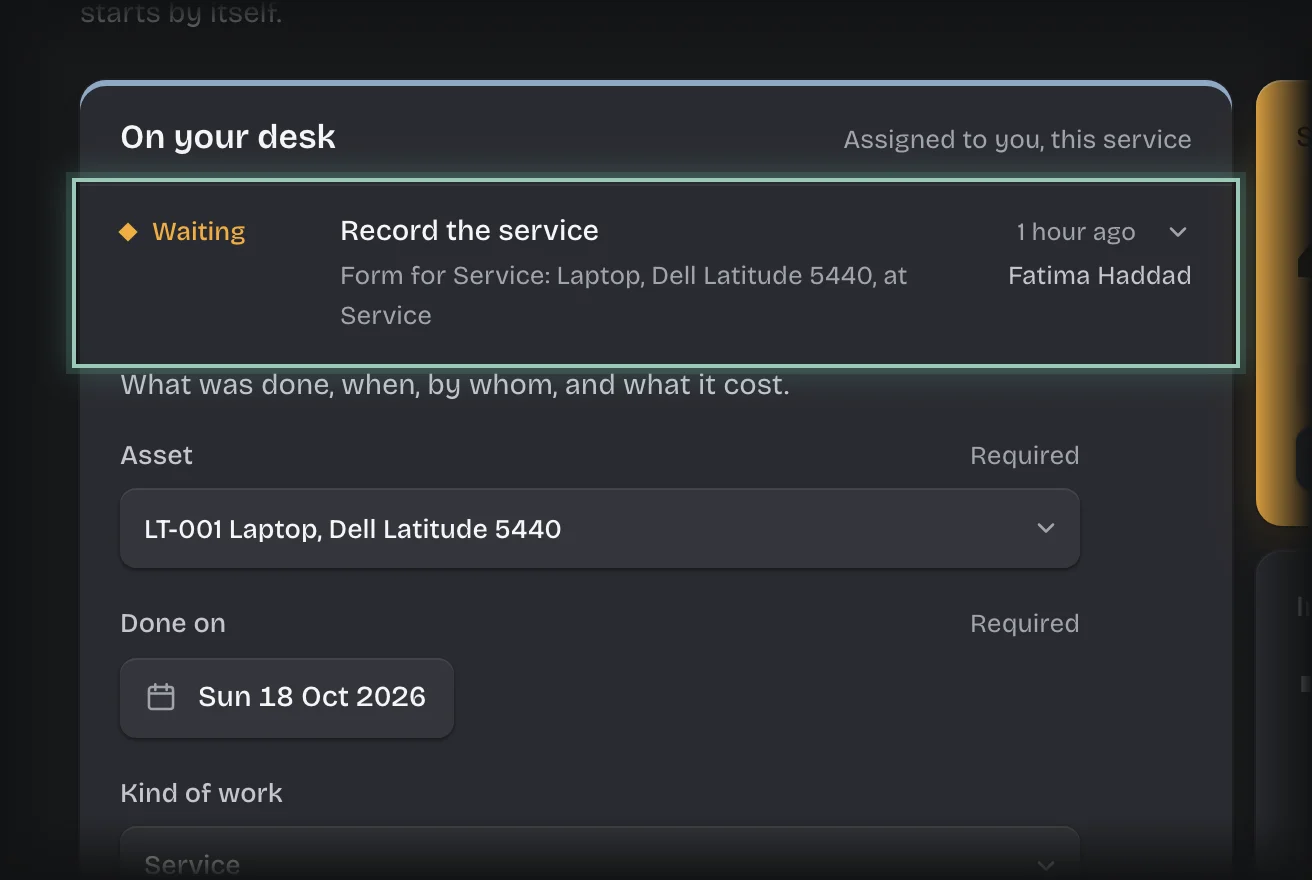
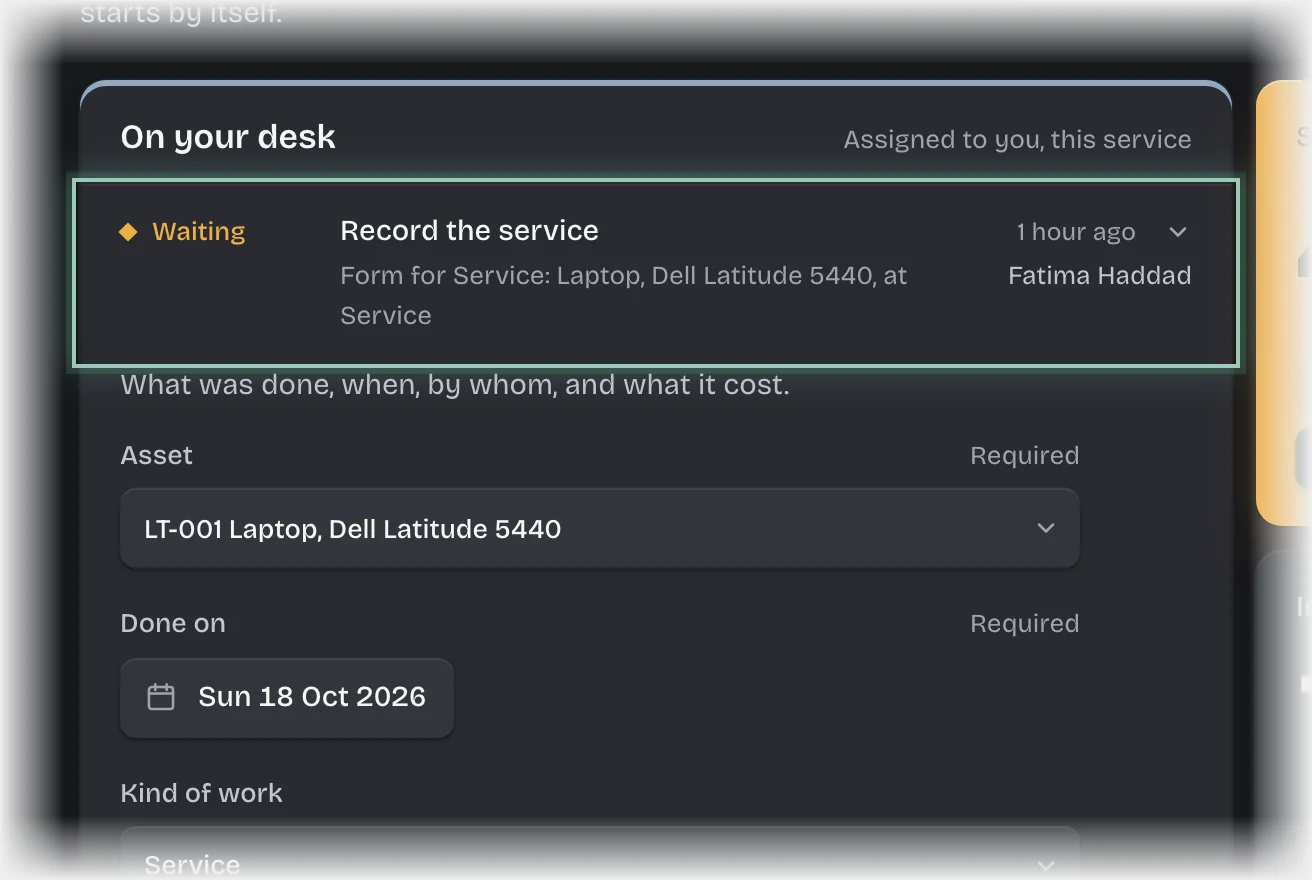
- Choose Assets in the rail. The form Record the service is a card on On your desk, and under Waiting on the Service tab. If it is folded, press its header to open it.
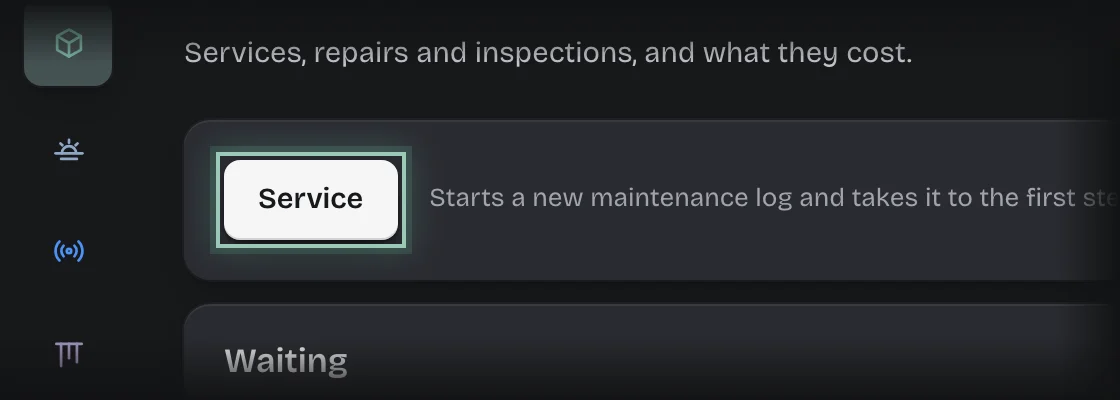
- To record one that was not started for you, press Service on the Service tab, or Plan a service under Service due · 30 days on the Overview.
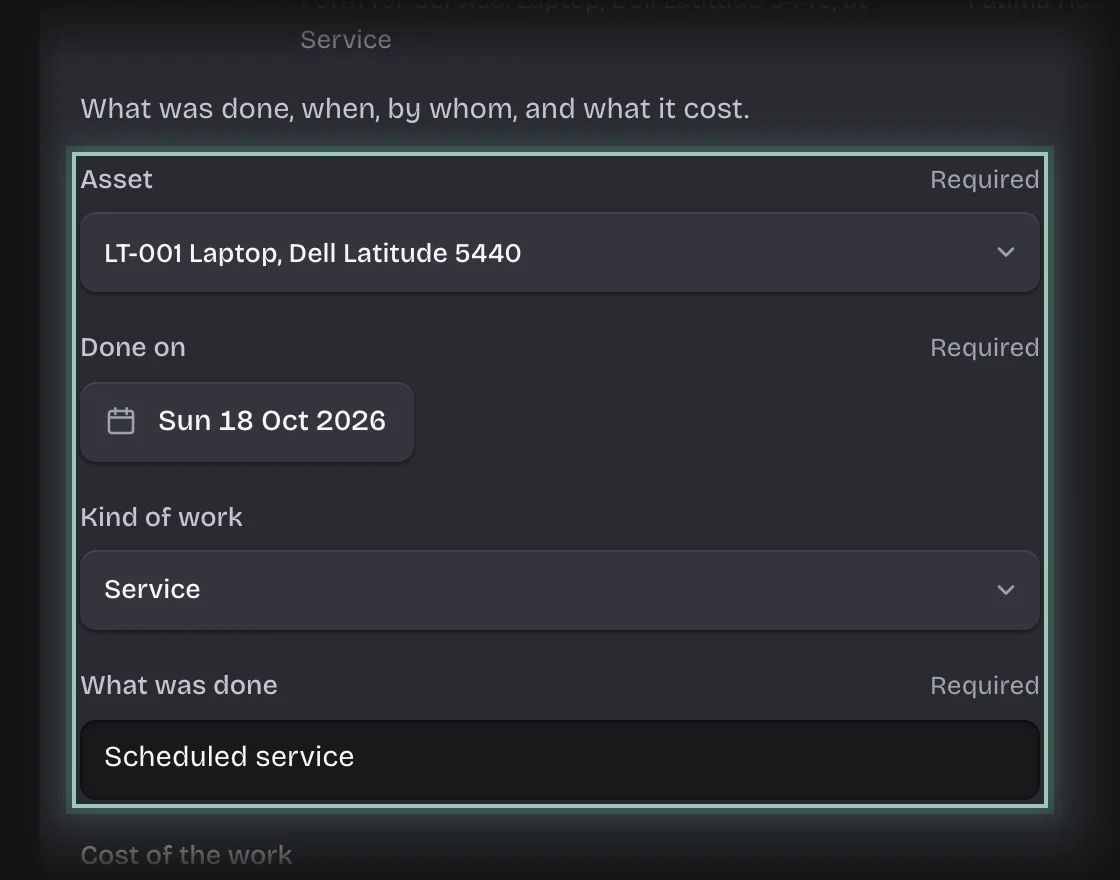
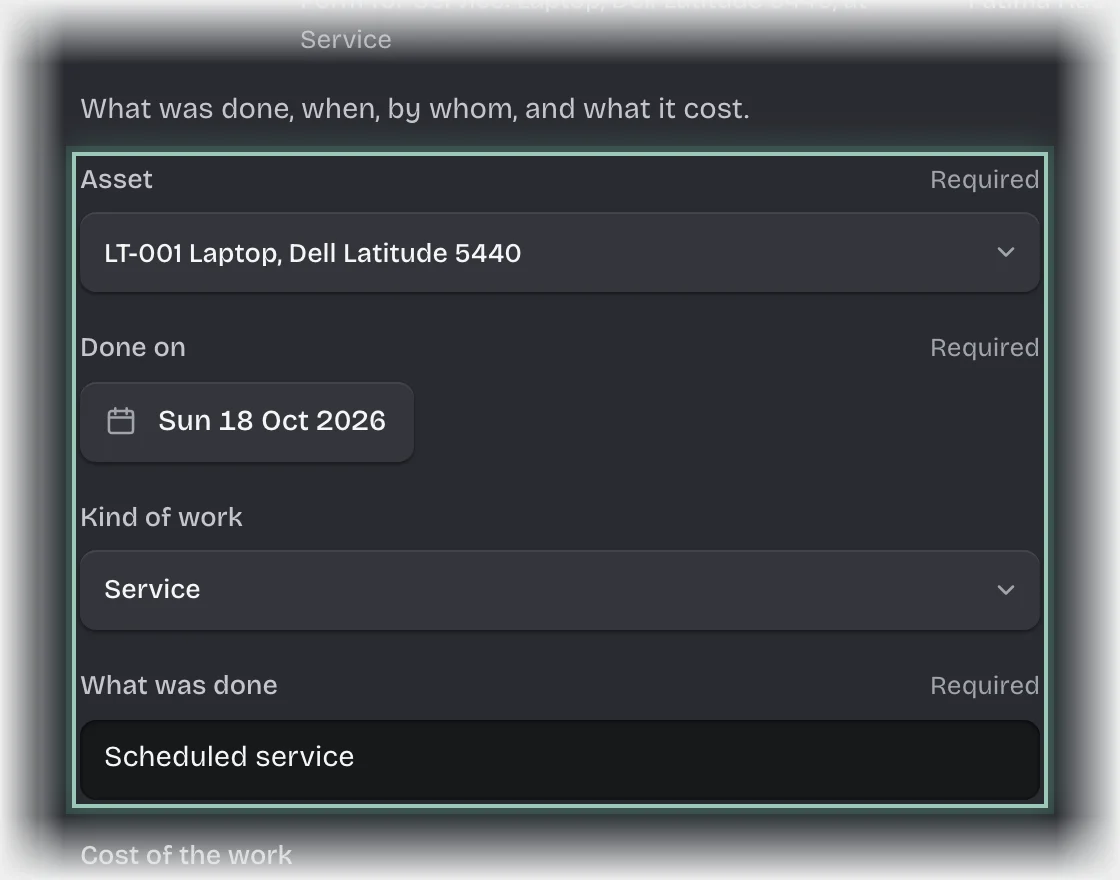
- Fill in or check:
- Asset
- Done on: filled in with today.
- Kind of work: Service, Repair or Inspection.
- What was done: filled in with Scheduled service. Change it to what was done.
- Cost of the work and Done by: optional.
- Press Send the form.
What you will see
- The asset’s next service date moves on by its service interval from Done on.
- The record under History on the Service tab.
Common problems
- A service for the same asset does not start again tomorrow. While its form is waiting, no second one starts. Once you send the form, the next date moves on.
- The next service date is empty after a service. The asset has no Service every (months) set. A tenant admin can set it on the asset.
- The form is for someone else. It is addressed to everyone holding the Asset manager role, unless your tenant admin changed it.