Anyone can ask for an asset to leave the register. An asset manager decides.
Steps
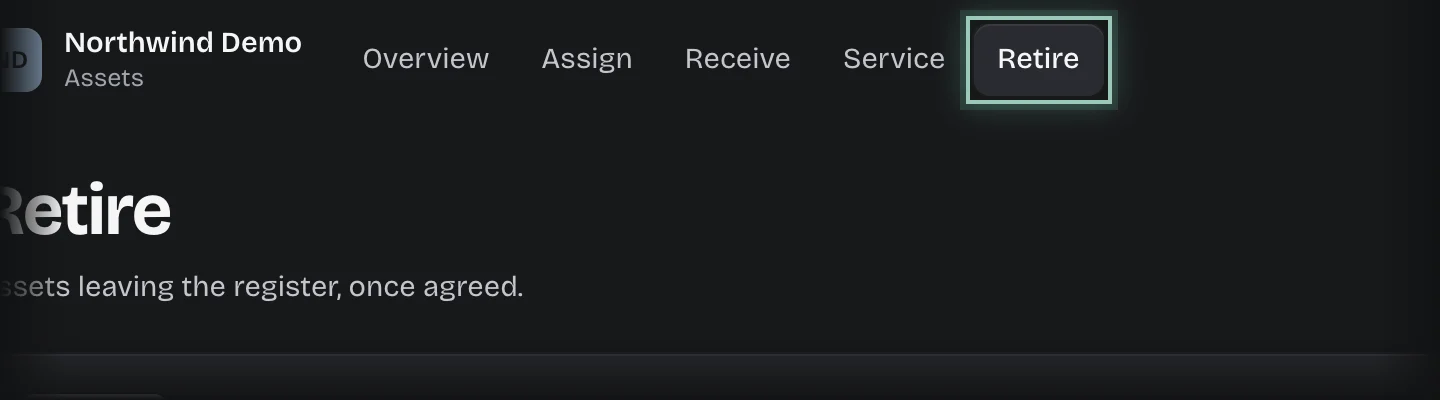
- Choose Assets in the rail, then the Retire tab.
- Press Retire.
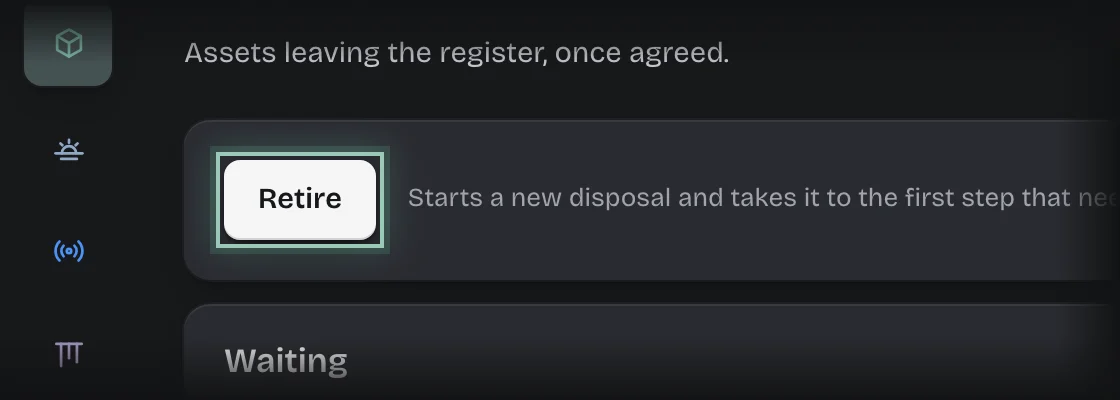
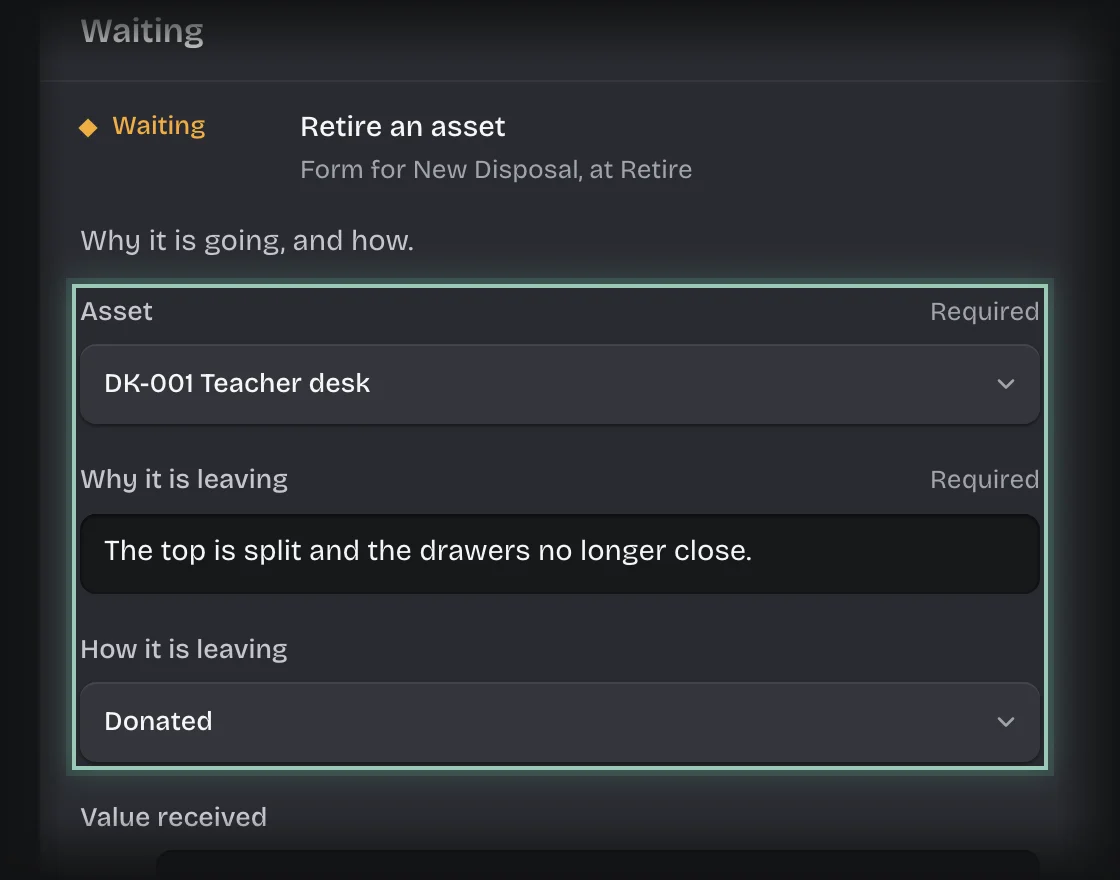
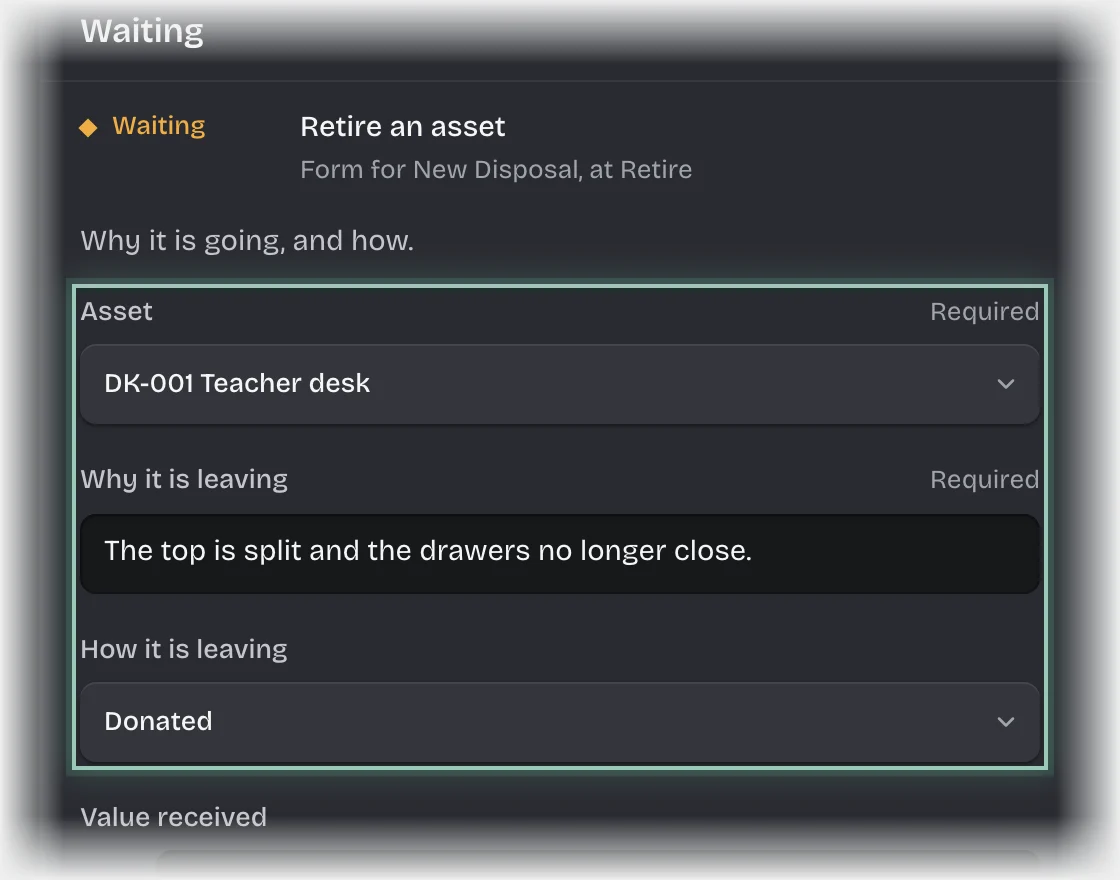
- The form Retire an asset opens under Waiting. If it is folded, press its header to open it. Fill in:
- Asset
- Why it is leaving
- How it is leaving: Sold, Scrapped, Donated, Lost or stolen, or Returned to supplier.
- Value received: optional.
- Press Send the form.
What you will see
- The request waits for an asset manager.
- Agreed: the asset’s condition becomes Retired and it is no longer assigned to anyone. It is listed under History on the Retire tab.
- Not agreed: a message, “Not retired:” followed by the asset’s name. The asset stays on the register.