Record that an asset on the register has arrived, its serial number and where it is kept. Usually done by whoever takes delivery.
Steps
- Choose Assets in the rail, then the Receive tab.
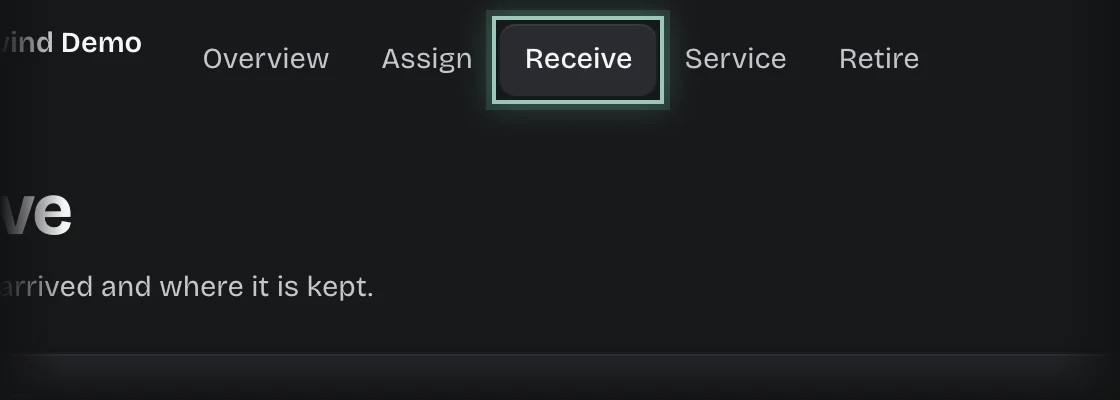
- Press Receive.
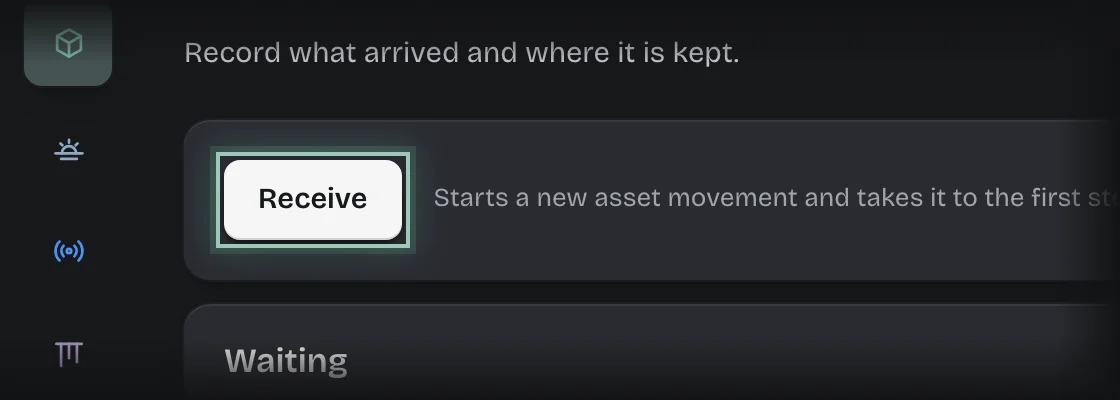
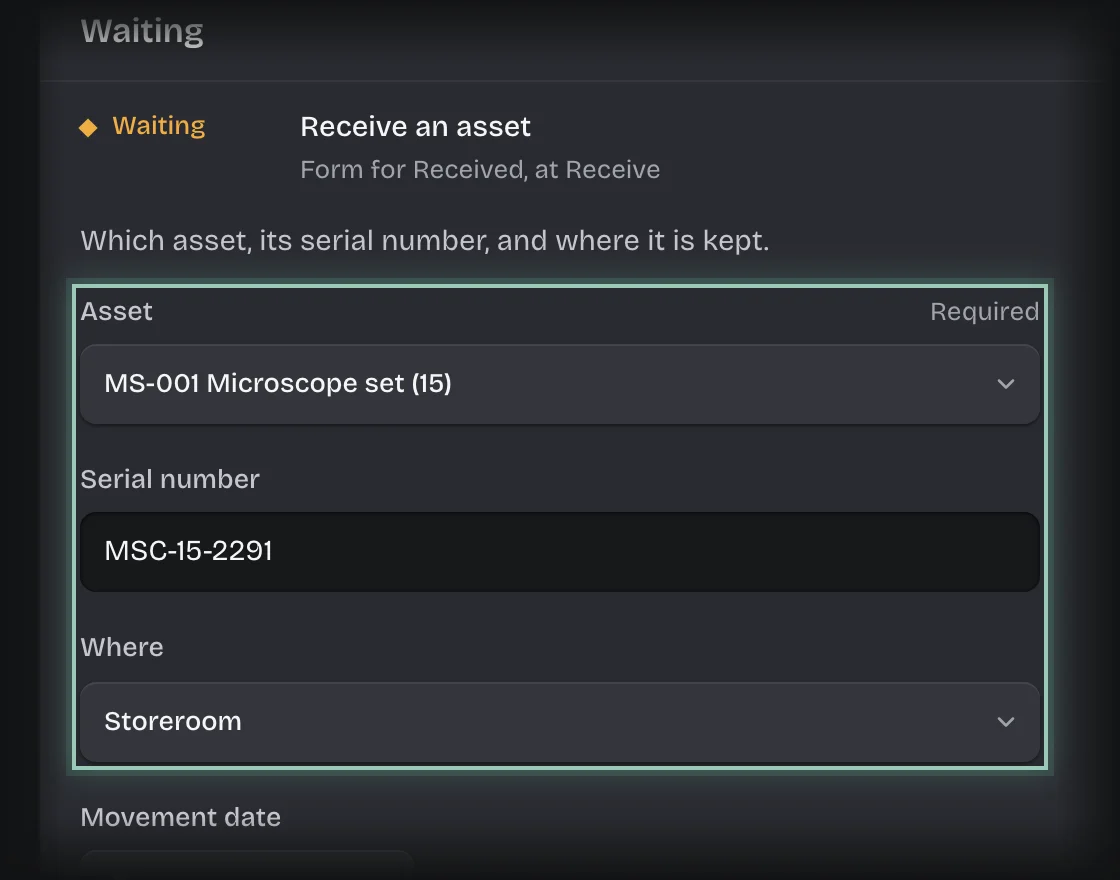
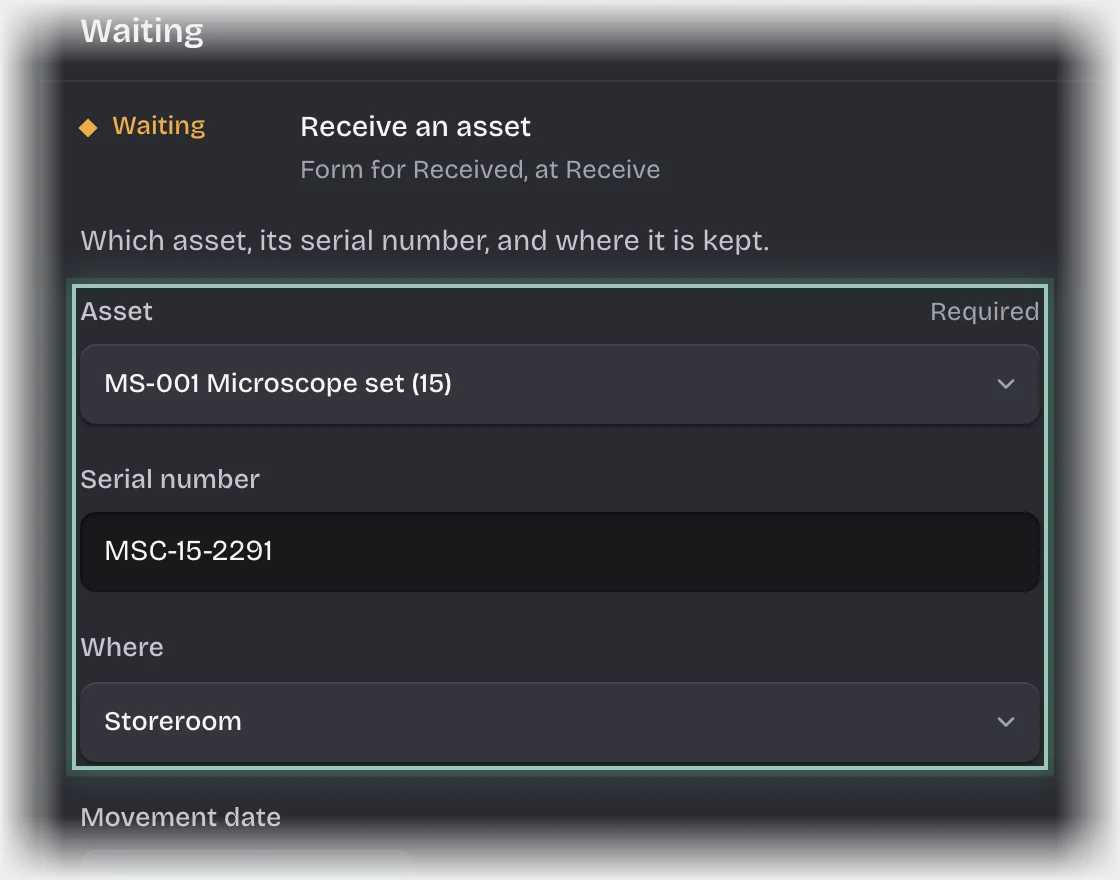
- The form Receive an asset opens under Waiting. If it is folded, press its header to open it. Fill in:
- Asset: the asset on the register.
- Serial number
- Where: the location it is kept.
- Movement date: filled in with today.
- Note: optional.
- Press Send the form.
What you will see
- The asset’s condition becomes In store, with its serial number and location.
- If the asset has a service interval, its next service date is set from the day it arrived.
- The movement listed under History on the Receive tab.
Common problems
- The asset is not in the list. It has to be on the register first. Assets bought through Spend Requests are added there when the request is approved, marked On order. Otherwise a tenant admin adds it, see Add an asset to the register.