Spend Requests ยท Tenant admin

Add a supplier

Browse the guidesSpend Requests

Steps

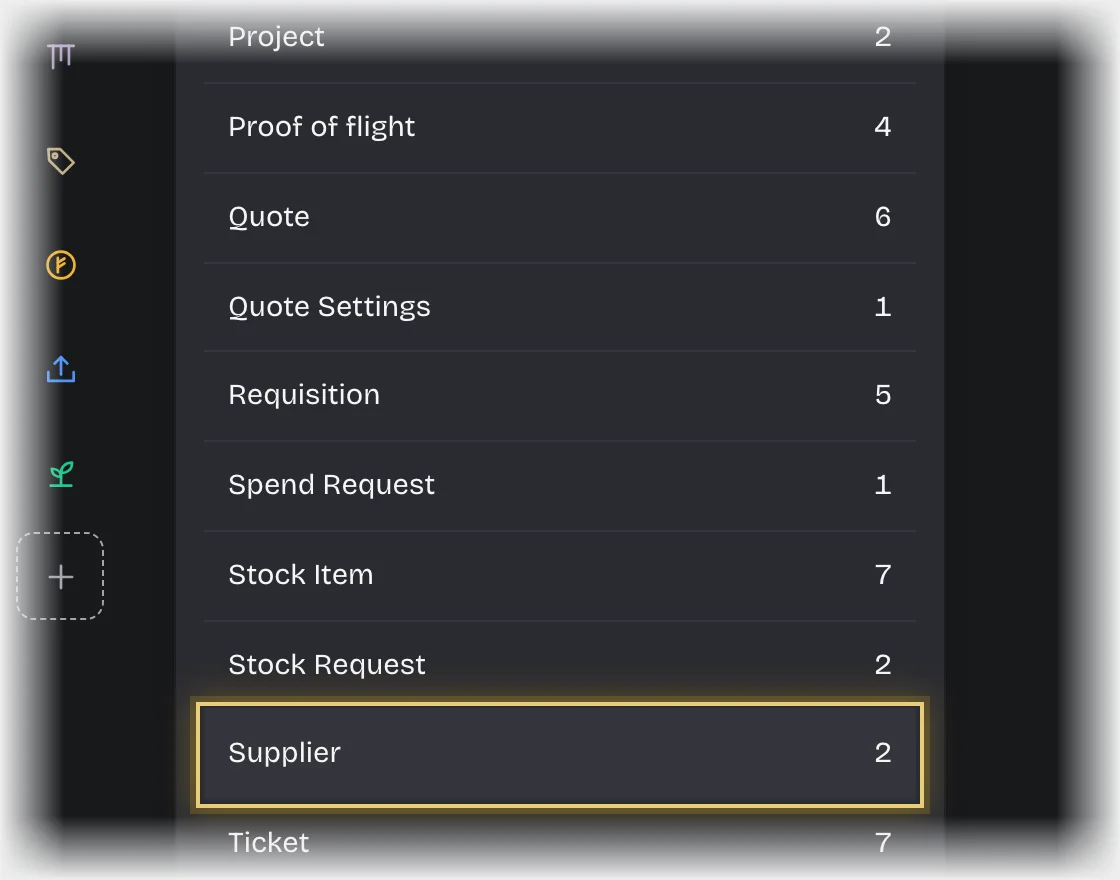
  1. Open Manage > Records and press Supplier under Record types.
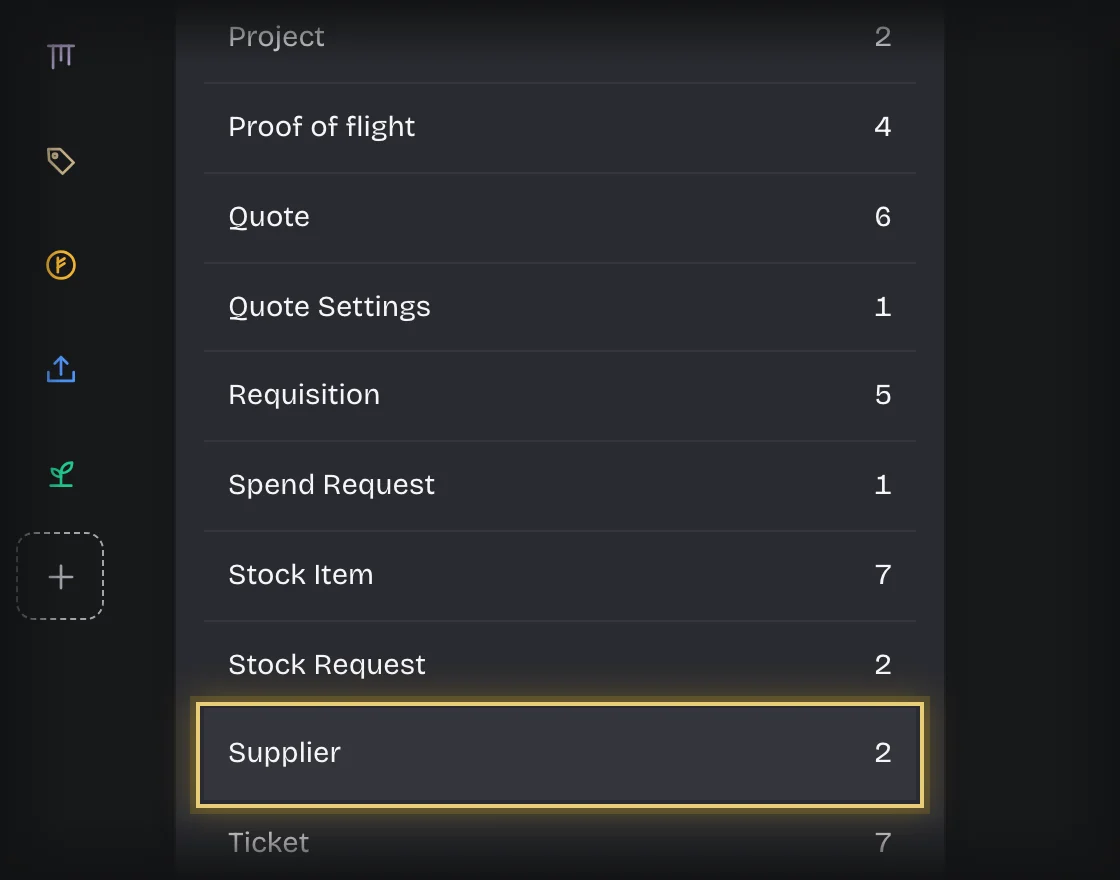
    The Record types list in Manage, Records, with Supplier outlinedThe Record types list in Manage, Records, with Supplier outlined
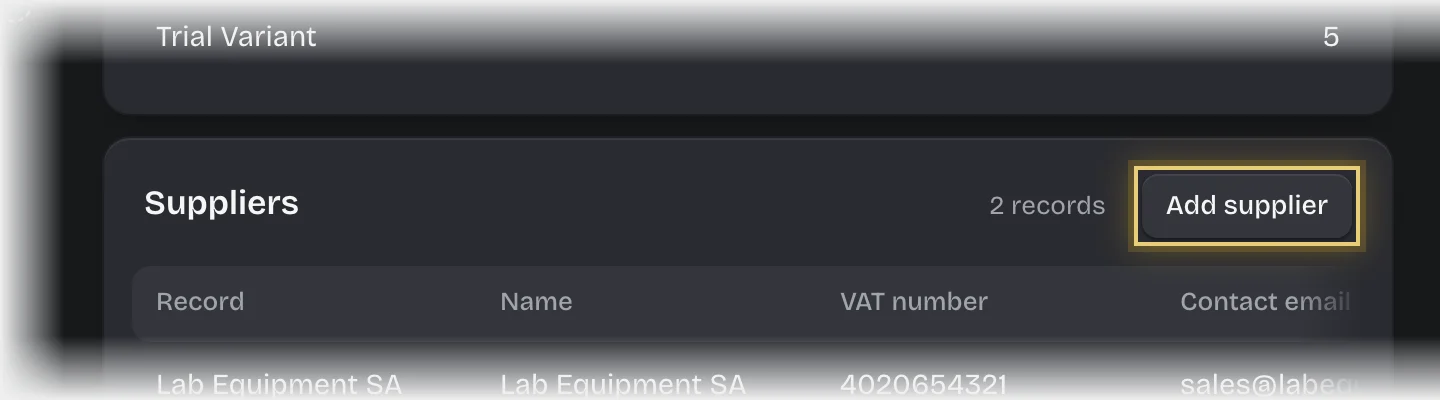
  2. Press Add supplier on the Suppliers card.
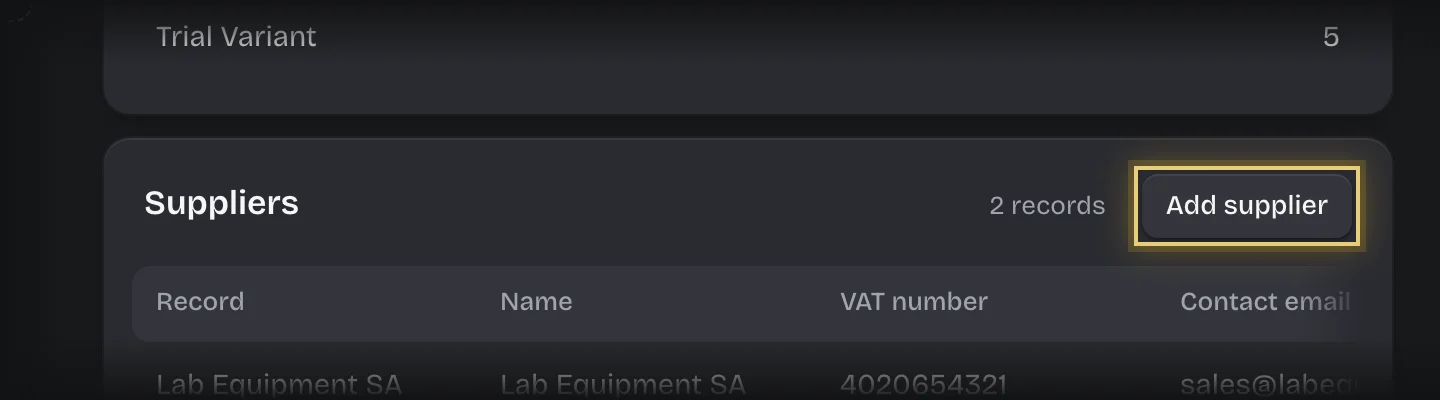
    The Suppliers list with the Add supplier button outlinedThe Suppliers list with the Add supplier button outlined
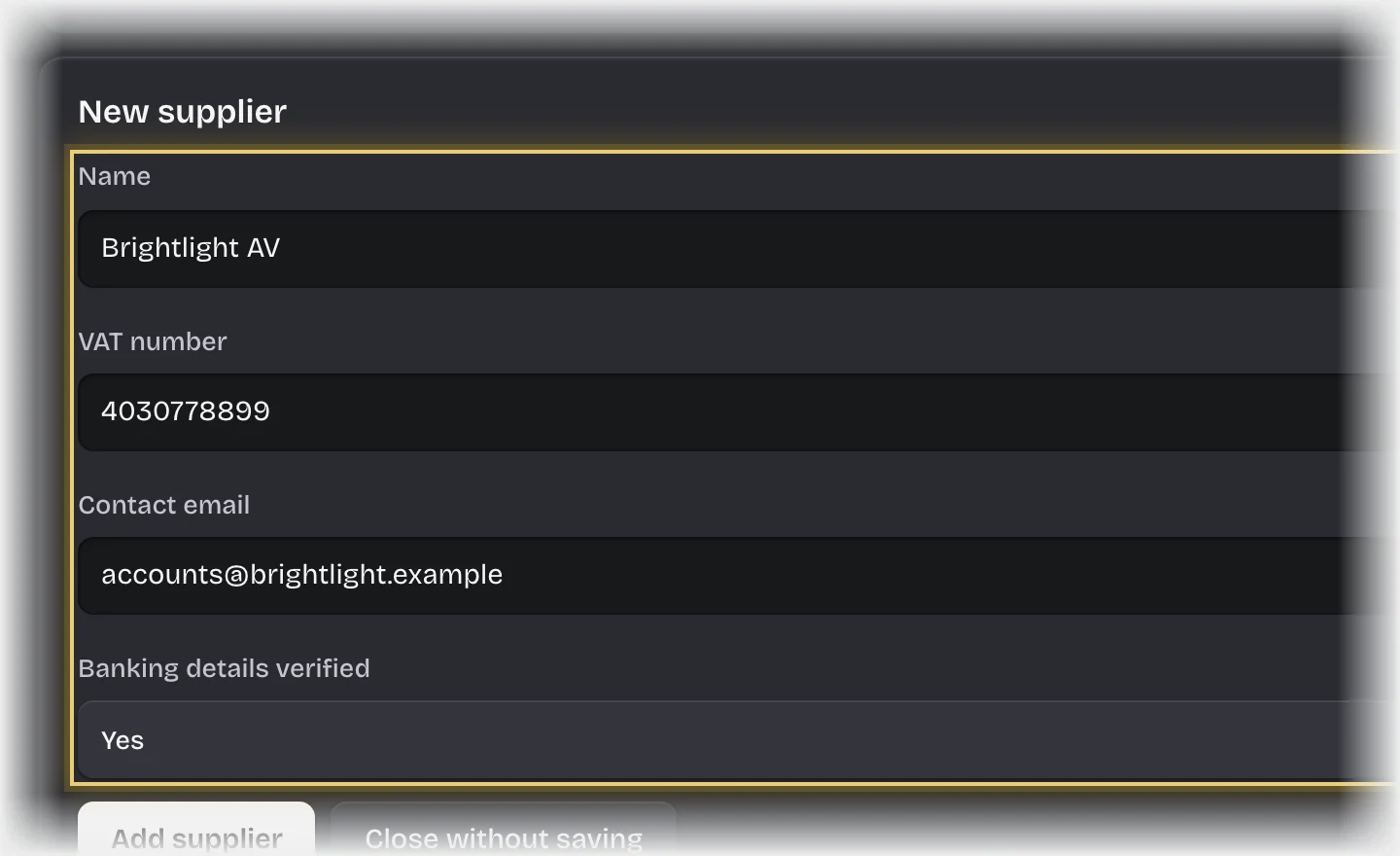
  3. Fill in Name, VAT number and Contact email. Set Banking details verified to Yes once you have checked them.
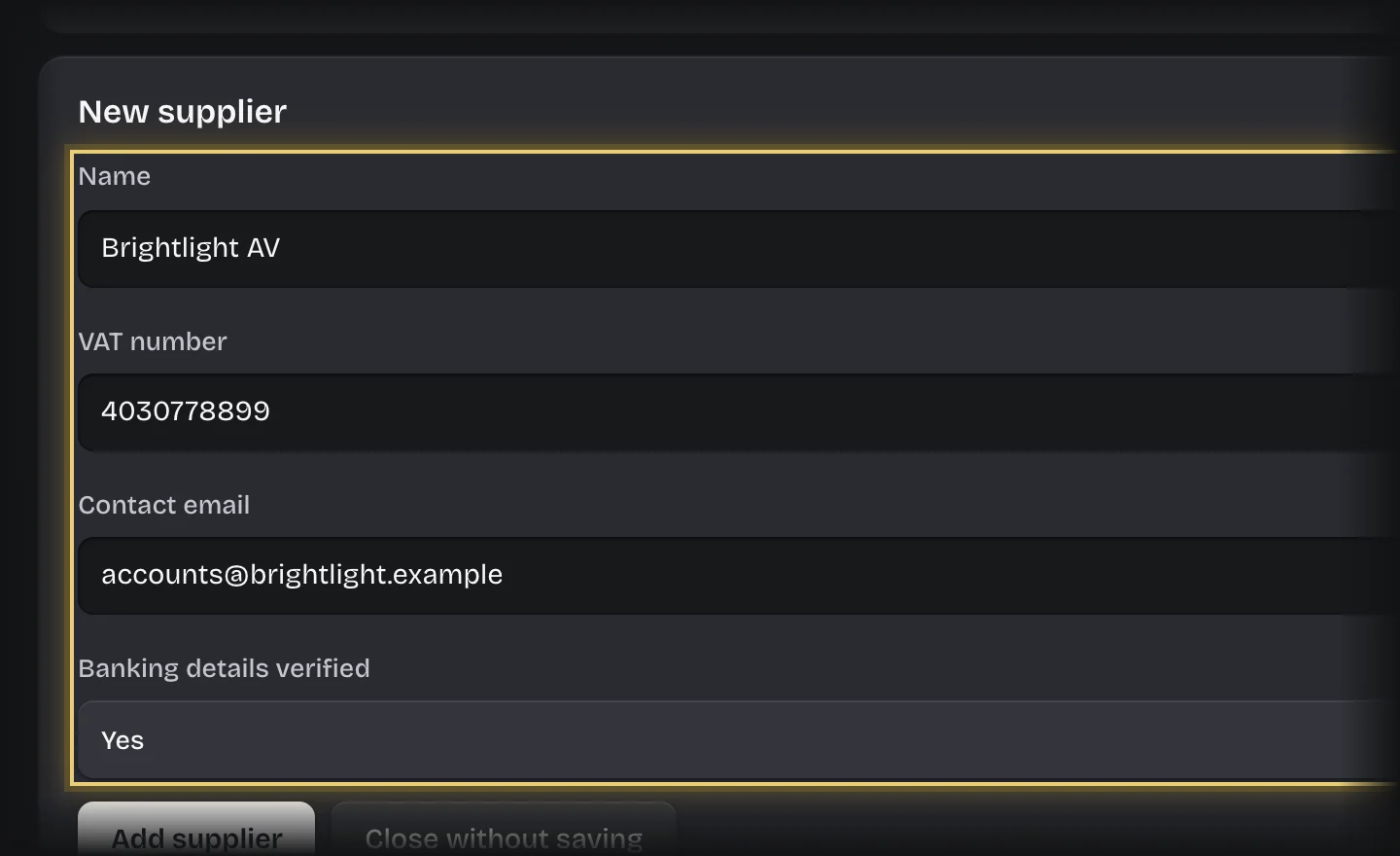
    The New Supplier form filled in, with Name, VAT number, Contact email and Banking details verified outlinedThe New Supplier form filled in, with Name, VAT number, Contact email and Banking details verified outlined
  4. Press Add supplier.

What you will see

The supplier offered under Supplier on the spend request form.

Common problems

  • Requesters cannot add suppliers themselves. Only tenant admins add records here.