An approval limit says: for this cost centre, or every cost centre, requests from this amount up to that amount are approved by this person, or by anyone holding this role, at this level. Spend Requests asks level 1 for every request, and level 2 as well when a level 2 limit covers the amount.
Steps
- Open Manage > Records and press Approval Limit under Record types.
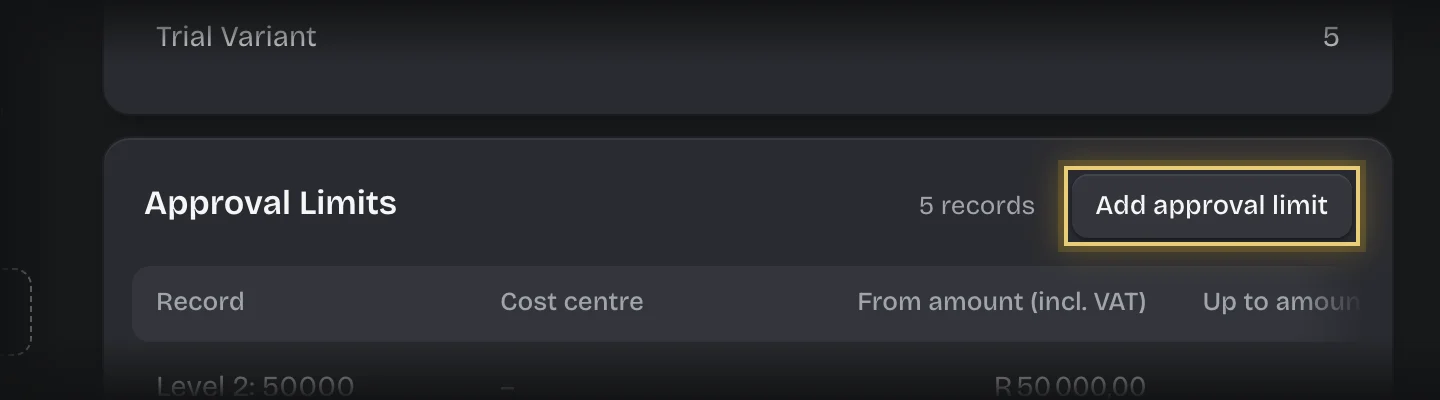
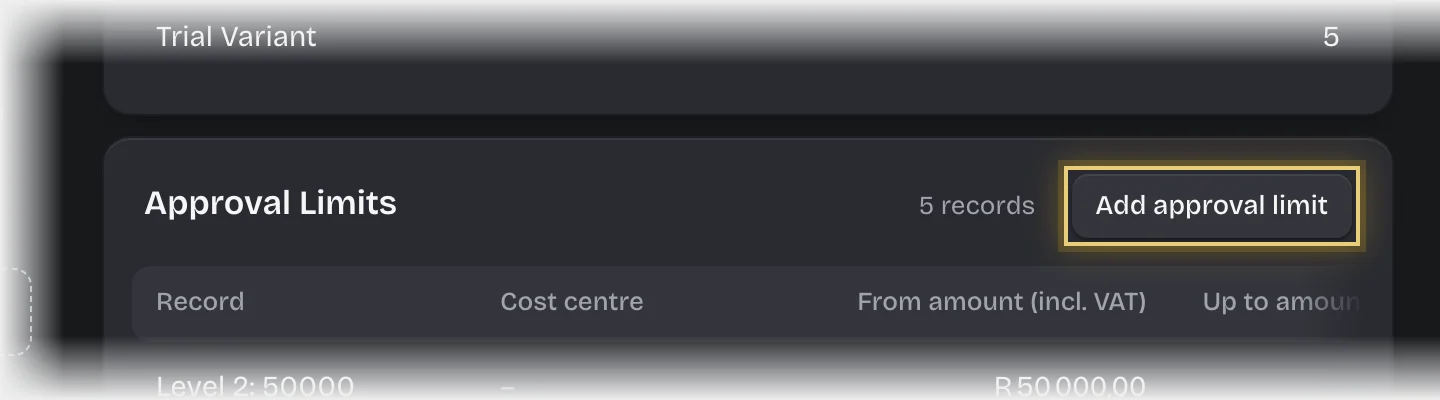
- Press Add approval limit on the Approval Limits card.
- Fill in:
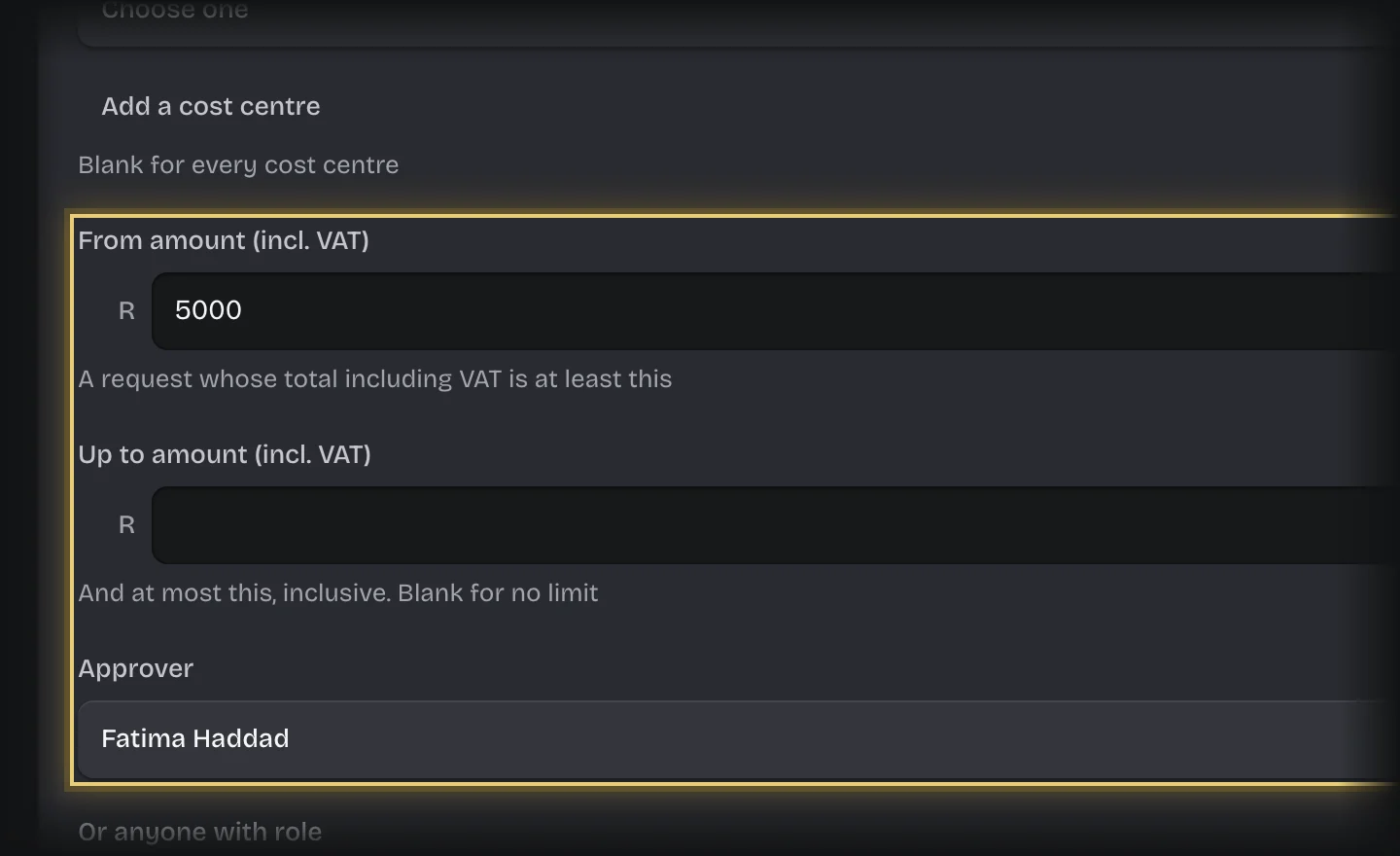
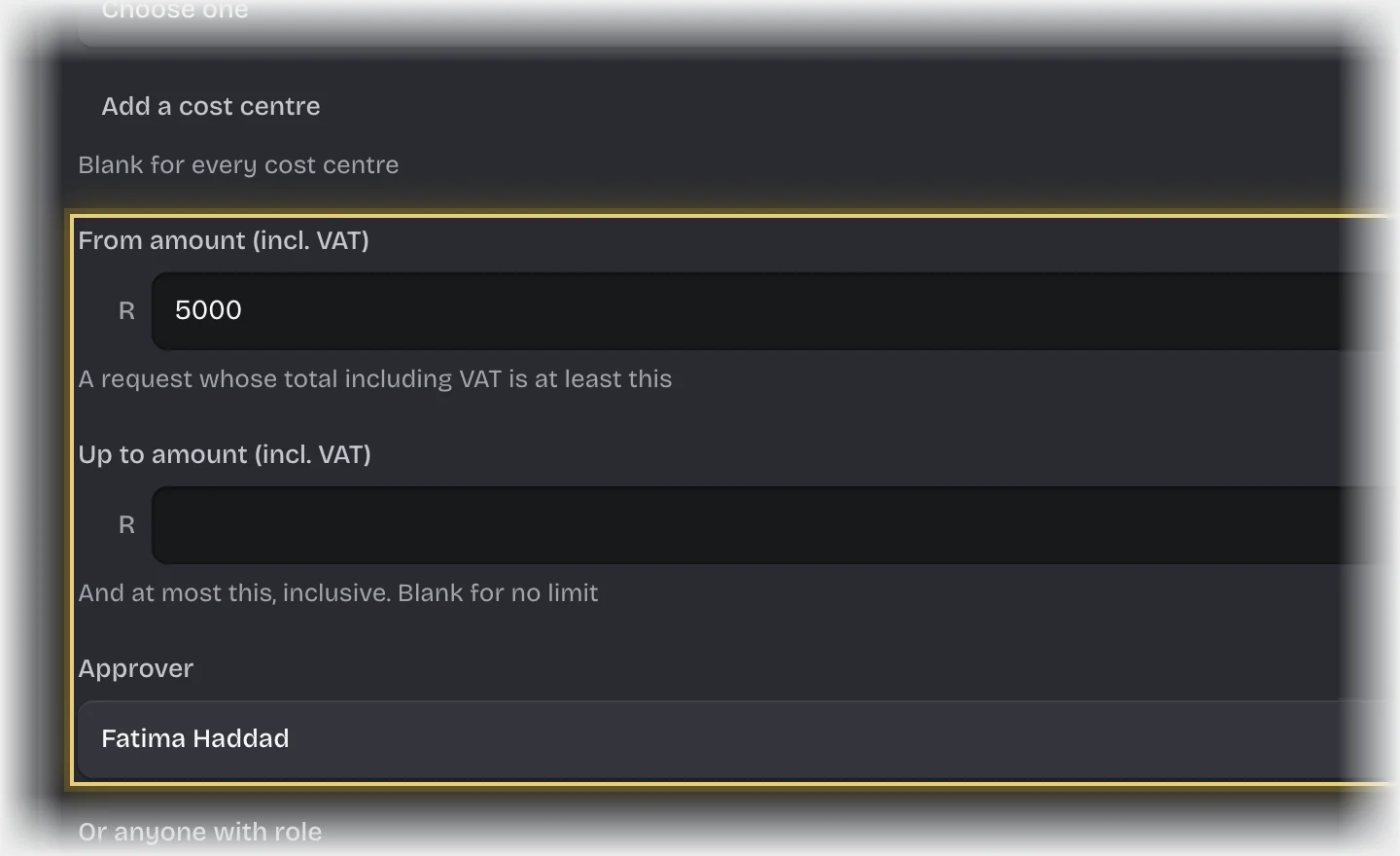
- Cost centre: leave blank for every cost centre.
- From amount (incl. VAT) and Up to amount (incl. VAT): leave Up to amount (incl. VAT) blank for no upper limit. Amounts include VAT.
- Approver: a person, or
- Or anyone with role: a role. Anyone holding it can decide.
- Approval level: 1 for the first approval, 2 for a second.
- Active: Yes.
- Press Add approval limit.
What you will see
For example: level 1 limits naming each department’s head for their cost centre from 0, and a level 2 limit naming the finance lead for every cost centre from R5,000. A R7,000 request then needs the head, then the finance lead.
Common problems
- A request fails with “no approval limit covers”. No active level 1 limit covers that cost centre and amount. Add one.
- A request went to the tenant admins. The requester is the only approver at that level, so the tenant admins other than them are asked instead, and their card says why. Add another person or role to the limit if that is not what you want.
- The second approval went to someone above the level 2 approver. Whoever approves level 1 never approves level 2. When your limits name the same person at both levels, level 2 goes to whoever the next level 2 limit up names (the one with the lowest From amount (incl. VAT) above the request’s total), or to the tenant admins other than that person if there is none.
- “everyone who could decide this level raised this request or already decided an earlier level of it”. Nobody else was left: not at level 2, not in a limit above it, and not among the tenant admins. Add another person or role to a level 2 limit, then retry the request.
- “only the person who raised this request could decide it, and they are the only administrator”. The requester is the only approver at that level and the only tenant admin. Add another person or role to the limit, then retry the request.
- Changing a limit does not move requests already waiting. It applies to requests raised from now on.
- To change how long approvers have, see Change who is asked and how long they have.