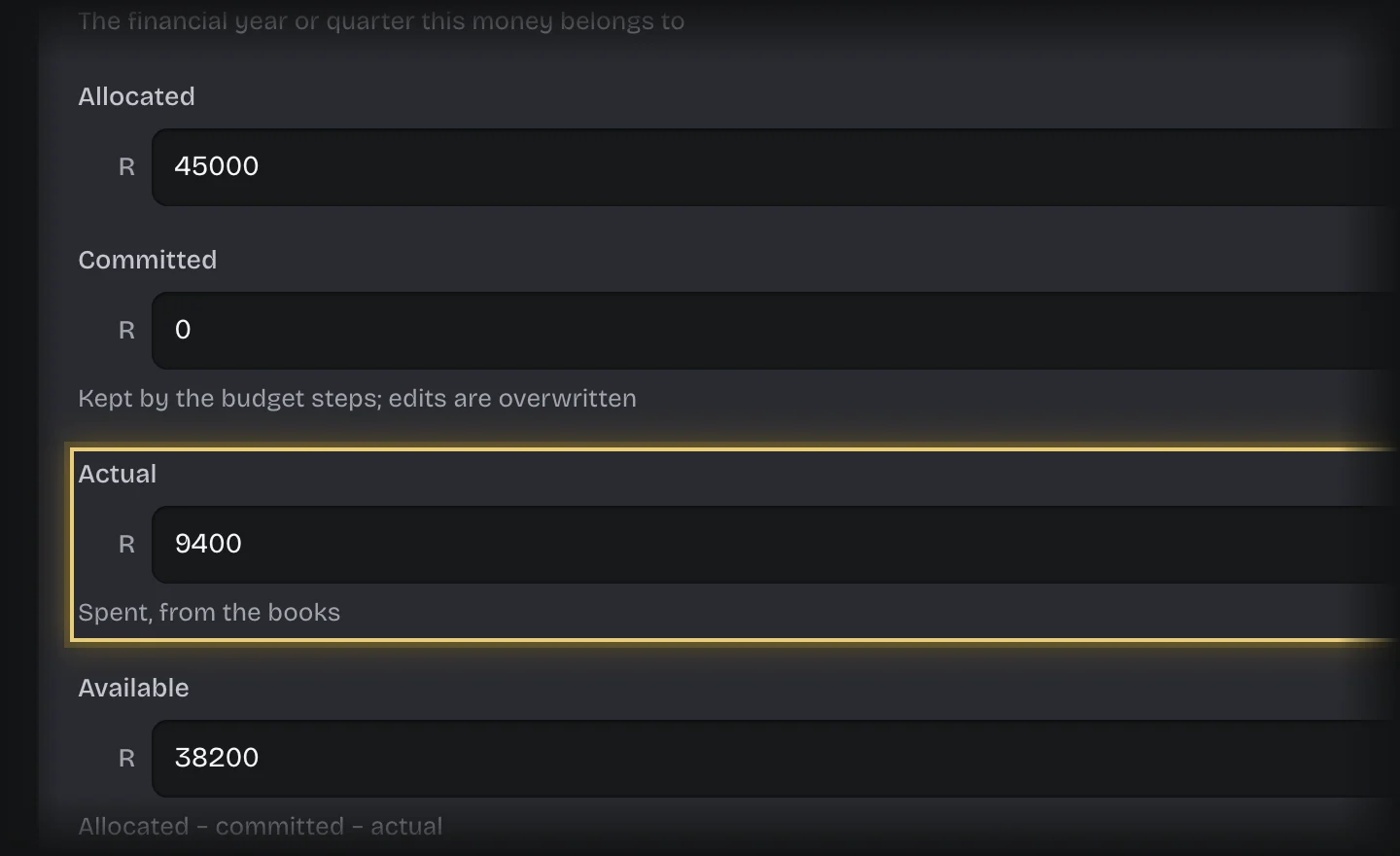
Actual on a budget line is what has been spent, taken from your organisation’s books. Koldheim does not import it.
Steps
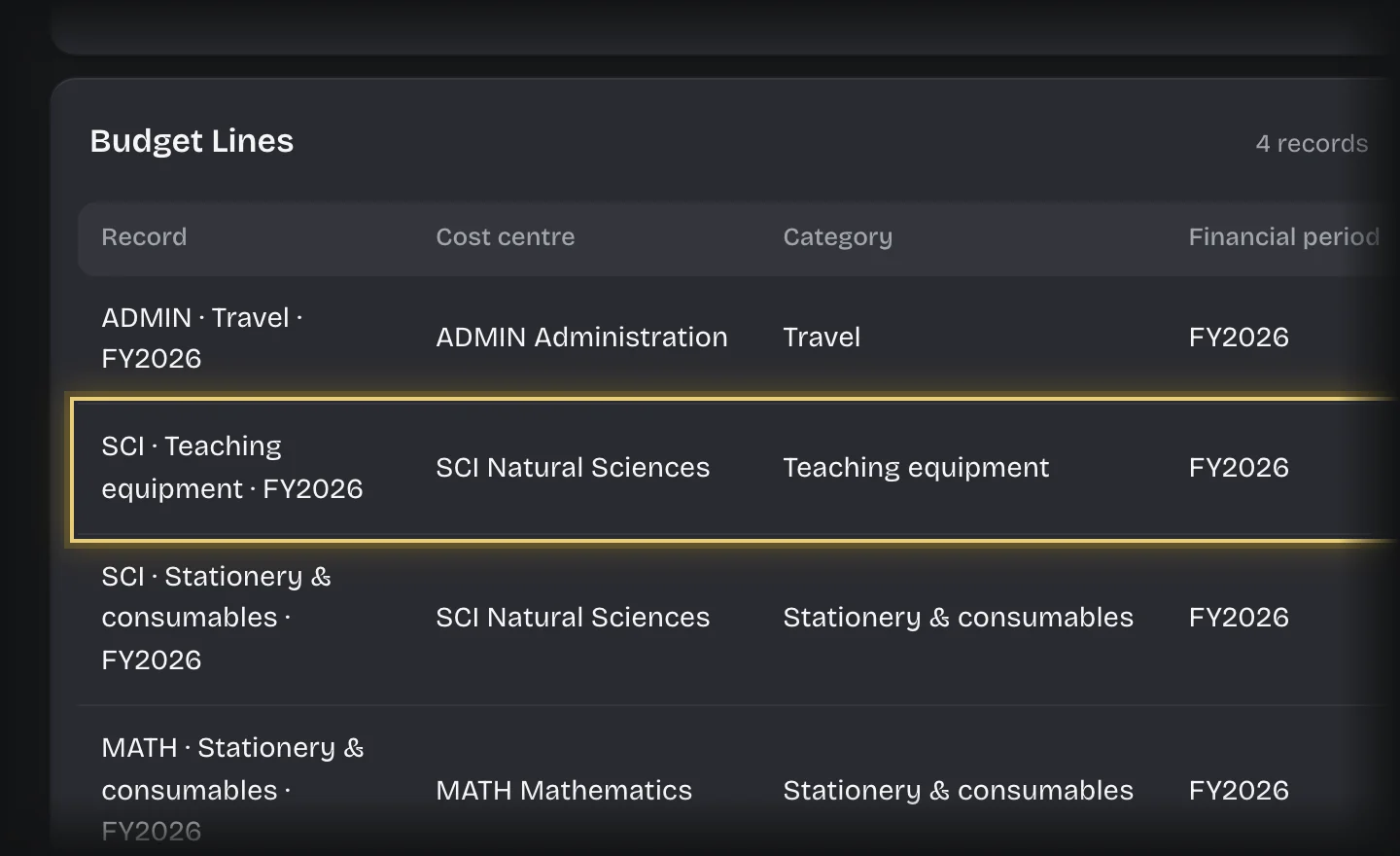
- Open Manage > Records and press Budget Line under Record types.
- Press the line’s row in Budget Lines. Its form opens, titled with the line’s name.
- Change Actual to the amount spent to date.
- Press Save changes.
What you will see
The next request checked against that line uses the new Actual: available is allocated, less committed, less actual.
Common problems
- Available on the Budgets table still shows the old figure. It is rewritten when the next request is committed. The check itself always uses the new Actual.