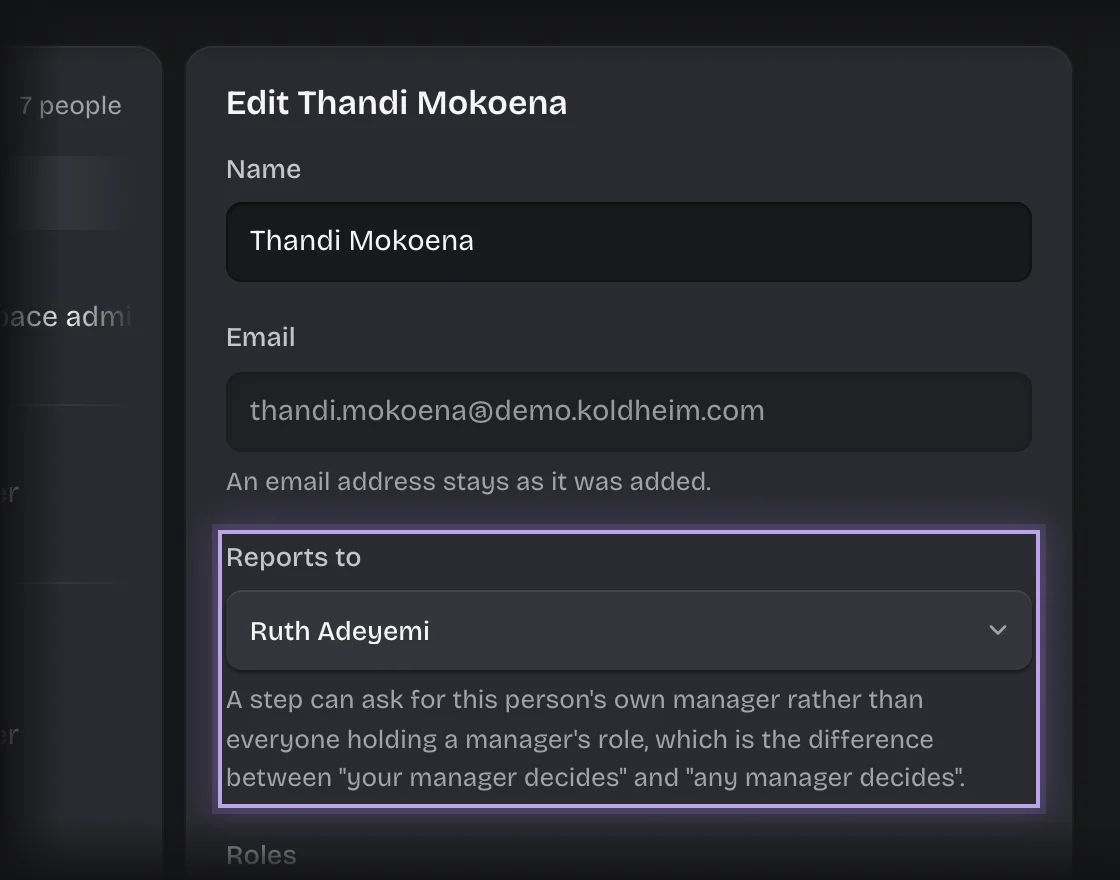
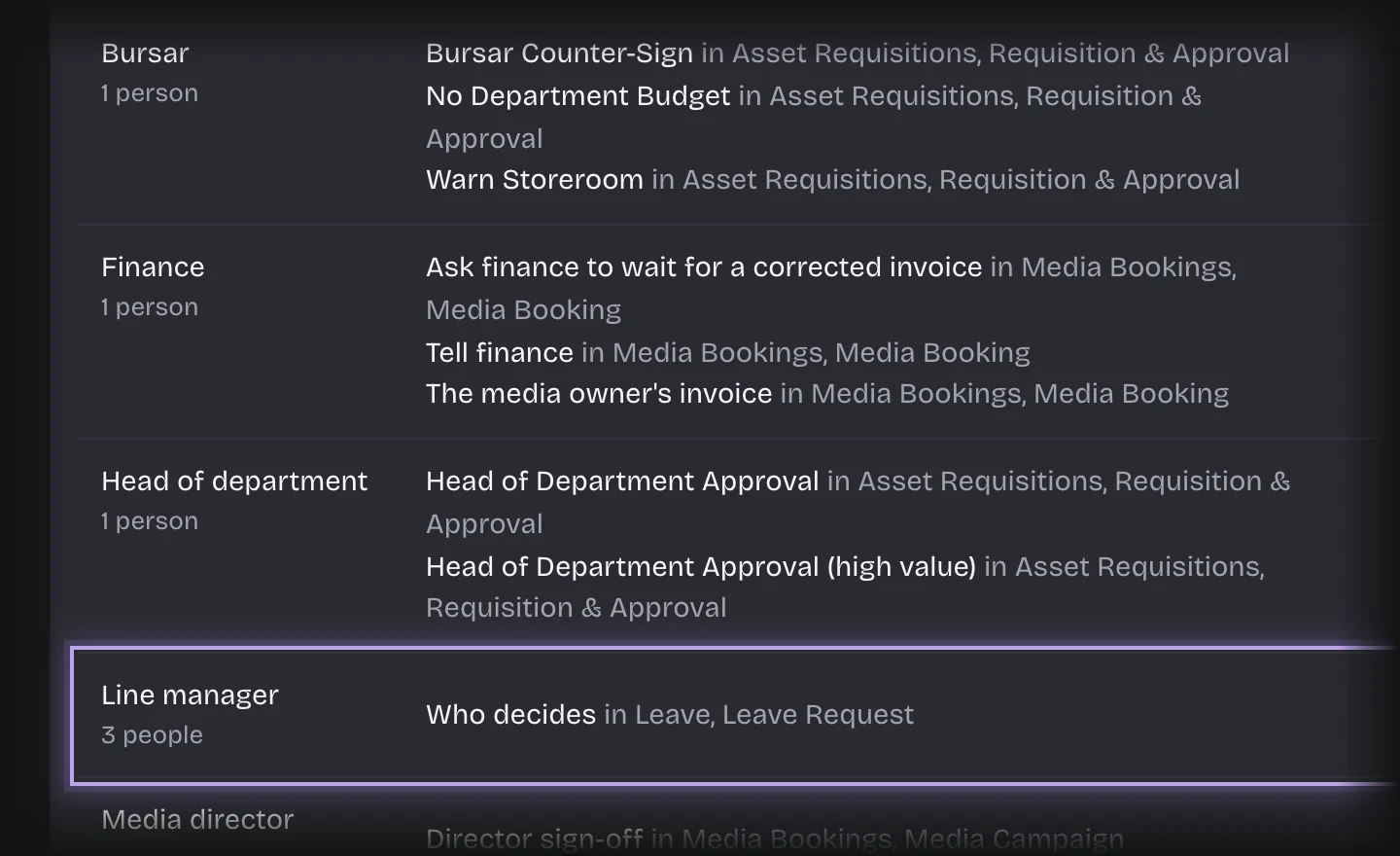
A leave request goes to the person’s own manager. If they have none set, it goes to everyone holding the Line manager role, which comes with Leave. It never goes to the person the leave is for. If they are the only one holding Line manager, it goes to the tenant admins instead.
Steps
- Open Manage > People. For each person, press their row, choose Reports to, and press Save changes.
- Open Manage > Roles and check that Line manager is held by the people who should decide for anyone without a manager. Rename it if your organisation uses another word.
- To change how long a manager has, open Manage > Pipeline values, find Their manager decides, and set Due within (hours) and Then remind every (hours). Each change saves itself; wait for Saved.
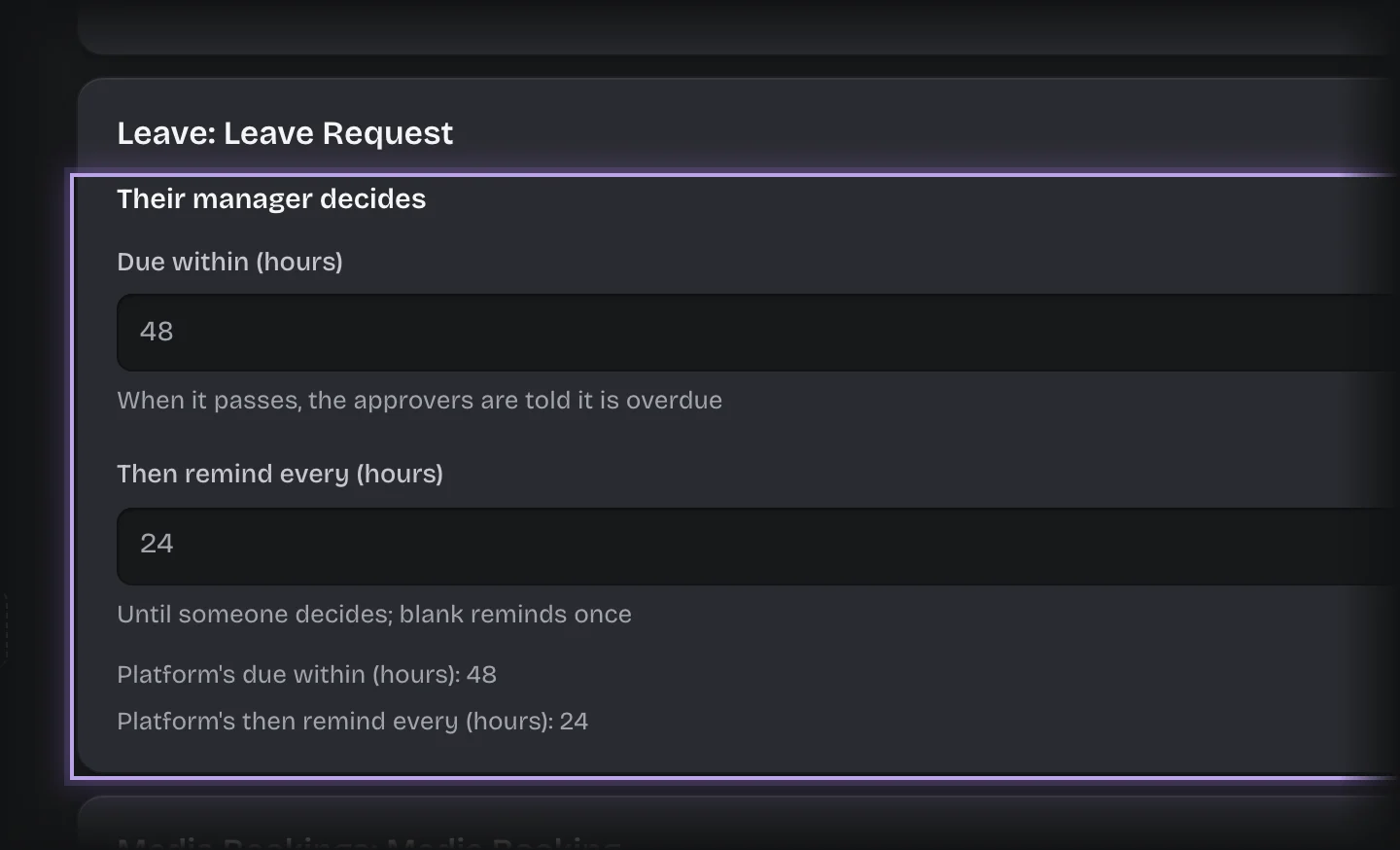
What you will see
In the People list, who each person reports to and how many report to them.
Common problems
- Everyone with Line manager gets every request. People without Reports to set fall back to the role. Set a manager for each person.
- A line manager without a manager of their own has their requests sent to the other line managers. If they are the only one, their request goes to the tenant admins other than them, and the card tells them why. Set Reports to for them, or give Line manager to someone else, if that is not who should decide.
- The request shows failed: “only the person who raised this request could decide it, and they are the only administrator”. The only line manager is also the only tenant admin. Set Reports to for them, give Line manager to someone else, or make someone else a tenant admin, then press Retry on the request under Recent leave requests on the Outcome stage.
- Who approves cannot be changed under Pipeline values for Leave. It is always the person’s manager, or the role.