Steps
- Choose Leave in the rail, then the Leave Requests tab.
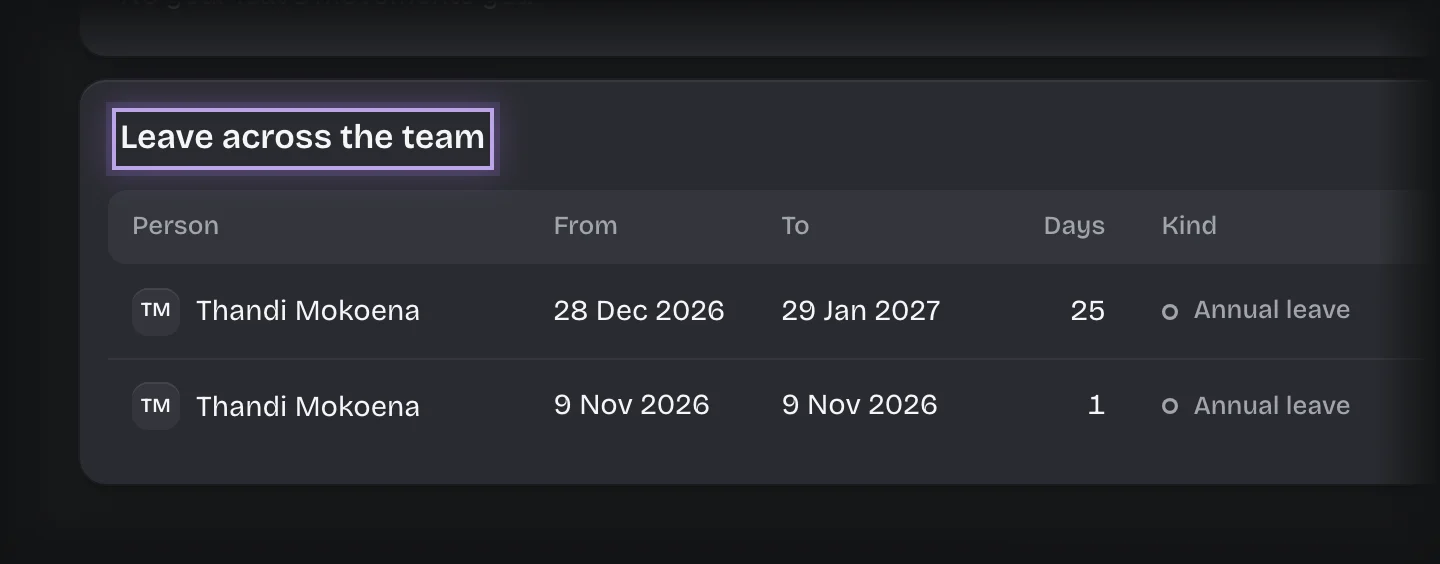
- On the Request Leave stage, scroll to Leave across the team.
What you will see
Every leave request in the workspace, with the person, dates, working days, kind of leave and status. The Overview tab also lists Leave movements for everyone.
Common problems
- The panel is missing. It is shown only to people holding the Line manager role. Ask your tenant admin.