Steps
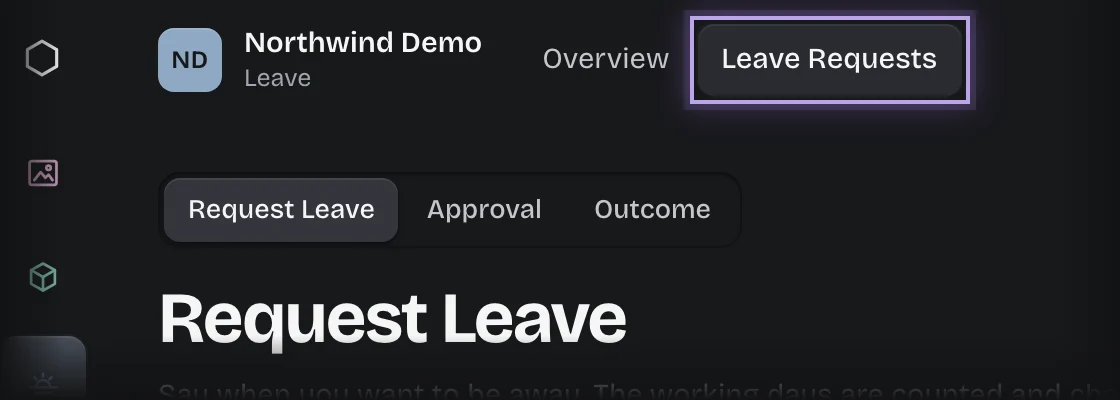
- Choose Leave in the rail, then the Leave Requests tab. The Request Leave stage opens in the stage switch at the top of the page.
- Press Request leave.
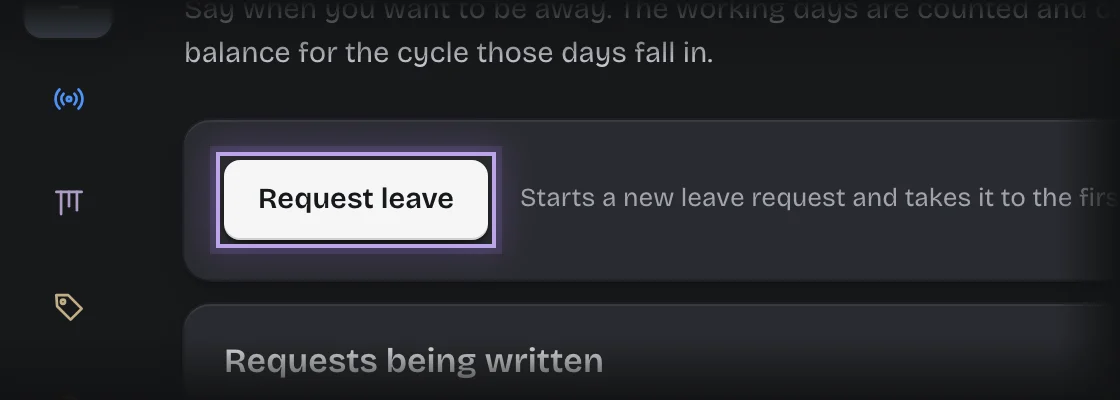
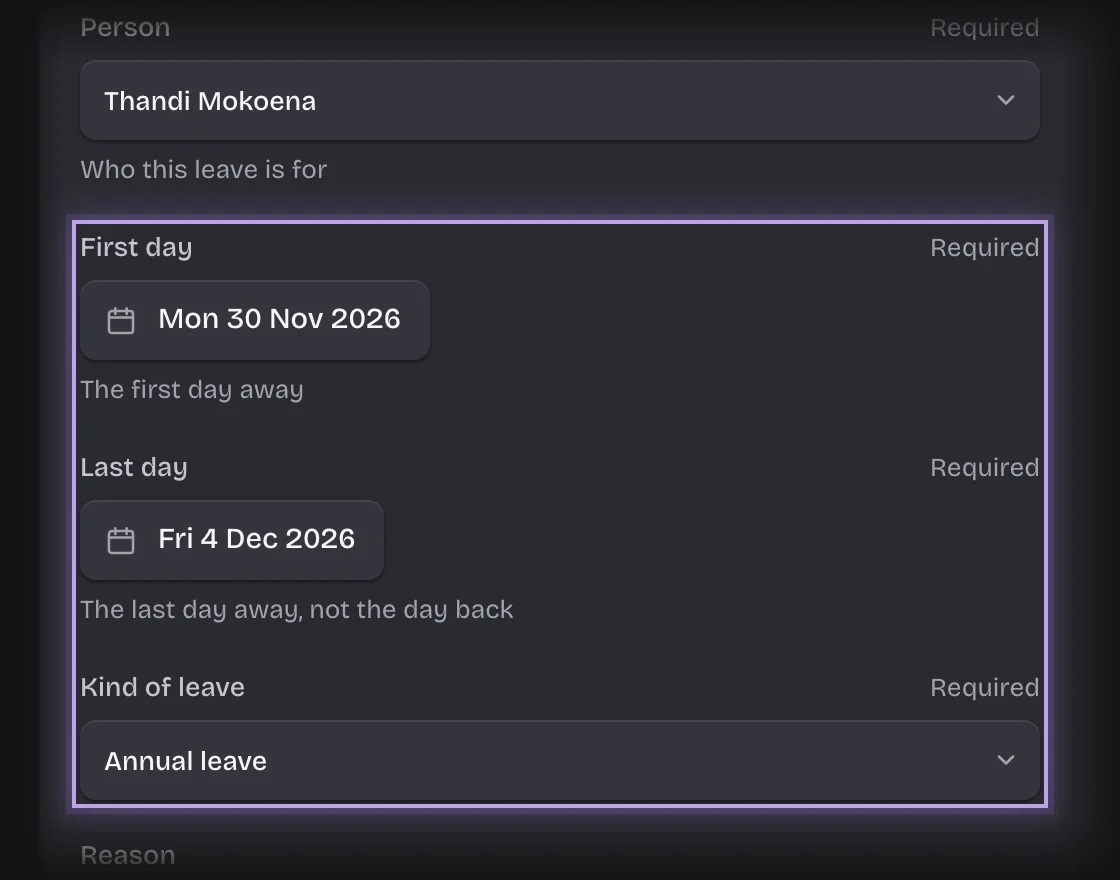
- The form Request leave opens under Requests being written. Fill in:
- Person: yourself, or whoever the leave is for.
- First day and Last day: the first and last day away.
- Kind of leave: Annual leave, Sick leave or Unpaid leave.
- Reason: optional.
- Press Send the form.
What you will see
- Your balance is checked for the leave cycle your first day falls in, so leave booked for next cycle uses next cycle’s days.
- Leave that runs over the turn of a cycle is checked against the cycle it starts in. If your organisation’s leave policy splits it, the days in each cycle are checked against that cycle instead.
- If your balance covers the days, the request goes to your manager. Its status is Awaiting approval in Your leave requests.
- If it does not, a second form asks whether to take the rest unpaid. See Take a shortfall as unpaid leave.
- Unpaid leave goes straight to your manager. You are not asked whether to take it unpaid, because you already chose to, and none of it comes off your balance.
- When your manager decides, a message: “Leave approved”, naming who approved it, with the paid and unpaid days, or “Leave not approved”, naming who decided. If a tenant admin decided because nobody else could, the message says so. Nothing comes off your balance until the leave is approved.
Common problems
- “Those leave dates do not work.” Last day is before First day. Raise the request again with the dates the right way round.
- The working days look wrong. Koldheim counts Monday to Friday. It does not know public holidays, so a public holiday inside your dates is counted as a working day. Ask your manager or tenant admin to correct the balance afterwards.
- Unpaid leave never uses your balance. Choose Annual leave if you want paid days.
- Your request went to a tenant admin. You hold Line manager, have no manager set, and nobody else holds the role, so a tenant admin decides it.
- The request shows failed: “only the person who raised this request could decide it, and they are the only administrator”. As above, and you are also the only tenant admin. Set Reports to for yourself, give Line manager to someone else or make someone else a tenant admin, then retry it.
- To stop a request, see Cancel a request you started.