A leave request goes to the person’s own manager, as set under Reports to on their profile. If they have no manager set, it goes to everyone holding the Line manager role. Your own leave never comes to you.
Steps
- When a request reaches you, you get the message “Waiting for your decision: Leave:” with the person’s name and dates. Choose Leave in the rail. The request is a card under On your desk on the Overview, titled Leave: followed by the person’s name and dates. It is also under Waiting on a decision on the Approval stage of Leave Requests.
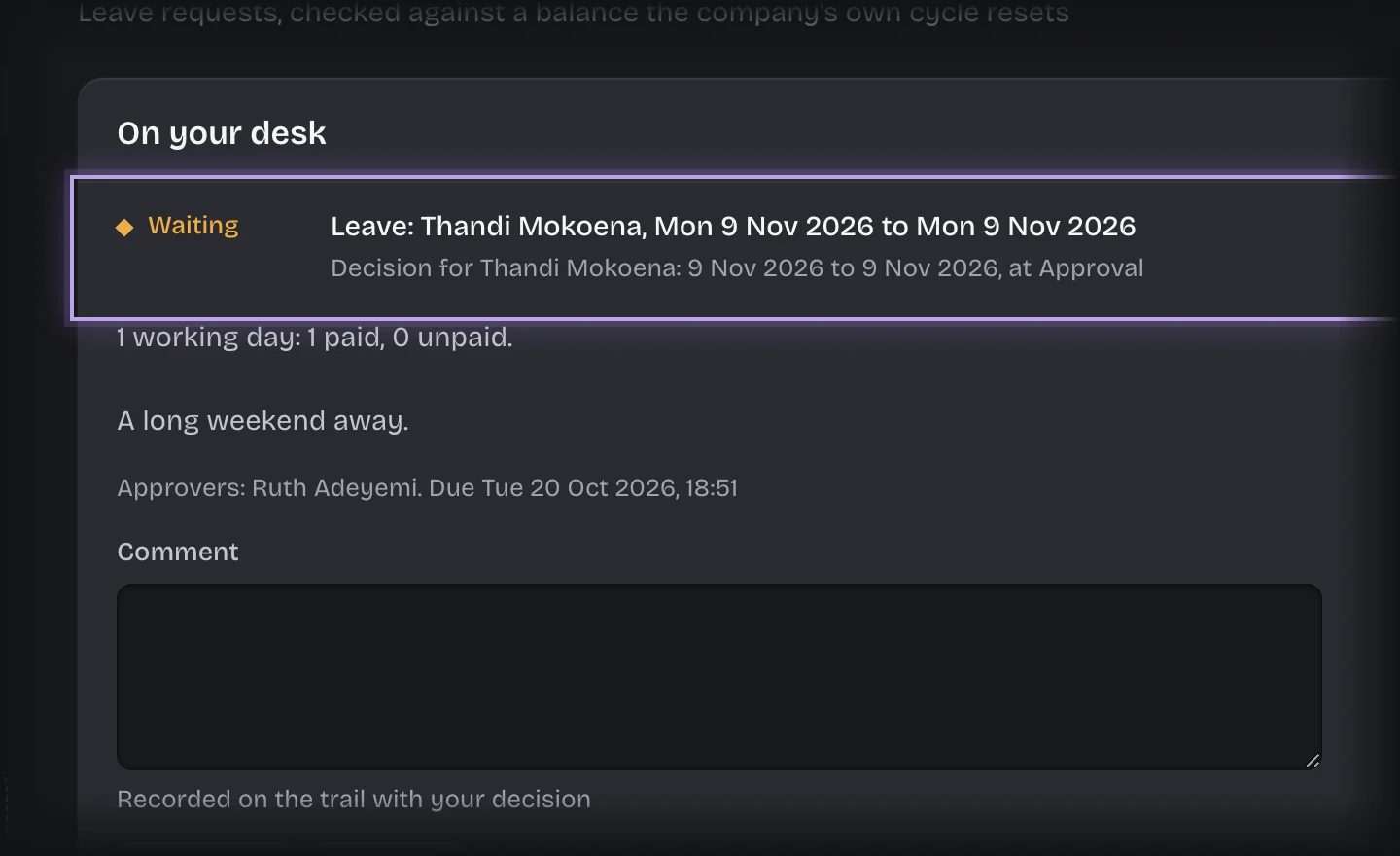
- If the card is closed, press its header to open it. It shows the working days, how many are paid and how many unpaid, and the reason.
- Type a Comment if you want one. It is recorded with your decision.
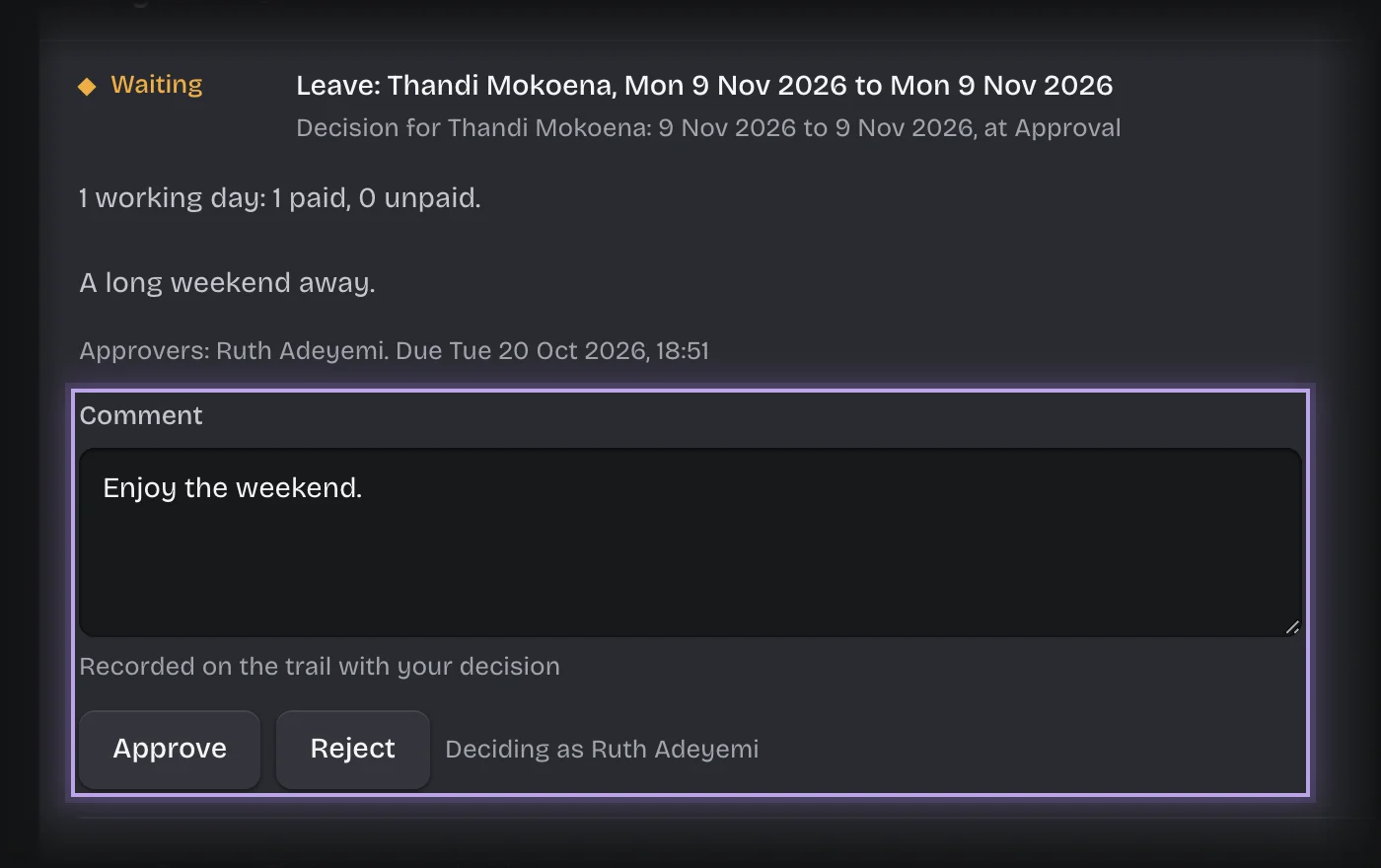
- Press Approve or Reject.
What you will see
- Approved: the paid days come off the person’s balance as a movement, the request is marked Approved, and the person is told. A request for Unpaid leave has no paid days, so nothing comes off the balance.
- Rejected: the request is marked Not approved, nothing comes off the balance, and the person is told.
- Awaiting a decision on the Approval stage counts the requests waiting on you.
Common problems
- “This is waiting on …, so it is not yours to decide.” The request went to someone else, usually because the person reports to them.
- “This came to you as an administrator of this workspace”. You are a tenant admin, and the person asking is the only one holding Line manager. Decide it as you would any other.
- An overdue message. A request left undecided is overdue after 48 hours, and you are reminded every 24 hours after that, unless your organisation changed these times.