When your balance does not cover all the working days you asked for as Annual leave or Sick leave, Koldheim asks you before anyone else sees the request. It does not refuse the request.
A request for Unpaid leave is never asked this. It goes straight to your manager, and none of it comes off your balance.
Steps
- Open Leave. The form You do not have enough leave for all of this is under On your desk on the Overview, and under Requests being written on the Request Leave stage. If the card is closed, press its header to open it.
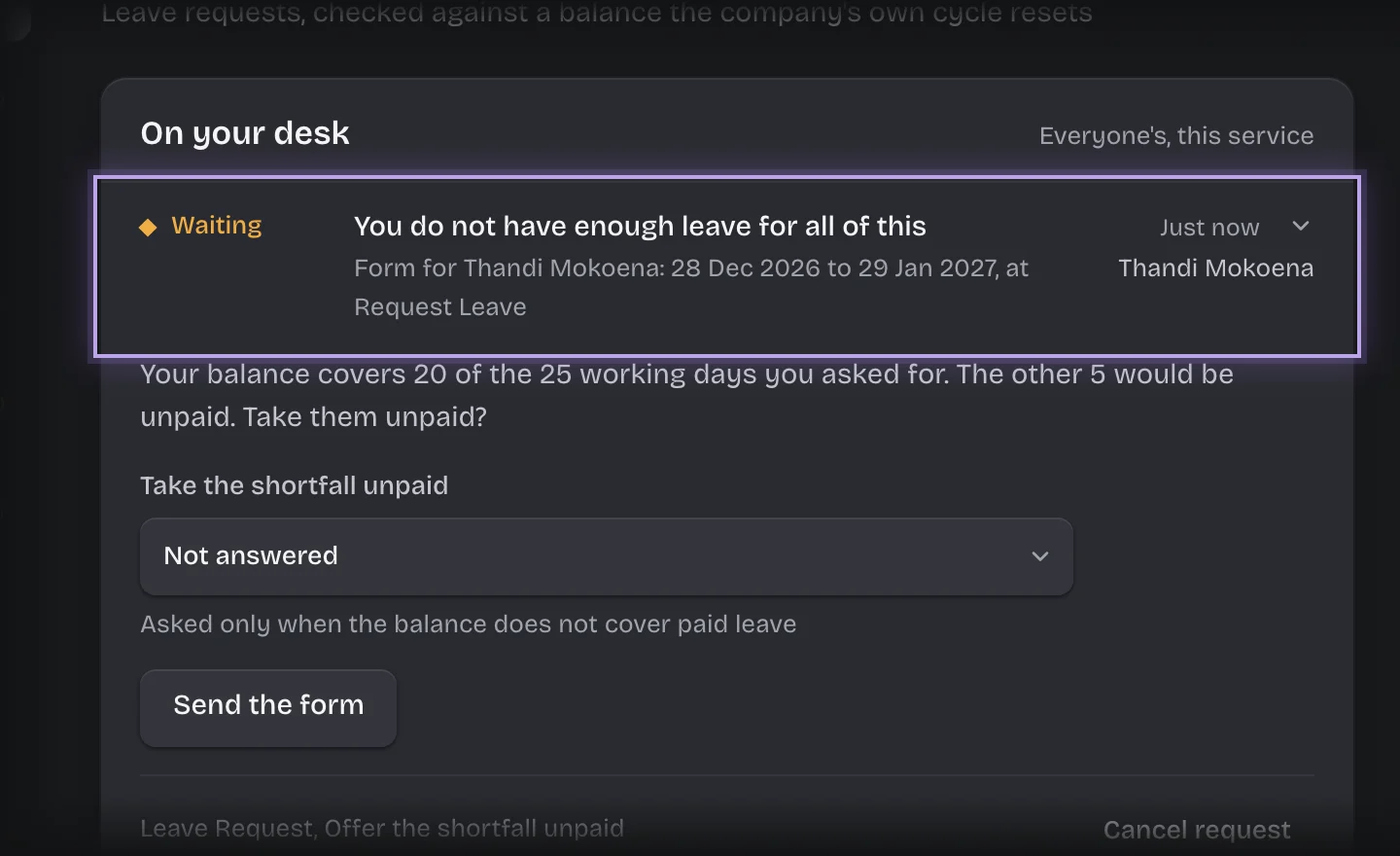
- Read the line that says how many of the working days your balance covers, and how many would be unpaid.
- To go ahead, choose Yes under Take the shortfall unpaid. To withdraw the request, choose No.
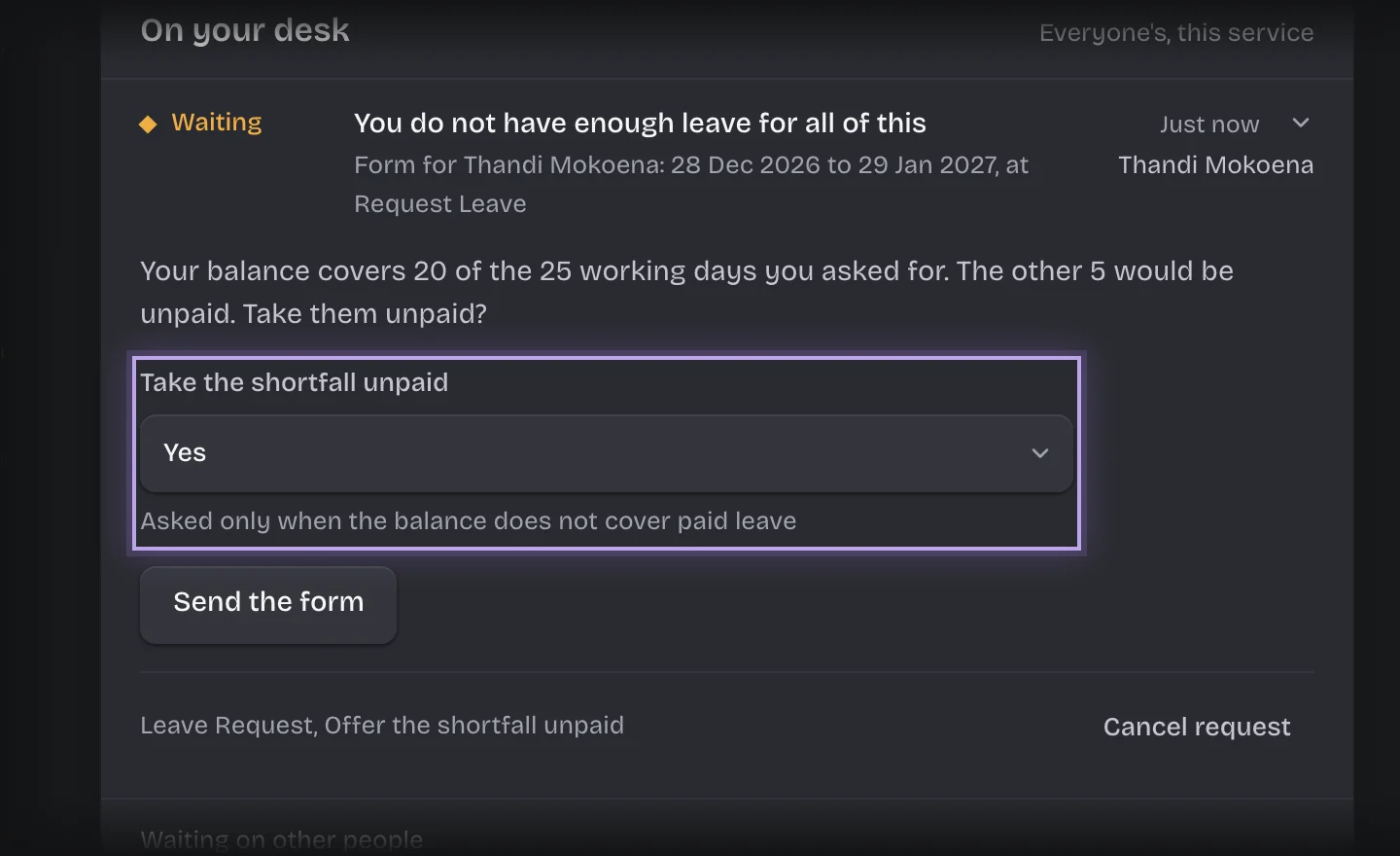
- Press Send the form.
What you will see
- Yes: the request goes to your manager with the paid and unpaid days shown. Only the paid days come off your balance when it is approved.
- No: the request is marked Withdrawn. Nothing comes off your balance.
Common problems
- You expected more days. Your balance is the days a cycle carries plus the grants and deductions dated in the cycle your leave starts in. Leave that runs past the end of a cycle is all checked against, and taken from, the cycle it starts in, unless your organisation’s leave policy splits it. Split, the working days in each cycle are checked against that cycle’s balance, so you can be short in one cycle and not the other. See See your leave requests and balance.