When a booking order’s proof is in, it waits for the media owner’s invoice.
Steps
- The form Invoice from the media owner and the insertion order number is on On your desk, and on the Invoices stage of the Bookings tab. Press the card’s header to open it. It shows the booked net.
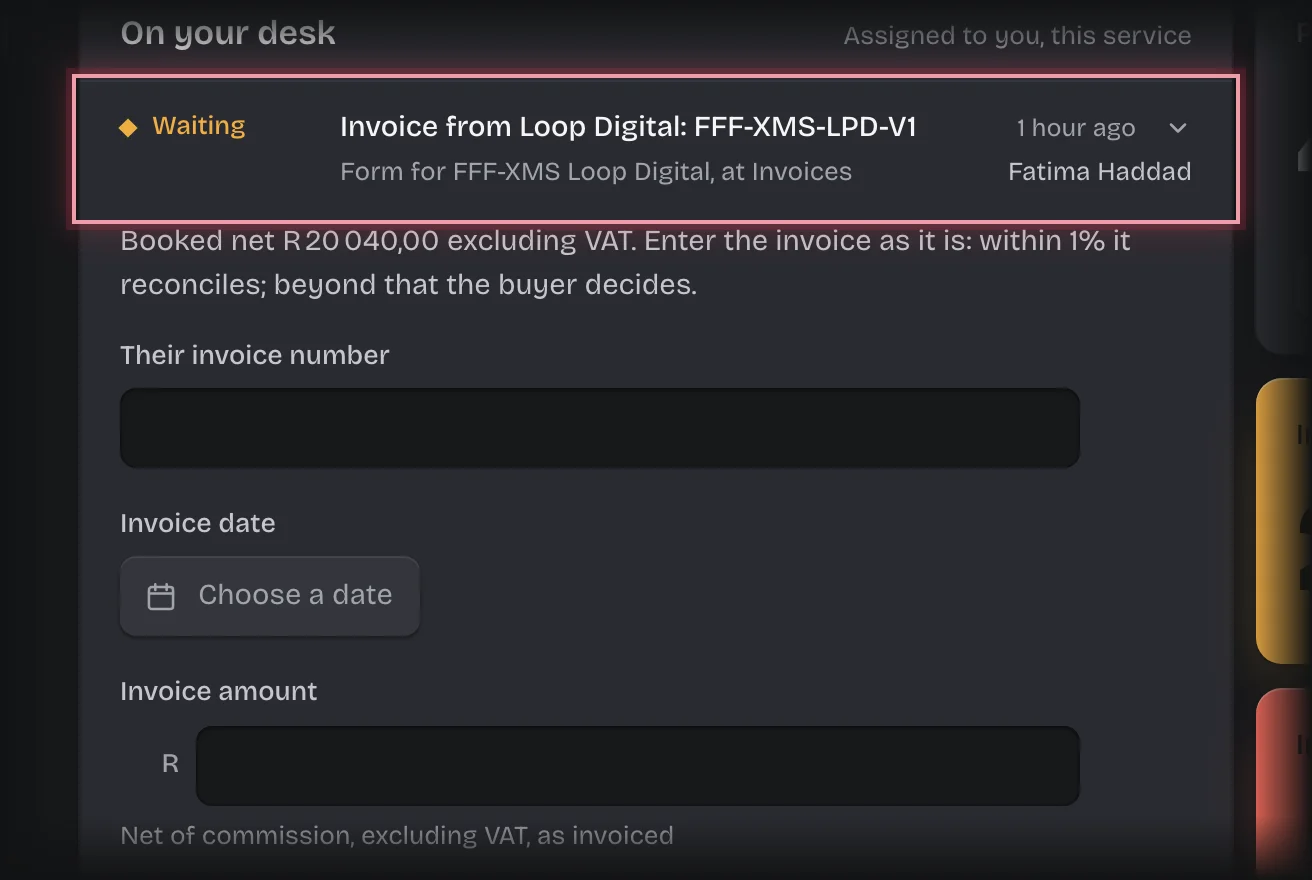
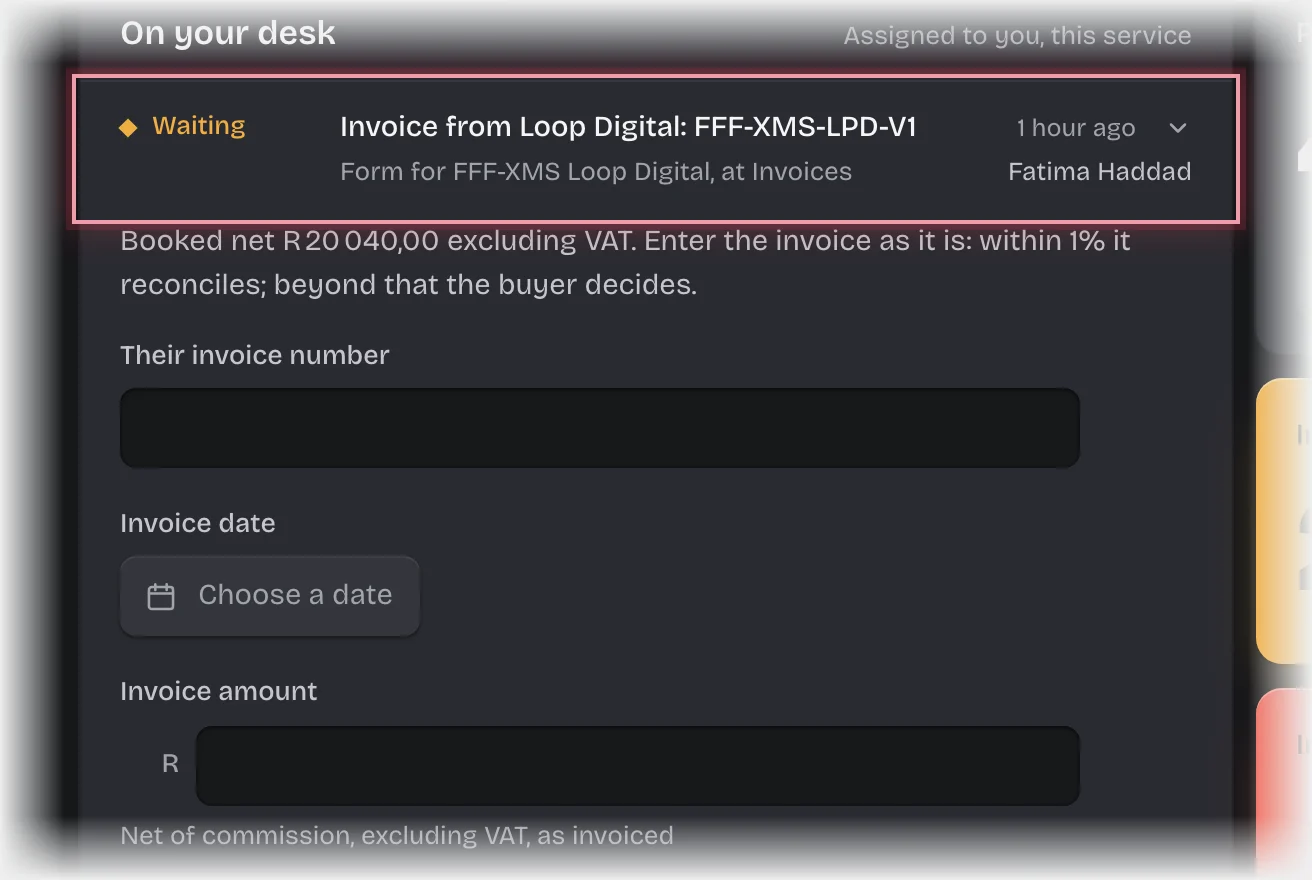
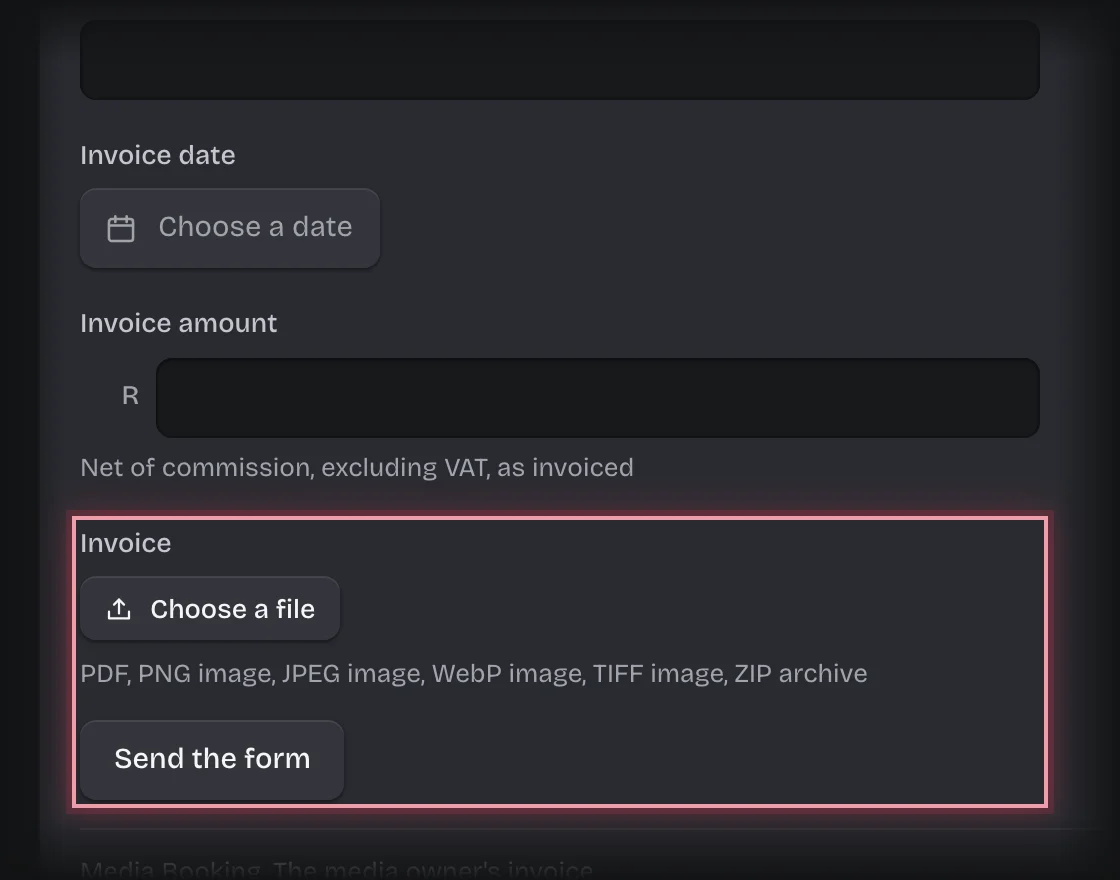
- Fill in Their invoice number, Invoice date, and Invoice amount: the net of commission, excluding VAT, exactly as invoiced.
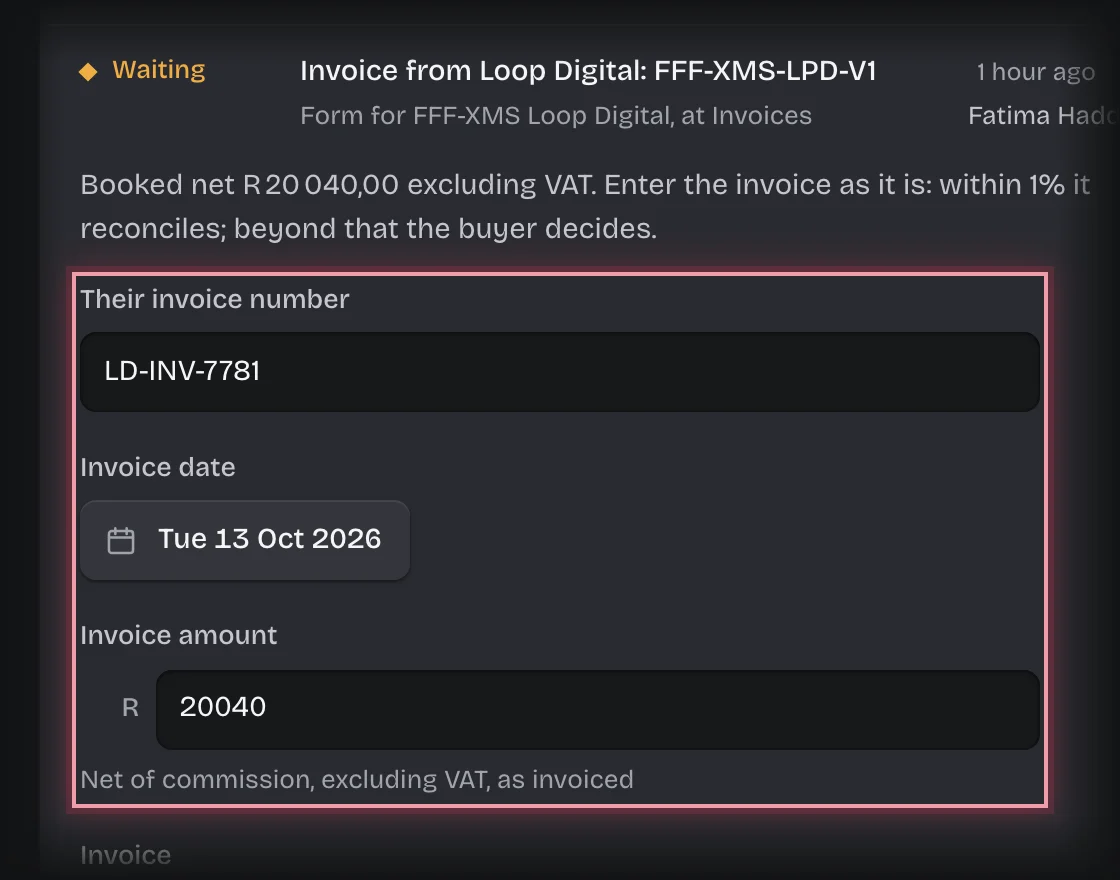
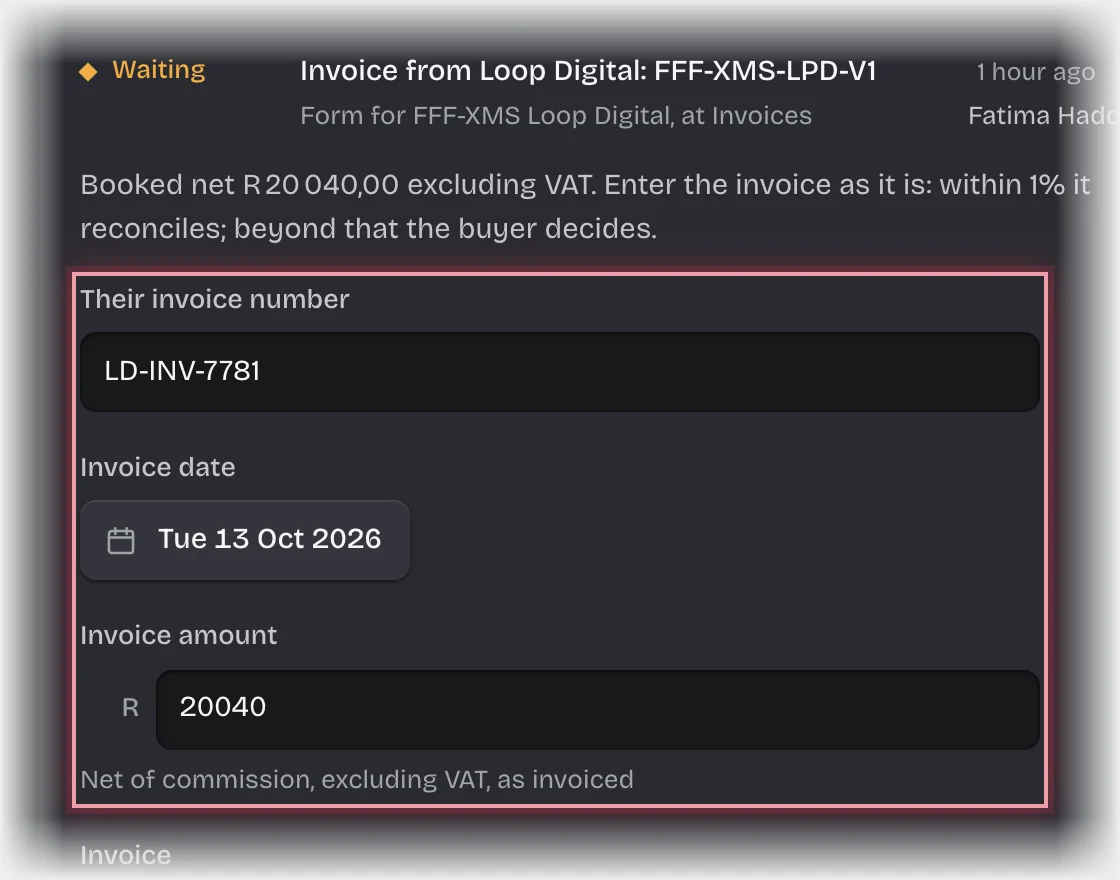
- Press Choose a file under Invoice to upload it, then press Send the form.
What you will see
- Within tolerance: the order is Reconciled by itself and billed as booked. Small differences are not passed to the client, who approved the plan.
- Outside tolerance: the buyer decides. See Decide an invoice variance.
- When it is reconciled you get the message “Ready to bill:” and a Client bill record appears under Client bills on the Billing stage: net, commission, gross, VAT and total. Bill the client from it in your accounting package. It is also announced to your organisation’s webhooks as
media.bill_ready. - When the last order of a campaign is billed, the campaign’s State is Billed.
Common problems
- “Corrected invoice needed:”. The buyer asked the media owner for a corrected invoice. The form comes back to you; enter the corrected one when it arrives.
- Koldheim does not send the bill. It works out what to bill. Your accounting package issues the tax invoice.