After the media owner confirms, the order asks for its material: approved artwork, a file, or for broadcast the clock number it was delivered under.
Steps
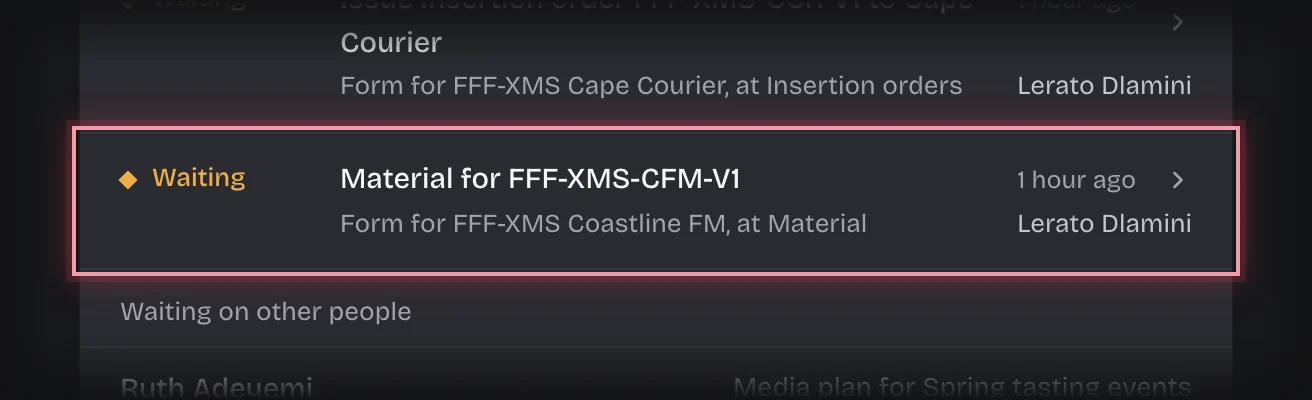
- The form Material for the insertion order is on On your desk, and on the Material stage of the Bookings tab. Press the card’s header to open it.
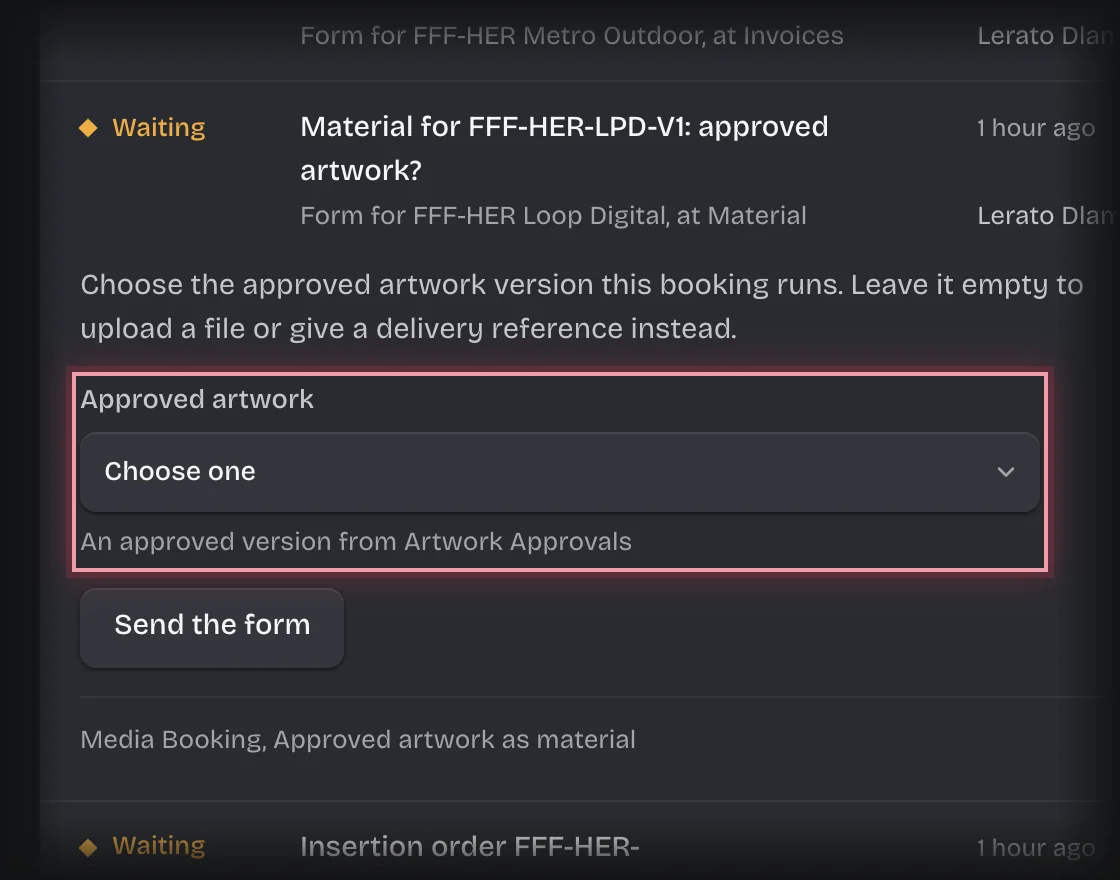
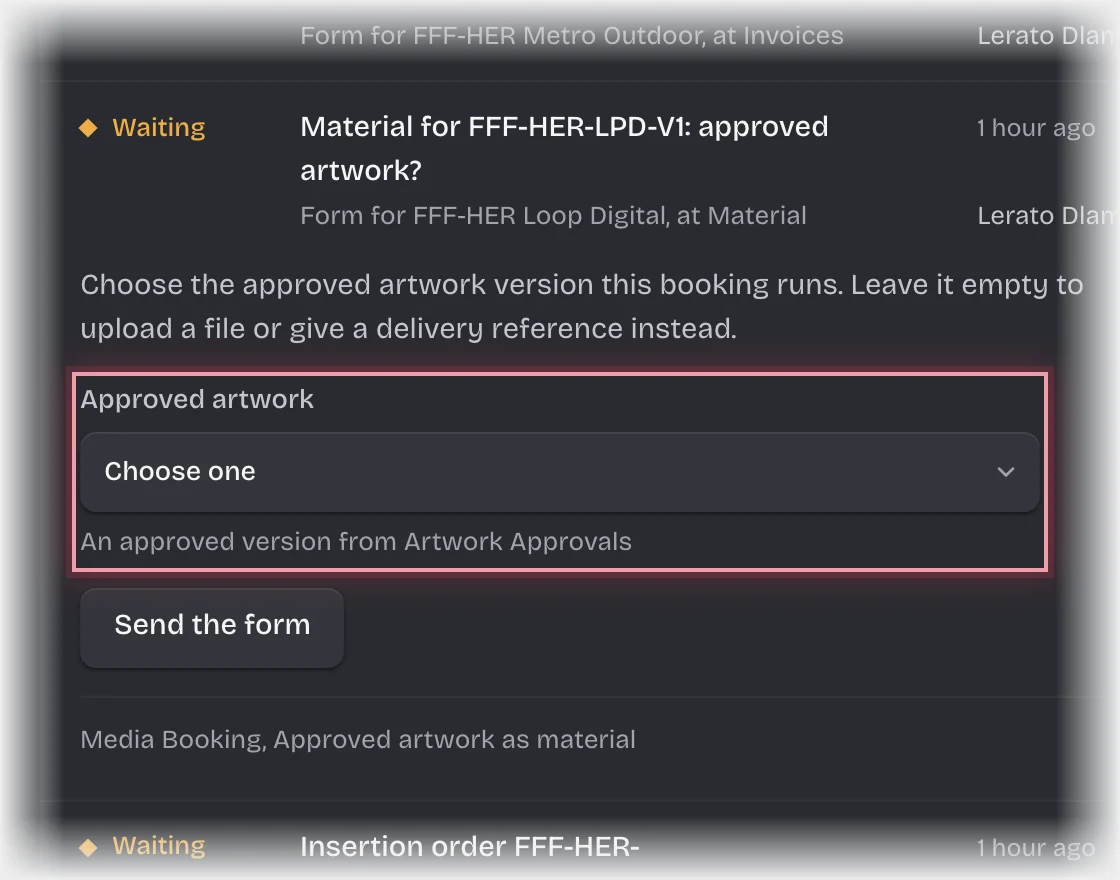
- If your organisation also uses Artwork Approvals, the first form asks for Approved artwork. Choose the version the client approved and press Send the form. To send something else, leave it on Choose one and press Send the form.
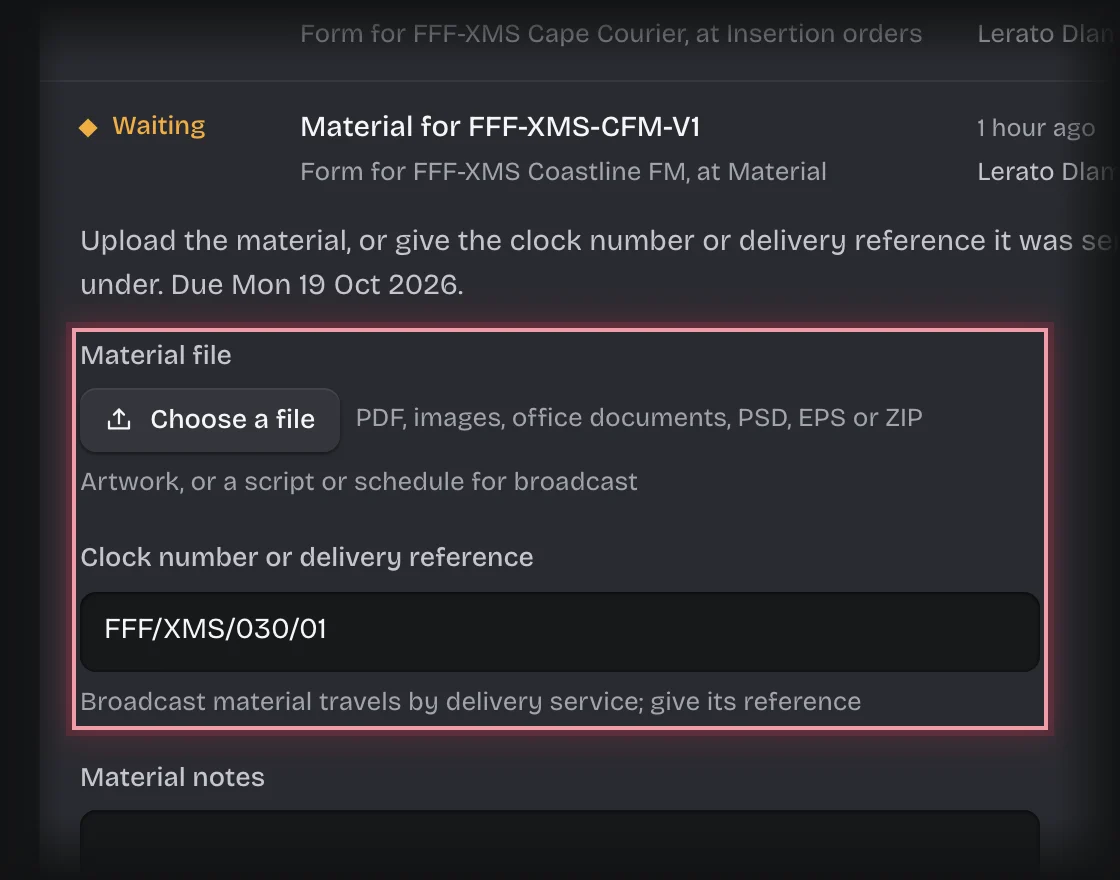
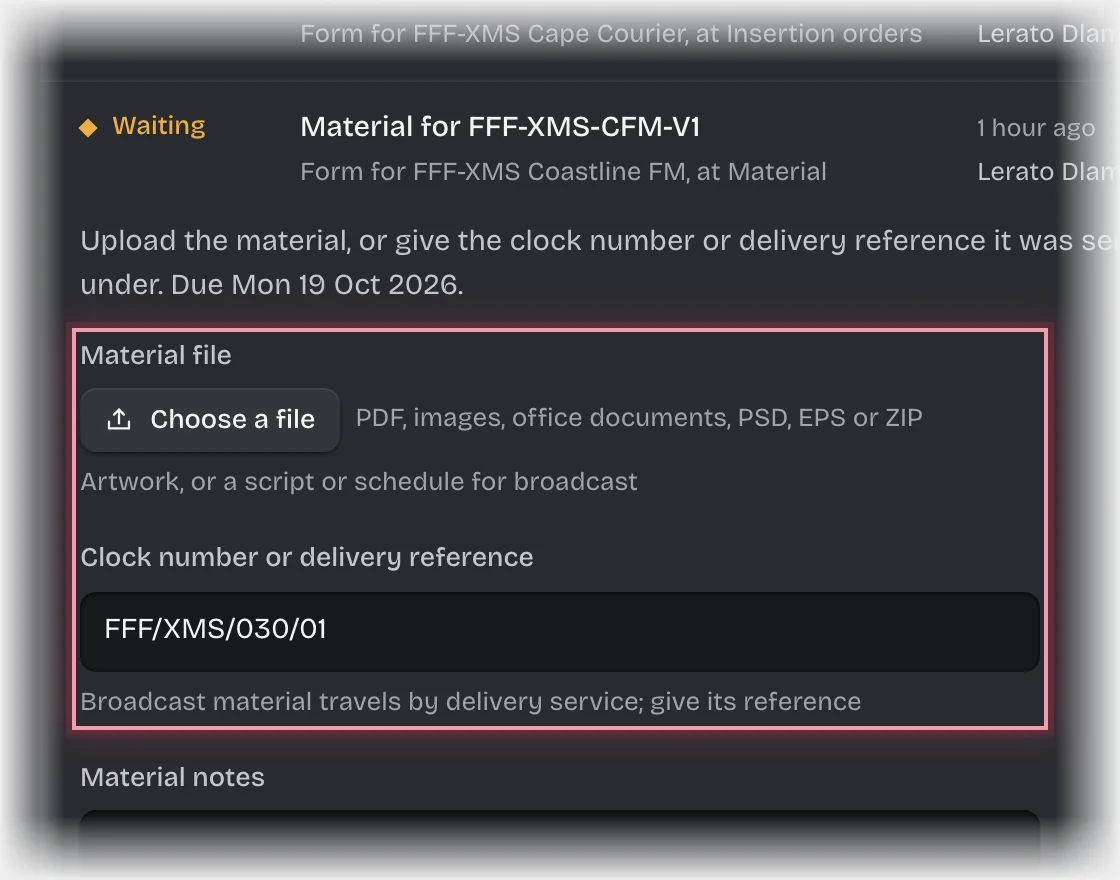
- Otherwise, press Choose a file under Material file to upload it, or type the Clock number or delivery reference for broadcast material sent through a delivery service. Add Material notes if needed, and press Send the form.
What you will see
- A file, including approved artwork, is emailed to the media owner as a download link. The order records which file was sent and its fingerprint (sha256) under Material sent, and where it came from under Material from.
- A reference only sends nothing; it is kept on the order.
- Material sent on is today. If that is after the Material deadline, Material late is ticked and you and the planner get the message “Material late:”.
Common problems
- “Not approved artwork:”. The version you chose has not been approved by the client, so it cannot be sent. Choose an approved version, or ask the account manager to have it approved.
- “Material needed:”. You gave neither a file nor a reference. Give one of them.