A campaign holds the brief, the plan and which version of it the client approved. Whoever starts it is its planner.
Steps
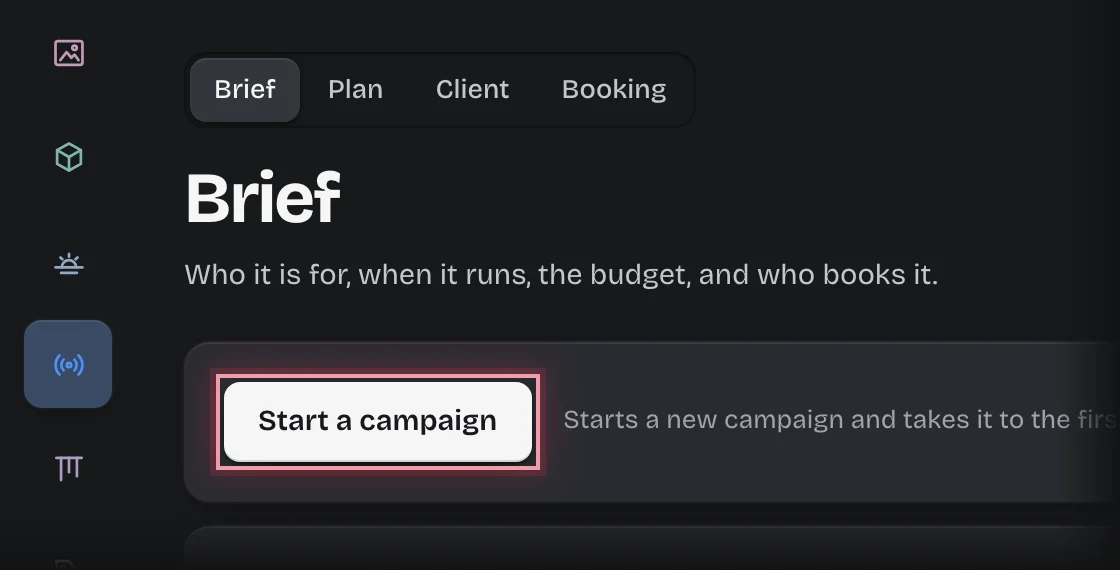
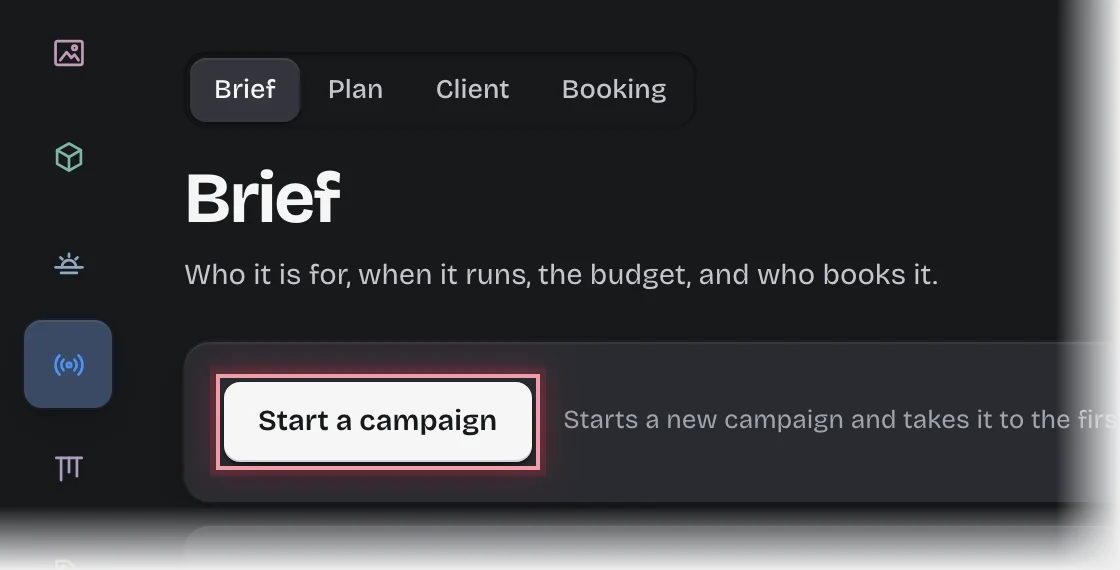
- Choose Media Bookings in the rail, then Start a campaign. It is also on the Brief stage of the Campaigns tab: choose Brief in the stage switch at the top of the page.
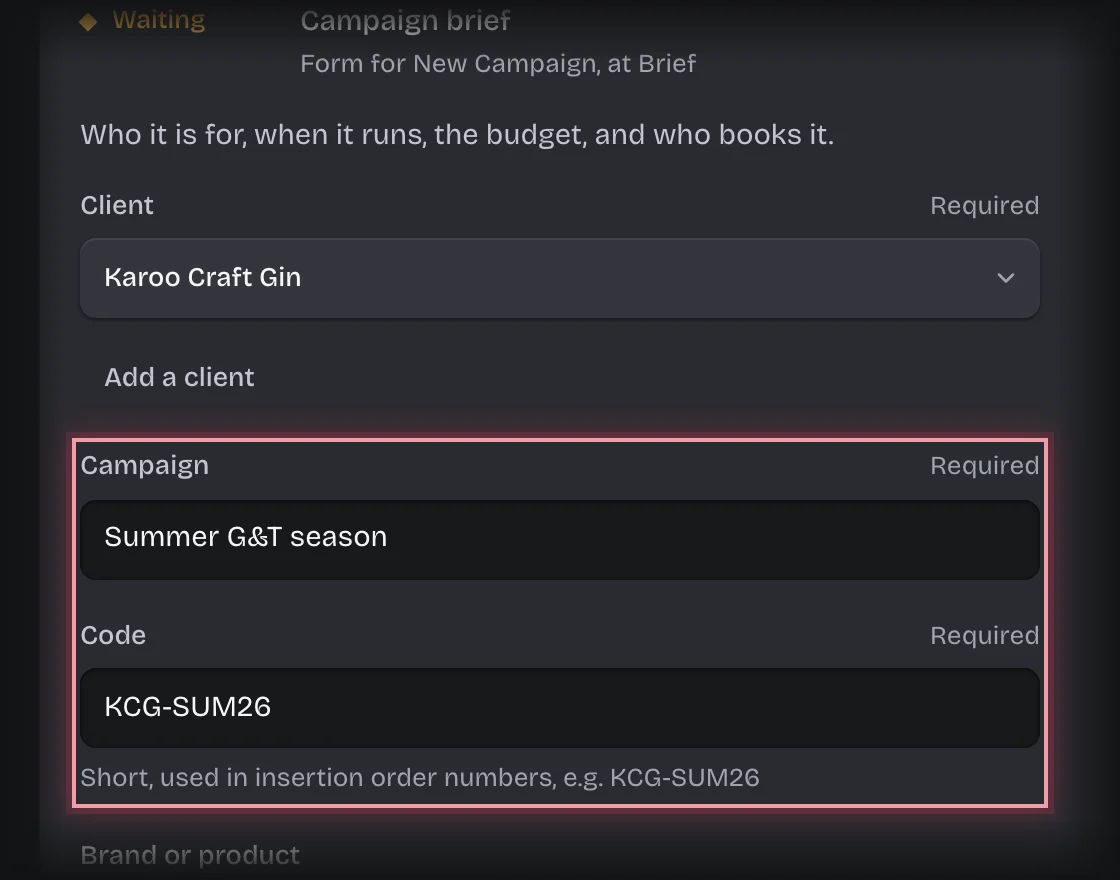
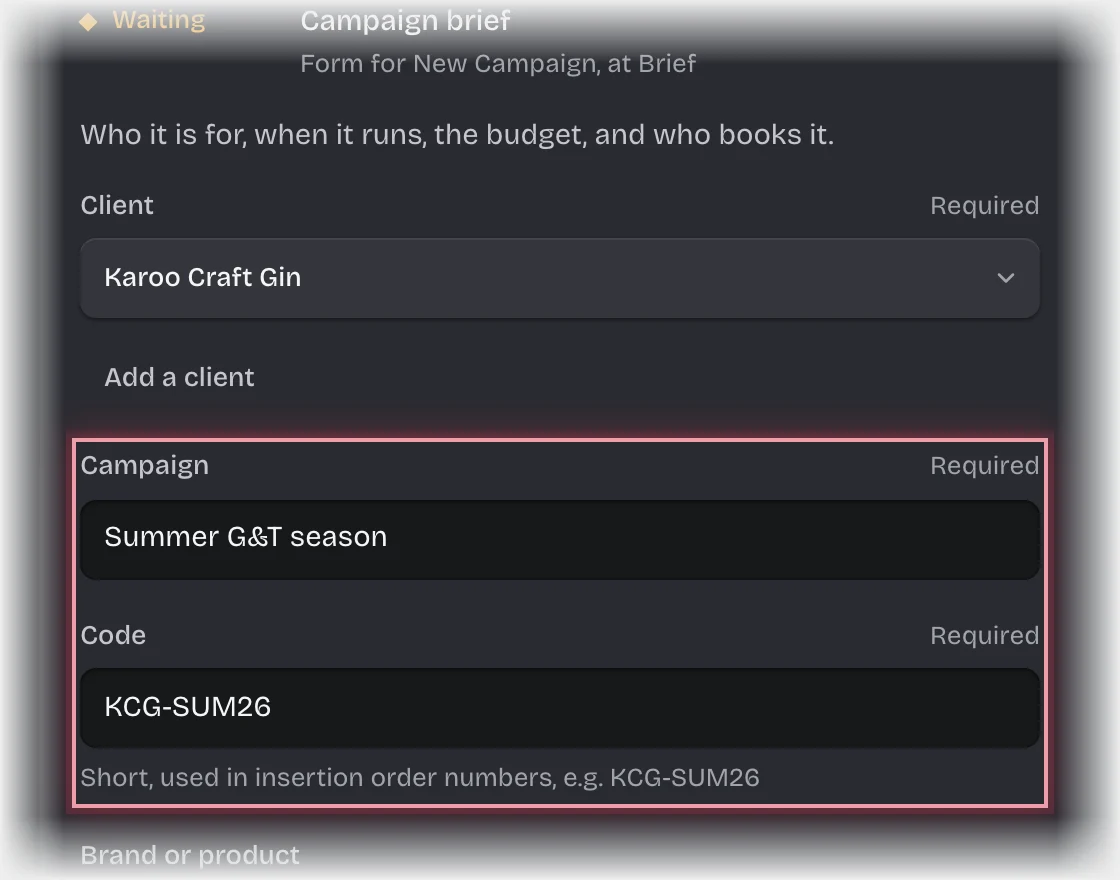
- Choose the Client. If they are not listed, press Add a client under the picker, fill in New client and press Add the client.
- Fill in Campaign (its name) and Code, a short reference such as KCG-SUM26. The code starts every insertion order number.
- Fill in Brand or product, Objective and Budget (gross media, excluding VAT) if you have them.
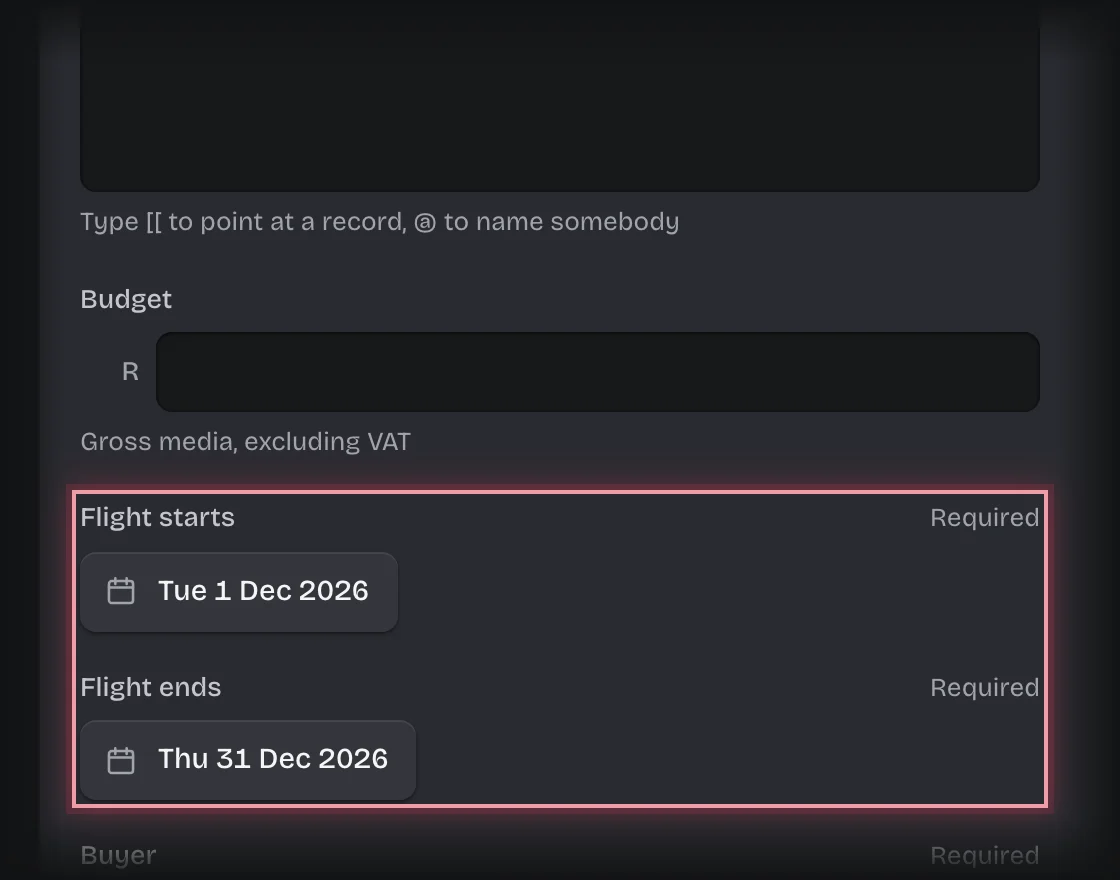
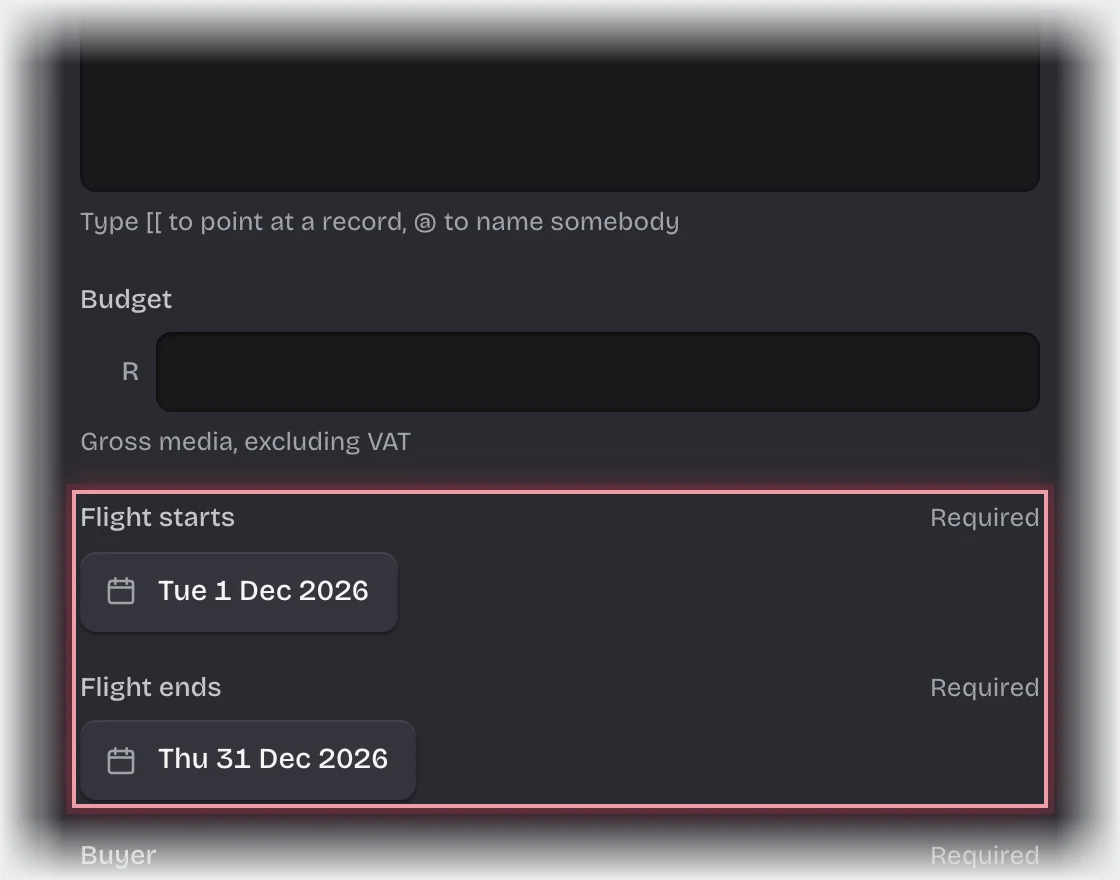
- Set Flight starts and Flight ends from the calendar.
- Choose the Buyer, the person who books it with the media owners.
- Press Send the form.
What you will see
- The campaign’s State is Planning, and the form Media plan for the campaign is on On your desk. See Build the plan and send it to the client.
- The commission and VAT rates are copied from your organisation’s media settings onto the campaign. A later change to the settings does not reprice it.
Common problems
- The campaign stops with “failed” straight away. Your organisation has no media settings record. Ask your tenant admin; see Add media owners and set commission, VAT and tolerance.