Media owners do not sign in. Their bookings email is where insertion orders and material go.
Steps
- Choose Manage at the bottom of the rail, open Records, and choose Media owner in Record types.
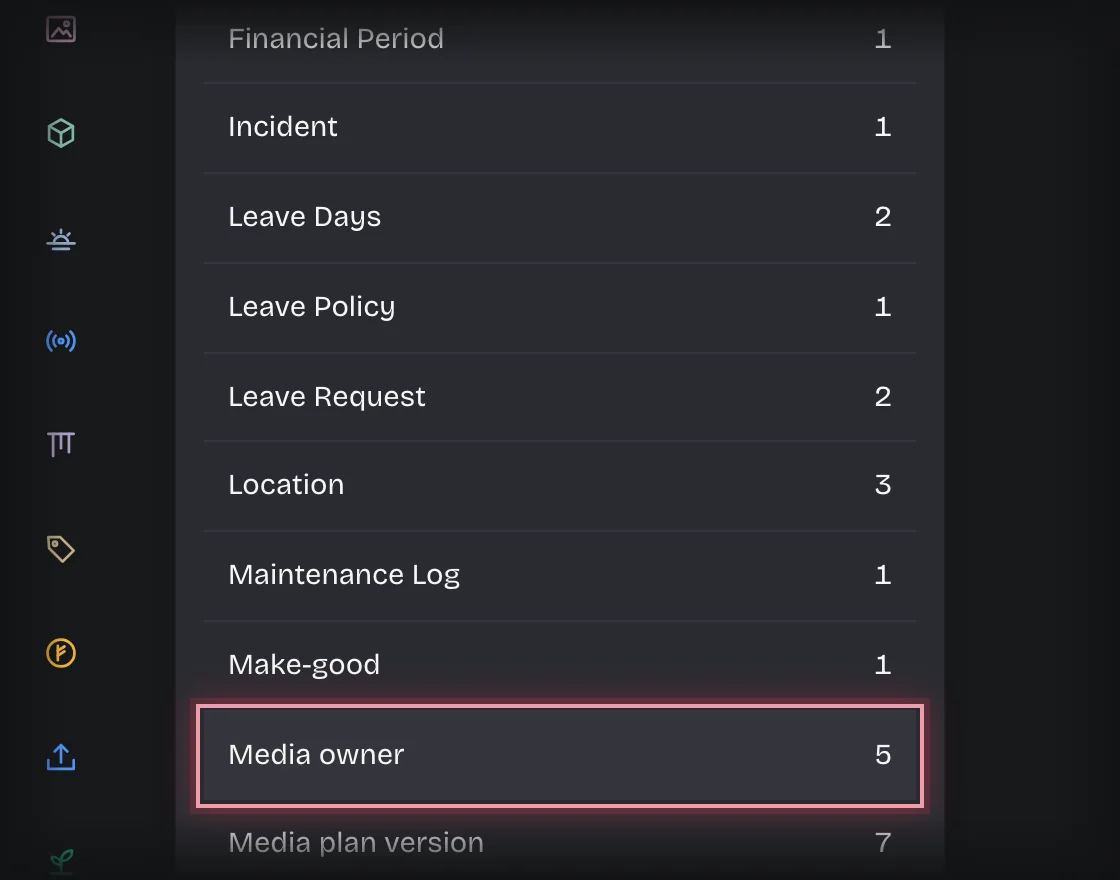
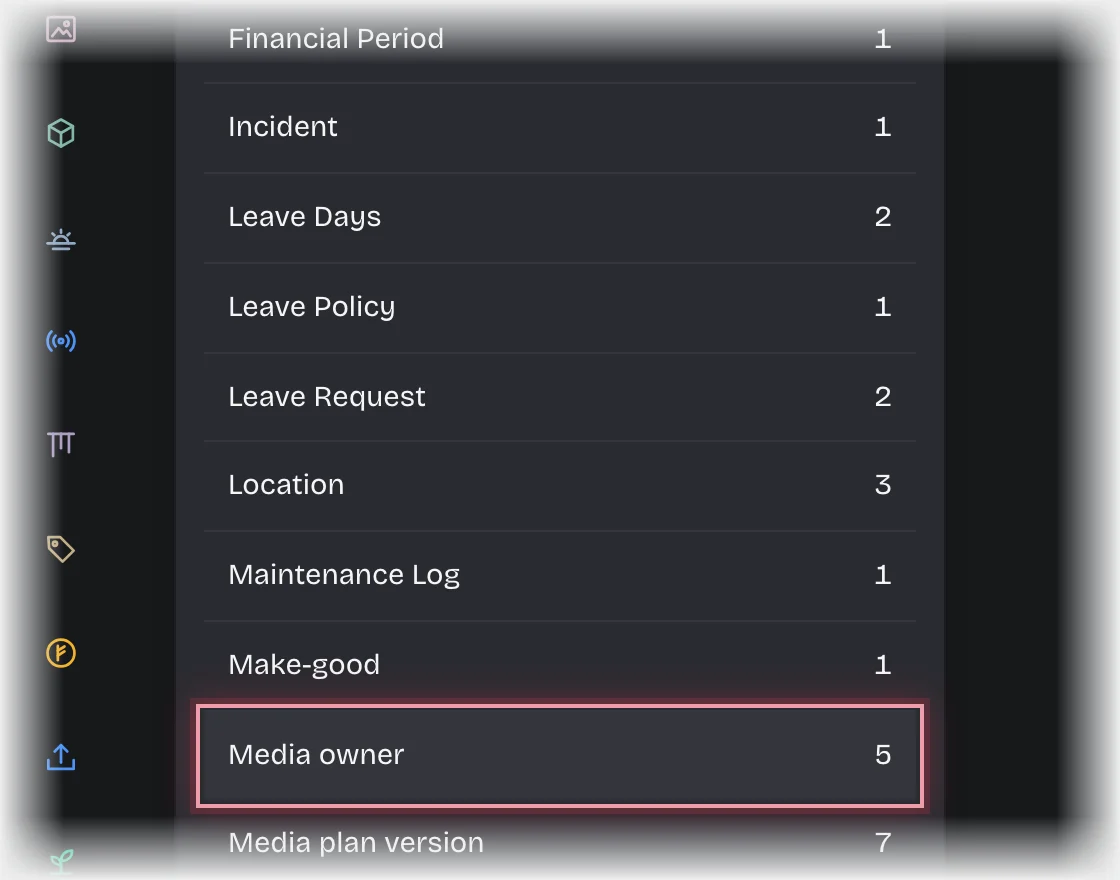
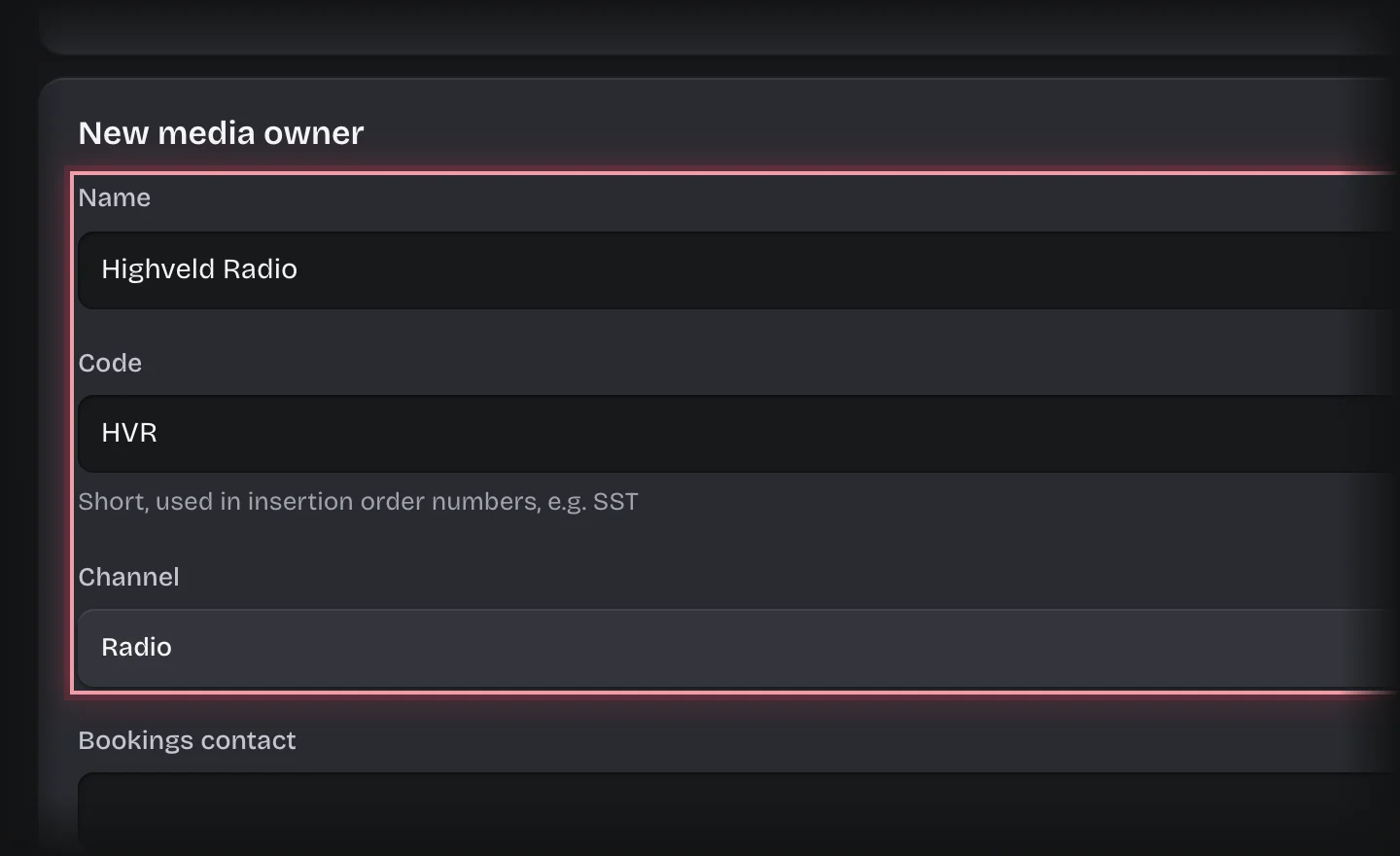
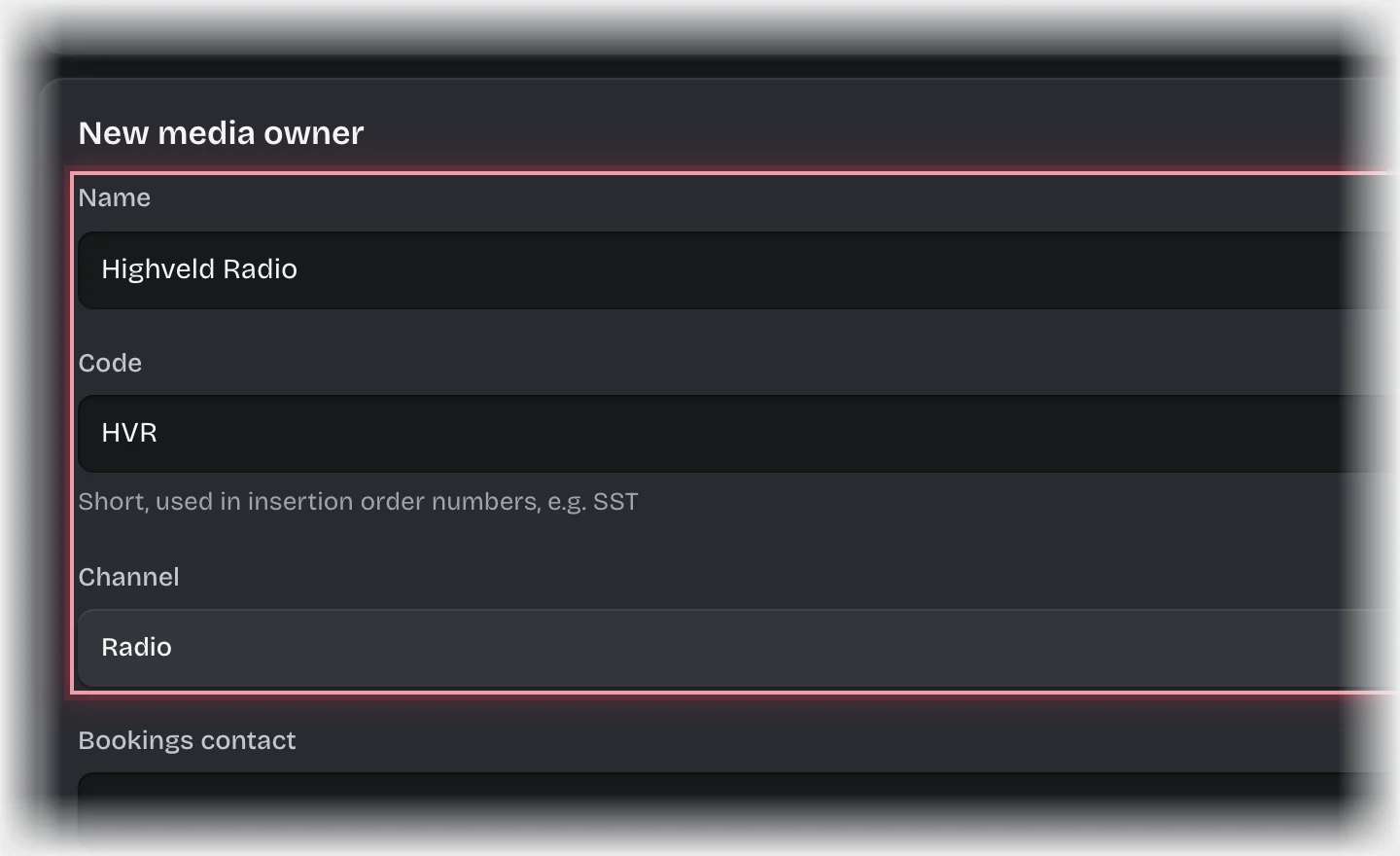
- Press Add media owner. In New media owner, fill in Name, a short Code (used in insertion order numbers), Channel, Bookings contact and Bookings email. Tick Active. Press Add media owner.
- To add a client, choose Client instead and press Add client. Clients are shared with Artwork Approvals if you have it.
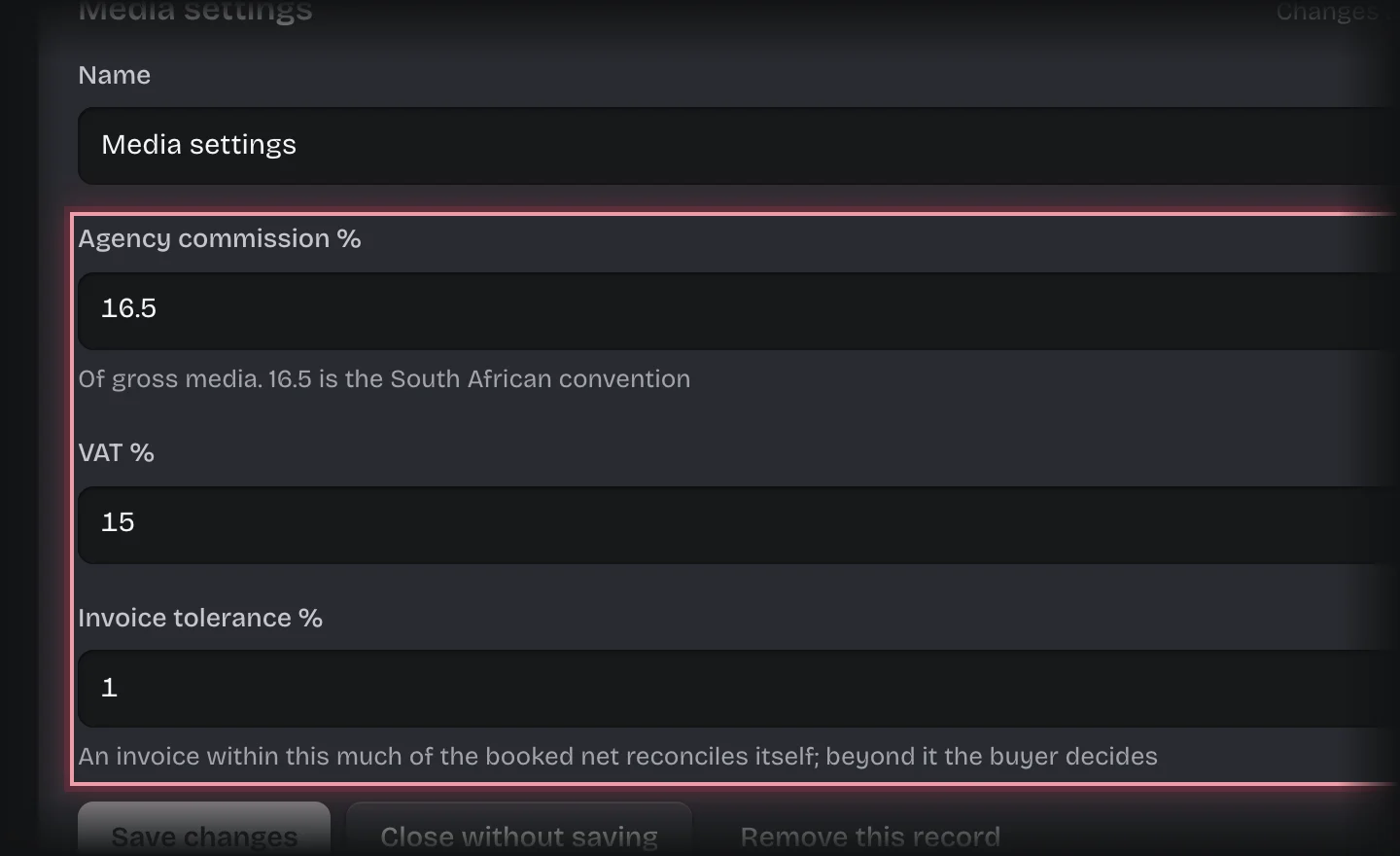
- To change commission, VAT or tolerance, choose Media settings and press its one record to open it. Change the values and press Save changes:
- Agency commission %: of gross media, 16.5 by default.
- VAT %: 15 by default.
- Invoice tolerance %: how far an invoice may differ from the booked net and still reconcile by itself, 1 by default.
What you will see
- New campaigns take the commission and VAT in force when they are started. Campaigns already running keep theirs.
- The tolerance applies to every invoice recorded after the change.
Common problems
- Keep exactly one Media settings record. Campaigns read the first one they find.
- Who signs off, who records invoices, and how long links work are pipeline values. See Change who is asked and how long they have.