When the client approves a plan, it becomes one booking order per media owner, made from the approved version’s lines. You issue each one as an insertion order, and the media owner confirms it through a link.
Steps
- You get the message “Plan approved, ready to book:”. Choose Media Bookings in the rail. Each form Issue insertion order with its number and media owner is on On your desk, and on the Insertion orders stage of the Bookings tab. The number is the campaign code, the media owner’s code and the plan version, for example KCG-SUM26-SST-V2. Press the card’s header to open it.
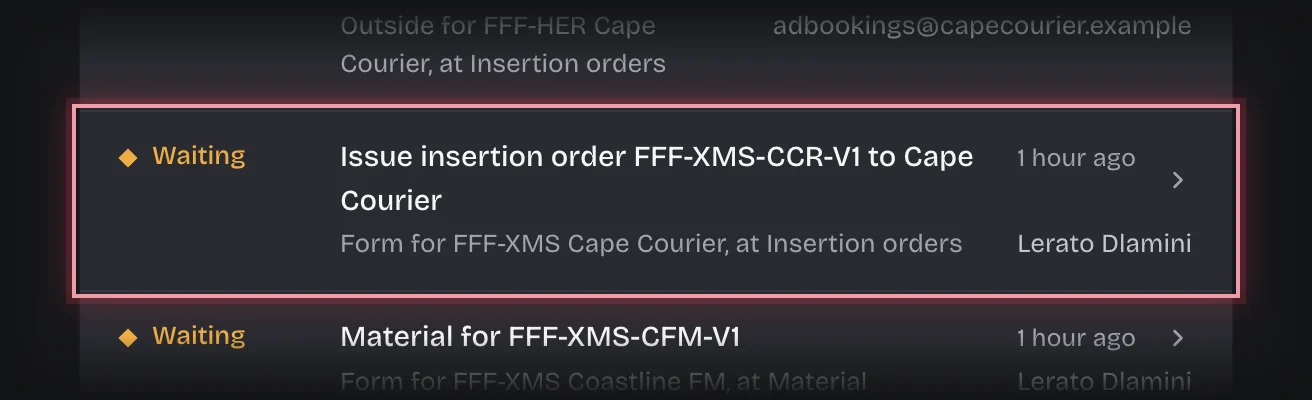
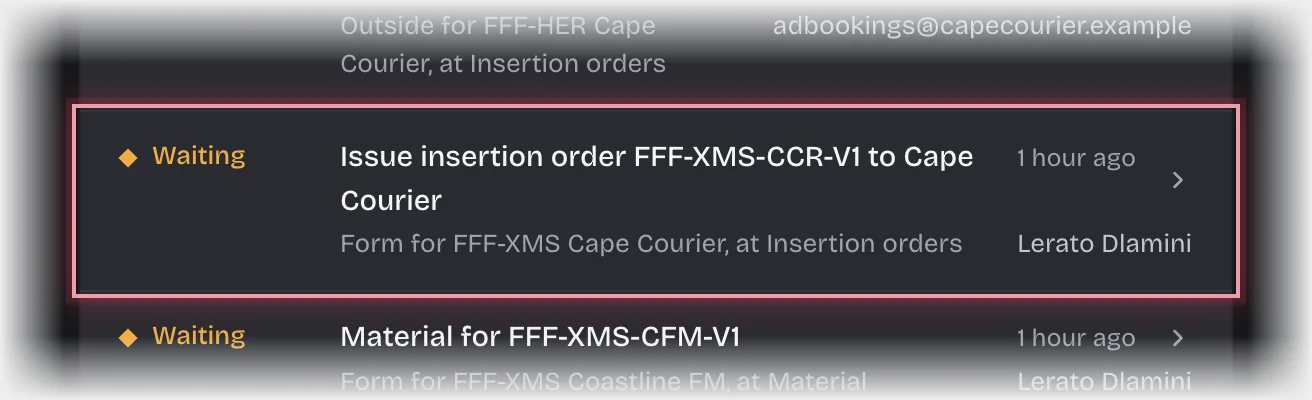
- Check Send the insertion order to. It is filled in from the media owner’s bookings email.
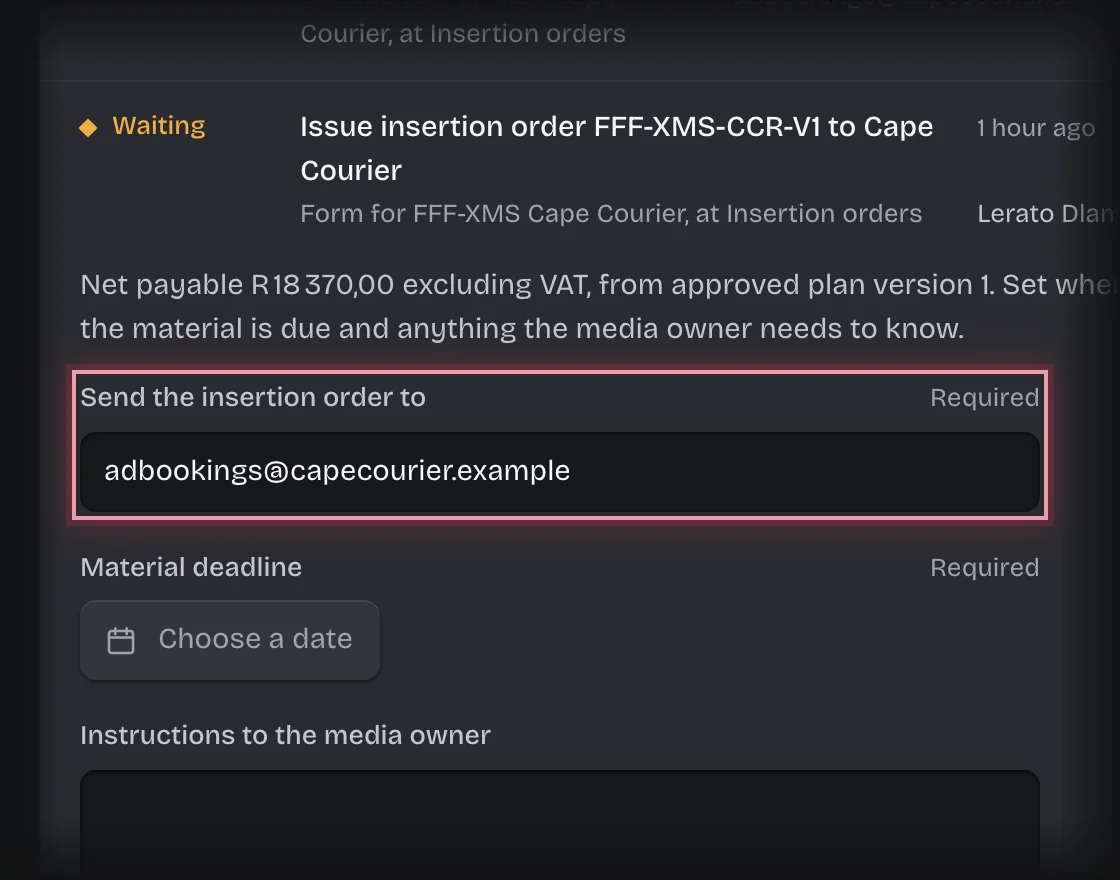
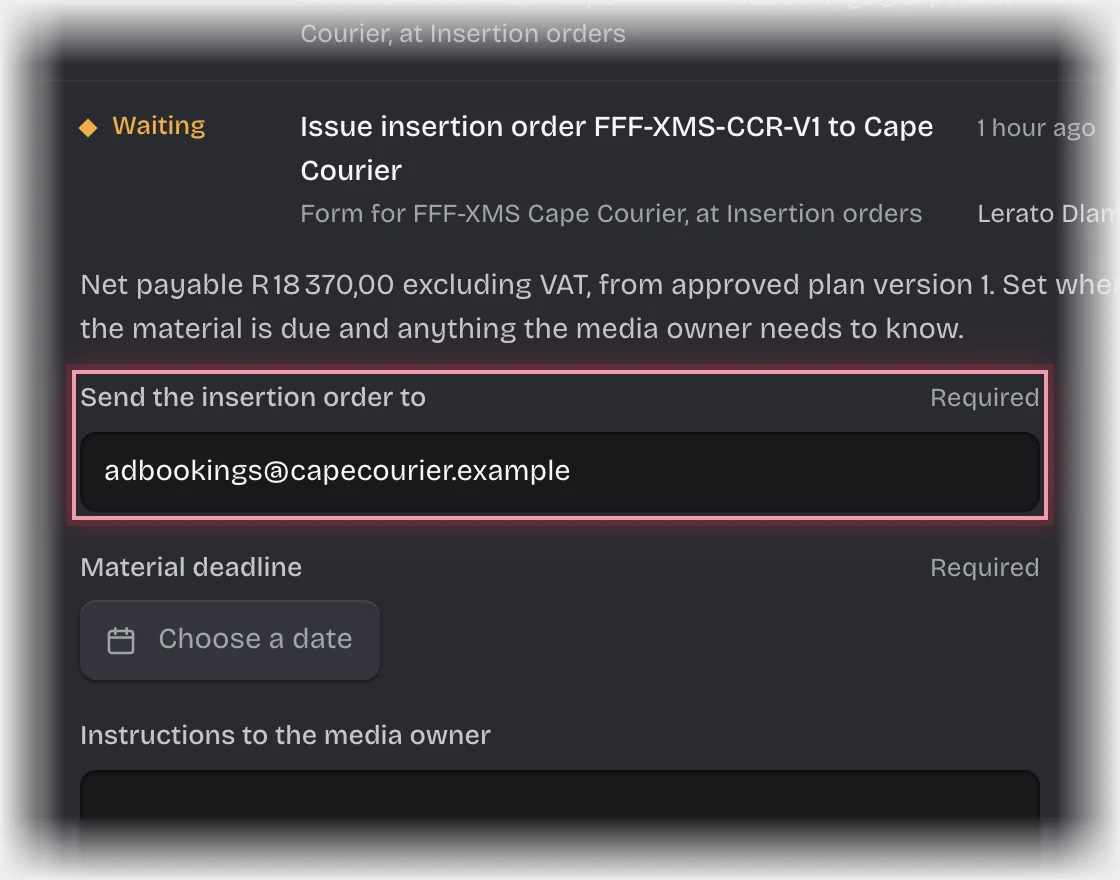
- Set the Material deadline: press Choose a date and pick it from the calendar.
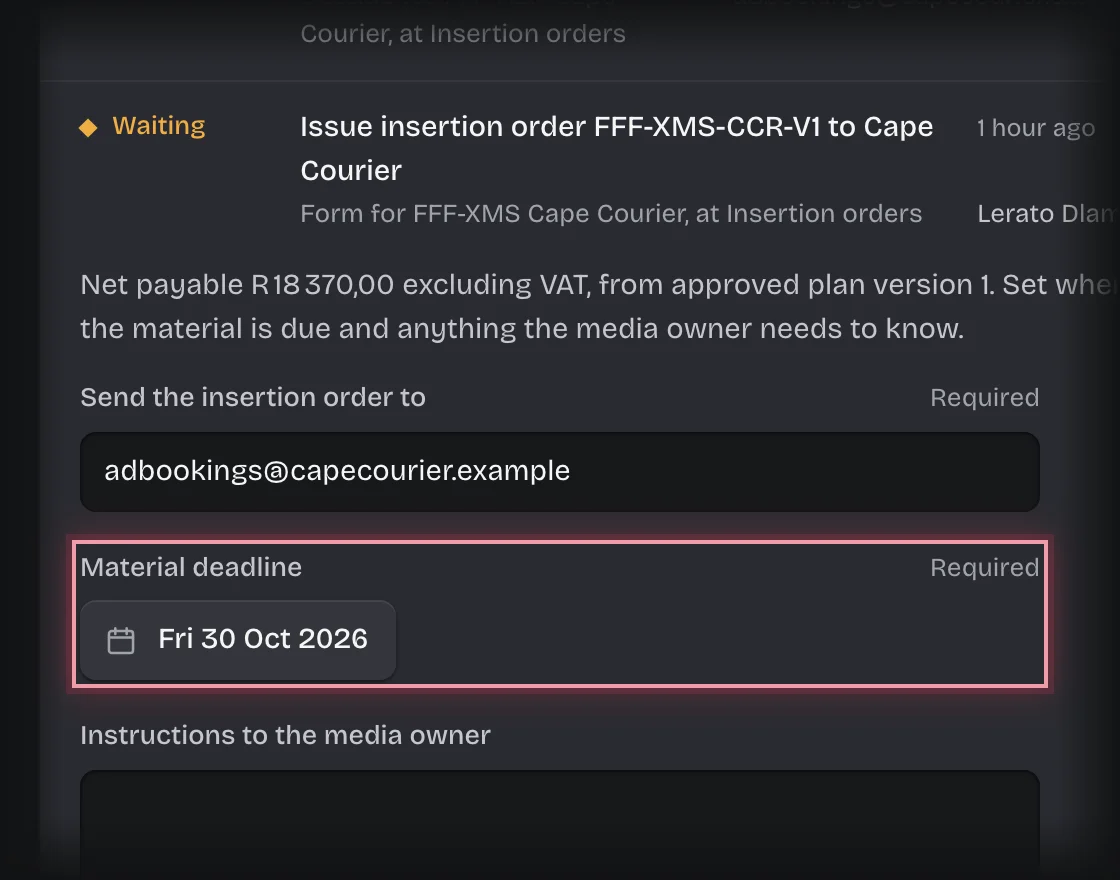
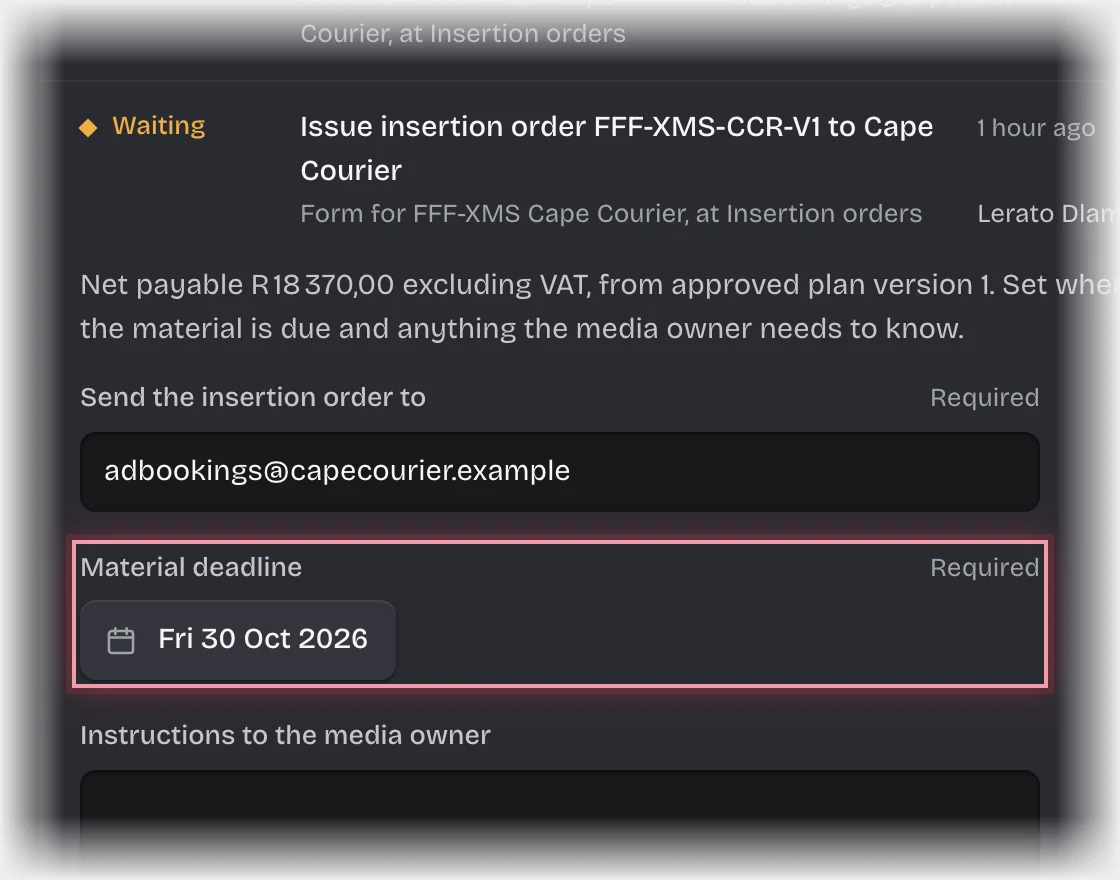
- Type any Instructions to the media owner.
- Press Send the form.
What you will see
- An insertion order PDF is made from the order’s lines: gross, less agency commission, and net payable excluding VAT. It is on the order as Insertion order PDF.
- The media owner is emailed a link to it that asks them to Confirm the booking. The order’s State is With the media owner.
- When they confirm, you get the message “Booking confirmed:” with their reference, and the order asks for the material. See Send the material.
Common problems
- They did not confirm before the link expired. A link works for 72 hours unless your organisation changed it. You get the message “Insertion order not confirmed:” and the form Send insertion order … again. Check with the media owner, correct the address or instructions, and press Send the form: a new insertion order and link replace the old ones.
- The media owner cannot take the booking as it stands. They cannot change it through the link. Agree the change with them; a different plan needs a new plan version through the planner.
- You cannot confirm for the media owner. Only they can, through their link.