The plan is a list of lines, one per placement. Each time you send it, it becomes the next version with its own PDF. Earlier versions are kept.
Steps
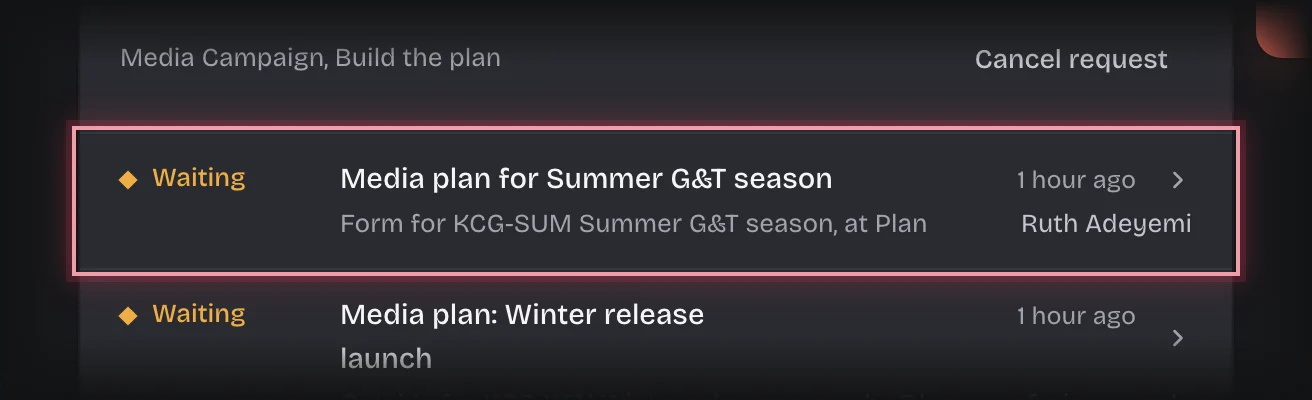
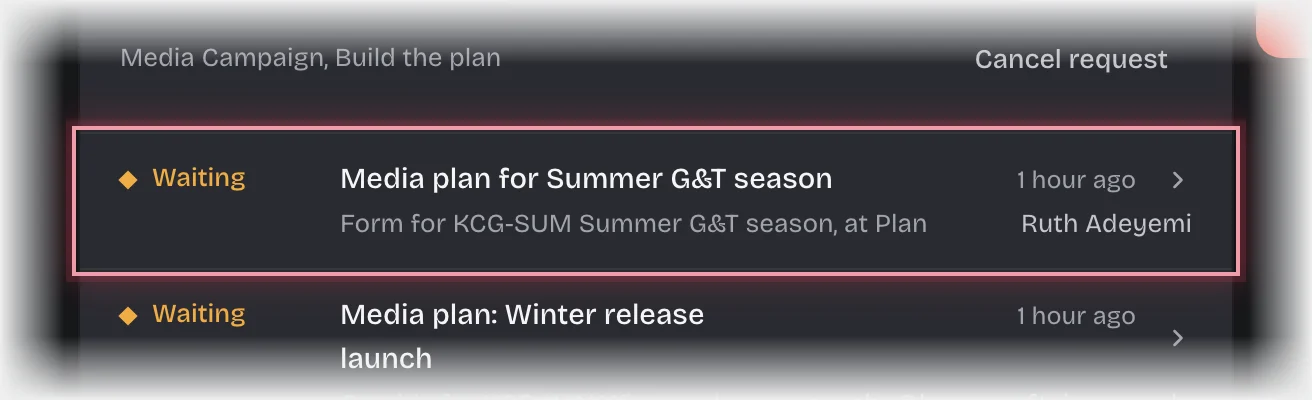
- Choose Media Bookings in the rail. The form Media plan for the campaign is on On your desk, and on the Plan stage of the Campaigns tab. Press the card’s header to open it.
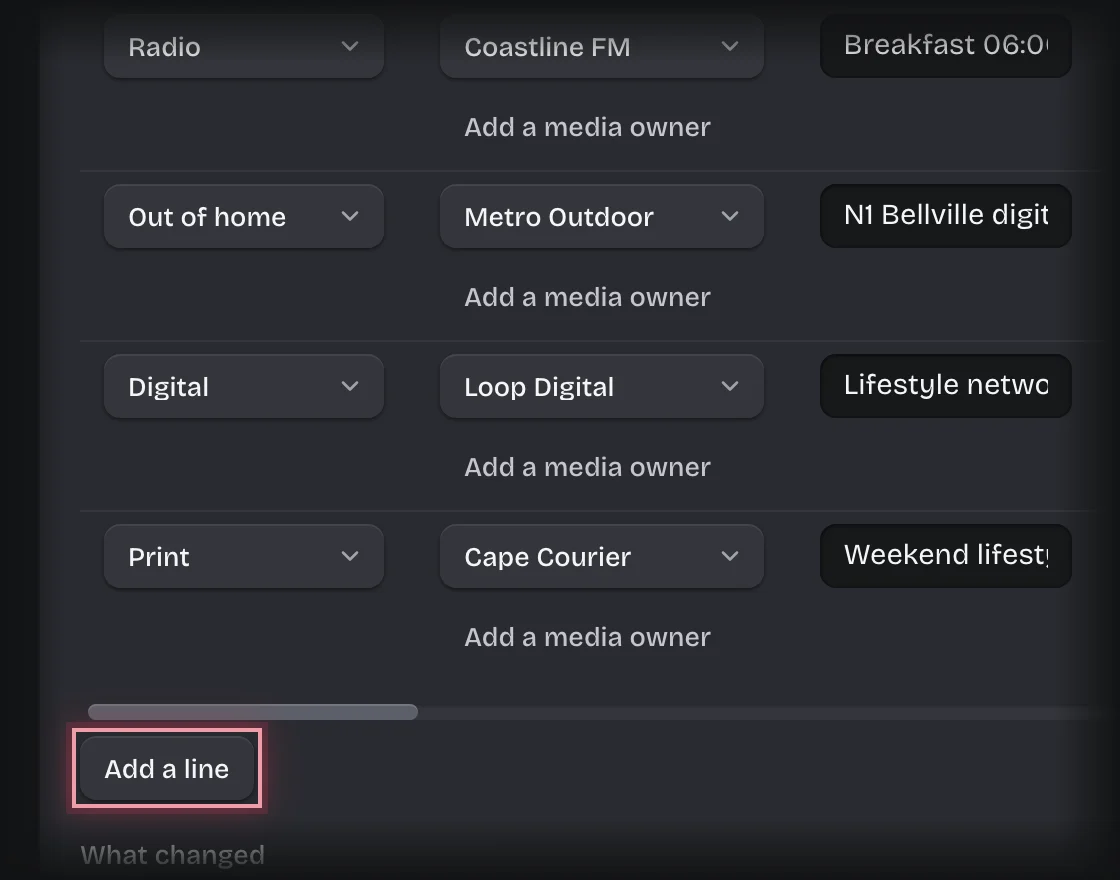
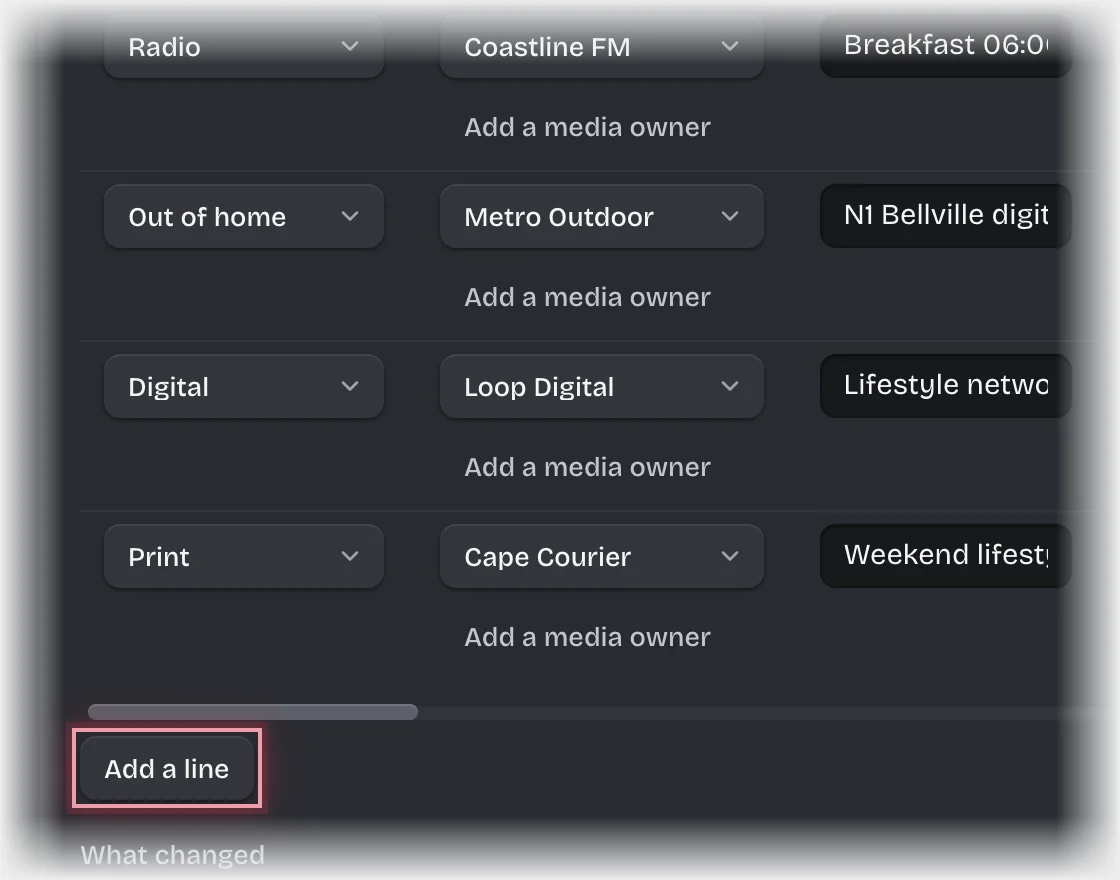
- Press Add a line for each placement and fill in:
- Channel, and the Media owner. If the media owner is not listed, press Add a media owner under the picker.
- Placement: the station and daypart, title and position, site, or platform and format.
- From and To, picked from the calendar.
- Bought as: spots, insertions, sites, thousand impressions (CPM) or a flat fee.
- Units and the Rate per unit from the rate card. For CPM, units are thousands of impressions and the rate is the CPM.
- Discount %, the negotiated discount, if any.
- Under What changed, say what is new in this version.
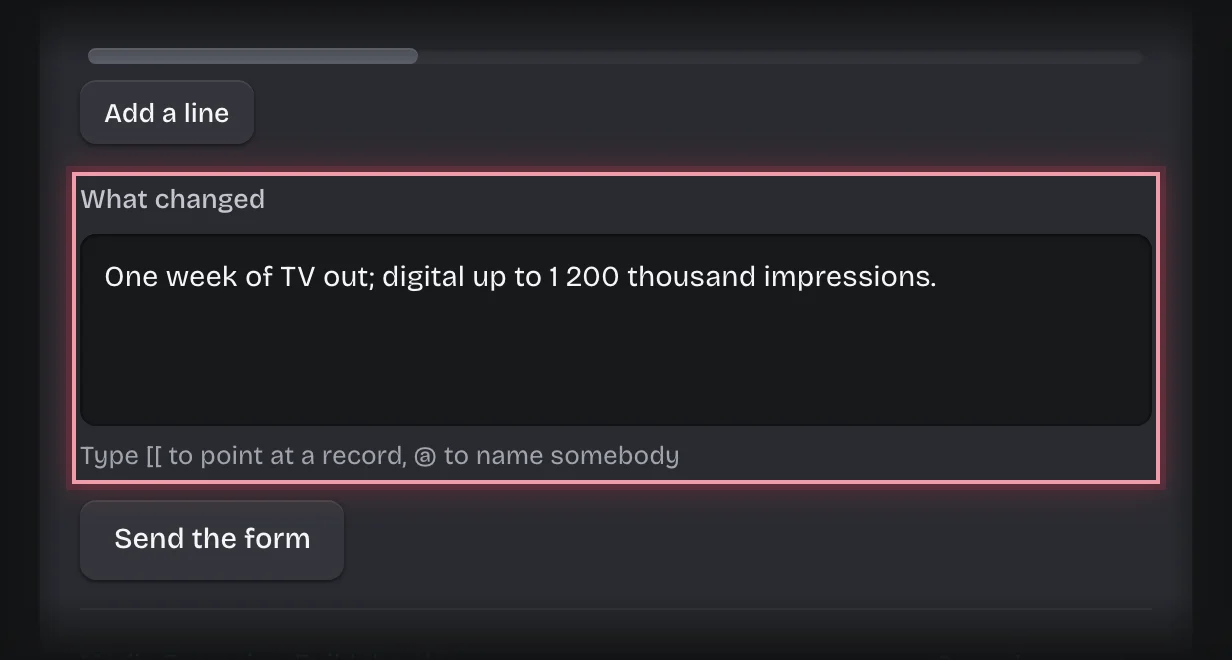
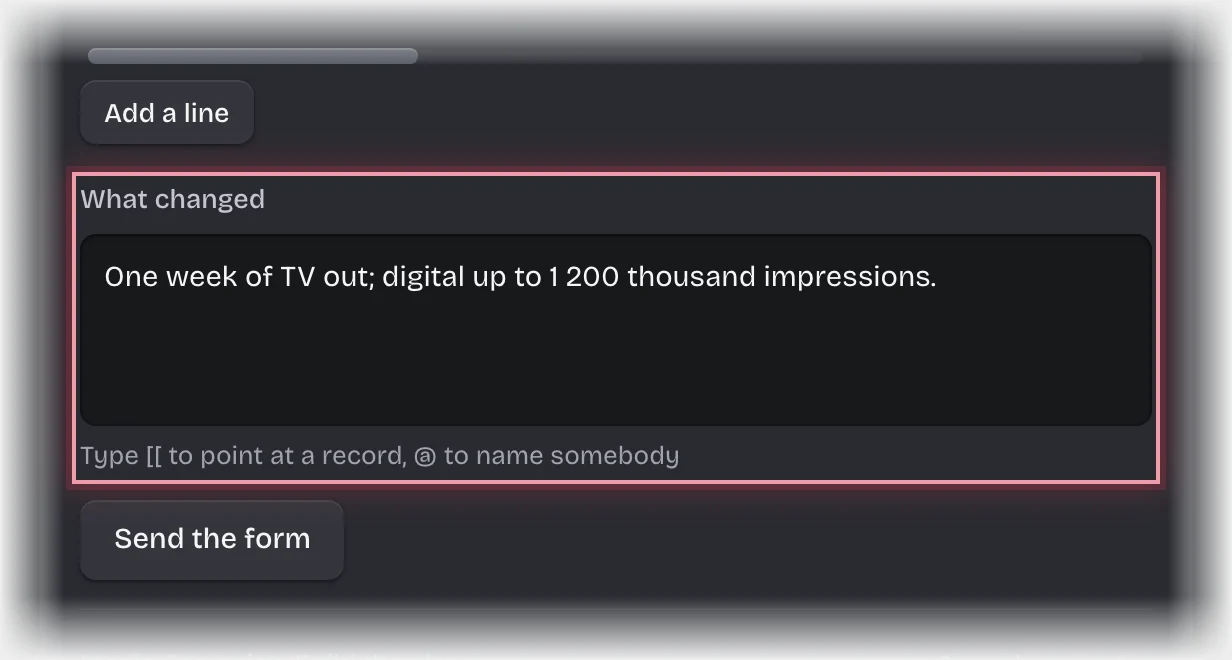
- Press Send the form.
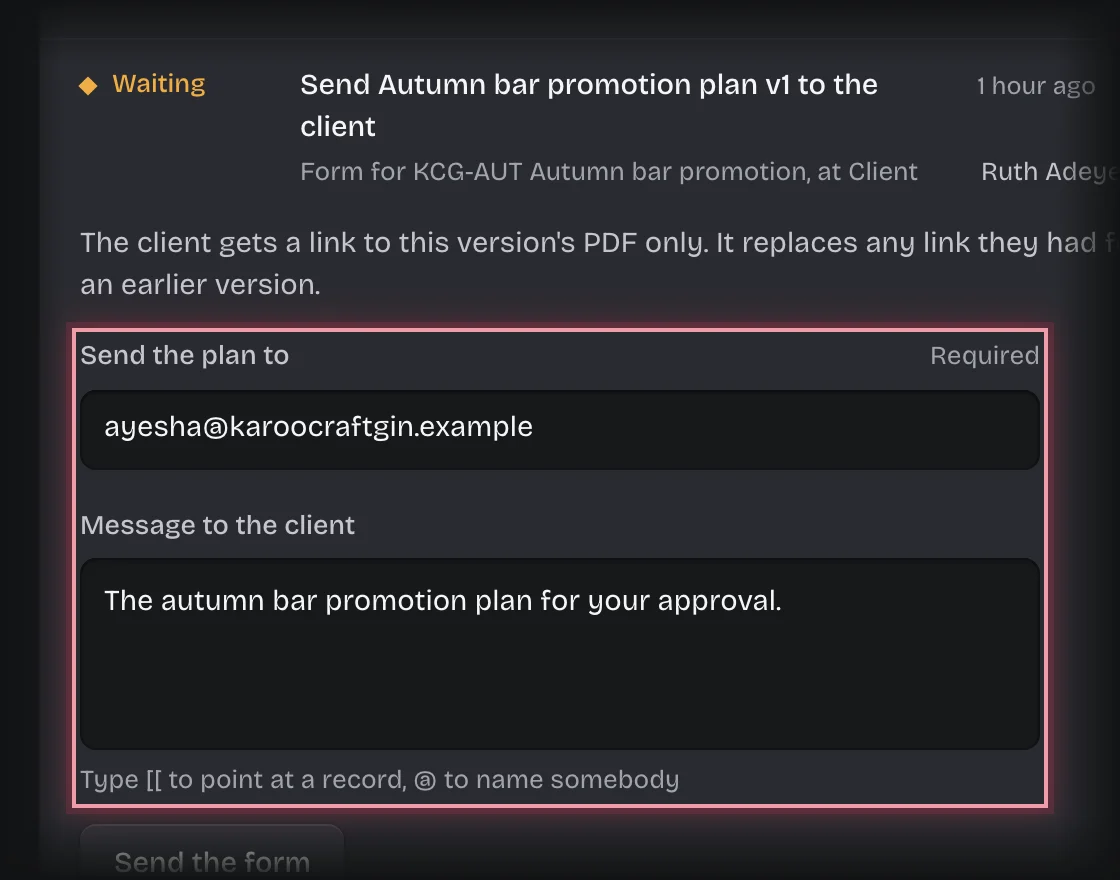
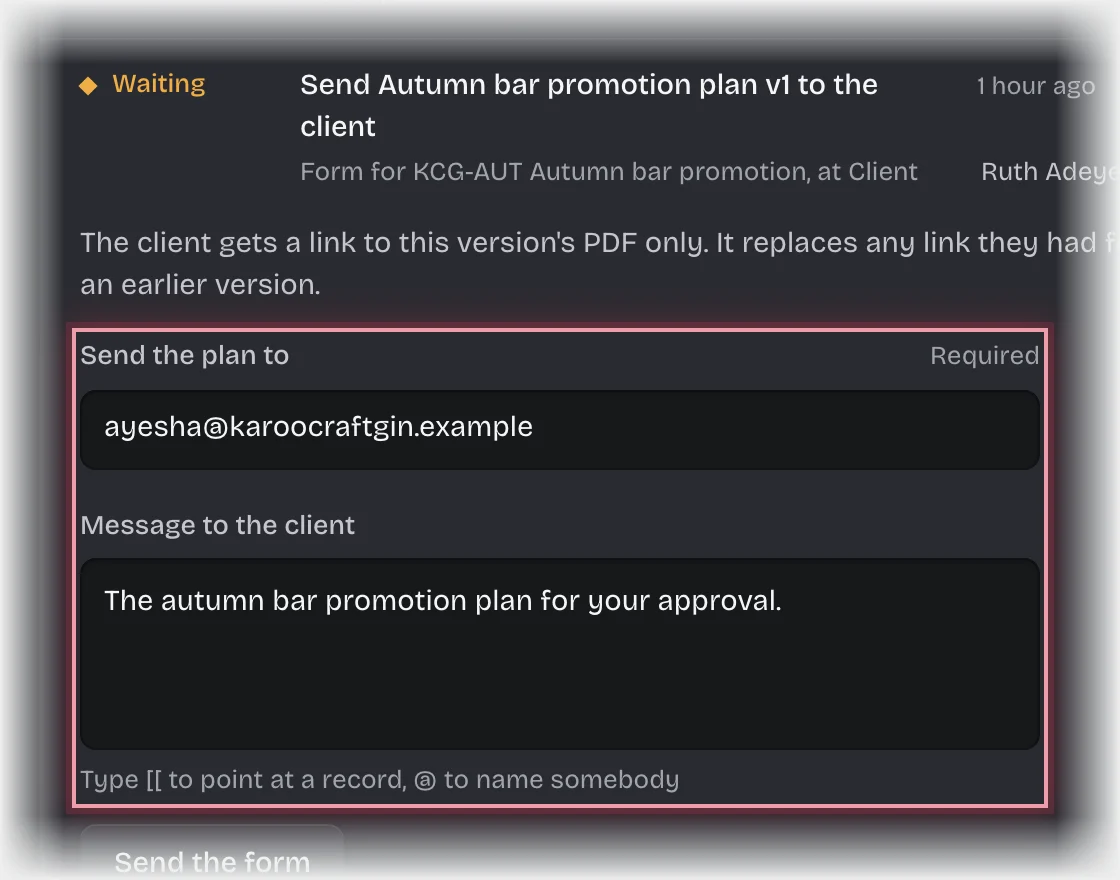
- When a media director has signed it off, the form Send the campaign plan and the version to the client comes to you. Check Send the plan to, which is filled in from the client’s contact email, type a Message to the client if you want one, and press Send the form.
What you will see
- After step 4 the version is in Plan versions with its Plan PDF, and the campaign’s State is Director sign-off.
- After step 5 the State is With the client. The client’s answer comes back by itself:
- Approved: the campaign’s State is Booking, the approved version and its PDF are recorded on the campaign, and the buyer gets one booking order per media owner.
- Changes requested: you get the message “Plan changes requested:” with the client’s words, and the plan form comes back to you. The next time you send it, it is the next version.
- If the director sends it back, you get the message “Plan changes before the client sees it:” with their comment.
Common problems
- The link expired before the client answered. You get the message “Plan link expired:” and the form Send … again. Check the address and press Send the form.
- The client says the link shows “replaced by a newer one”. A newer version was sent. Ask them to use the most recent email.
- You cannot sign off your own plan, even if you hold the media director role. Another director decides.