Every booking order needs proof that it ran before its invoice is recorded: a broadcast certificate, a tear sheet, proof of posting or a campaign report.
Steps
- The form Proof of flight with the insertion order number is on On your desk, and on the Flight stage of the Bookings tab. Press the card’s header to open it.
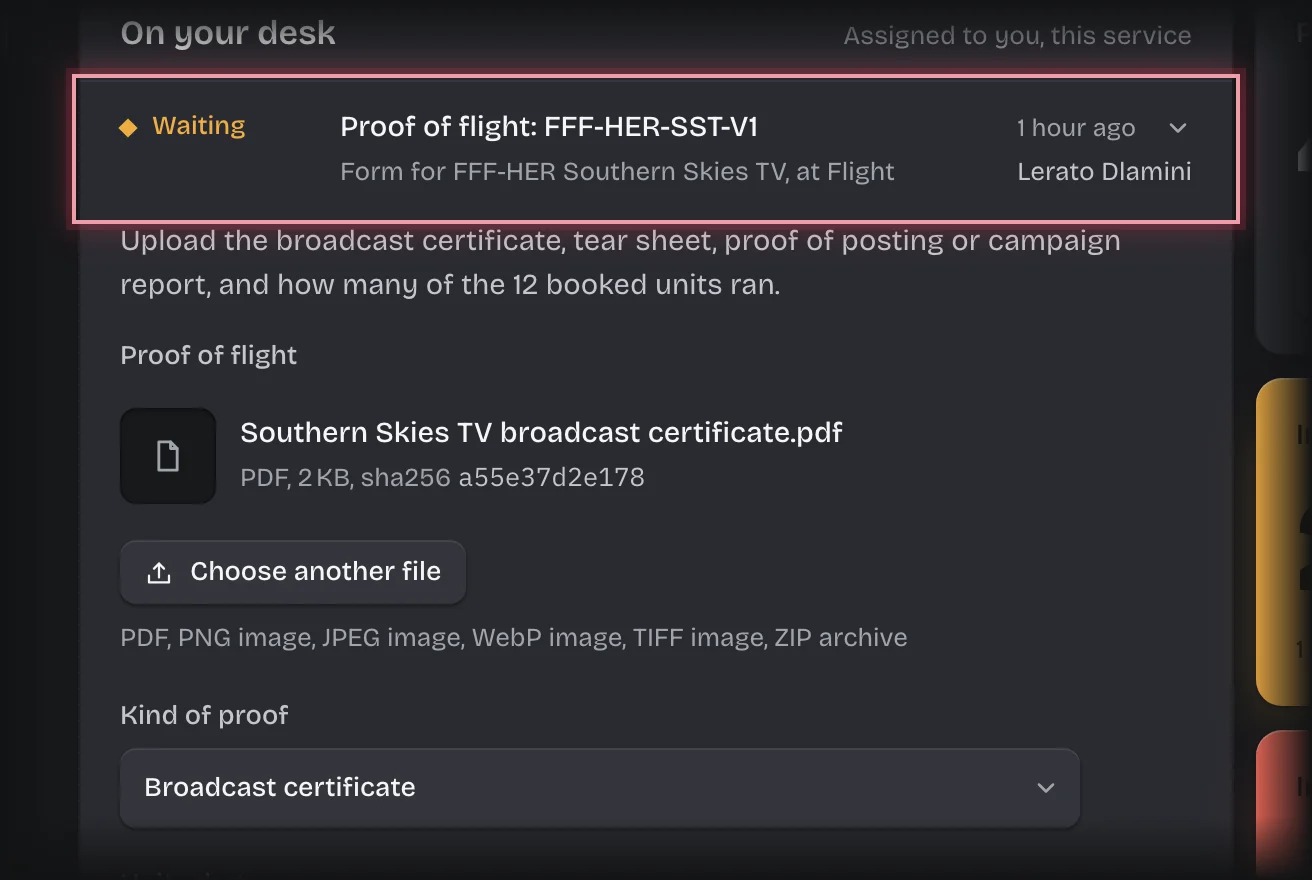
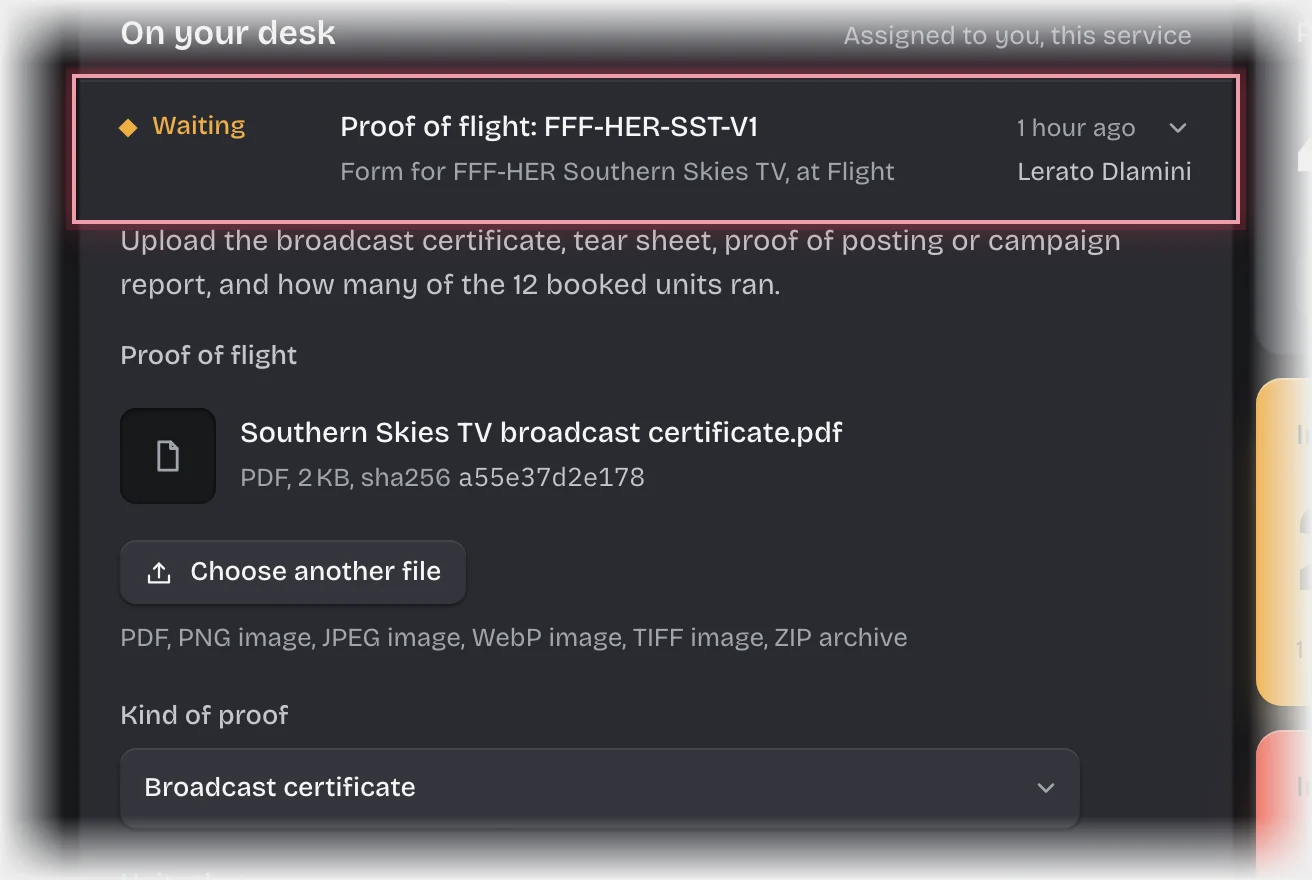
- Press Choose a file under Proof of flight to upload it, choose the Kind of proof, and enter Units that ran. The form says how many were booked.
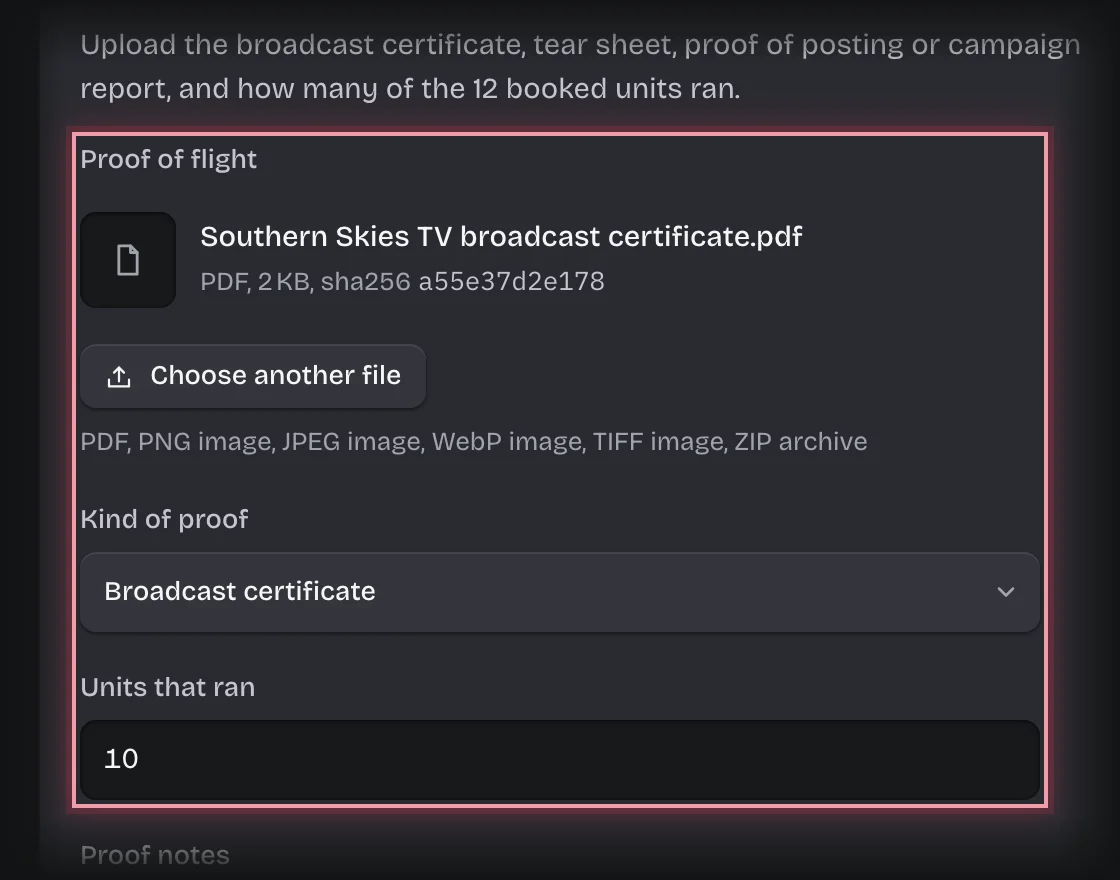
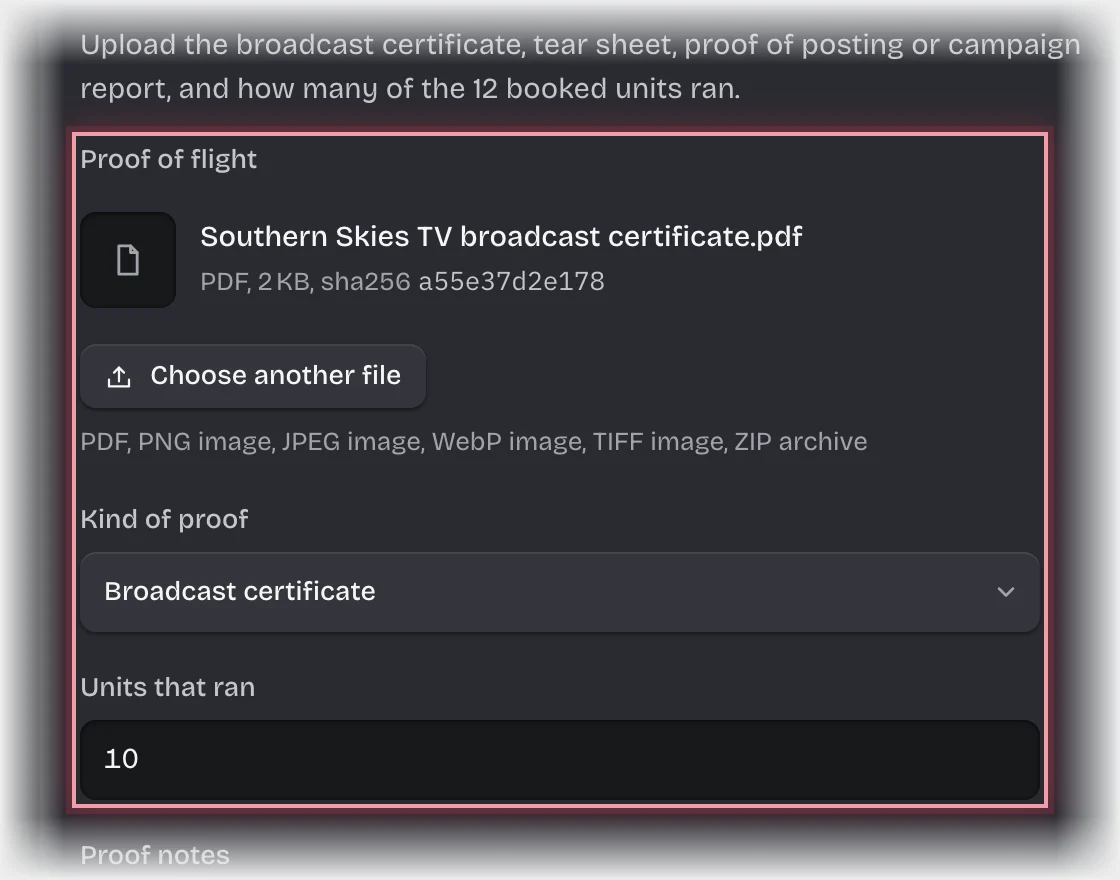
- Press Send the form.
- If fewer units ran than were booked, the form Make-good comes to you. Choose Why it did not run (missed, pre-empted, technical fault, wrong material), the Units affected and the Resolution:
- Make-good: replacement runs when the media owner runs replacements.
- Credit on the invoice when they credit the units instead.
- Describe the replacement or credit under Replacement or credit and press Send the form.
What you will see
- Each proof is kept as a Proof of flight record against the order.
- A make-good is kept as a Make-good record, the planner gets the message “Make-good on”, and it is announced to your organisation’s webhooks.
- With a replacement, the proof form comes back to you for the replacement’s proof. With a credit, the order goes to finance for the invoice, which you can expect to be lower.
Common problems
- The proof form came back after a make-good. That is the replacement’s proof. Enter the total units that have now run.