When a media owner’s invoice differs from the booked net by more than your organisation’s tolerance (1% unless changed), you decide what happens.
Steps
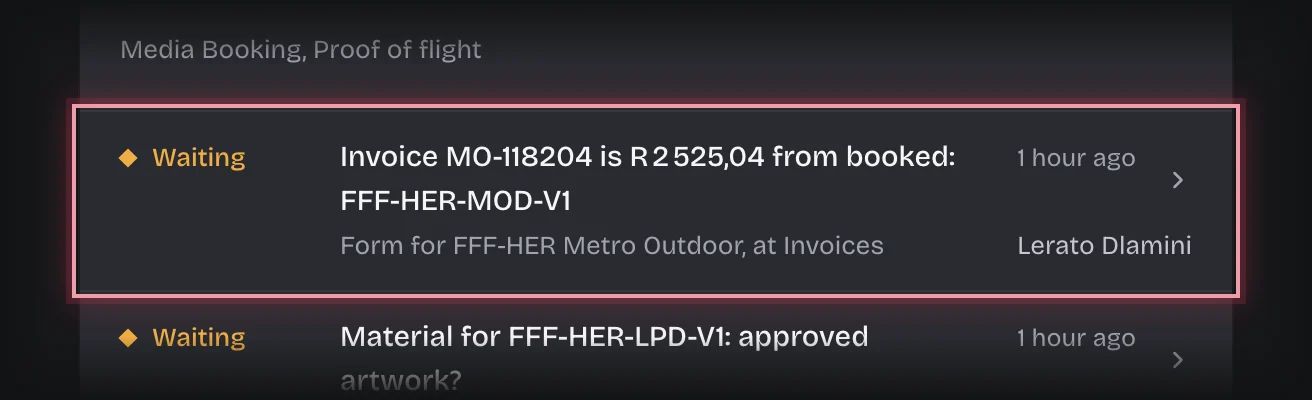
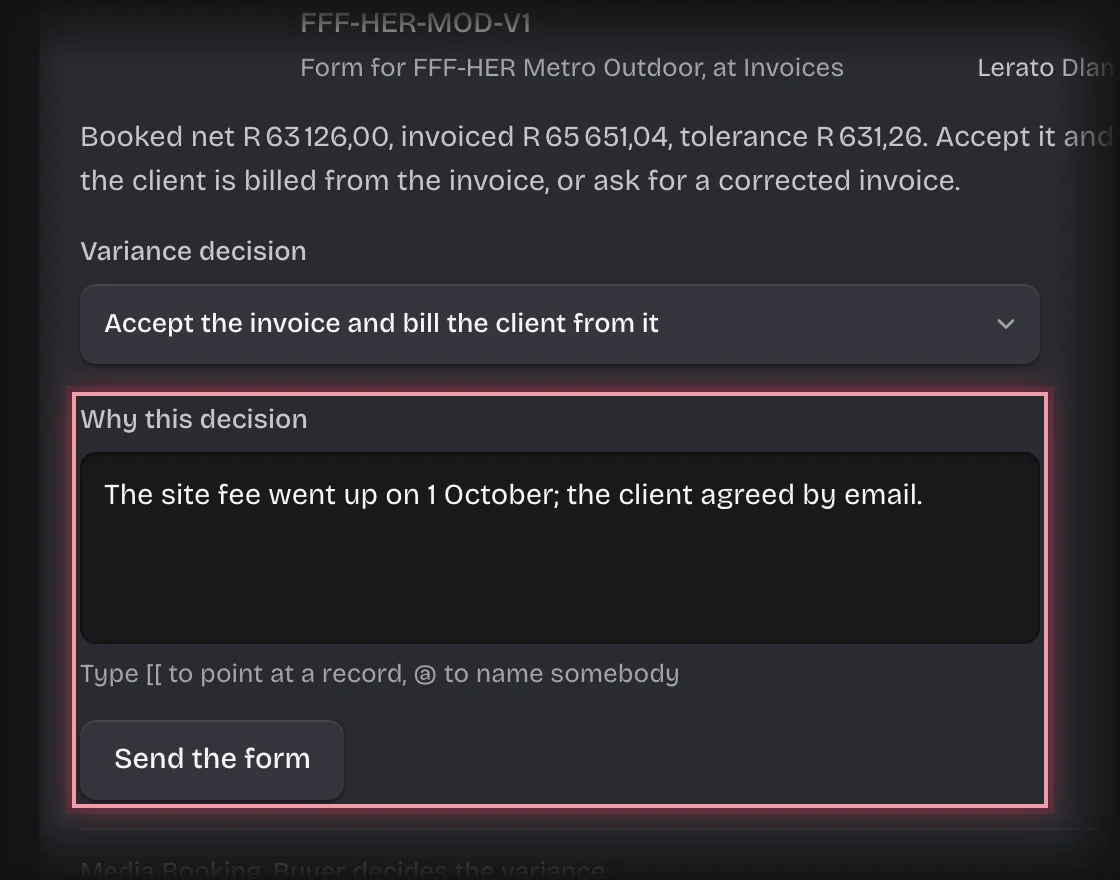
- You get the form Invoice … is R… from booked on On your desk, and on the Invoices stage of the Bookings tab. Press the card’s header to open it. It shows the booked net, the invoiced amount and the tolerance.
- Choose a Variance decision:
- Accept the invoice and bill the client from it when the difference was agreed, for example an extra fee or a credit for units that did not run.
- Ask the media owner for a corrected invoice when it is wrong.
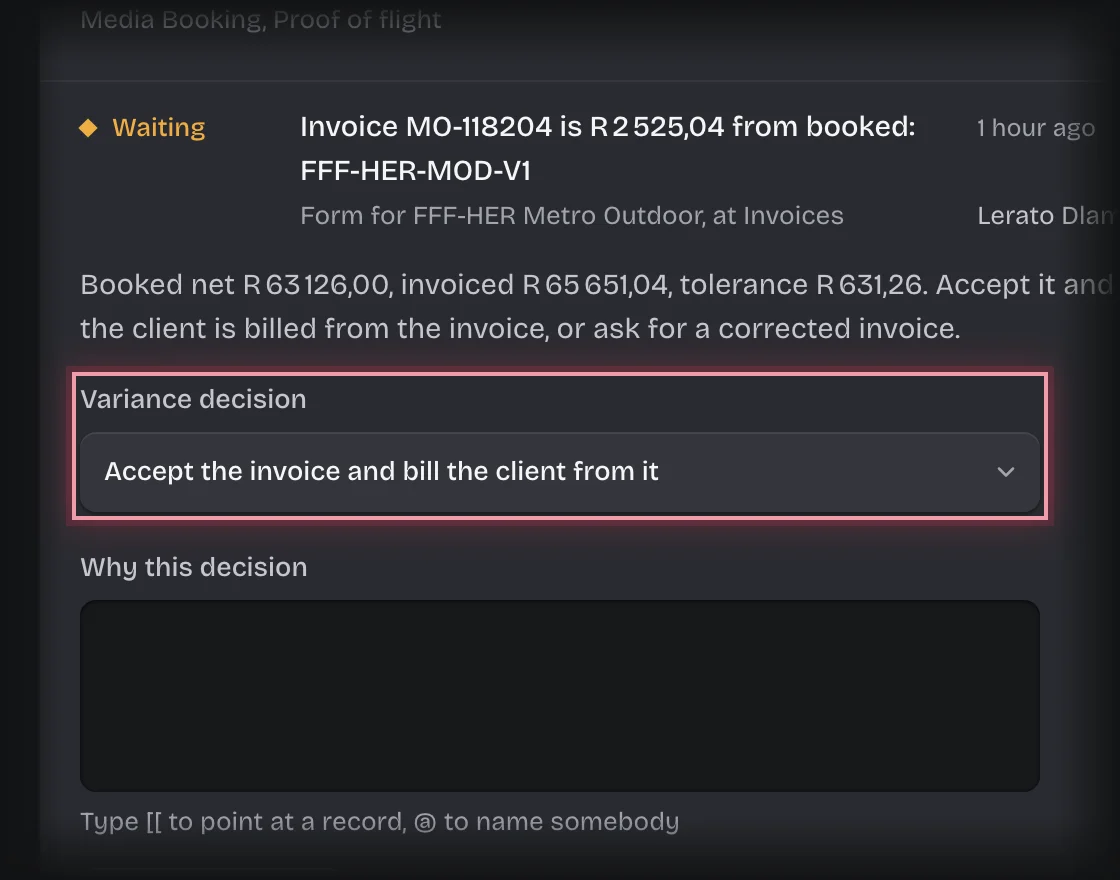
- Say Why this decision and press Send the form.
What you will see
- Accepted: the order is Reconciled with your name, and the client bill is worked out from the invoice: the invoiced net, and the commission that net implies.
- Corrected: finance gets the message “Corrected invoice needed:” and enters the corrected invoice when it arrives. If that is still outside the tolerance, it comes back to you.
Common problems
- Finance cannot decide this for you, and you cannot record the invoice. The person entering the number is not the person accepting it.