Every action in your workspace is written to a trail that is added to and never edited. Each entry is sealed against the one before it. A checkpoint is the end of the trail emailed to your tenant admins, which lets an auditor confirm the history was not rewritten later.
Steps
- Open Manage > Trail.
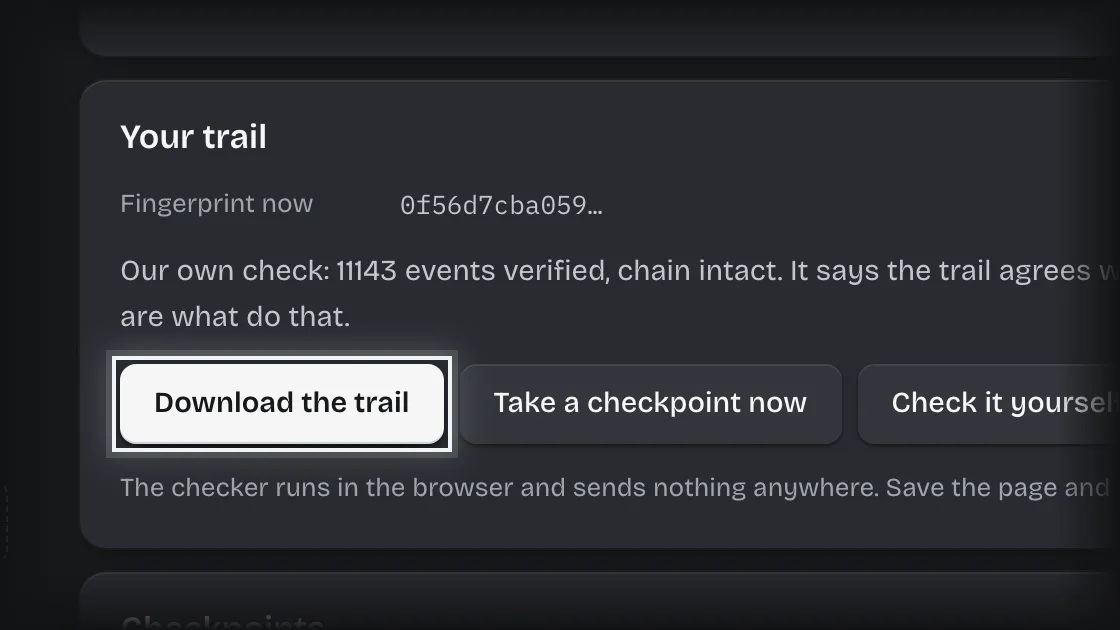
- Press Download the trail to save the whole trail as a file.
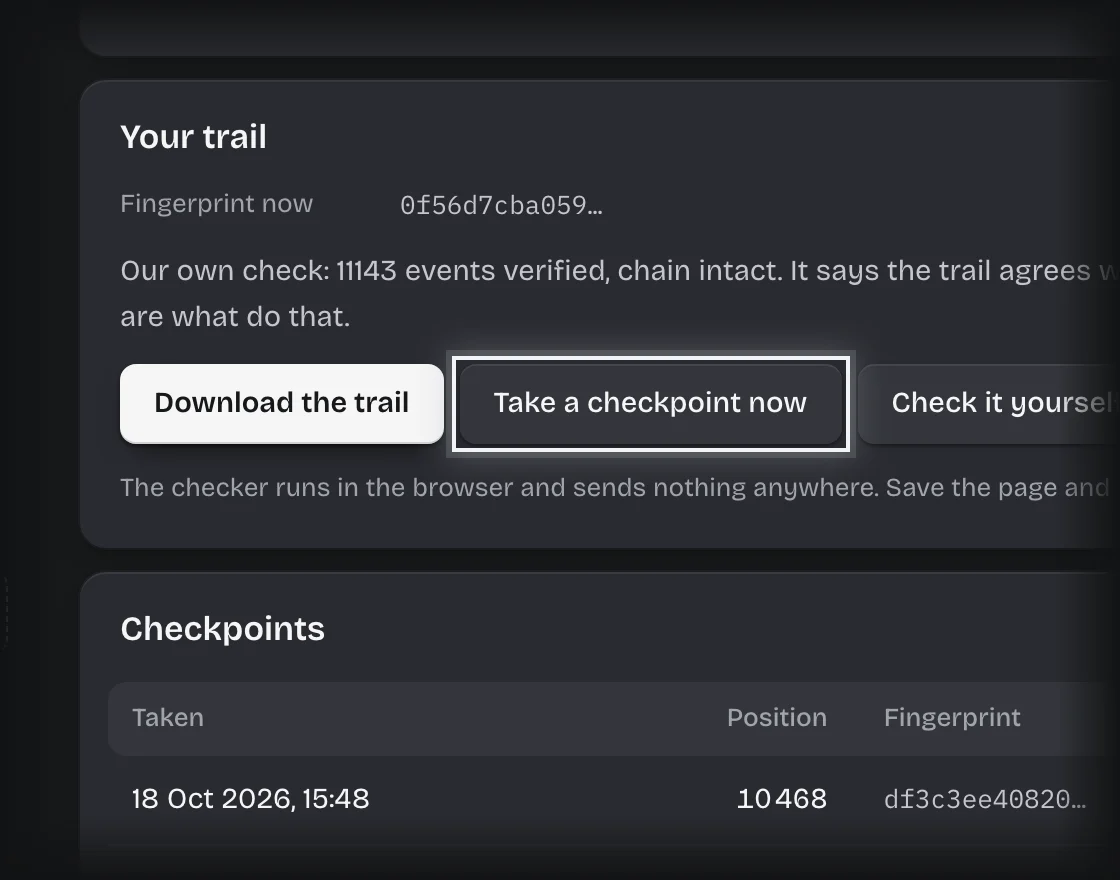
- Press Take a checkpoint now to email the current end of the trail to your tenant admins. One is also sent every week.
- Press Check it yourself to open the checker. It runs in your browser and sends nothing anywhere.
- Give your auditor the file, the checker and a checkpoint email.
What you will see
- Entries on the trail, Position of the last entry and Fingerprint now for the trail as it stands.
- Under Checkpoints, each one taken, with when, its fingerprint and who it was sent to.
Common problems
- Sent to says no manager here can be emailed. No tenant admin has an address that can receive email.
- Members cannot download the trail. Only tenant admins can.