An approval keeps the people it was addressed to when it was raised. After you change who approves under Manage > Pipeline values or Manage > Roles, a request already waiting stays with the old people until you move it. You move one request at a time, and each move is recorded on the audit trail.
Steps
- Choose the service from the rail, then the pipeline tab, then the stage where the request waits from the stages at the top of the page, for example Approval.
- Under Waiting on other people, find the request’s line. It shows who it is waiting on.
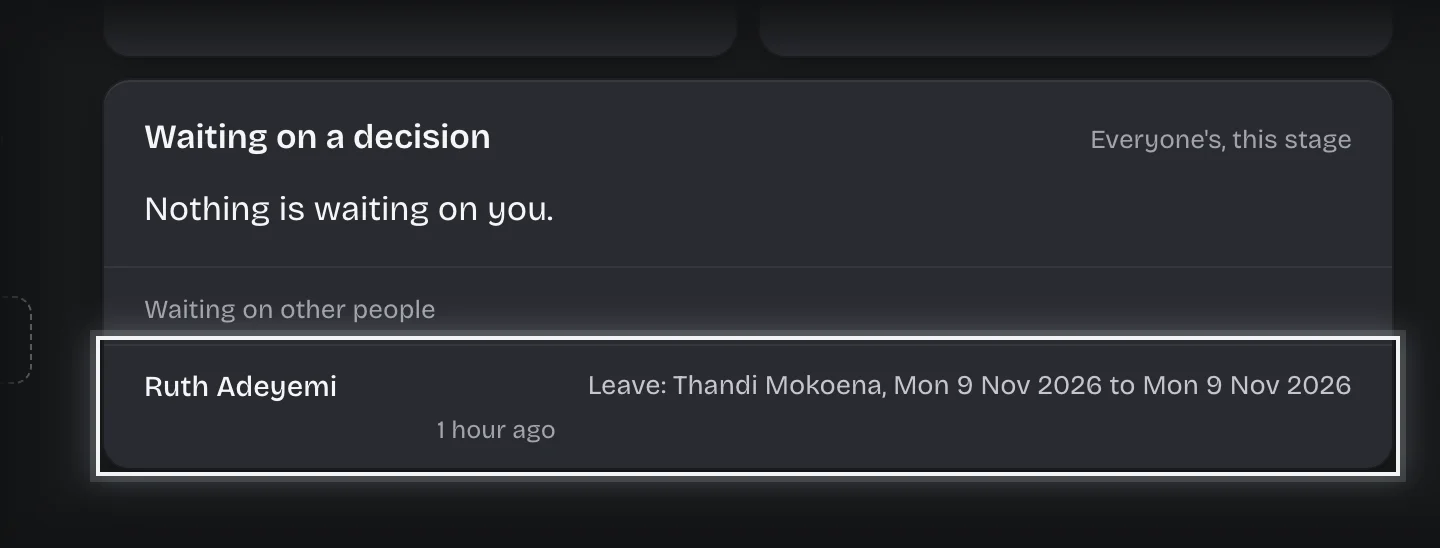
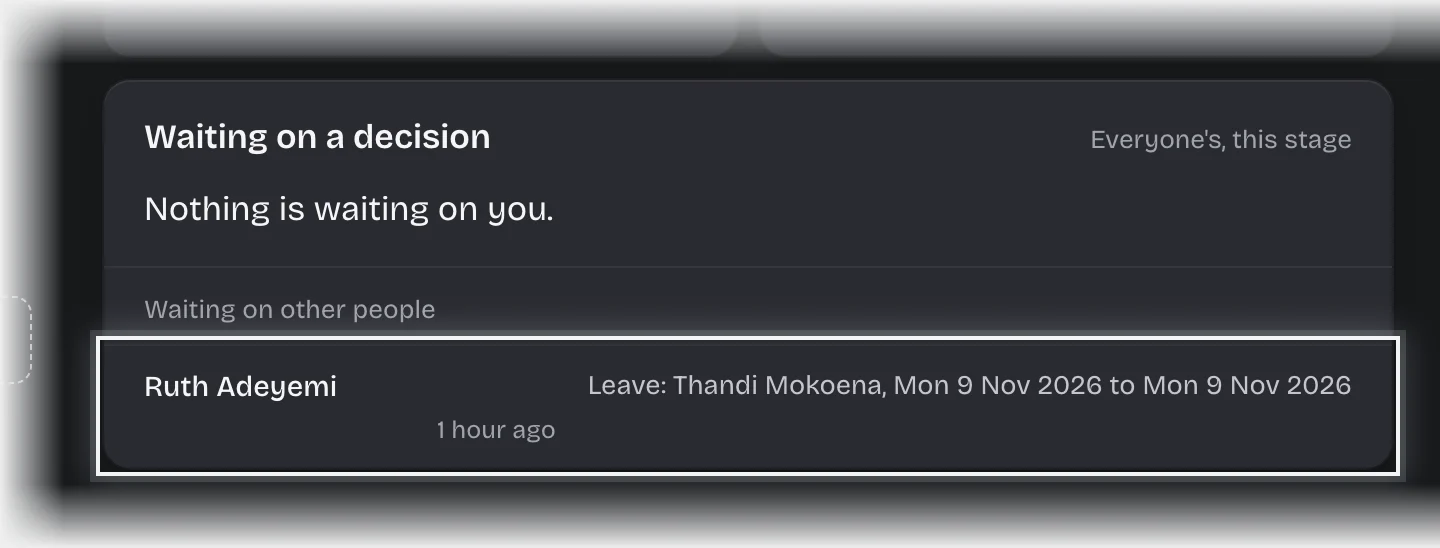
- Press the line. The request opens as a card.
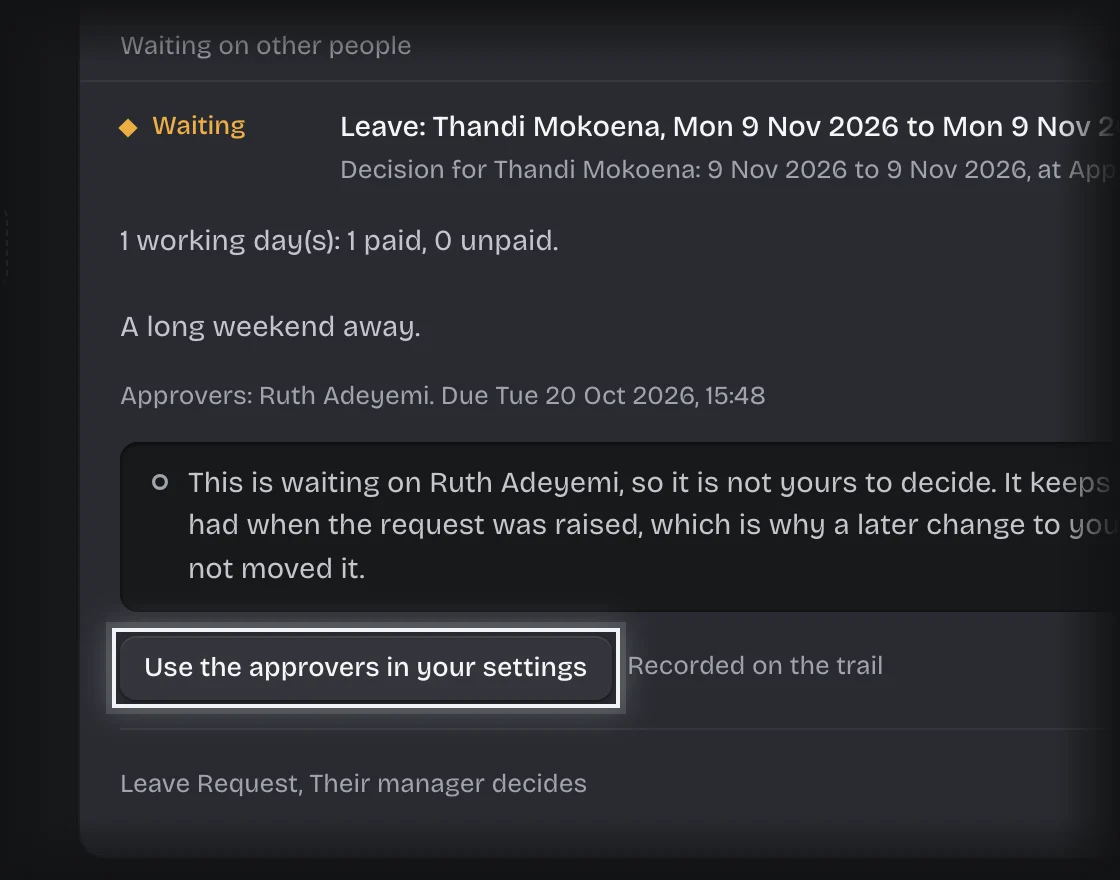
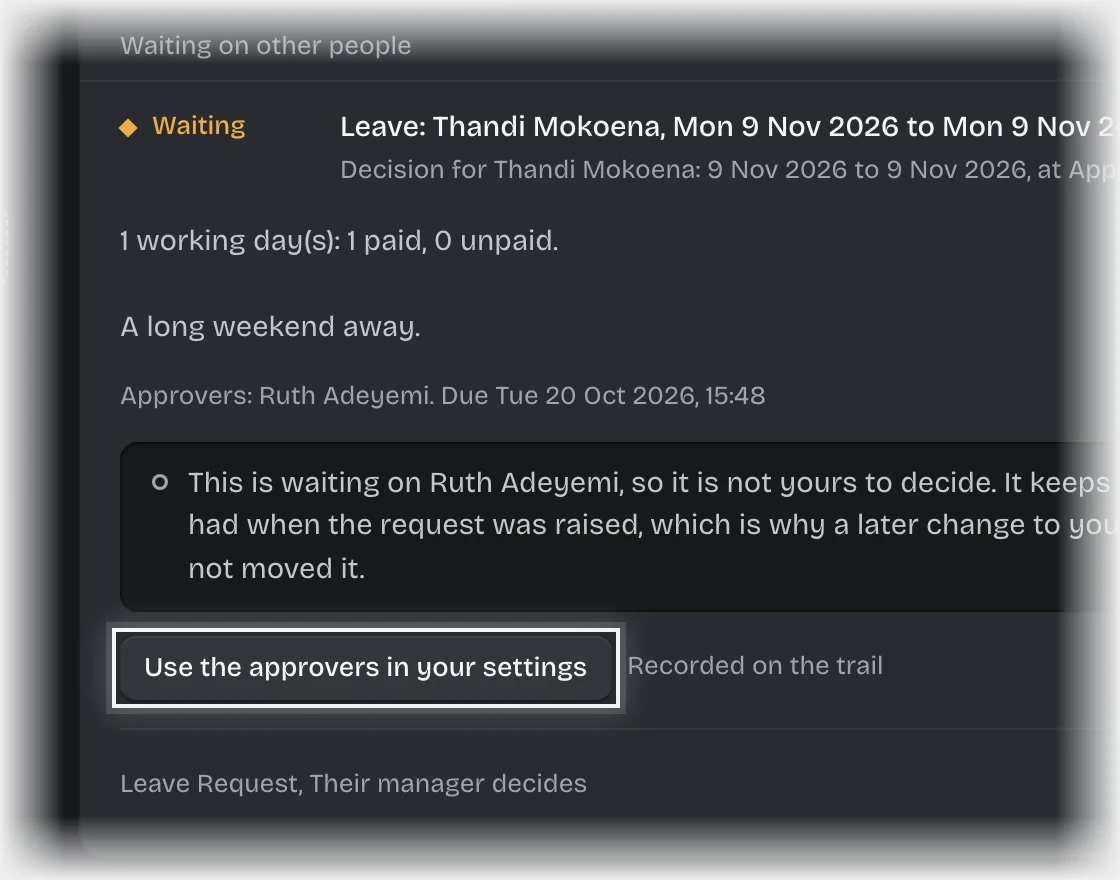
- Press Use the approvers in your settings.
What you will see
- Moved: the line now shows the new approvers. Anyone newly asked gets the message “Now yours to decide:” with the request.
- Not moved: “Unchanged:” with the reason, for example that your settings already name exactly these people.
- The person who raised the request is never made an approver of it, even if your settings name them. If your settings name only them, the tenant admins other than them are made the approvers, and the card says why. Once your settings name someone else, using them again moves it to that person and the note goes.
Common problems
- The line does not open. Only tenant admins can open a line under Waiting on other people.
- “Unchanged: the settings already name exactly these people.” The settings give the same approvers. For a step whose approvers come from an earlier step, such as the approval limits in Spend Requests, change the limits and raise the request again.
- “Unchanged: the settings still name only the person who raised this request, so it stays with the administrators.” Give the role to someone else under Manage > Roles, then try again.
- “the settings for this step name only the person who raised this request, and they are the only administrator” or “name nobody in this workspace”. Give the role to someone else under Manage > Roles, then try again.
- A large request did not move. Where a service has more than one approval step, each is set separately. Change the step for that amount under Manage > Pipeline values.