Work that needs you is either a decision (an approval) or a form to fill in. Both appear as cards on the pages of the service they belong to.
Steps
- Choose the service from the rail on the left. If your workspace has more than one service, its home page lists them all, with how much is waiting on you in each; press one to open it. The mark at the top of the rail takes you back home.
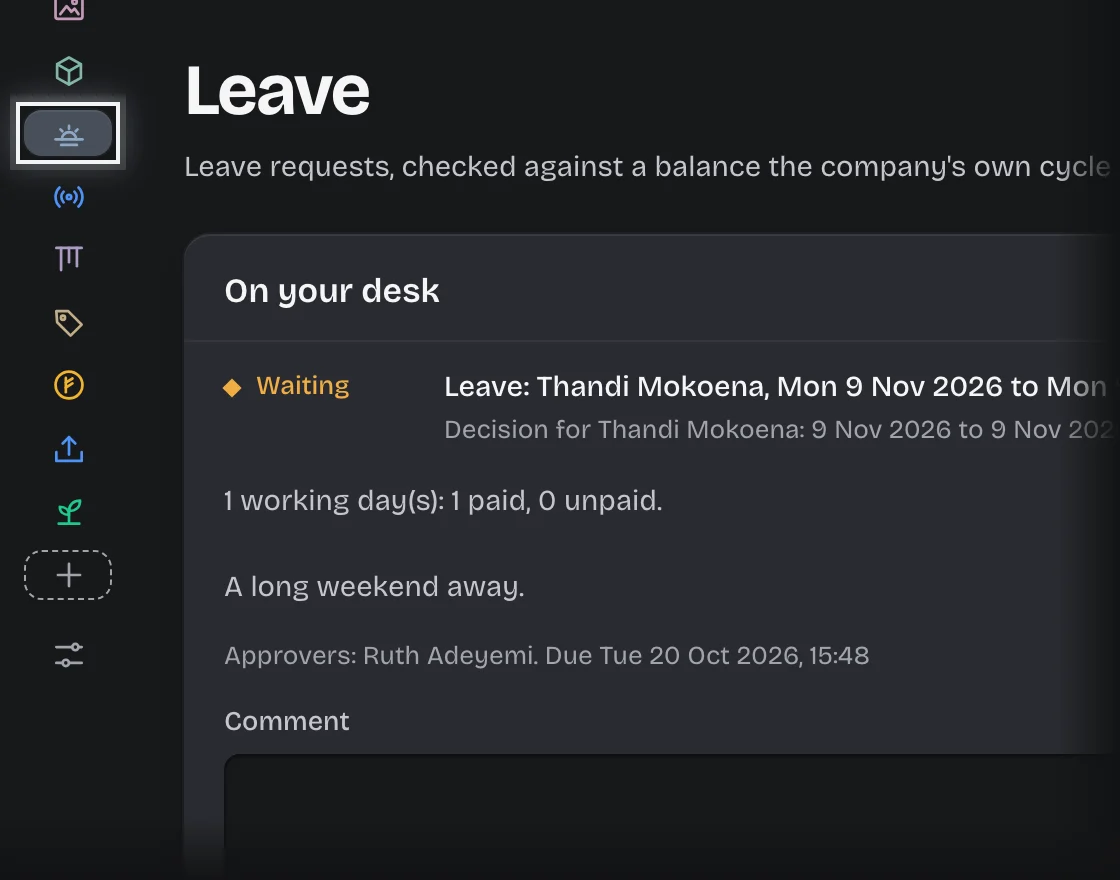
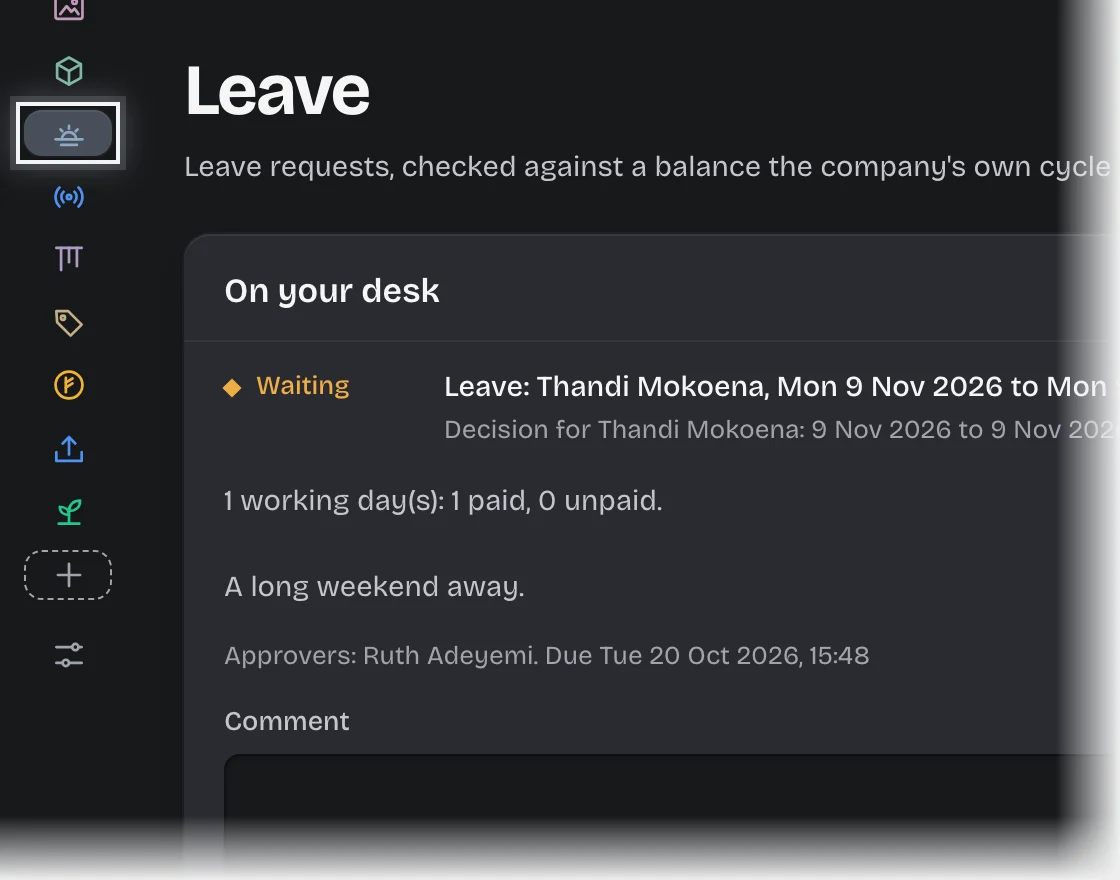
- On the Overview tab, look at On your desk. Each card is one piece of work for you. The first is open; the rest are folded.
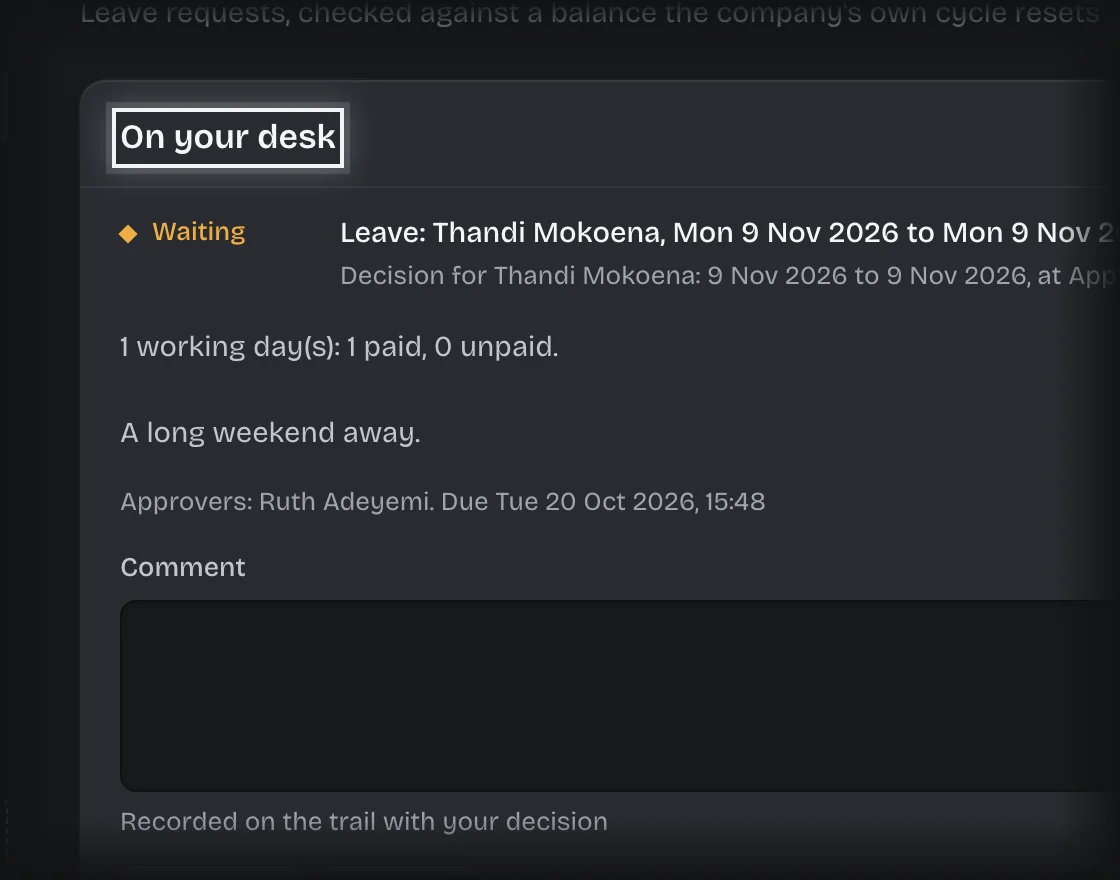
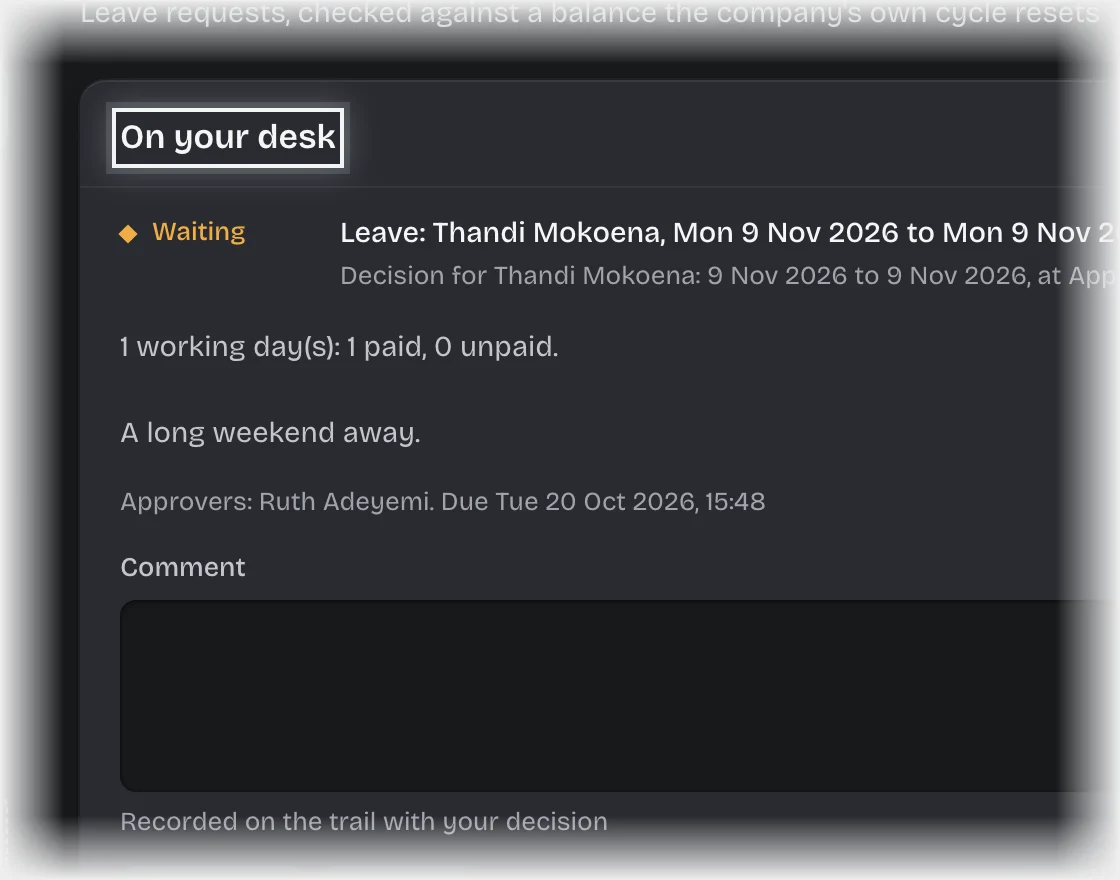
- Press a card’s header to open or close it.
- A decision has a Comment box and two buttons, Approve and Reject.
- A form has its fields and a Send the form button.
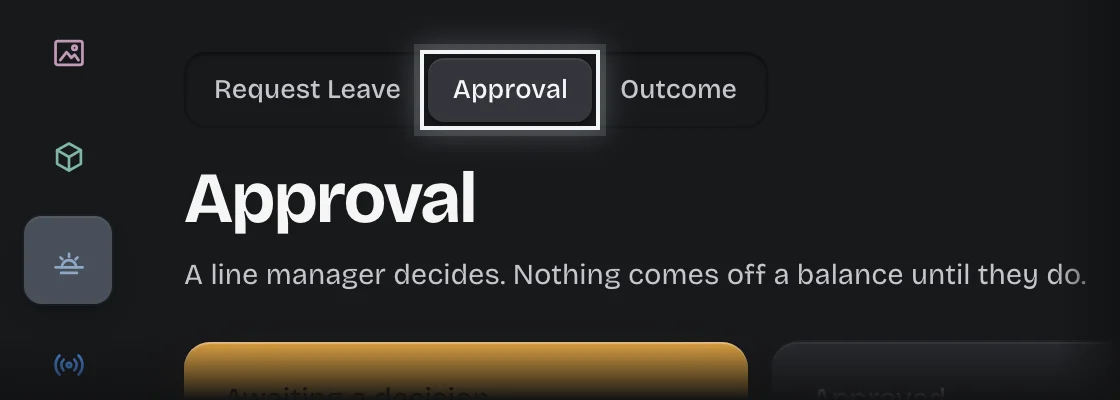
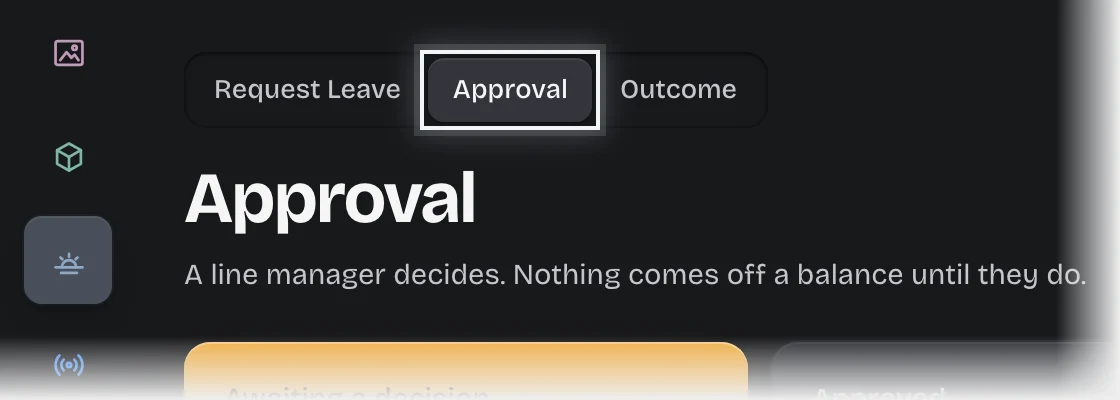
- For one stage’s work only, open the pipeline tab and choose the stage at the top of the page, for example Approval.
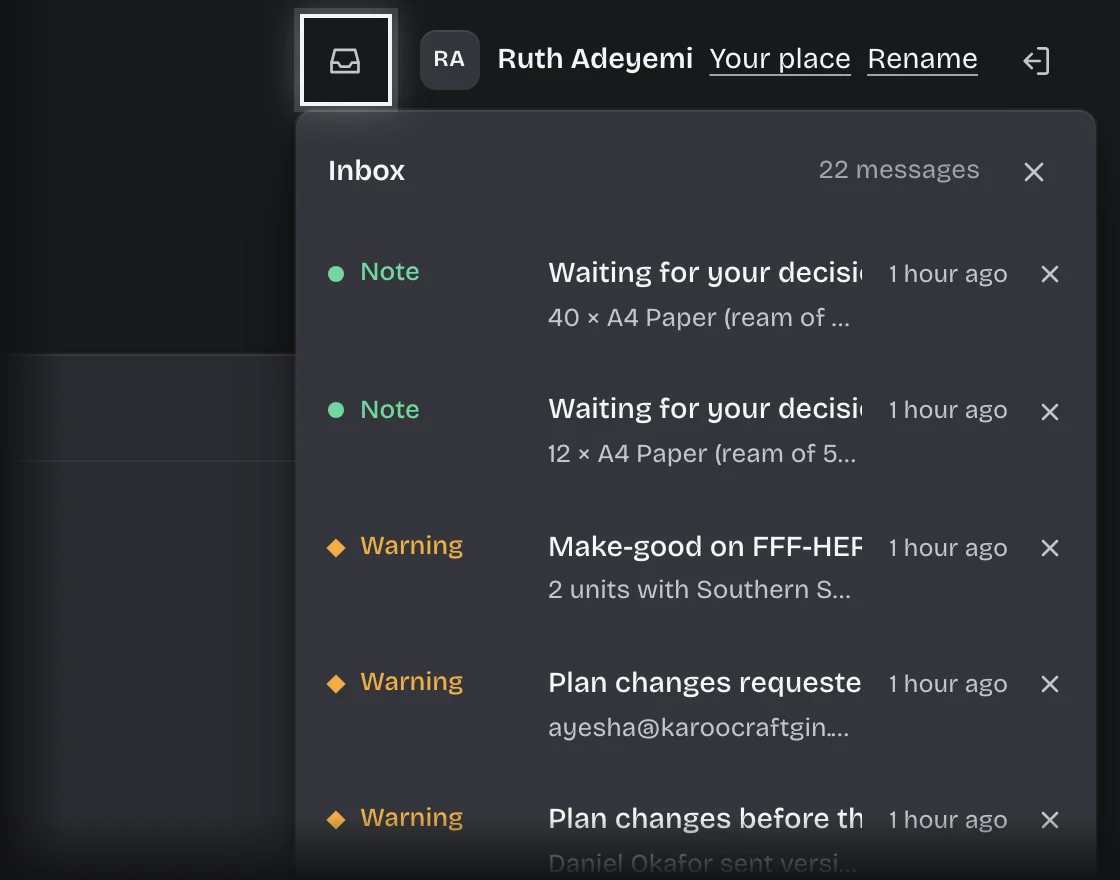
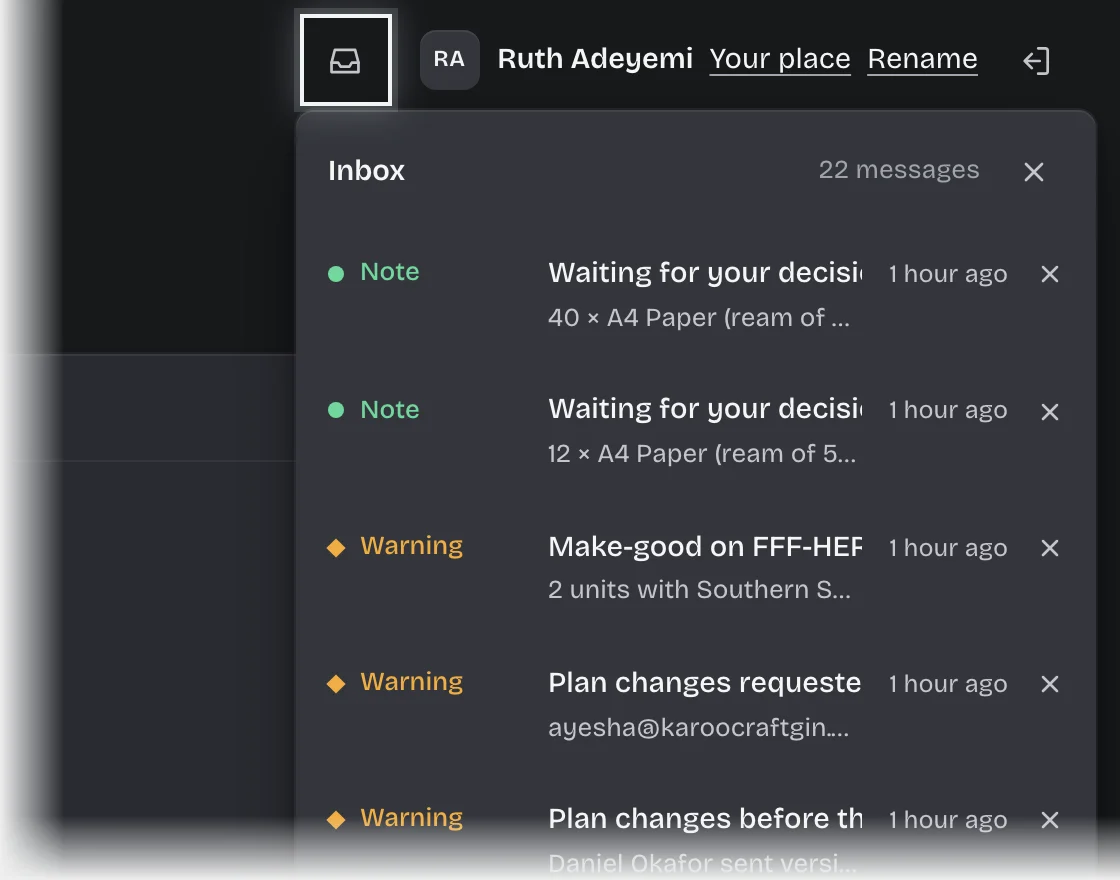
- For messages, press the inbox button at the top right. The number on it is how many you have not read. It opens Inbox with your recent messages; press × to clear one from your list. Press a message, or Open the inbox, to go to the inbox page, where every message is listed. A message opens in place under its row; press Open the request to go to it.
What you will see
- Under Waiting on other people: work in the same service that sits with someone else, one line each with who it is waiting on.
- On a number such as Awaiting approval, a line such as “2 need you”. Press the number to open the list behind it; rows that need you are listed first and show, for example, 1 for you.
- A message “Waiting for your decision:” followed by the request, in your inbox as soon as a new approval reaches you, and another if it becomes overdue.
- Messages also pop up at the bottom right while Koldheim is open. Critical ones stay until you close them.
- As a tenant admin, each line under Waiting on other people opens when you press it. See Move a waiting approval to new approvers.
Common problems
- “This is waiting on …, so it is not yours to decide.” The decision was addressed to someone else when the step began. Ask your tenant admin if the wrong people were asked.
- Your own request is not on your desk to approve. Nobody approves their own request, even when they hold the role it goes to.
- A decision that is not normally yours is on your desk, with “This came to you as an administrator of this workspace”. You are a tenant admin, and the only person who could approve it raised it. Decide it as you would any other.
- Nothing reaches you at all. Your roles decide what reaches you. Ask your tenant admin which roles you hold.