A service can be switched on and still not work: nobody holds the role its approval step asks for, or a step reads a record type that has no rows. The Setup list works this out from the services you have.
Steps
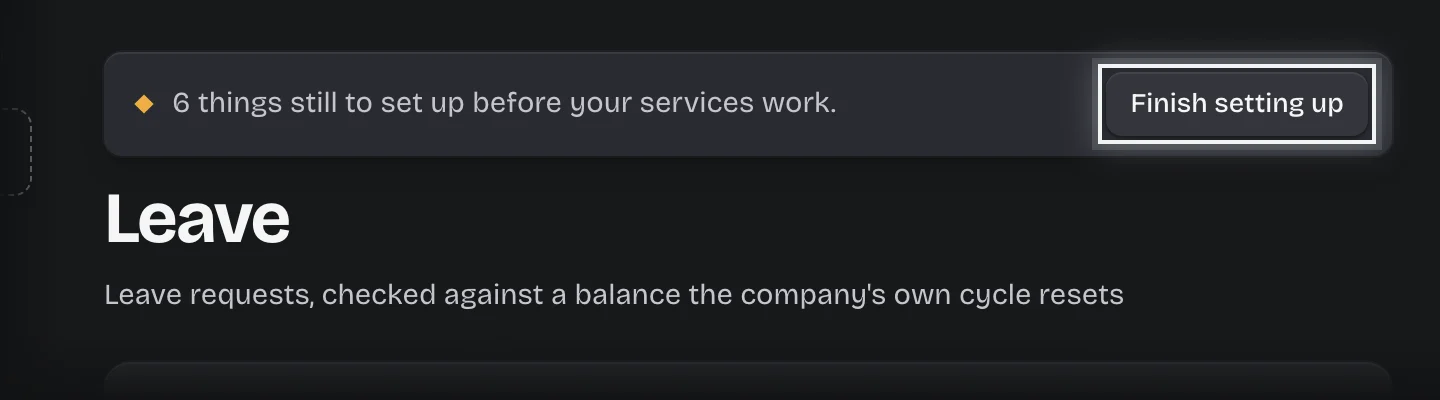
- Press Finish setting up on the bar at the top of the workspace, or open Manage > Setup.
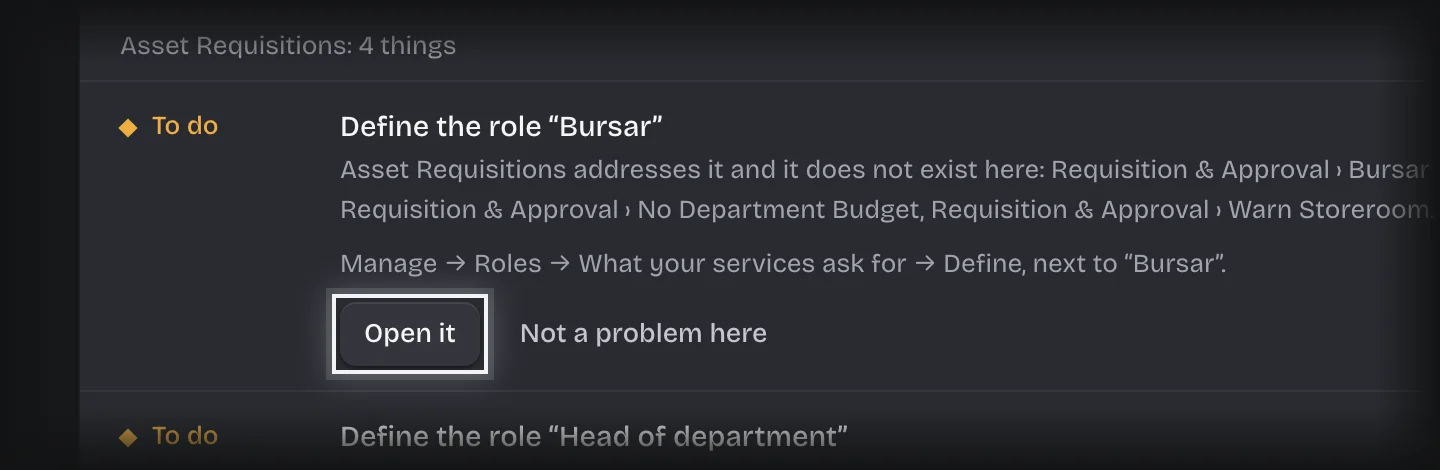
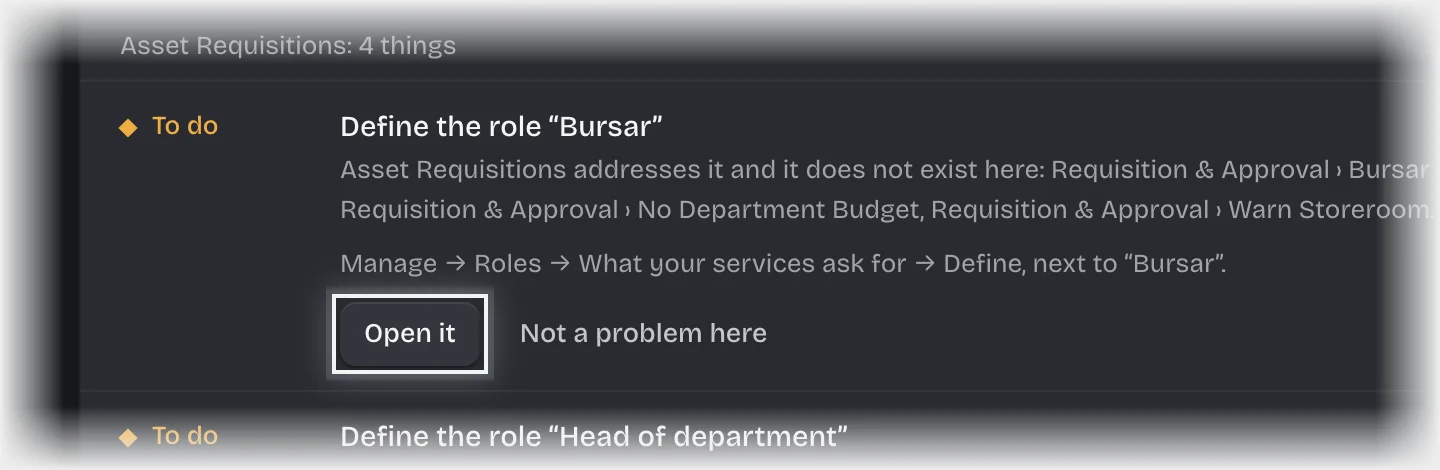
- Read the list. Items are grouped by the service that needs them; each says what is missing, why it matters and what to do.
- Press Open it on a role item to go to Roles, or Add records on a records item to go to Records with that record type chosen.
- Fix the item, then return to Setup.
- Repeat until the card reads Ready to use.
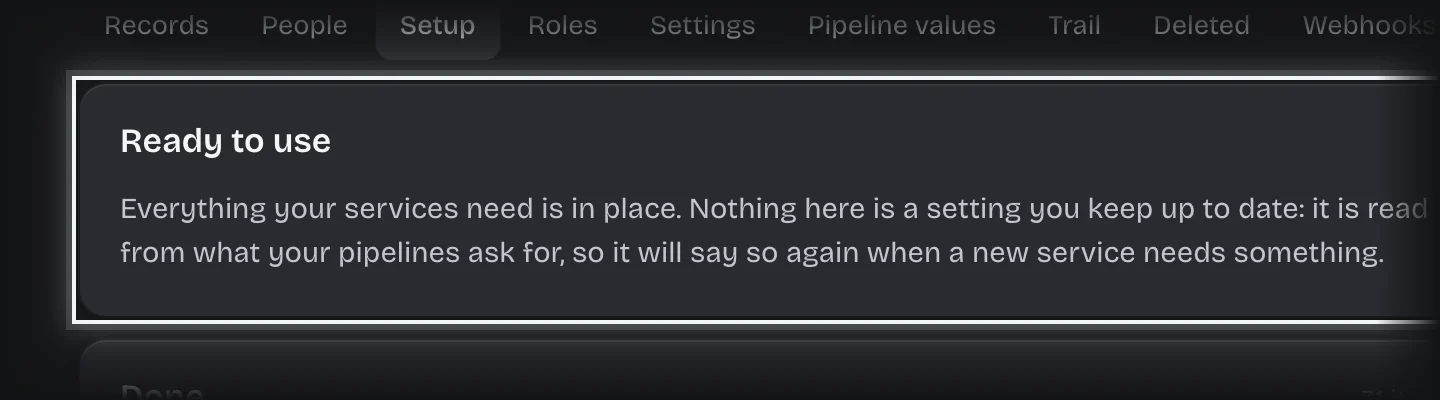
What you will see
- While items remain, a bar on every page for tenant admins: “N things still to set up before your services work.”
- Finished items listed under Done.
Common problems
- A request stops at an approval and nothing happens. The step was addressed to a role nobody holds. Give the role to someone, see Define a role and give it to people.
- The list comes back after it was clear. A new service needs something. The list is not kept by hand; it is read from what your services ask for.
- Members cannot see the bar. Only tenant admins can fix what it lists, so only they see it.